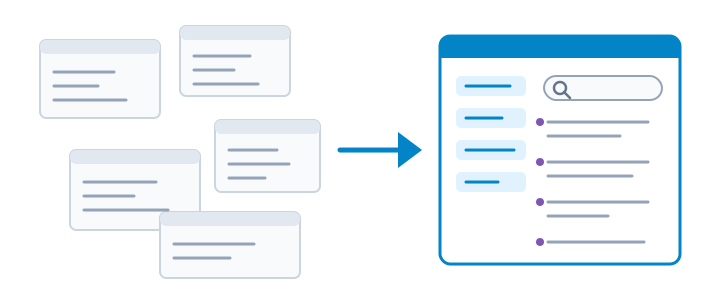
WPML team has just made compatibility testing so much easier. The new WPML Compatibility Test Tool will allow you to identify problems and solve in minutes, instead of hours.
You might have heard about our Go Global program, in which we work with theme and plugin authors to test for compatibility for multilingual sites.
We get a lot of requests, so that even a team of three full-time developers is finding it challenging to keep up. So, we are constantly looking for ways to make the compatibility process faster and easier. We found that much of the time spent on evaluating compatibility goes to creating test content. Complex themes use a lot more than posts and pages. They use custom types and taxonomy, fields, widgets and menus. Producing test content for multilingual sites is a pain in the b#!!.
We set out to create a tool that will automate it for us and so was born the WPML Compatibility Test Tool plugin.
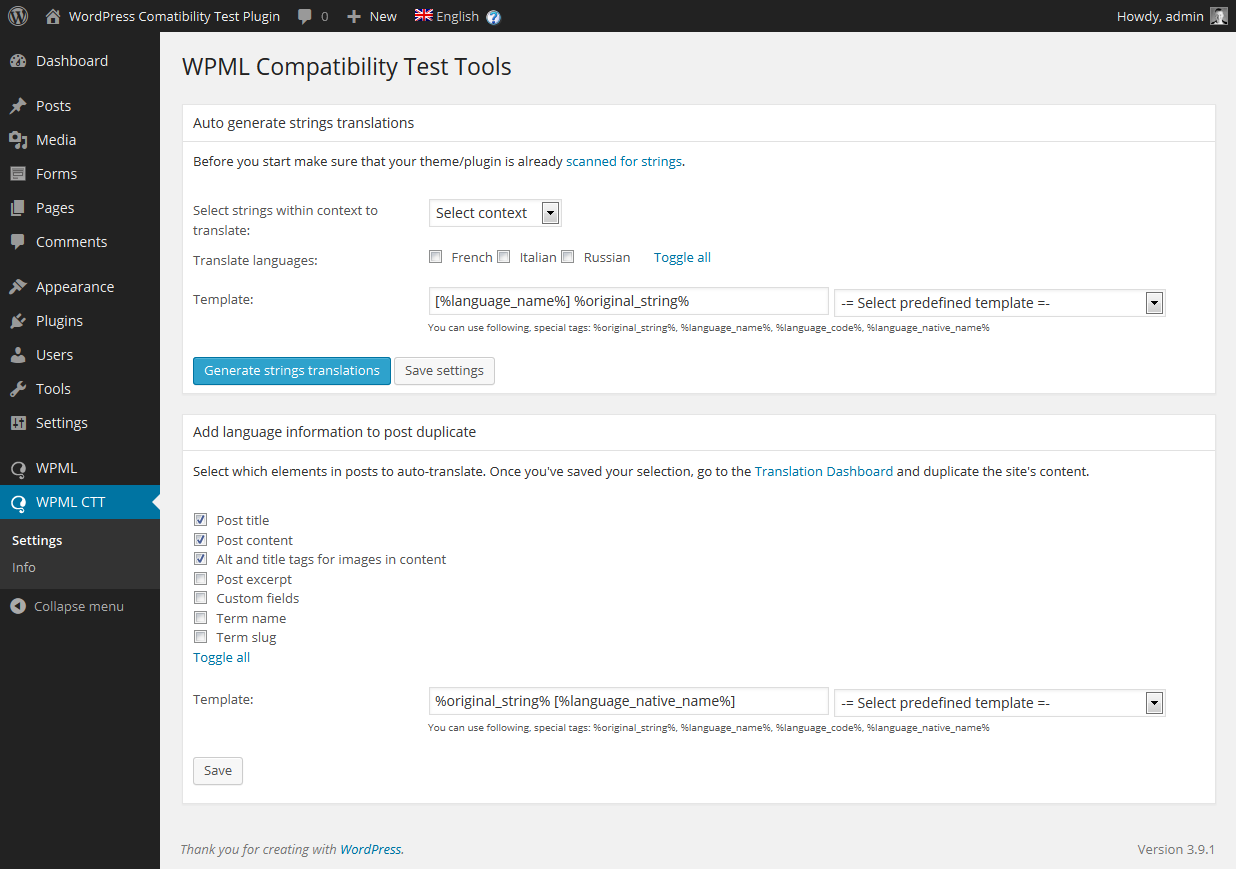
Settings page in the testing tool
The compatibility test tool will automatically generate test translations for all strings, posts and taxonomy in your site. This includes all standard and custom fields.
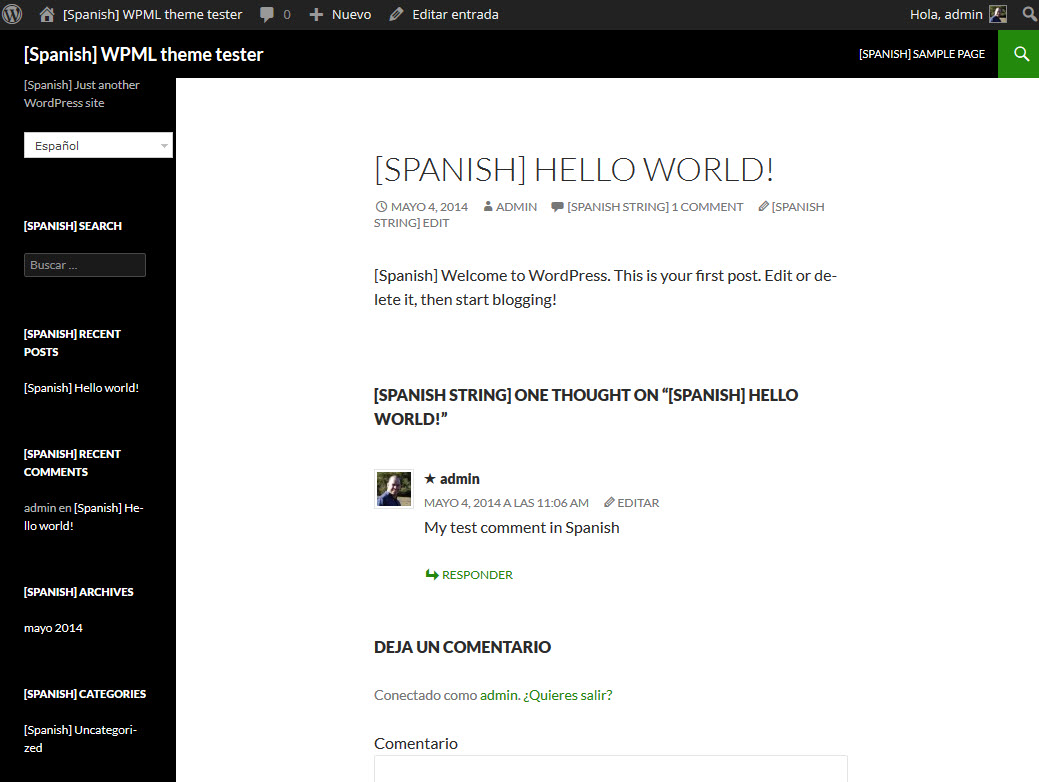
You can even set the template for this auto-generated translation, making it easy to notice what’s translated and what’s stuck in the default language.
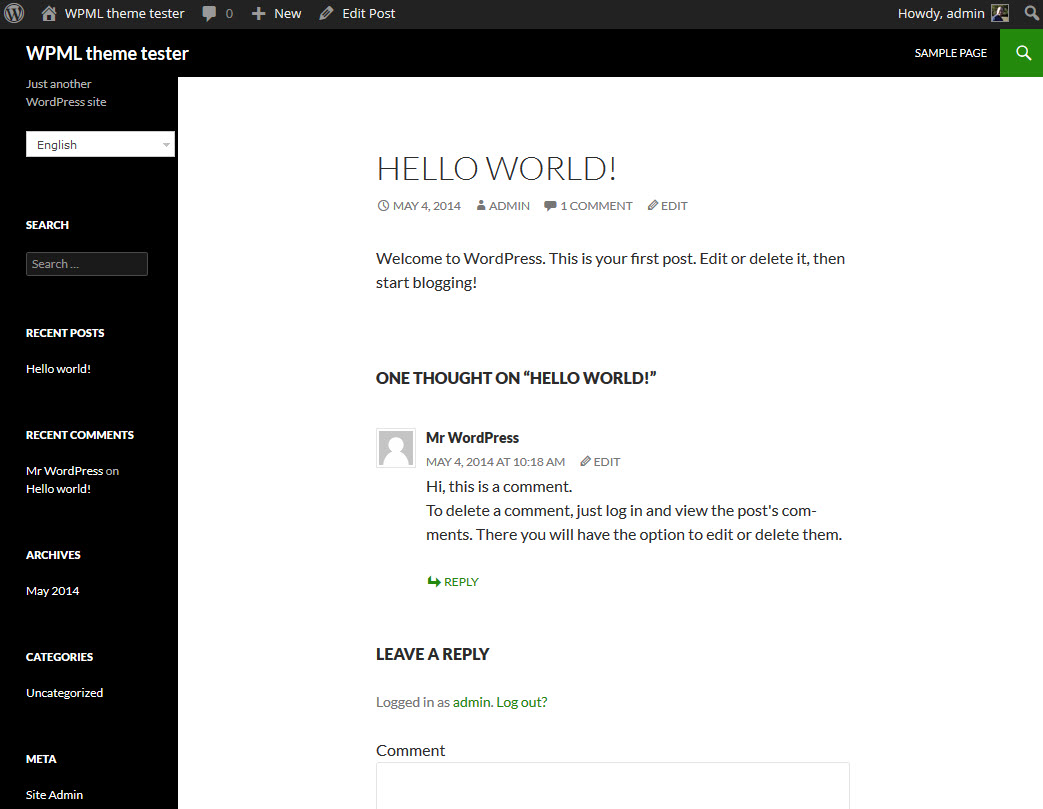
Post in English
Post with auto-generated Spanish translation
How to Use the Compatibility Test Tool
To use this tool, you should:
Activate WPML, String Translation (if you’re using it) and your theme
Set up WPML and add some languages
Import test content – almost all themes come with some sample content that demonstrates its features
Scan the theme for strings
Use the compatibility test tool to auto-translate everything
Go to WPML → Translation Management → Translation Dashboard and duplicate all content
Browse the site, switch languages and check which texts appear without ‘translation’
This tool will generate all the site’s translation, or overwrite existing translations. Of course, you should only use it on test sites and not on any production or development sites. All existing translation will be wiped clean.
Who Needs This Compatibility Testing Tool
Naturally, our own compatibility and support teams are using this tool. We use it on both single WordPress installs and network sites, which we use for testing purposes.
If you run an agency and work with different themes, you can follow the same practice. Set up a network site with WPML and this test tool. When you consider using a new theme for clients, give it a go on that site and see how everything translates. The tool doesn’t fix problems for you, but it makes finding them very easy. With automatic dummy translations, it’s also easy to confirm that your fixes work.
Download
You can download this test tool from your WPML account. Go to the Downloads section and scroll to the bottom.
Feedback?
This tool has already reduced our testing time from several hours (per theme) to around 30 minutes. We test a great many themes, so this number matters to us a lot. Let us know if it helps you too and if you have any suggestions for future improvements.
WPML 5.2 is out. Saving a page no longer rewrites translations that did not change, the Translation Dashboard lists your content whatever the number of languages, automatic translation tells you when it is waiting for payment instead of stalling, and 565 fixes land across WPML and every add-on.
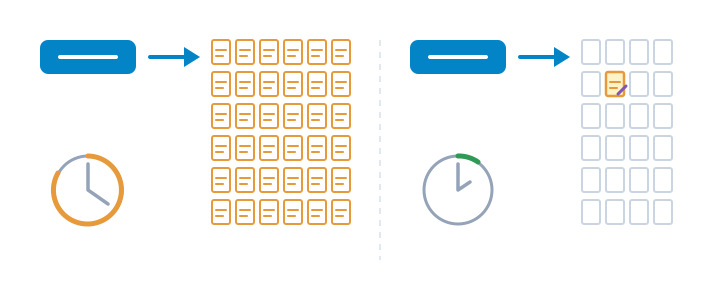
We just released WPML 5.0. It gives you one place to run everything, translates your whole site while you do other things, and with PTC it bills each page once, so your later edits are free.