This thread is resolved. Here is a description of the problem and solution.
Problem:
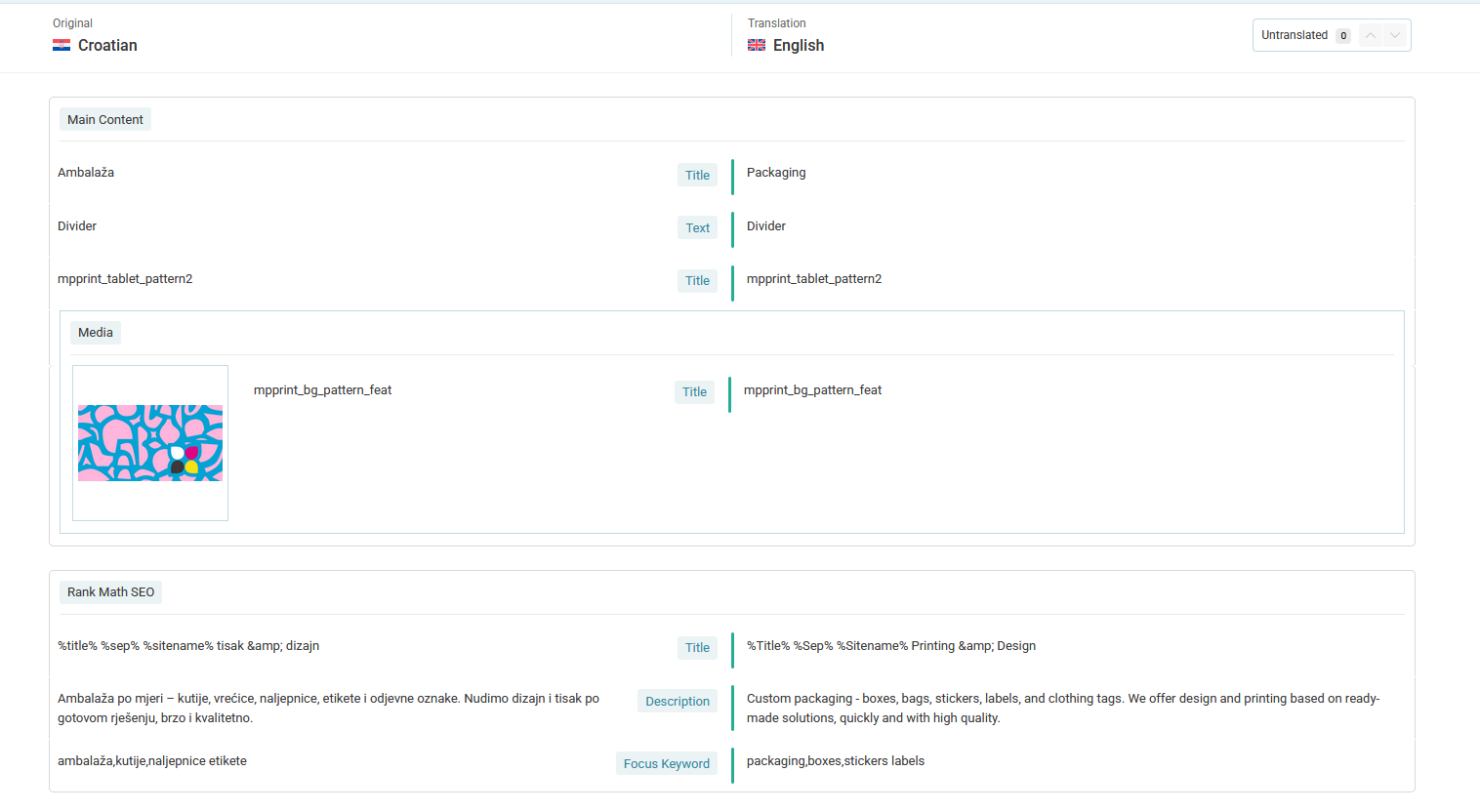
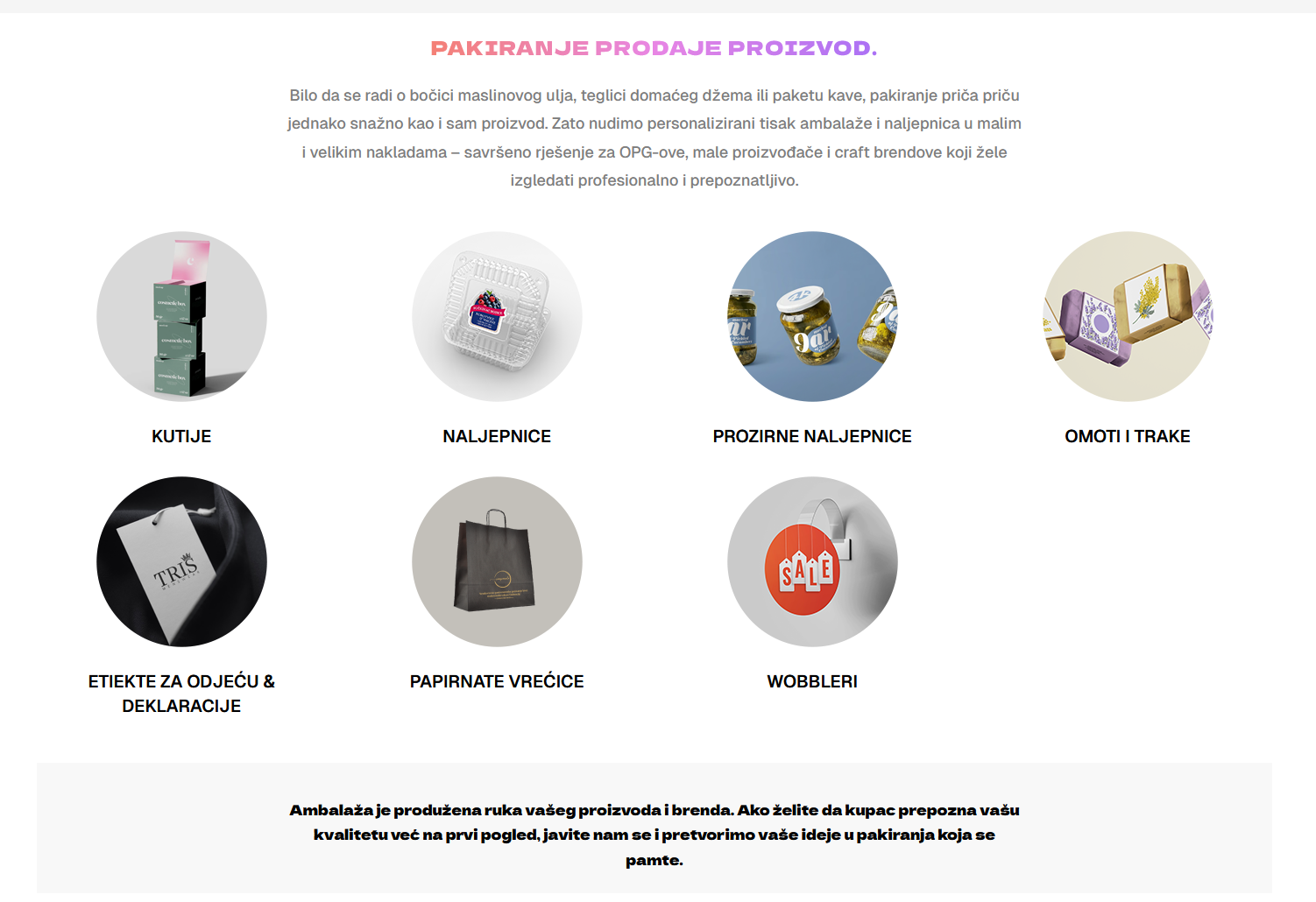
The client installed the WPML plugin and set Croatian as the default language and English as the additional language. However, when opening the manual translation editor, only fields like RankMETA SEO and other meta elements are visible, not the main page content.
Solution:
There are two potential causes and solutions for this issue:
1) The WordPress memory limit might be too low. We recommend increasing the WordPress memory limit to at least 256 MB, as WPML requires a minimum of 128 MB. To do this:
- Connect to your website's server and open the
wp-config.php
file located in the WordPress root directory.
- Add the following code just before the comment '// That's all, stop editing! Happy blogging.':
define('WP_MEMORY_LIMIT', '256M');2) If the content was created using Elementor Custom Widgets from "Qi Addons for Elementor Premium", it might be missing a custom XML configuration to be translatable with the WPML Translation Editor. Check if custom Elementor widgets are used and refer to the guide on registering custom Elementor widgets for translation.
If these solutions do not resolve your issue, or if they seem outdated or irrelevant to your case, we highly recommend checking related known issues at https://wpml.org/known-issues/, verifying the version of the permanent fix, and confirming that you have installed the latest versions of themes and plugins. If further assistance is needed, please open a new support ticket at WPML support forum.
This is the technical support forum for WPML - the multilingual WordPress plugin.
Everyone can read, but only WPML clients can post here. WPML team is replying on the forum 6 days per week, 22 hours per day.
This topic contains 1 replies, has 0 voices.
Last updated by 2 weeks, 2 days ago.
Assisted by: Andreas W..