[Resolved] Translation of shortcode not being applied to the site
This thread is resolved. Here is a description of the problem and solution.
Problem: You are trying to translate shortcode contents on your site using WPML, but the translations are not being applied. Specifically, shortcodes like 'tatsu_toggle' and 'tatsu_button' are not displaying the translated content on your German site, despite being visible and translatable in the WPML Translation Editor. Solution: The root of the issue is that the Tatsu page builder and other Brand Exponents products are not compatible with WPML. Therefore, they cannot be reliably translated using WPML’s Translation Editor. To resolve this, you should disable the WPML Translation Editor and translate your content manually using the page builder itself. You can follow this guide on how to switch to manual translation mode: Using Different Translation Editors for Different Pages. If you consider switching to a WPML-compatible builder in the future, you can check the full list of supported themes and plugins here: Theme Compatibility.
Please note that this solution might be irrelevant if it’s outdated or not applicable to your case. We highly recommend checking related known issues at https://wpml.org/known-issues/, verifying the version of the permanent fix, and confirming that you have installed the latest versions of themes and plugins. If the issue persists, please open a new support ticket at WPML Support Forum.
This is the technical support forum for WPML - the multilingual WordPress plugin.
Everyone can read, but only WPML clients can post here. WPML team is replying on the forum 6 days per week, 22 hours per day.
Background of the issue:
I am trying to translate shortcode contents on my site using WPML. I can see and translate the fields in the translation editor, but the translations are not applied to the site. I have already tried changing the content of the original site (English) slightly and updated the translation, but the modified content is still shown in English on the translated site (German). The shortcodes are included in the custom XML configuration, which allows me to see them in the translation editor. This issue occurs with shortcodes such as 'tatsu_toggle' with the attribute 'title' and 'tatsu_button' with the attribute 'button_title'. The issue can be seen on this page: hidden link.
Symptoms:
The translation of shortcode contents is not being applied to the translated site. Despite successful translation and saving, the English content is shown on the German site.
Questions:
Why are the translations of shortcode contents not being applied to the site?
How can I ensure that the translated content is displayed correctly on the translated site?
Could you please share how this shortcode was created?
Also, does the same issue occur if you create a new test page that contains only this button/shortcode? This will help us confirm whether the problem is related to the shortcode itself or something else on the page.
One possibility is that the XML configuration for this shortcode may be incorrect.
I cloned the page and translated it from scratch and got the same behavior. I also made a page only with the button, with the same behavior.
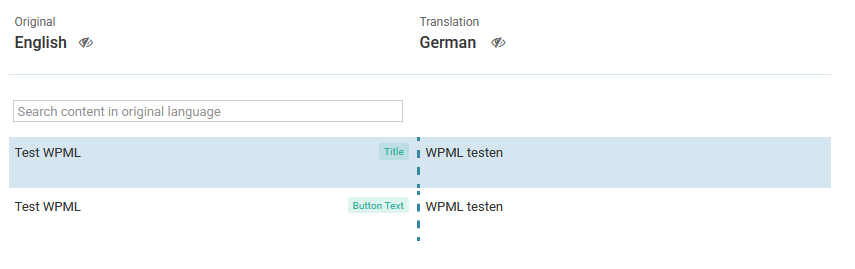
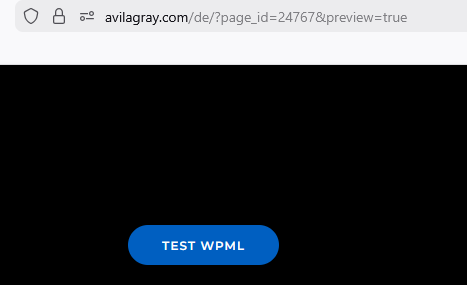
In the editor I am able to translate the button text, but it is not shown in the translated page.
Attached you find couple of screen shots.
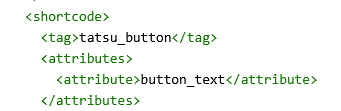
The shortcode was registered as follows:
Unfortunately this chat apparently eliminated the indents in the xml-code, but they are there and are correct. That is why I see the shortcode in the editor.
Hello Andrey,
thank you very much for your reply.
I did not create the shortcode, it is part of the exponent theme, that uses the tatsu editor.
(hidden link, hidden link).
I created / edited the original English page with it. If we come to the conclusion, that we need support from the developers of tatsu, I would try to get in touch with them.
I tried to replicate the error in the page you generated. It took me some time and I had to use some workarounds to get the paid theme to work.
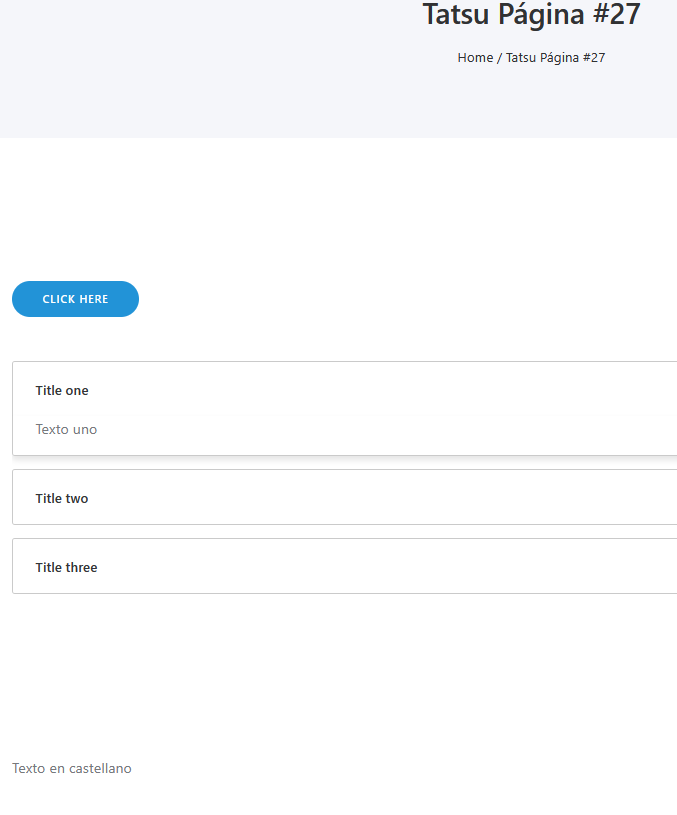
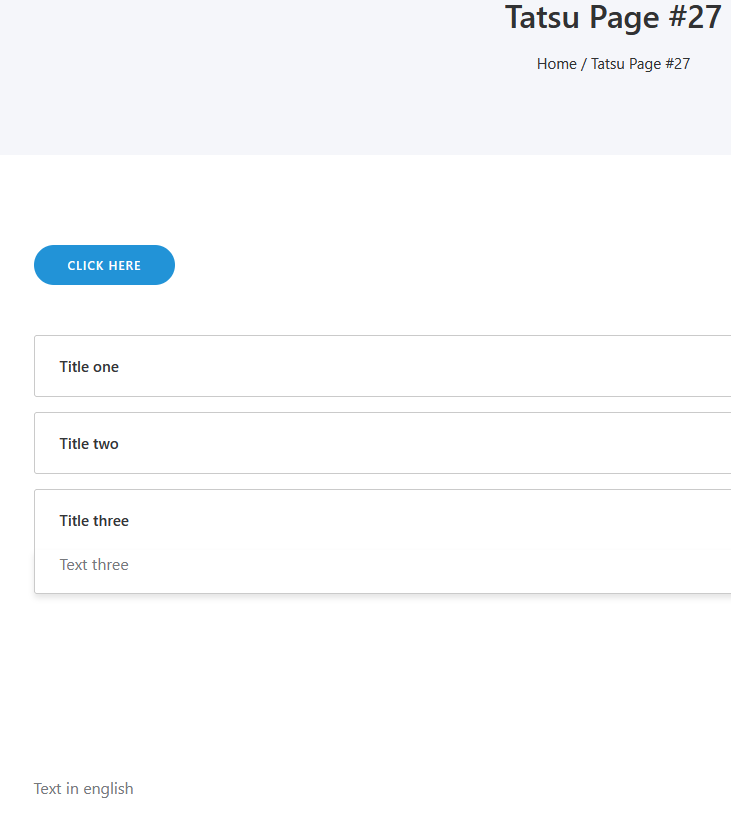
I wanted to translate the page you made, but forgot to put the custom xml first. So I made a new page from scratch, "Tatsu Page #27", and translated it into Spanish.
The custom xml worked fine, since I only see the content that I wanted to be translated and not all the parameters of the shortcodes, that should stay the same, since every tatsu shortcode should now be registered.
At the end I was able to replicate the issue. The button text and the titles of the accordion toggle are being shown in the translation editor, but not in the translated page.
Let me know if there is something else I can do.
By the way, I had to register the site with my WPML-account. I understand I can translate 3 sites with my account. Once we solve the problem and we erase this sandboxed site, do I "get the activation key back"?
Thank you for your efforts to replicate the problem. I will check the test site.
By the way, I had to register the site with my WPML-account. I understand I can translate 3 sites with my account. Once we solve the problem and we erase this sandboxed site, do I "get the activation key back"?
You can delete the site key already in your wpml.org. I will re-register the test site if needed. Once you delete it, you get the site's space back.
I have thoroughly investigated the issue, run several tests, and also checked our internal compatibility records. Unfortunately, the Tatsu page builder and other Brand Exponents products are not compatible with WPML. Because of this, they cannot be reliably translated using WPML’s Translation Editor. According to our internal notes, the plugin authors have not shown interest in implementing WPML compatibility.