Skip to content Skip to sidebar

This thread is resolved. Here is a description of the problem and solution.

Problem:
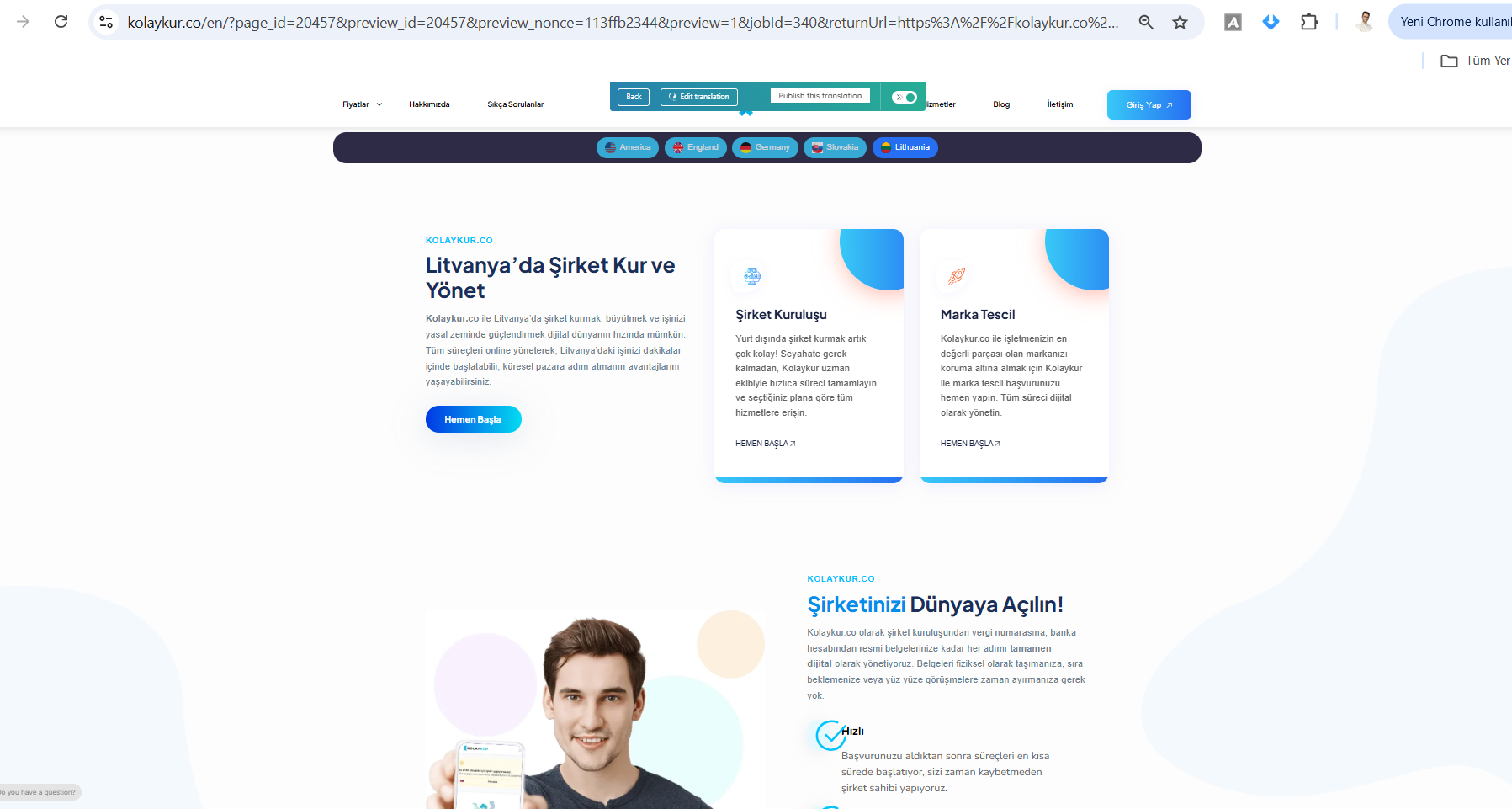
The client is using WPML with a theme called Digicove and Elementor, but only the page titles are being translated automatically. The rest of the page content, including custom Elementor widgets, is not being translated.
Solution:
We identified that the theme and its custom Elementor widgets were not officially compatible with WPML, which caused the translation issues. To resolve this, we recommended registering the custom Elementor widgets for translation following the guide at https://wpml.org/documentation/support/language-configuration-files/how-to-register-page-builder-widgets-for-translation/#register-custom-elementor-widget-for-translation. We assisted the client by manually configuring and translating a few pages to demonstrate the process. We advised the client to re-save and re-translate other pages to see if any widget still needed to be added.

Please note that this solution might be outdated or not applicable to your case. If you're experiencing similar issues, we highly recommend checking related known issues at https://wpml.org/known-issues/, verifying the version of the permanent fix, and confirming that you have installed the latest versions of themes and plugins. If the problem persists, please open a new support ticket at WPML support forum for further assistance.

This is the technical support forum for WPML - the multilingual WordPress plugin.

Everyone can read, but only WPML clients can post here. WPML team is replying on the forum 6 days per week, 22 hours per day.

Tagged: 

This topic contains 3 replies, has 0 voices.

Last updated by Dražen 3 weeks, 1 day ago.

Assisted by: Dražen.

Author Posts
November 7, 2025 at 9:15 am

omer-duranY

Background of the issue:
I purchased WPML to automatically translate my site and started the translation process. I expected the entire page content to be translated.

Symptoms:
Only the page titles on my site are being translated. The rest of the page content is not being translated. When I click the edit/translate button, the untranslated parts do not appear — only the already translated fields show up.

Questions:
Why is only the page title being translated and not the rest of the content?
How can I ensure the entire page content is translated automatically?

November 7, 2025 at 9:51 am #17556499

Dražen
Supporter

Languages: English (English )

Timezone: Europe/Zagreb (GMT+02:00)

Hello,

here is the ticket.

Please check and let me know if you still need any other help.

Regards,
Drazen

November 10, 2025 at 9:16 am #17561056
omer-duranY

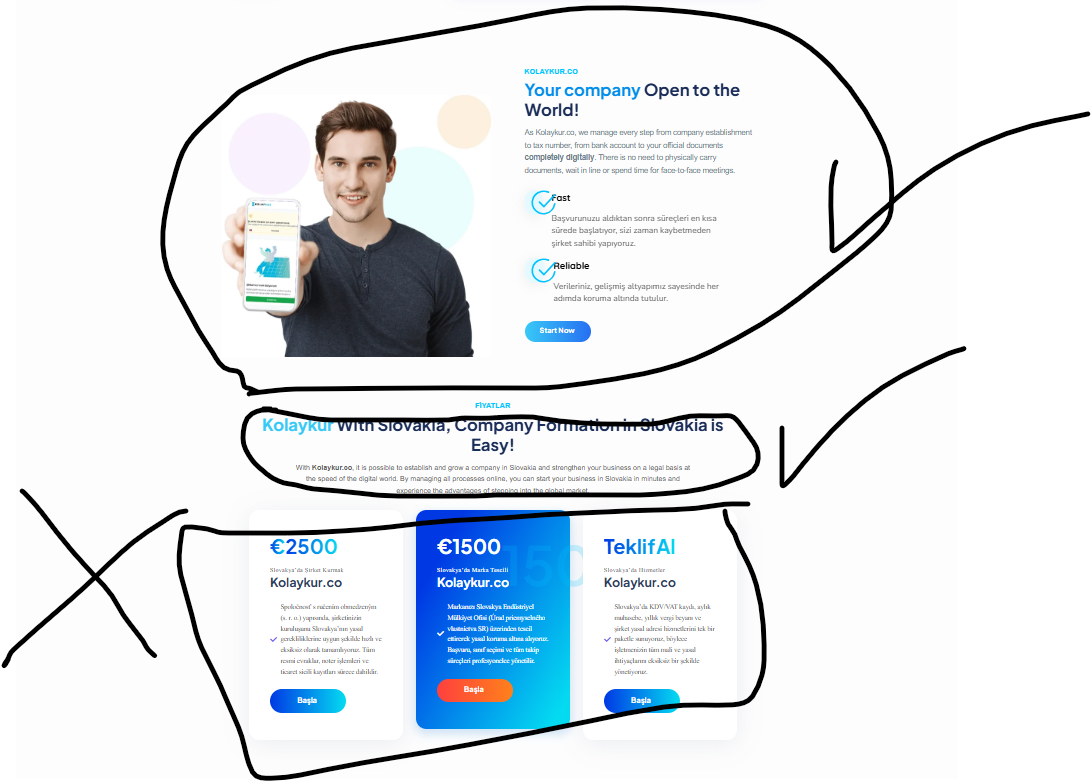
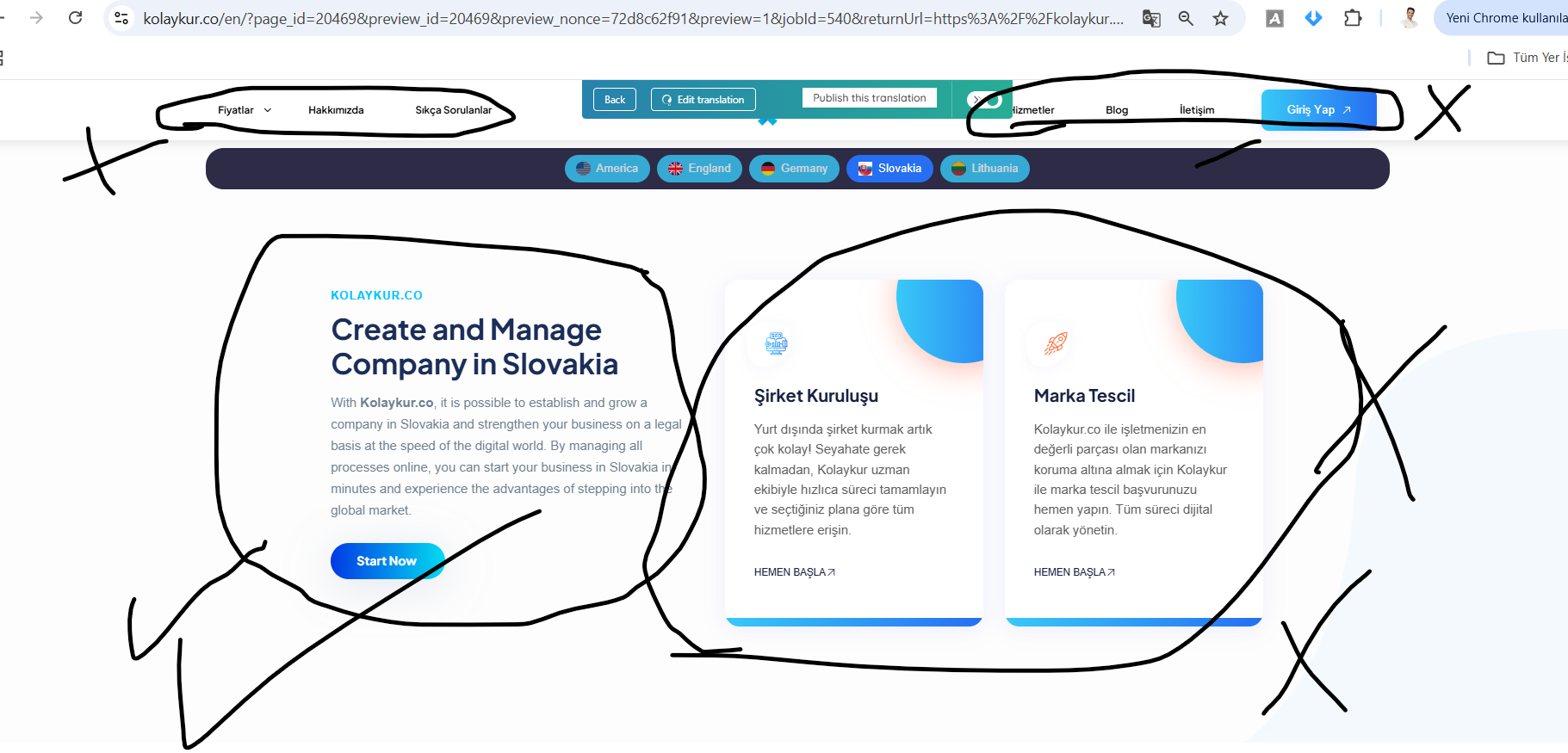
Hello again. Yes, although some parts of the page were translated, the text inside the input boxes and the content of our fixed menu did not change. Only a few texts were translated. Could you help with this? This issue exists in both Spanish and English. The lower sections of the page, the top menu, and various page contents are populated with incomplete translations.Additionally, since the content inside the boxes is not being detected, I’m unable to edit it manually.

New threads created by Dražen and linked to this one are listed below:

https://wpml.org/forums/topic/split-menu-and-boxes-not-translated/

23123.png
2312.png
November 10, 2025 at 10:27 am #17561481

Dražen
Supporter

Languages: English (English )

Timezone: Europe/Zagreb (GMT+02:00)

Hello,

thanks for getting back.

We limit 1 issue per ticket to keep things clear. This will help other users with similar problems to find solutions when searching the forum.

I have opened a new ticket for you:
- https://wpml.org/forums/topic/split-menu-and-boxes-not-translated/

I will be closing this ticket now since seems no more doubts about the topic.

Regards,

Drazen