Skip to content Skip to sidebar

This thread is resolved. Here is a description of the problem and solution.

Problem:
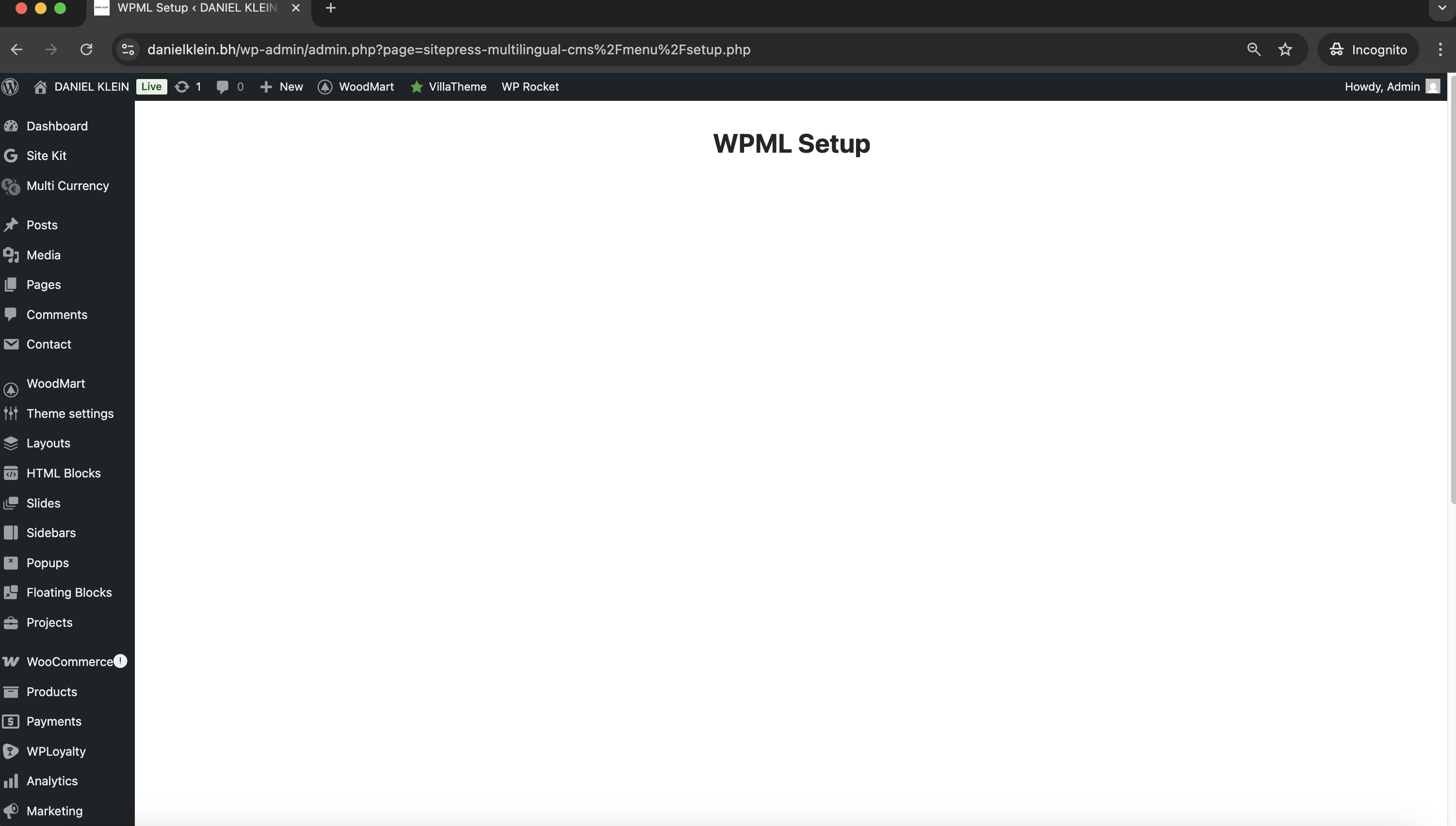
You are trying to set up the WPML plugin on your WordPress dashboard, but the WPML setup page shows a completely blank (white) screen, preventing you from proceeding with the configuration.
Solution:
If you're experiencing this issue, we recommend you try the following steps:
1. Ensure you have a full website backup.
2. Visit wpml.org/account/sites and remove your website from the list of registered websites.
3. In your website's admin panel, go to Plugins > Add Plugin > Commercial and click on "Unregister WPML from this site".
4. Navigate to WPML > Support > Troubleshooting and perform a WPML reset by following this guide: Deleting Languages and Plugin Data by Doing a WPML Reset.
5. In wpml.org/account/sites, add your website again and copy the new key.
6. Go to Plugins > Add Plugin > Commercial and add the new key.

This solution might be irrelevant if it’s outdated or not applicable to your case. We highly recommend checking related known issues at https://wpml.org/known-issues/, verifying the version of the permanent fix, and confirming that you have installed the latest versions of themes and plugins. If the problem persists, please open a new support ticket.

This is the technical support forum for WPML - the multilingual WordPress plugin.

Everyone can read, but only WPML clients can post here. WPML team is replying on the forum 6 days per week, 22 hours per day.

Tagged: 

This topic contains 7 replies, has 0 voices.

Last updated by Lucas Vidal de Andrade 2 weeks, 1 day ago.

Assisted by: Lucas Vidal de Andrade.

Author Posts
November 12, 2025 at 9:14 am

moosaK

Background of the issue:
I am trying to set up the WPML plugin on my WordPress dashboard for the site hidden link. I want to proceed with the configuration of the plugin.

Symptoms:
The WPML setup page shows a completely blank (white) screen, preventing me from proceeding with the configuration.

Questions:
I’ve already tried refreshing the page and clearing the cache, but the problem persists. Please help me fix this issue.

November 12, 2025 at 11:15 am #17570076

Lucas Vidal de Andrade
WPML Supporter since 11/2023

Languages: English (English )

Timezone: Europe/Vienna (GMT+01:00)

Hey there,

Thank you for waiting. I've tried downloading a copy of your website, but the process failed multiple times. To be able to verify the issue and test solutions, I need you to please create a staging (testing) copy of your website on the same server, so I can check for causes and solutions without harming the live website.

You can use a plugin to achieve that, or reach out to your hosting support, ad they might be able to help you creating a staging website. Please send me the link to it here, when you are done. Thank you for the cooperation on this matter.

November 12, 2025 at 11:31 am #17570113

moosaK

You can go ahead and test on the current website.
I already have a full backup, so no worries — if anything goes wrong, I can restore it easily.

November 12, 2025 at 4:53 pm #17572175

moosaK

any update ?

November 13, 2025 at 10:14 am #17574094

Lucas Vidal de Andrade
WPML Supporter since 11/2023

Languages: English (English )

Timezone: Europe/Vienna (GMT+01:00)

Hey there,

Thanks for letting me know. I was checking for conflicts by deactivating plugins, but encountered a critical error. Can you please restore the website?

I'll create a local copy of it, so we don't run into this again. Thank you.

November 13, 2025 at 10:32 am #17574217

moosaK

The website has been successfully restored. You can proceed with creating your local copy now.

Best regards,

November 14, 2025 at 3:02 pm #17579720

Lucas Vidal de Andrade
WPML Supporter since 11/2023

Languages: English (English )

Timezone: Europe/Vienna (GMT+01:00)

Thank you.

I'm getting a second opinion with our devs. I'll keep you updated.

November 17, 2025 at 9:05 am #17582889

Lucas Vidal de Andrade
WPML Supporter since 11/2023

Languages: English (English )

Timezone: Europe/Vienna (GMT+01:00)

Hello there,

Thank you for waiting. It seems that there was an issue with the sitekey record in the Database. Please ensure to have a full website backup and follow these steps:

1. Go to wpml.org/account/sites and remove the website from the list of registered websites;
2. In the website's admin panel, go to Plugins > Add Plugin > Commercial and click on "Unregister WPML from this site"
3. Go to WPML > Support > Troubleshooting and perform a WPML reset (https://wpml.org/documentation/getting-started-guide/language-setup/deleting-languages-and-plugin-data-by-doing-a-wpml-reset-on-your-site/);
4. In wpml.org/account/sites, add the website again and copy the new key;
5. Go to Plugins > Add Plugin > Commercial and add the new key;

That should solve the issue. Let me know how it goes.