Background of the issue:
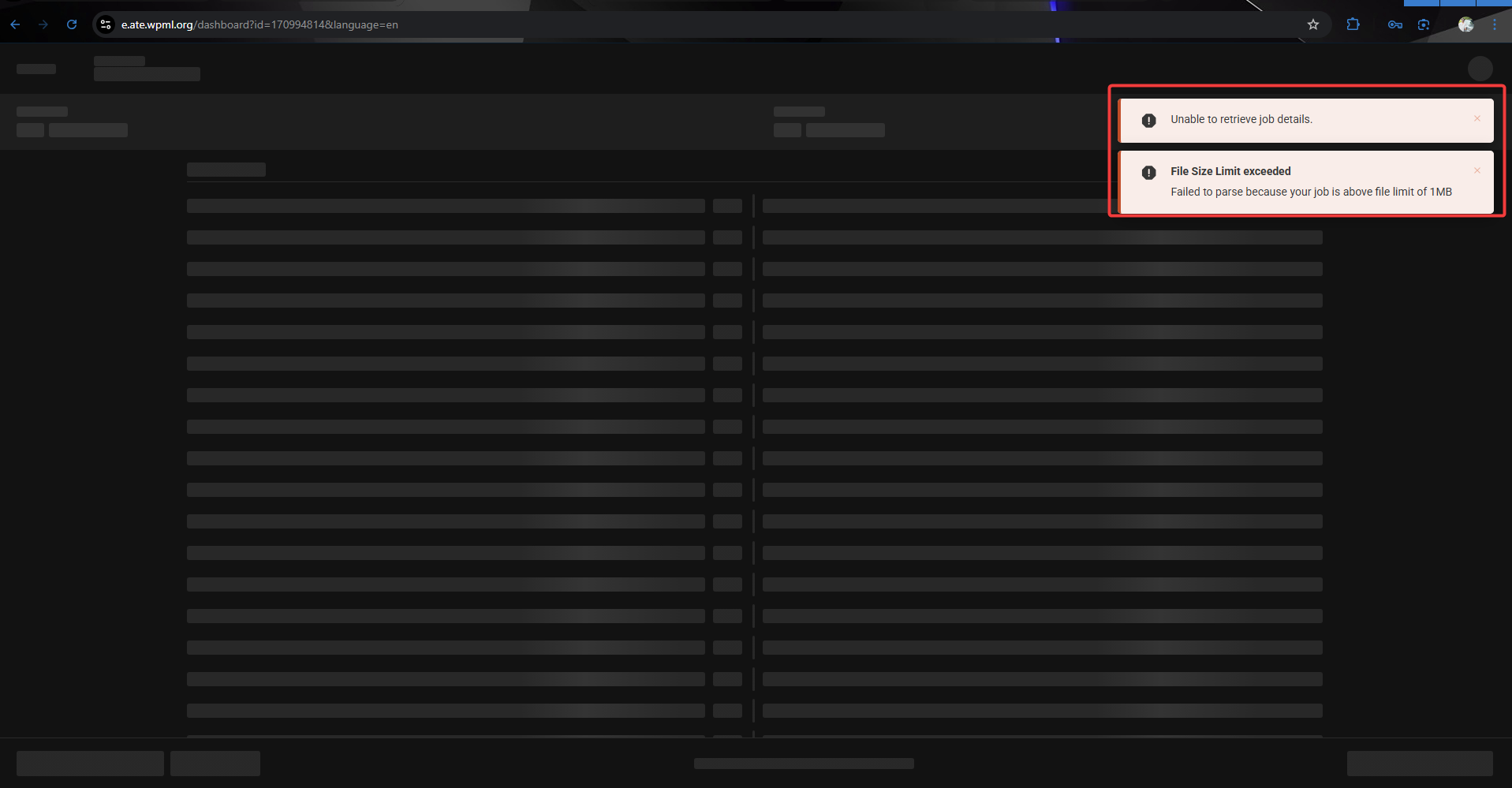
I am trying to access the Auto Translation Editor (ATE) for automatic translations on the page hidden link. I expected to see the ATE to add the automatic translations to the content.
Symptoms:
I encountered errors: 'Unable to retrieve job details', 'File Size Limit exceeded', and 'Failed to parse because your job is above file limit of 1MB'.
Questions:
Why am I unable to access the Auto Translation Editor?
What can I do about the file size limit exceeding 1MB?
Languages: English (English )Spanish (Español )German (Deutsch )
Timezone: Europe/Madrid (GMT+02:00)
Hi,
it looks like your page contains a large amount of hidden formatting — for example inline styling, or styling information copied over from tools like Microsoft Word. Keep in mind that 1 MB of pure text equals 1,048,576 characters, which is far more than the actual readable content on your page.
When checking the source code of your homepage, I can see a lot of embedded styling and automatically generated code, for example:
This type of auto-generated code can drastically inflate the file size without adding visible content.
Recommendation:
Copy the text into a plain-text editor first, remove unnecessary formatting, save the cleaned version, and then try sending it again for translation.
Languages: English (English )Spanish (Español )German (Deutsch )
Timezone: Europe/Madrid (GMT+02:00)
Hi,
I didn’t mean for you to split it into single paragraphs. The content output shouldn’t include any scripts or styling. Simply copying and pasting the content into a plain text editor usually resolves this, especially if the content originated from Microsoft Word or another rich-text editor.
Could you also try temporarily deactivating WP Rocket? The constant rocket_pairs suggests that the large amount of JavaScript is being generated by WP Rocket.