Background of the issue:
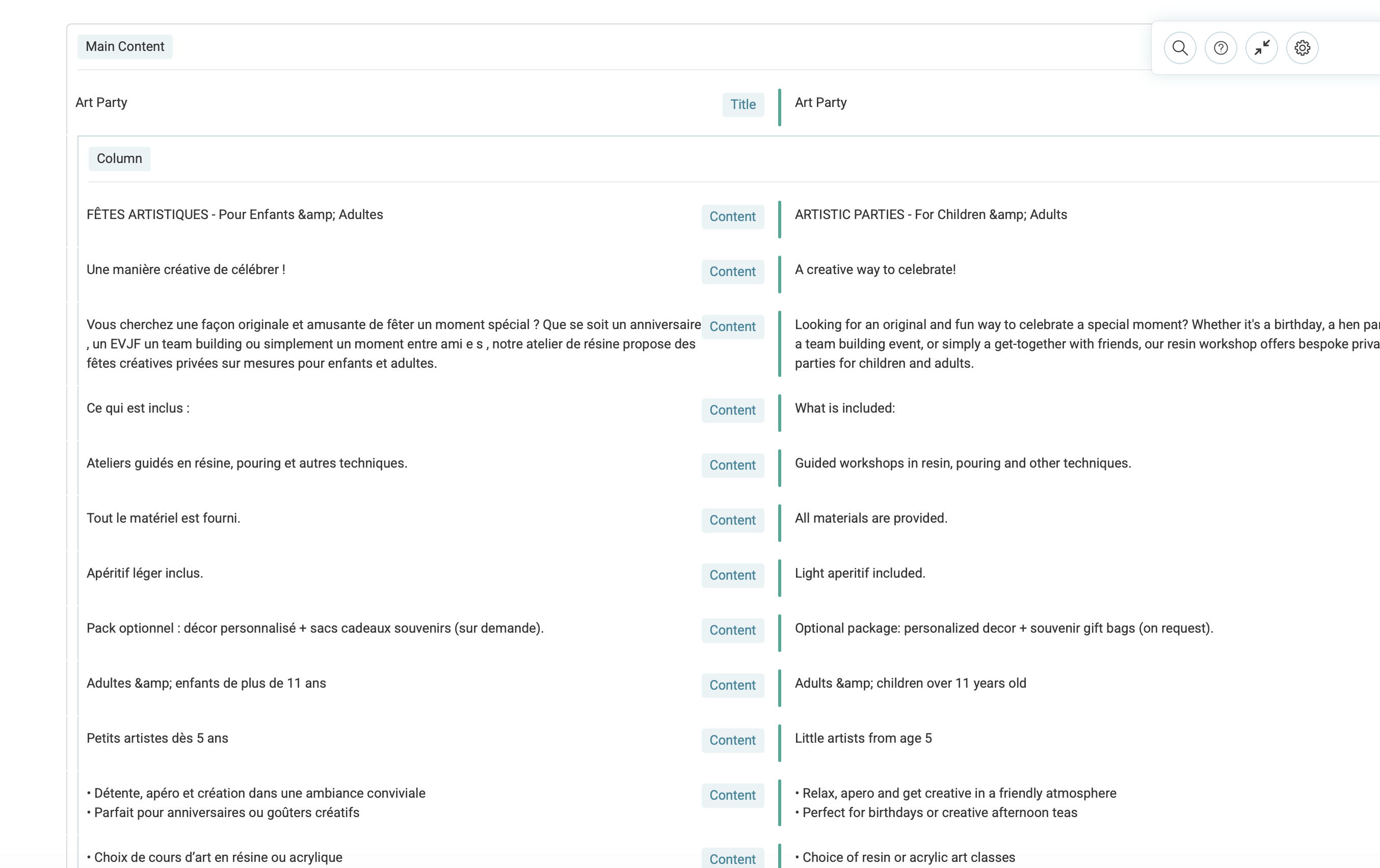
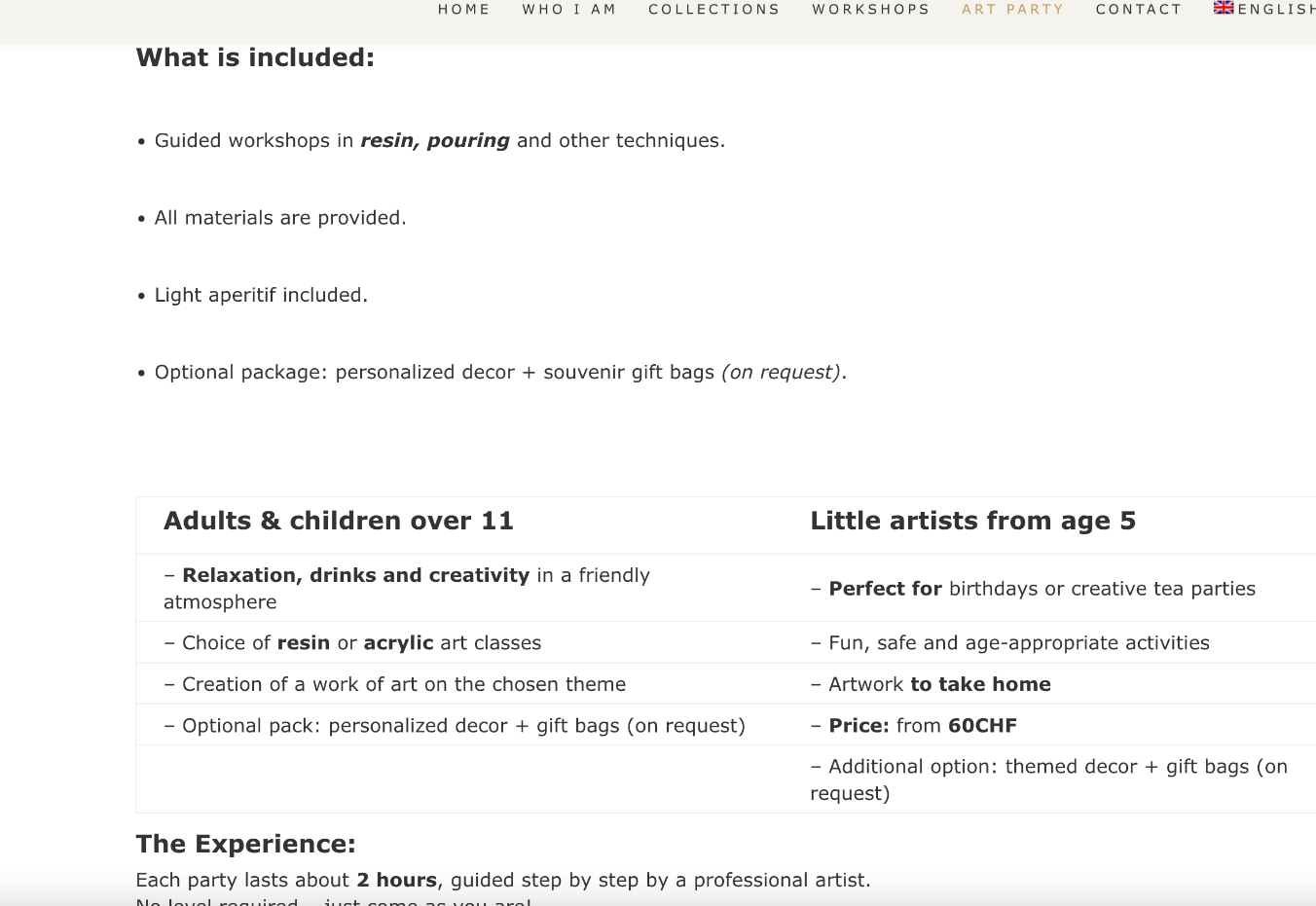
I have translated the page: hidden link from French to English, but I don't see the translation. The translated page should be visible at: hidden link.
Symptoms:
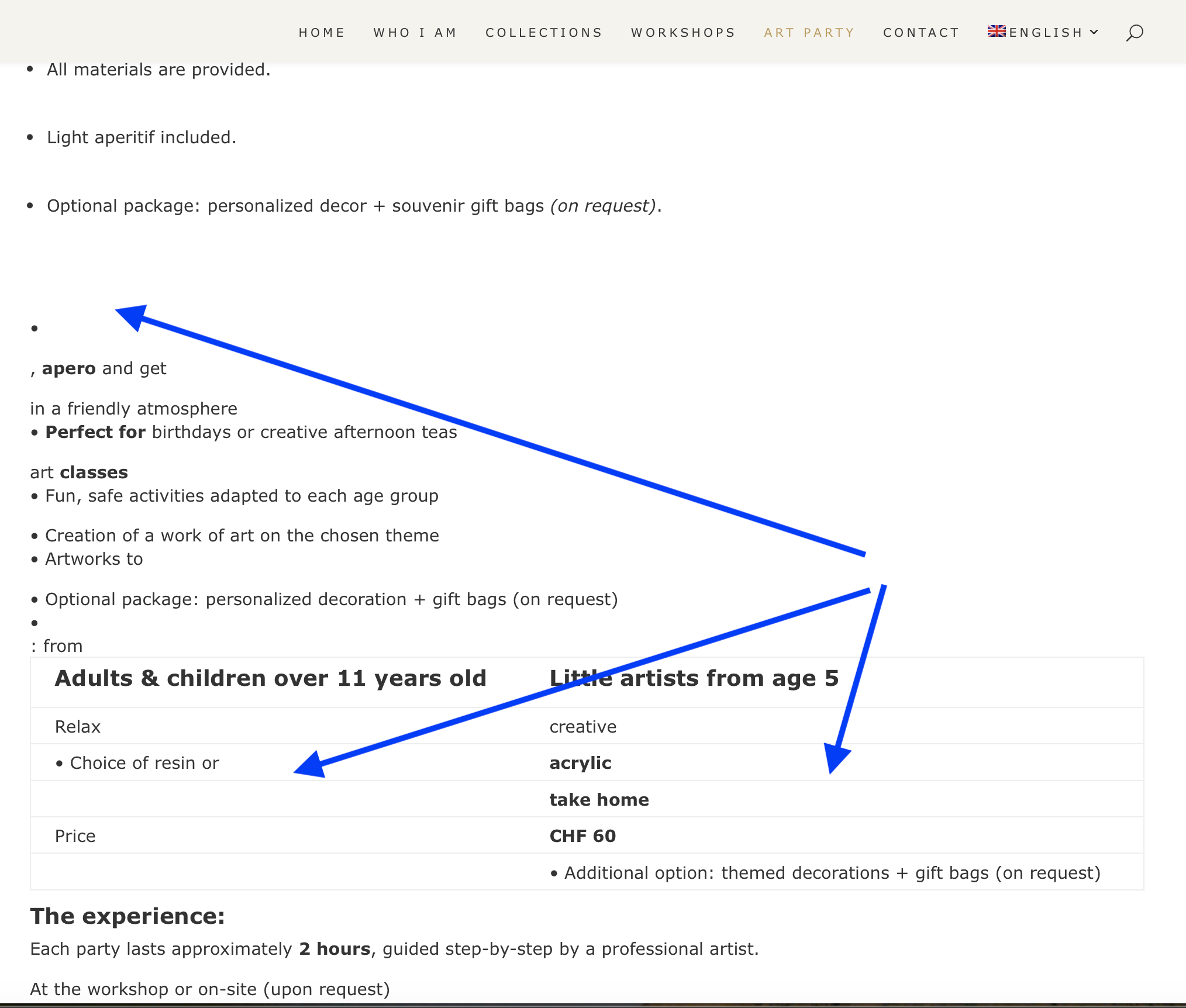
The translation of the page is not visible. Instead of the English translation, I only see the original content.
Questions:
Why is the translation not visible on the English page?
How can I make the translated page appear correctly?
I need to request temporary access (wp-admin and FTP) to your site—preferably to a test site where the problem has been replicated if possible—in order to be of better help. When you log in to leave your next reply, you will find the needed fields below the comment area. The information you will enter is private, meaning only you and I can see and access it.
It appears to be something related to the table on the page. Can I create a copy of your site for further testing? I will need to install a "Duplicator" temporarily or "All In One Migration" plugin on your site. This will allow me to duplicate your site and its content.
It took some time to understand what exactly could be causing the issue. I also ran tests locally and on a fresh installation to verify the behavior.
It appears that some translations may have included unexpected characters that broke the table markup after translation.
To resolve this, I re-translated several rows related to the table and then completed the translation.
If you notice anything that still needs adjustment, please update the translation accordingly.
Since I used some automatic translation credits during the process, I have added 5,000 credits to your site.