
This is the technical support forum for WPML - the multilingual WordPress plugin.
Everyone can read, but only WPML clients can post here. WPML team is replying on the forum 6 days per week, 22 hours per day.
Tagged: Documentation request, Exception
This topic contains 9 replies, has 1 voice.
Last updated by Andrey 4 days, 13 hours ago.
Assisted by: Andrey.
| Author | Posts |
|---|---|
| November 28, 2025 at 9:39 pm #17619050 | |
 milijanM |
Background of the issue: However, when the client saw that the link contains the "bs" code instead of "sr" when the country flag is clicked, he gave up and now asks me to switch everything to the Serbian language, to set the flag of Serbia and that it now contains the "rs" code. Is there an easier way to solve this, to just replace the images of the countries and the code, or do I have to translate everything from the beginning in Serbian? Symptoms: Questions: 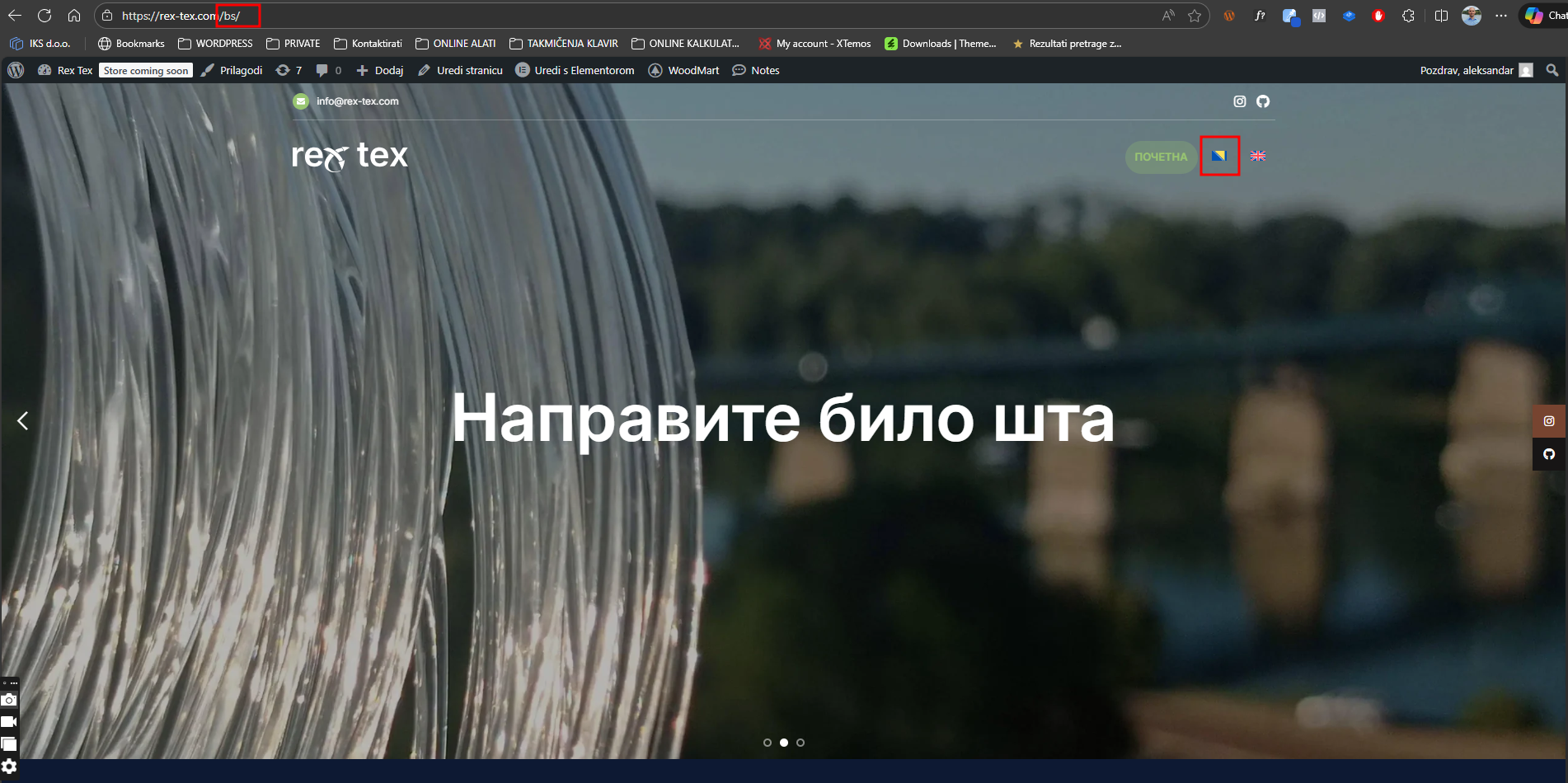 |
| November 28, 2025 at 9:42 pm #17619067 | |
|
milijanM |
I would love to hear from the real person if this is the only solution suggested by the Chatbot... |
| November 29, 2025 at 12:03 am #17619183 | |
 Andrey WPML Supporter since 06/2013 Languages: English (English ) Russian (Русский ) Timezone: Europe/Kyiv (GMT+02:00) |
Thank you for contacting WPML support. Unfortunately, there is no simple solution. You can change the country flag, but you cannot alter the existing language code. The steps are the same as those already suggested. To avoid re-translating everything, you need to: 1. Add the Serbian language in WPML → Languages https://wpml.org/documentation/getting-started-guide/language-setup/editing-wpmls-languages-table/ 2. Duplicate content from Bosnian to Serbian in WPML → Translation Dashboard |
| November 30, 2025 at 9:32 pm #17621123 | |
|
milijanM |
To be honest I don't know how to do this, I followed the instructions given by your AI but when I duplicated one Post from Bosnian to Serbian, I got a page in Serbian with the original language text which is English...why didn't it show the text in Bosnian if I duplicated the Post in Bosnian??? 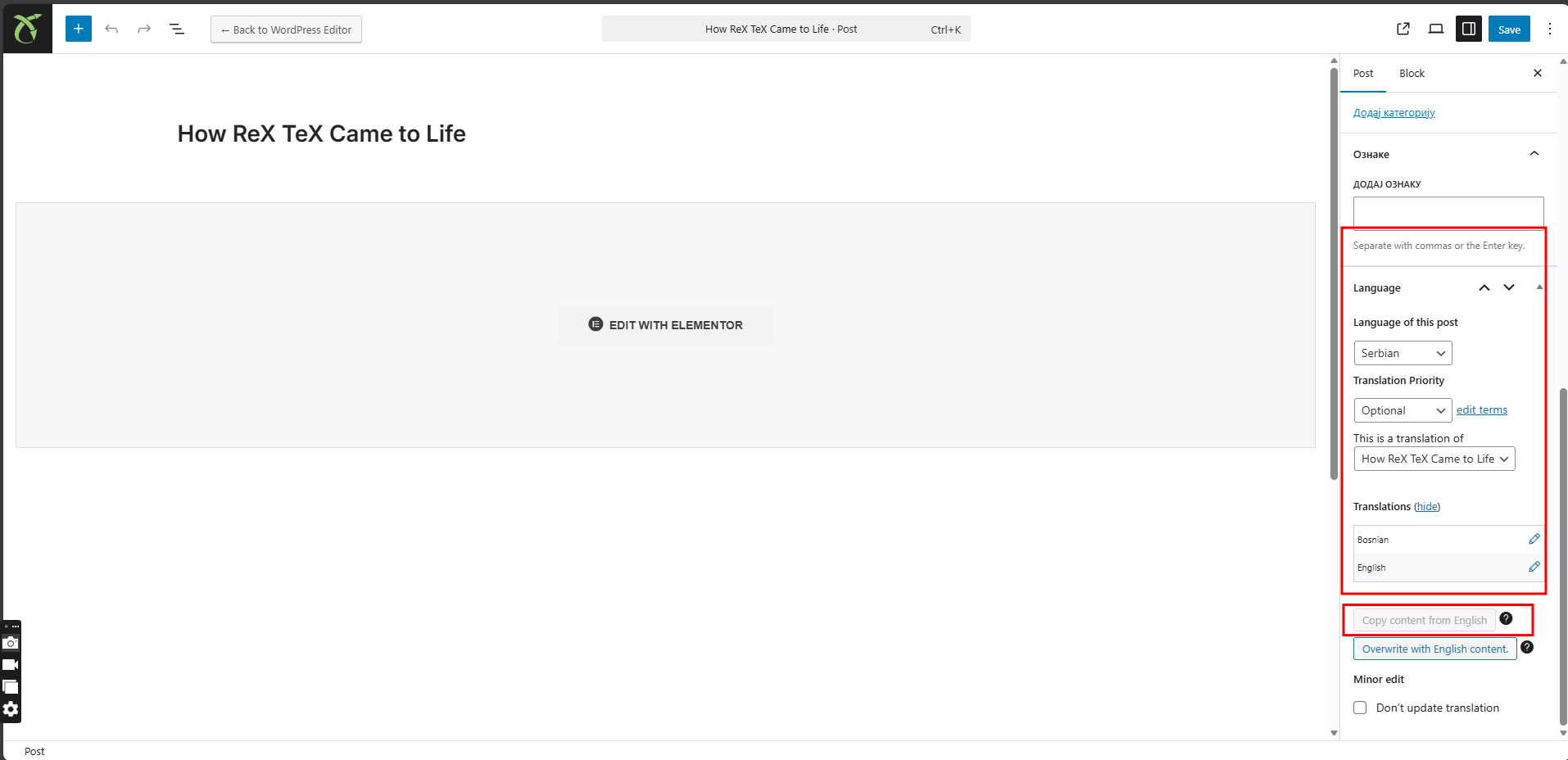 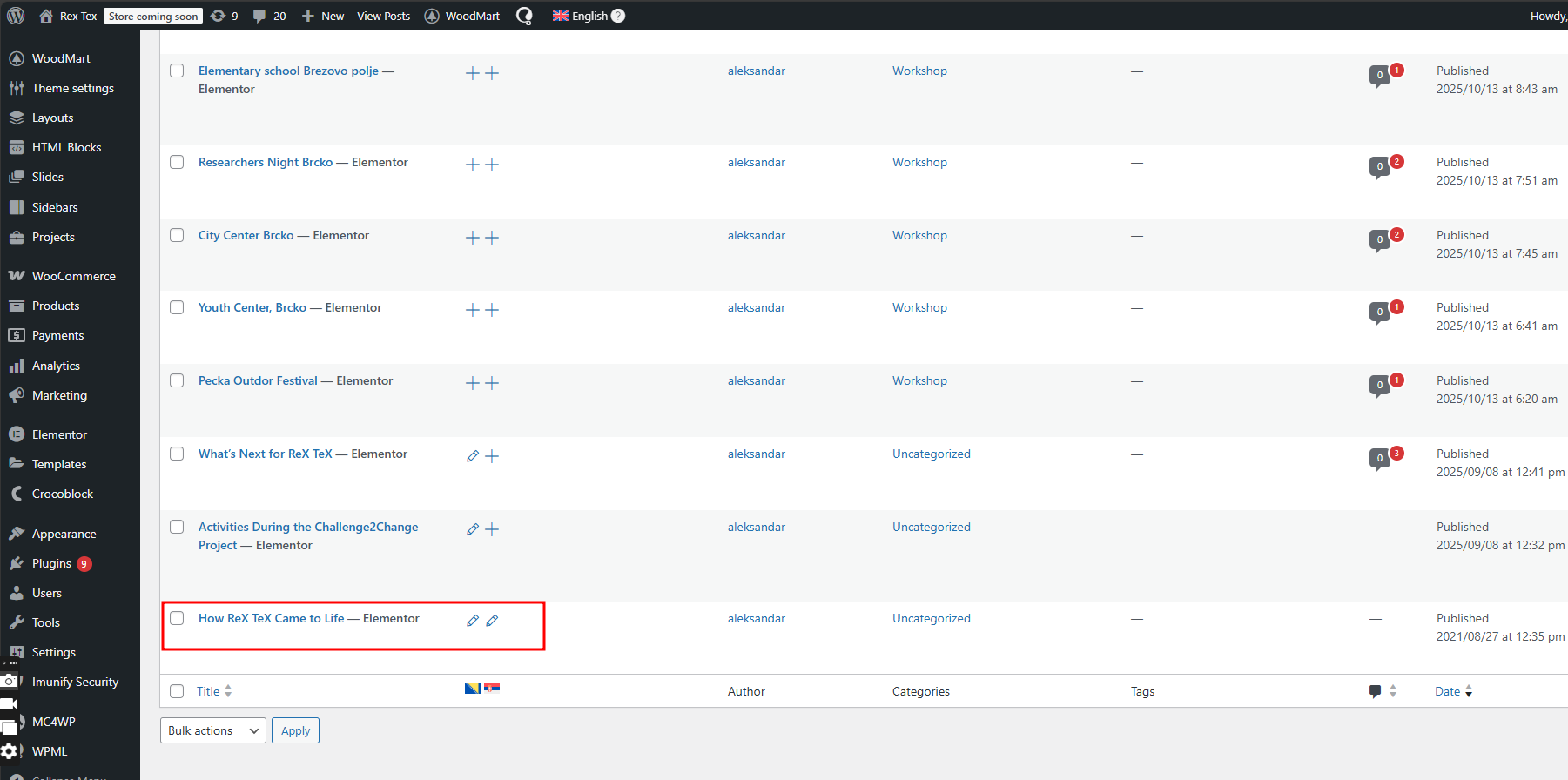 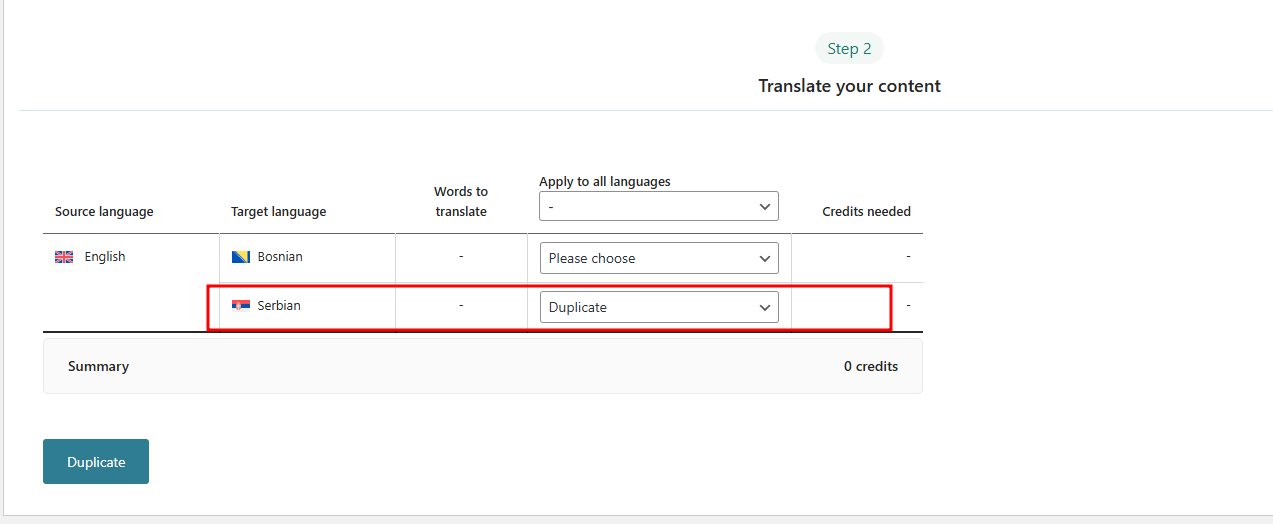 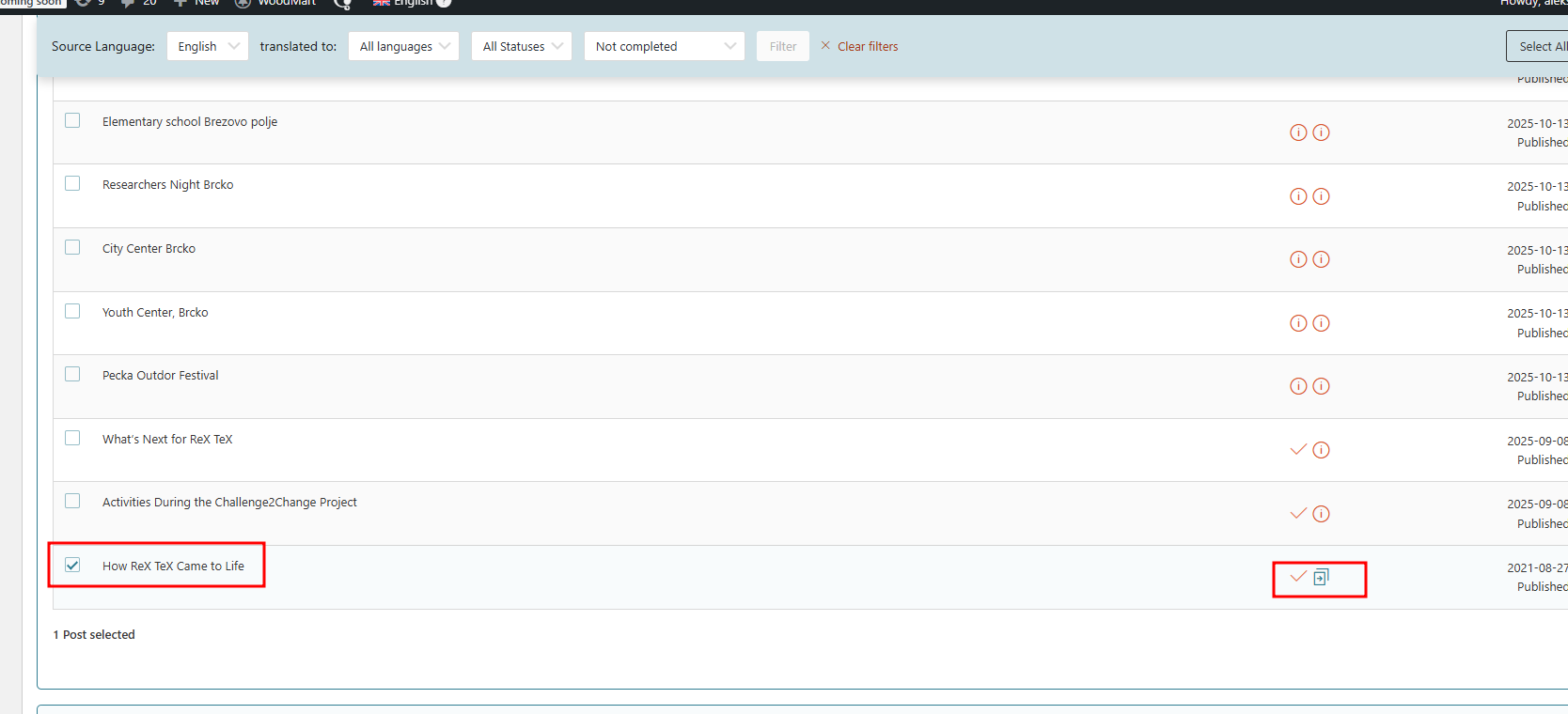 |
| December 1, 2025 at 3:11 pm #17623104 | |
|
Andrey WPML Supporter since 06/2013 Languages: English (English ) Russian (Русский ) Timezone: Europe/Kyiv (GMT+02:00) |
Thank you for your feedback. I suspect you duplicated the English post instead of the Bosnian one. I noticed that one of your screenshots has the source language as English. Try the following steps: 1. Go to WPML → Translation Dashboard 2. Choose the source language, Bosnian, and click to Filter 3. Choose one post and duplicate it to Serbian now 4. Check the results I have attached the screenshot for your review. 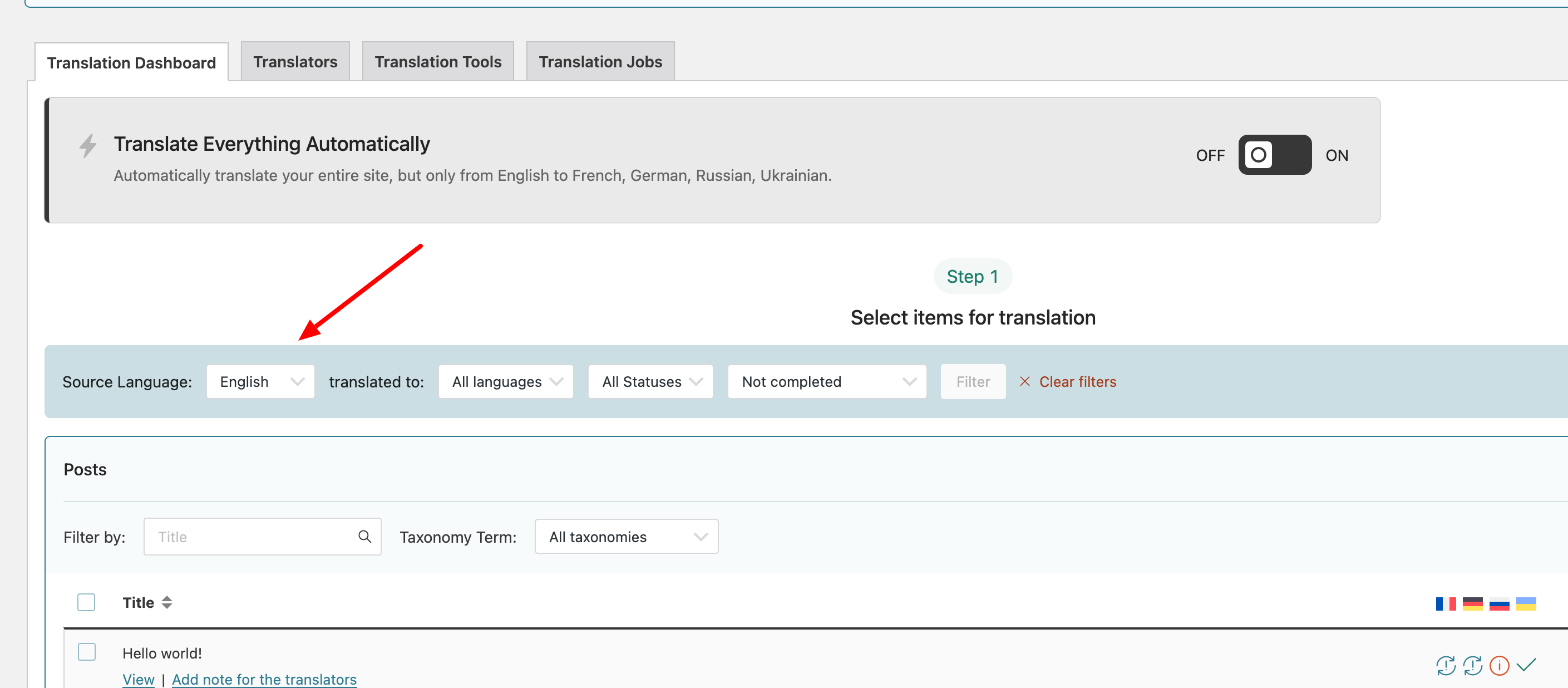 |
| December 1, 2025 at 7:44 pm #17623824 | |
|
milijanM |
Before I continue, what do I do now with this duplicate page of English? How do I delete it? |
| December 1, 2025 at 7:46 pm #17623826 | |
|
milijanM |
See picture, thank you. 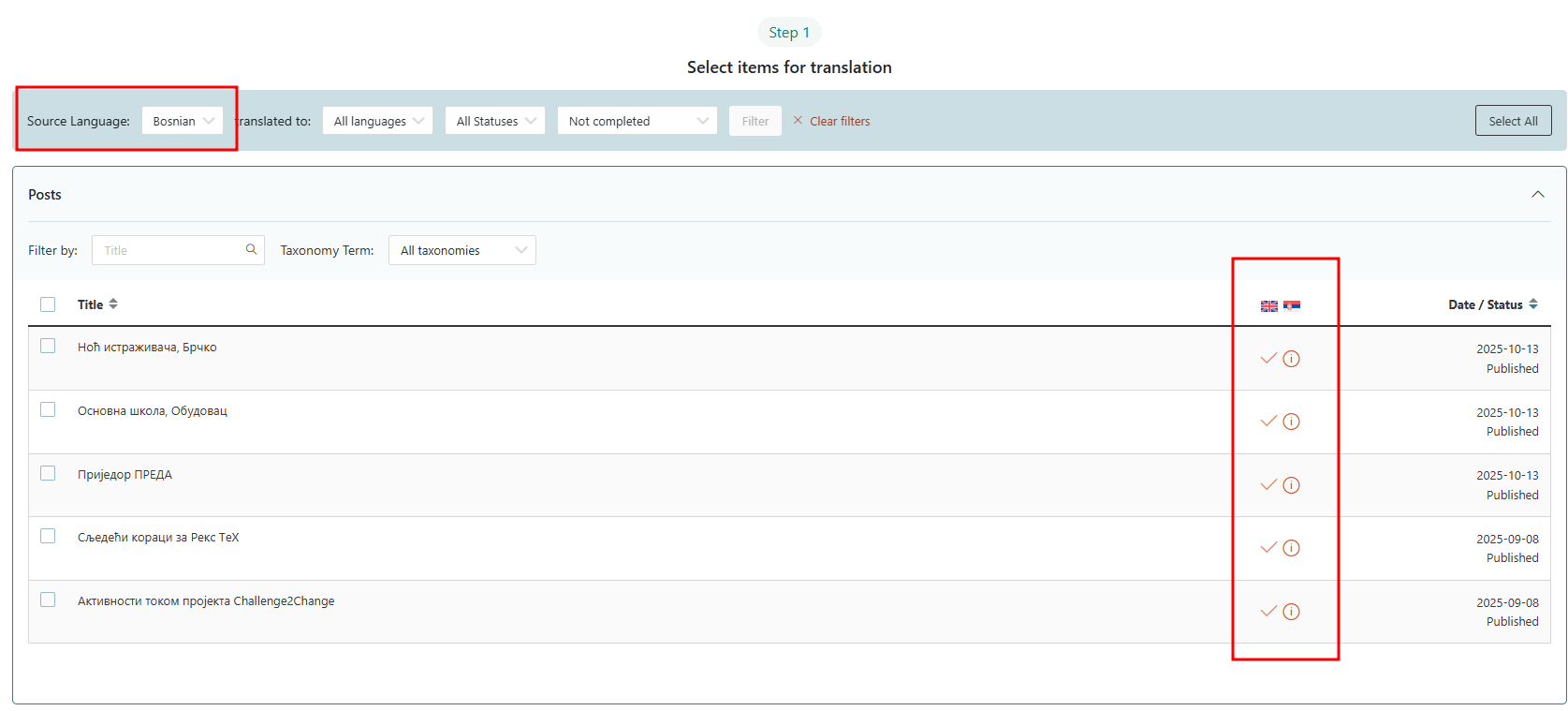 |
| December 1, 2025 at 8:01 pm #17623857 | |
|
Andrey WPML Supporter since 06/2013 Languages: English (English ) Russian (Русский ) Timezone: Europe/Kyiv (GMT+02:00) |
You can delete that page by following these steps: |
| December 4, 2025 at 6:50 pm #17635972 | |
| milijanM |
I think I managed to do as explained. I still have some difficulties with the translation, it is related that I have to translate the Footer complete and I have to set a different logo when the language is changed in both Header and Footer. New threads created by Andrey and linked to this one are listed below: https://wpml.org/?post_type=topic&p=17636089 https://wpml.org/forums/topic/split-translate-the-footer-complete/ 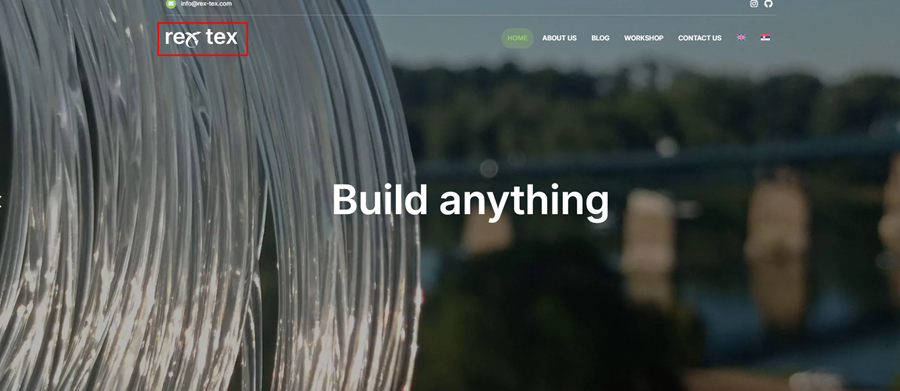 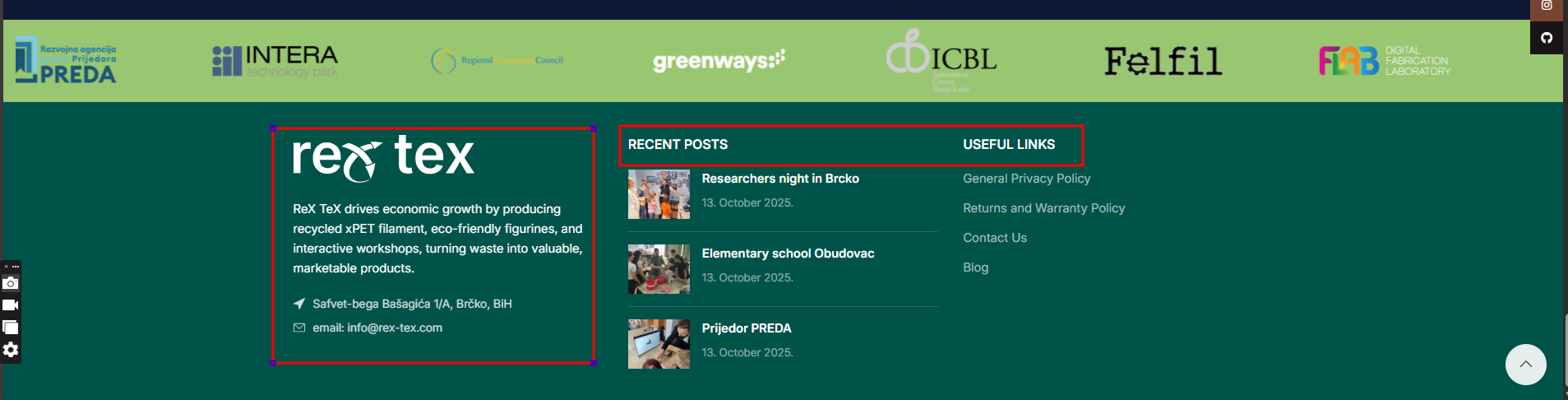 |
| December 4, 2025 at 8:24 pm #17636104 | |
|
Andrey WPML Supporter since 06/2013 Languages: English (English ) Russian (Русский ) Timezone: Europe/Kyiv (GMT+02:00) |
Thank you for your feedback. To keep everything organized and ensure each issue receives the proper attention, I’ve created separate support tickets for your latest questions. I will continue assisting you here regarding the footer translation: And here regarding the logo translation: |