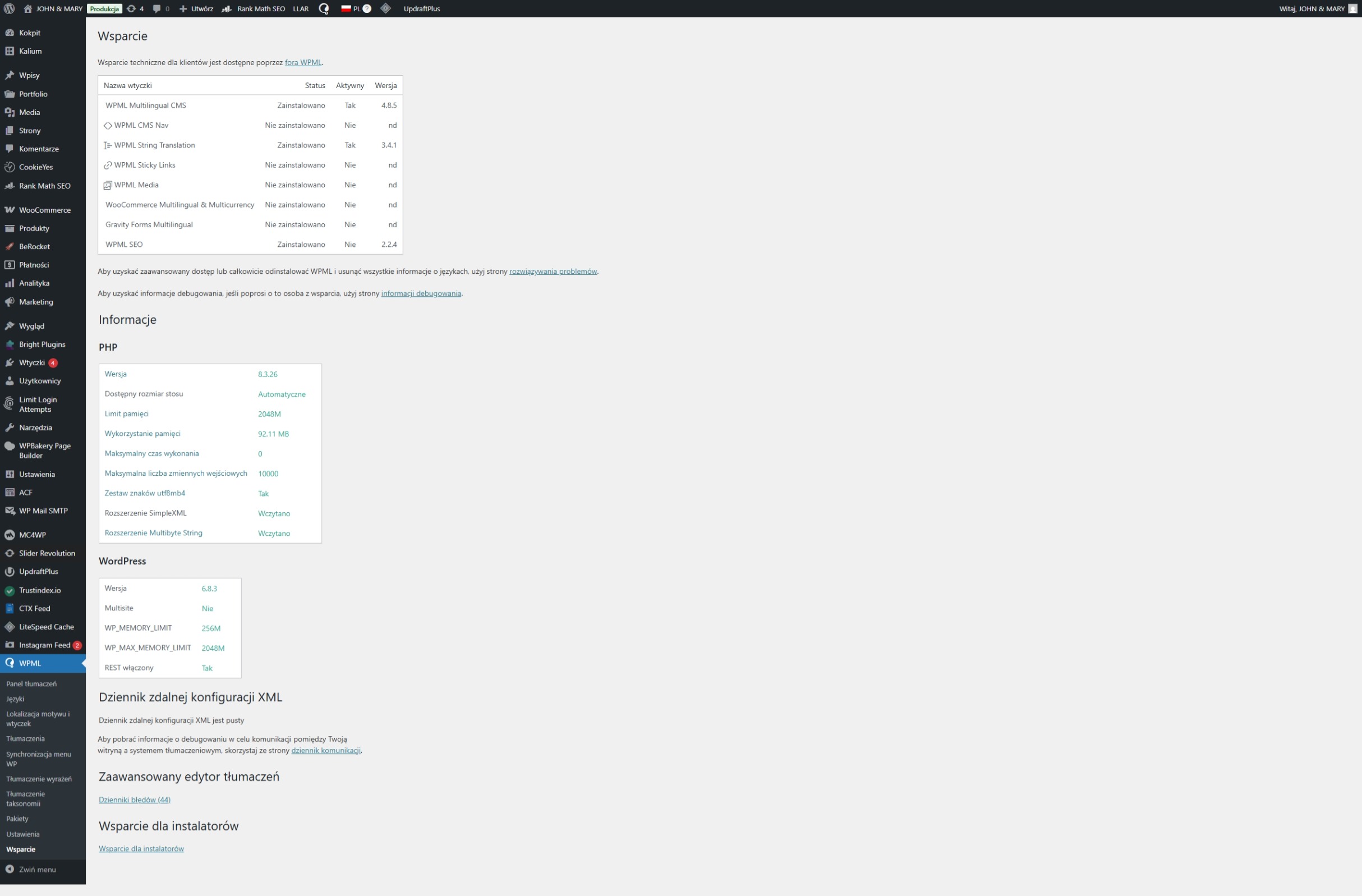
Background of the issue:
I've been using WPML for a long time, and it always slowed down my website, but to an acceptable extent. Recently, however, the site has been running slower and slower. So I had to disable WPML, and the site sped up dramatically. After a few months, I decided to go back and enable WPML. I hoped the problem would go away, but it's still very slow. I translate all the text myself and don't need any bells and whistles or automatic translations. I don't outsource anything to external translators – it simply has to work and not slow down the site. I already have all the pages and products translated. Sometimes, but rarely, I add a new product and then immediately translate it into English.
Symptoms:
My website is very slow when I turn on WPML.
Especially after enabling WPML String Translation
Questions:
What can I do to make my website work properly with WPML enabled?
Is it possible to disable all these unnecessary features that I don't use?
If not, please provide instructions on what I should enable/disable so that WPML runs quickly and efficiently without generating a bloated database.
主题'[關閉] My website is very slow when I turn on wpml'已关闭,不接受新回复。