Hi, since we started using ATE, we experience a lot issues like the examples below. Translations get lost, changes won't save, ...
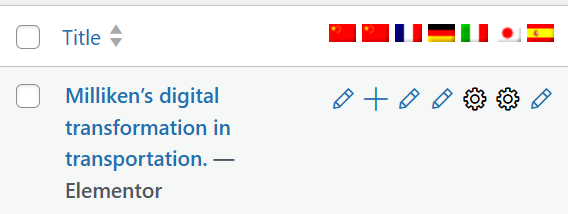
Example 1: Milliken case study
I’ve saved and completed the translation for the traditional Chinese page. However, the “+” sign is still there, indicating the translation work has yet to be started:
(Screenshot 01)
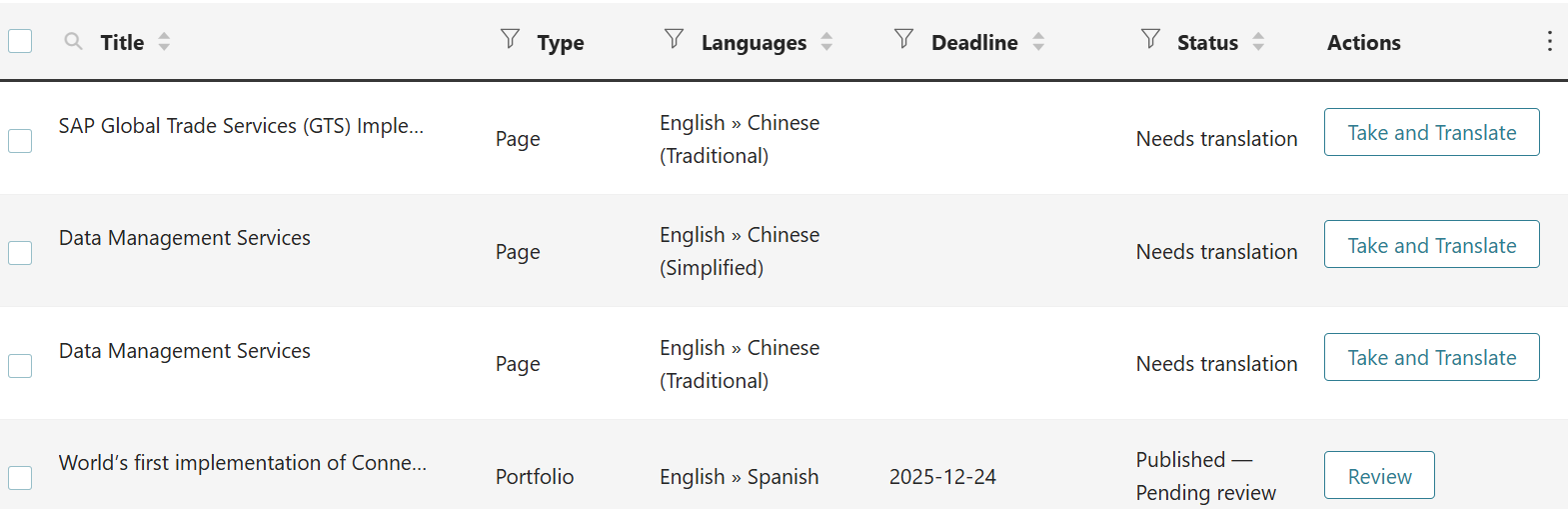
When I click on the “+” sign again, it leads me to this translations queue but the task has gone:
(Screenshot 02)
I can’t find the draft of this success story in the Portfolio backend either.
Here is the link to the Portfolio: الرابط المخفي
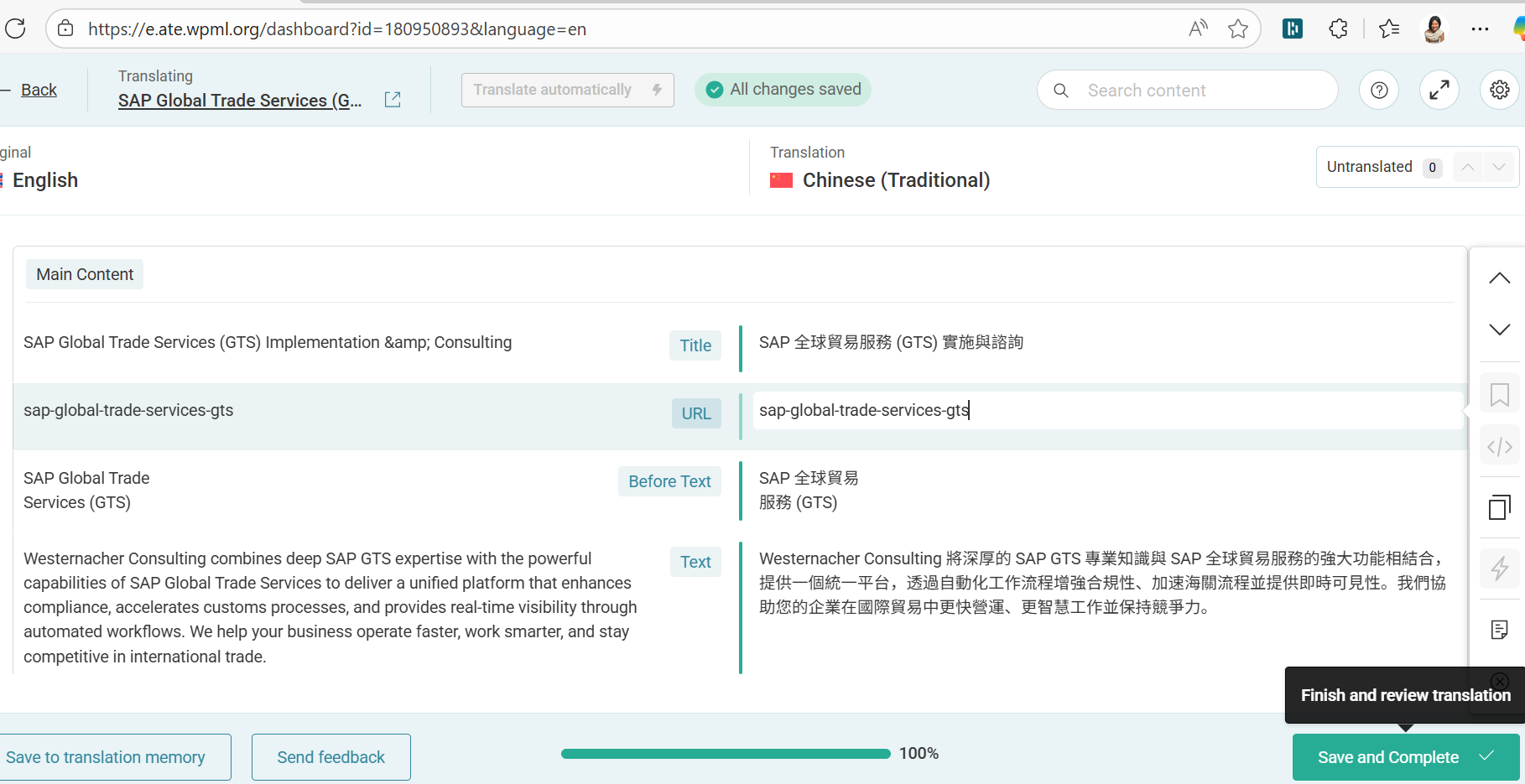
Example 2: GTS page
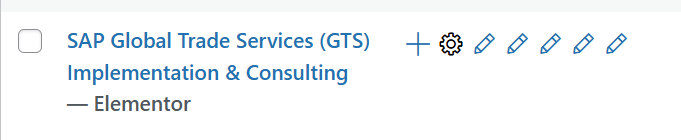
After I saved and completed the traditional Chinese page of GTS, the gearwheel icon shows it’s work in progress.
(Screenshot 01)
When I click on the gearwheel icon, it leads me back to the translation queue and asks me to take and translate again:
(Screenshot 02)
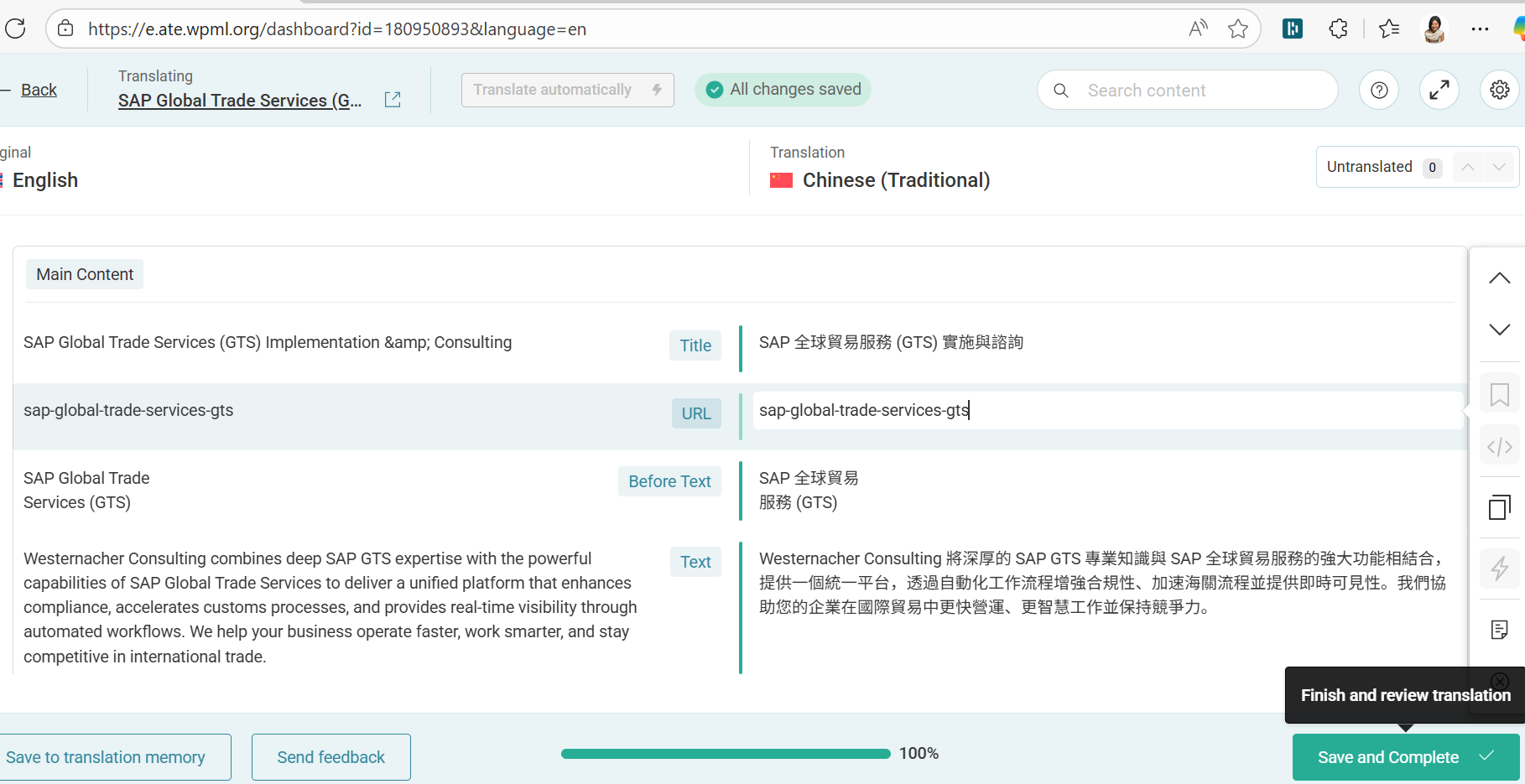
I save and complete again in the translation editor:
Advanced Translation Editor - WPML: الرابط المخفي
(Screenshot 03)
It leads me back to the same translations queue which asks me take and translation all over again, although I repeat the same process many times.
(Screenshot 04)
Example 3: another Portfolio page – Italian translation
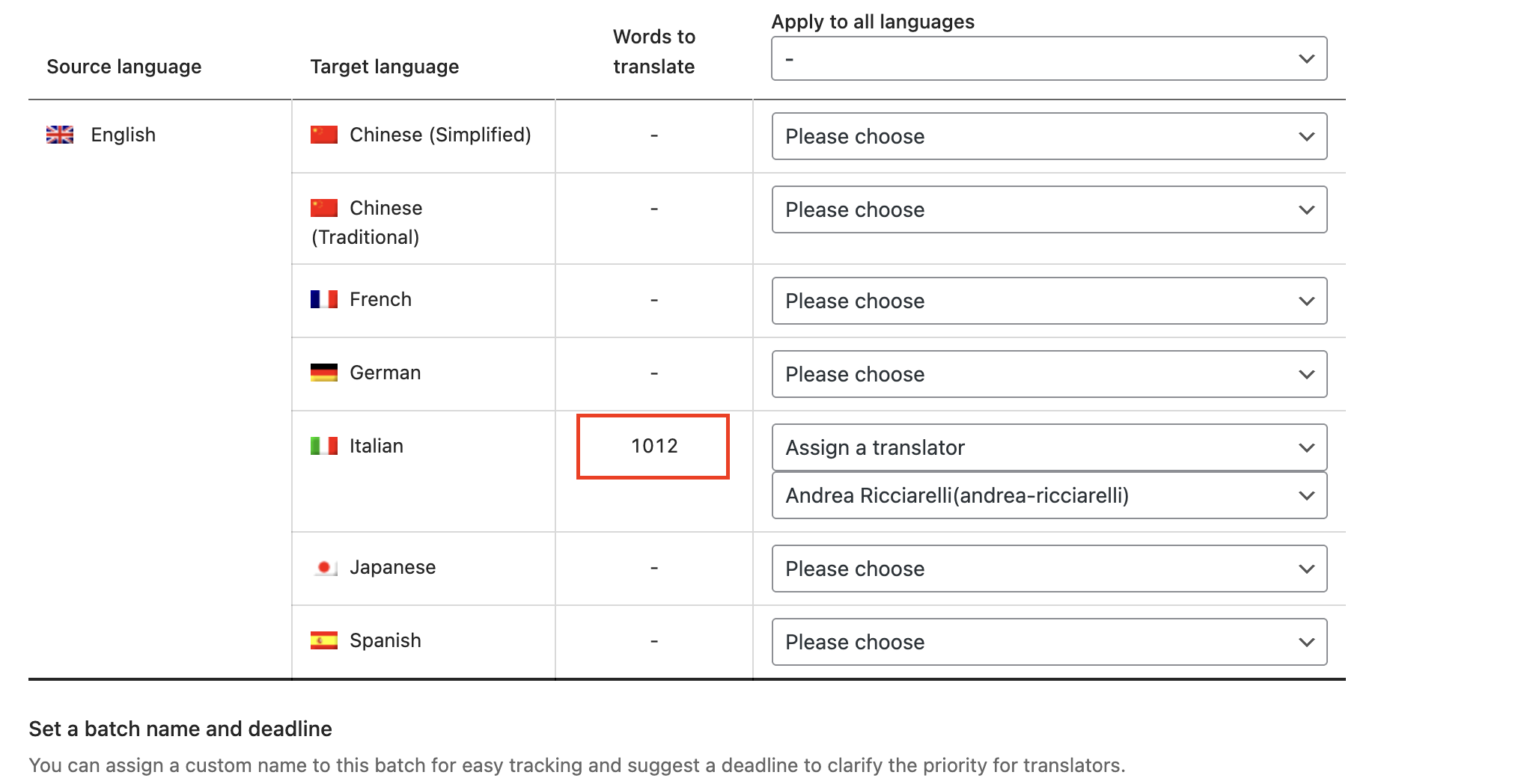
I started the process for the Italian translation of a new portfolio page (الرابط المخفي). I translated the content with ATE as usual. Instead of the pencil icon, the eye icon appears now and I can't access the translated content via the ATE tool again. Only with Elementor. In addition, the page is displayed as not yet translated in the WPML dashboard. However, this has already been done. Please check screenshots of example 3.
الموضوع ”[مغلق] ATE Translations“ مغلق للردود الجديدة.