Background of the issue:
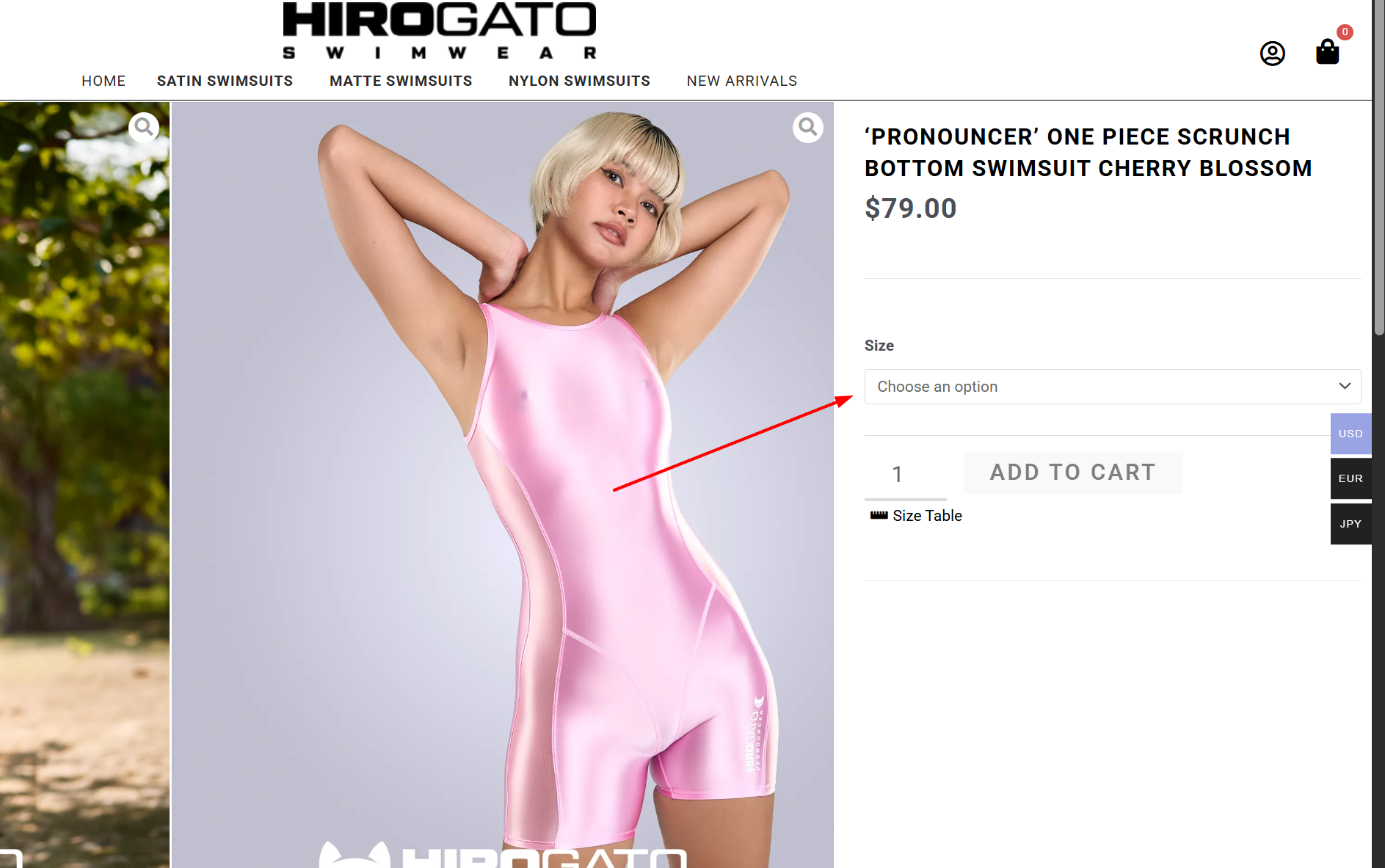
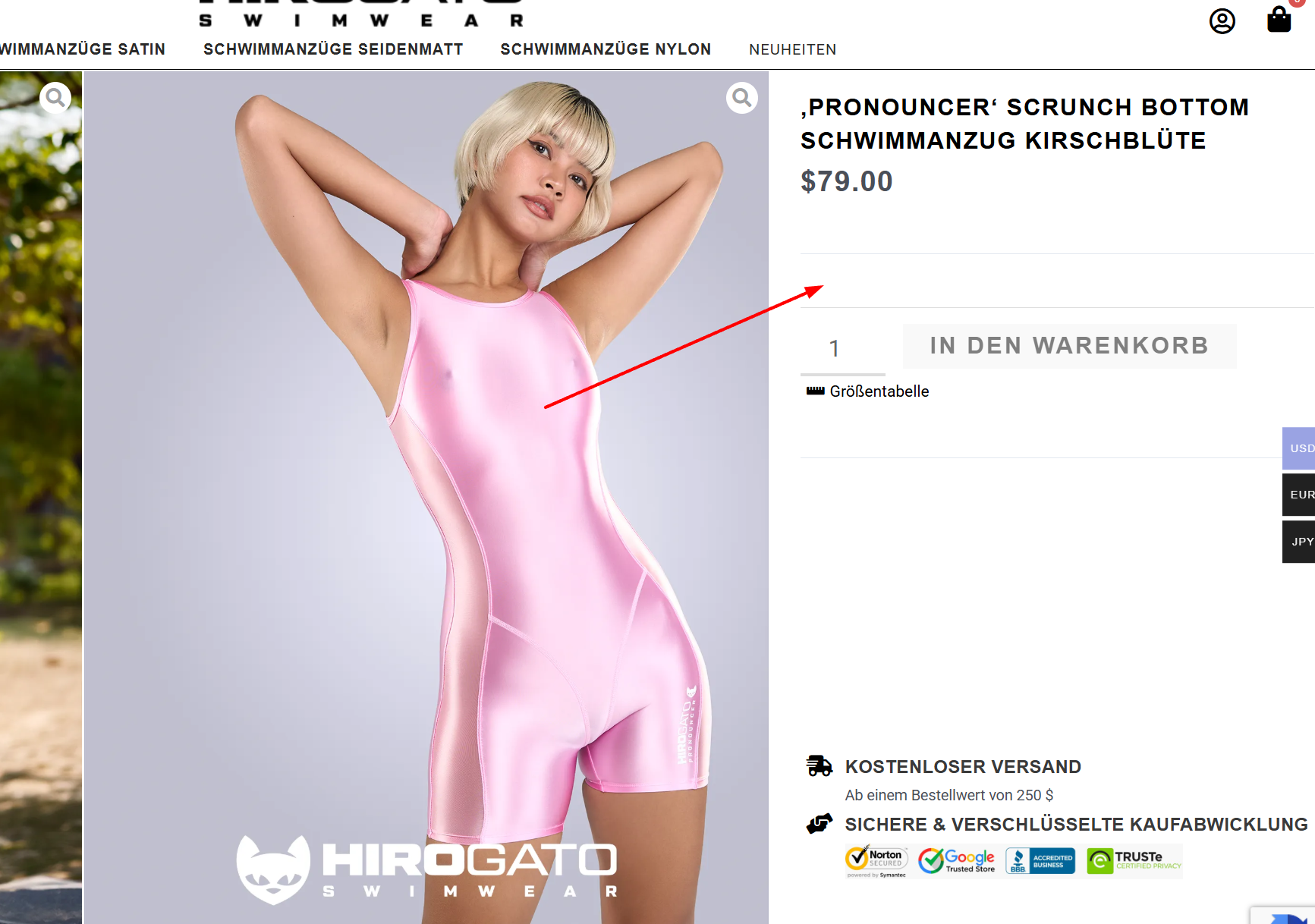
I am trying to display size variations for a WooCommerce product on the German translation created with WPML. The English version works fine, but the German version does not show the size options on the frontend. This issue is occurring on a product that is a copy of another one where translations and variations work fine in both languages. I have checked that the attribute terms are translated and present. I am using the latest version of WooCommerce Multilingual, but the 'Products' tab is missing under WooCommerce → WooCommerce Multilingual, preventing access to variation sync tools like 'Sync product variations' or 'Fix product relationships'. Link to a page where the issue can be seen: الرابط المخفي
Symptoms:
On the German translation of a WooCommerce product, the size dropdown does not appear on the frontend. The 'Products' tab is missing under WooCommerce → WooCommerce Multilingual, so I can't access variation sync tools. I expected to see a size dropdown like on the English version, but instead, I got no size dropdown. I tried to resync and followed the steps in https://wpml.org/errata/manually-editing-translated-variable-products-loses-variations/.
Questions:
How can I restore the variation display on the translated product?
How can I access the variation sync tools in WooCommerce Multilingual?
الموضوع ”[مغلق] Translated Product Not Showing Variations on Frontend“ مغلق للردود الجديدة.