


問題の概要
Diviテーマを使用している場合、アポストロフィを含むボタンのテキストをWPMLを使用して翻訳すると、アポストロフィがHTMLエンティティとして表示されます。
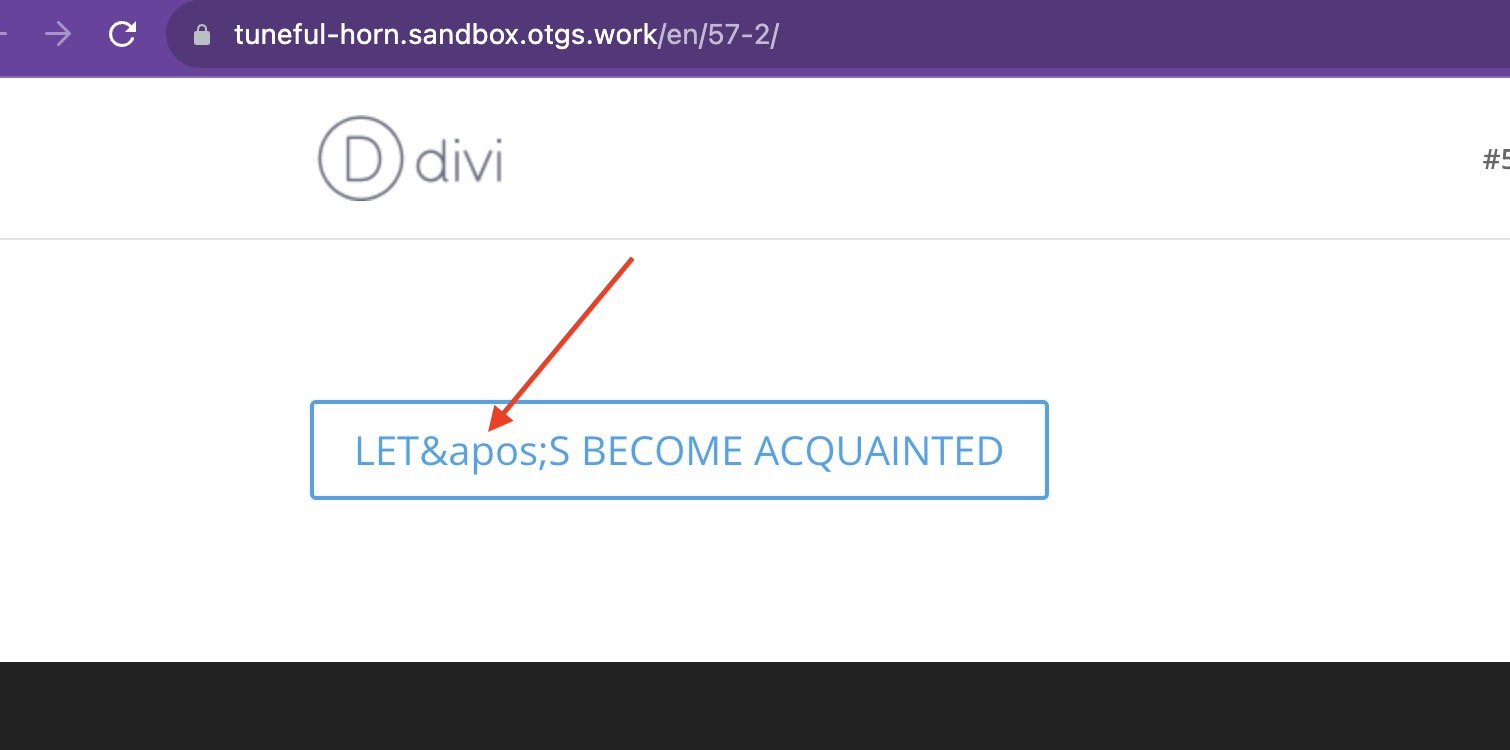
回避策
この問題は修正されました。 最新バージョンにアップデートするとお使いのサイトで問題が解決するため、この回避策はまだアップデートできない場合にのみ必要です。
続行する前に、必ずサイトの完全なバックアップを取得してください。
- テーマのfunctions.phpファイルに以下のコードを追加します。
// WPML workaround for compsupp-7001
add_filter('do_shortcode_tag', 'wpml_compsupp7001_decode_et_pb_button_text', 10, 4);

function wpml_compsupp7001_decode_et_pb_button_text($output, $tag, $attr, $m) {
    if ( class_exists('Sitepress') && 'et_pb_button' === $tag && isset($attr['button_text'])) {
        // Decode both the ampersand and the apostrophe
        $output = html_entity_decode($output, ENT_QUOTES, 'UTF-8');
    }

    return $output;
}
注意:スライダーボタンを使用している場合は、次の行を使用する必要があります。
if ( class_exists('Sitepress') && 'et_pb_slide' === $tag && isset($attr['button_text'])) {if ( class_exists('Sitepress') && 'et_pb_button' === $tag && isset($attr['button_text'])) {また、アコーディオンアイテムを使用している場合は、次の行を使用する必要があります。
if ( class_exists('Sitepress') && 'et_pb_accordion_item' === $tag && isset($attr['title'])) {if ( class_exists('Sitepress') && 'et_pb_button' === $tag && isset($attr['button_text'])) {