Эта тема решена. Вот описание проблемы и ее решения.
Problem:
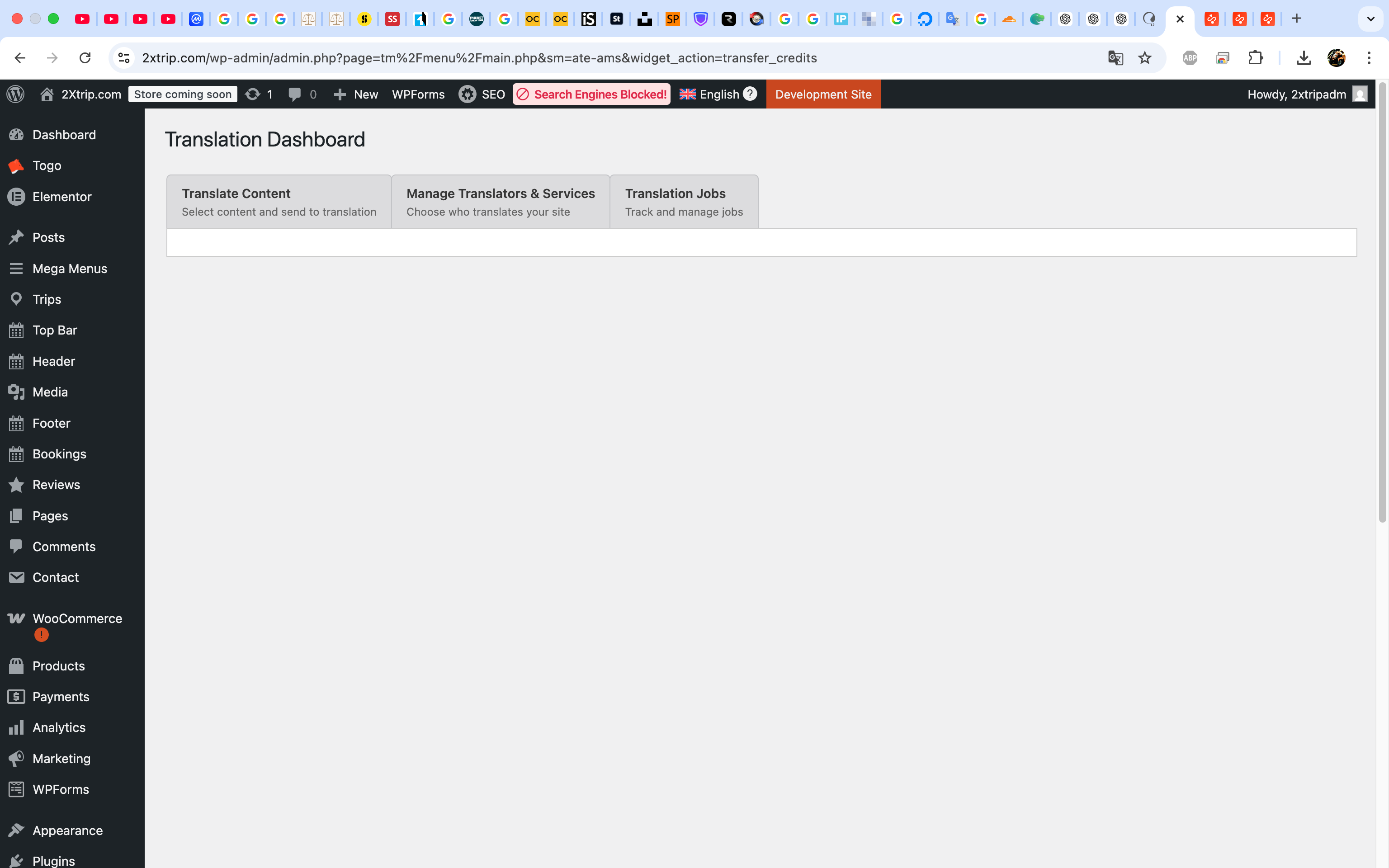
If you're experiencing repeated API errors stating 'No sitekey found for this website' when trying to translate a page or post, it indicates an issue with the sitekey in your WPML account.
Solution:
We recommend you try the following steps to resolve this issue:
1. Remove the old sitekey from your WPML account.
2. Navigate to Plugins → Add New and open the Commercial tab. Click on 'Unregister WPML from this site'.
3. Once the page reloads, click on 'Register WPML'. You will be prompted to enter a sitekey. Click on 'Get a key for this site'.
4. Complete the sitekey creation wizard in your WPML account and specify the site type as 'Production site'.
5. Copy the new key and paste it into the Commercial tab in the WordPress admin panel.
Additionally, ensure that the REST API is enabled on your site, as it is crucial for WPML's operation. You can check the REST API dependencies here: https://wpml.org/documentation/support/rest-api-dependencies/
If this solution does not apply to your case, or if it seems outdated, we highly recommend checking related known issues at https://wpml.org/known-issues/, verifying the version of the permanent fix, and confirming that you have installed the latest versions of themes and plugins. If issues persist, please open a new support ticket for further assistance.
Это форум технической поддержки WPML – плагина для многоязычной WordPress.
Доступно для чтения всем, но только клиенты, купившие WPML, могут оставлять сообщения. Сотрудники WPML отвечают на сообщения форума 6 дней в неделю, 22 часов в сутки.
Эта тема содержит 3 ответов, имеет 0 голосов.
Последнее обновление: 1 месяц назад.
При содействии: Andrey.