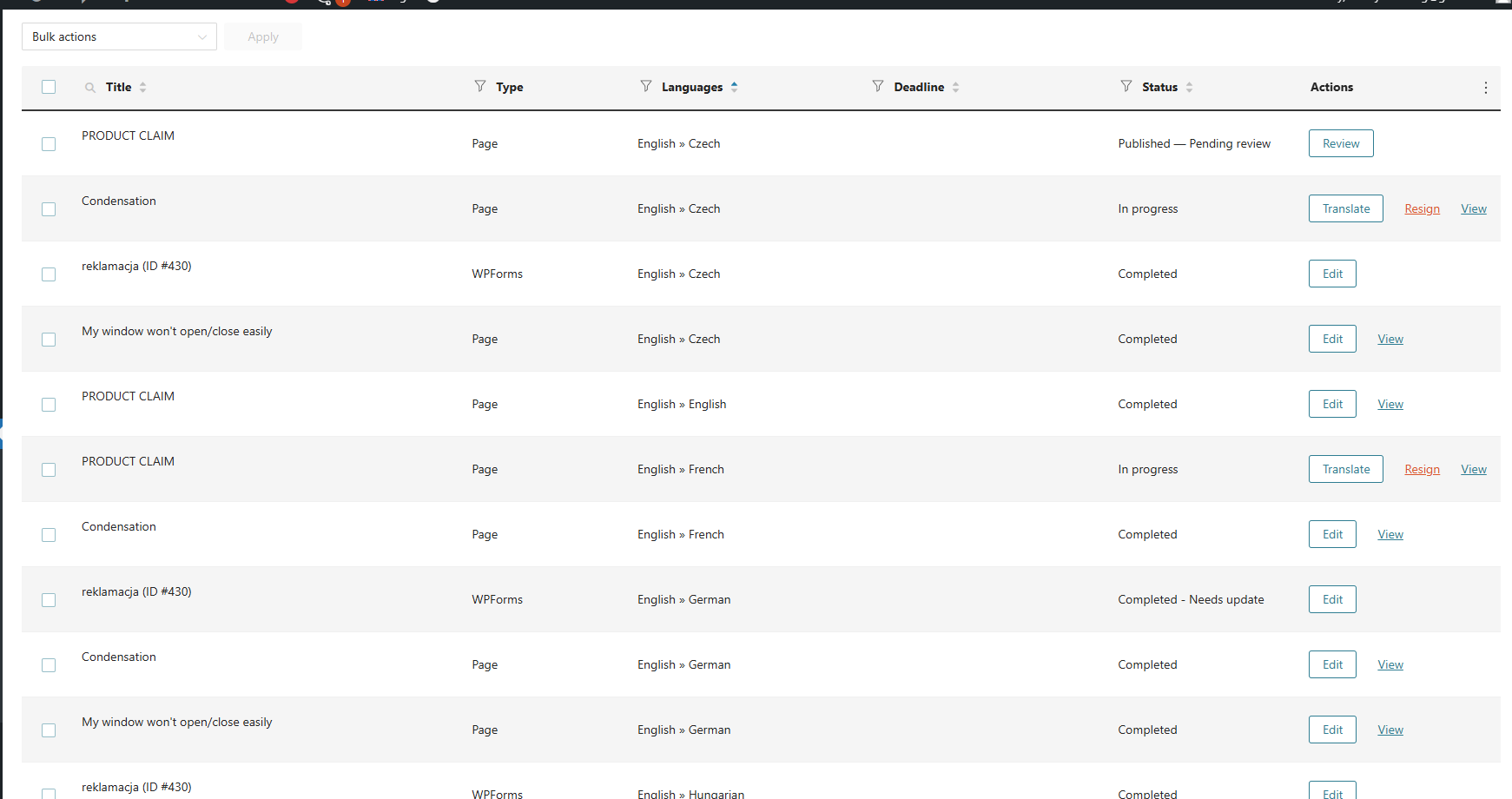
I’m using WPML together with WPForms and I recently added French as a new language.
The issue is that I cannot access the Advanced Translation Editor (ATE) for translating WPForms forms into French.
For other languages (e.g. Polish, German, Slovak), everything works correctly:
WPForms appear in WPML → Translations
I can click “Translate” and open them in the WPML Translation Editor (ATE)
However, for French:
The translation job is not available in WPML → Translations
There is no option to open the form in ATE
What I have already checked:
French is active and not hidden in WPML → Languages
WPForms post type is set as “Translatable” in WPML → Settings
Other languages work correctly with the same setup
My question:
How can I enable WPML Translation Editor (ATE) for WPForms translations into French, just like it works for the other languages?
Is there any additional step required after adding a new language to make WPForms translatable via ATE?