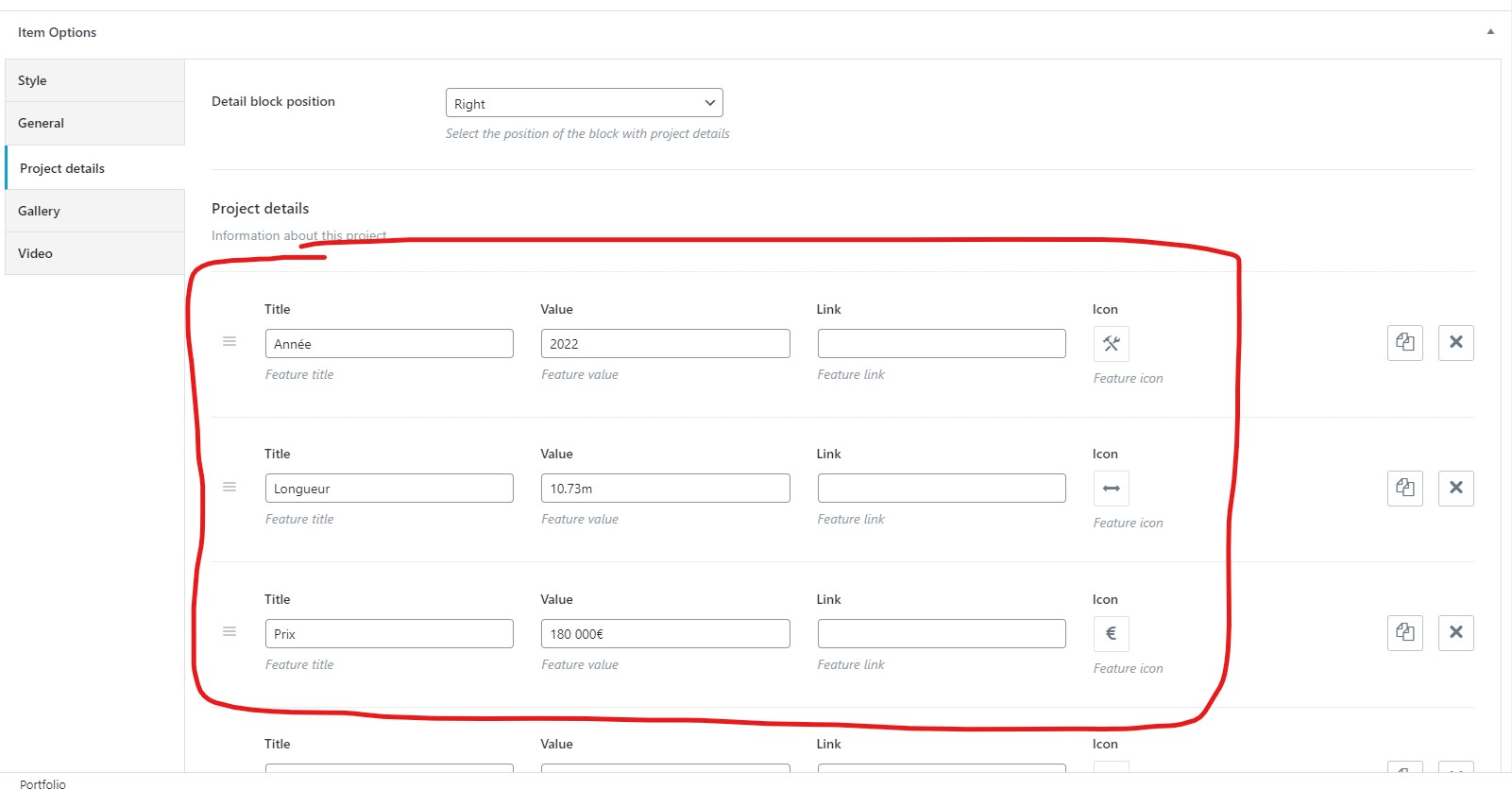
Contexte de la question:
I used the automatic WPML translating tool to translate from FR to EN a Portfolio item (ACF from a purchased theme). All the content is translated but the Item Options that we can find under the Gutenberg's content. I like the extended version of the translator and I’d be glad to keep it and not going into Classic translator tool.
Symptômes:
When I try to edit the translated content, I have a pop-up telling me that I’m trying to edit a content translated with the advanced setting. When I proceed, nothing happens, and my content can’t be edited anymore.
Questions:
Why can't I edit the translated content after using the automatic WPML translating tool?
How can I edit the Item Options under Gutenberg's content for the translated Portfolio item?
Is there a way to resolve the issue without switching to the Classic translator tool?