Background of the issue:
I am trying to create a page in English and then translate it into Japanese, allowing me to add my own text and images.
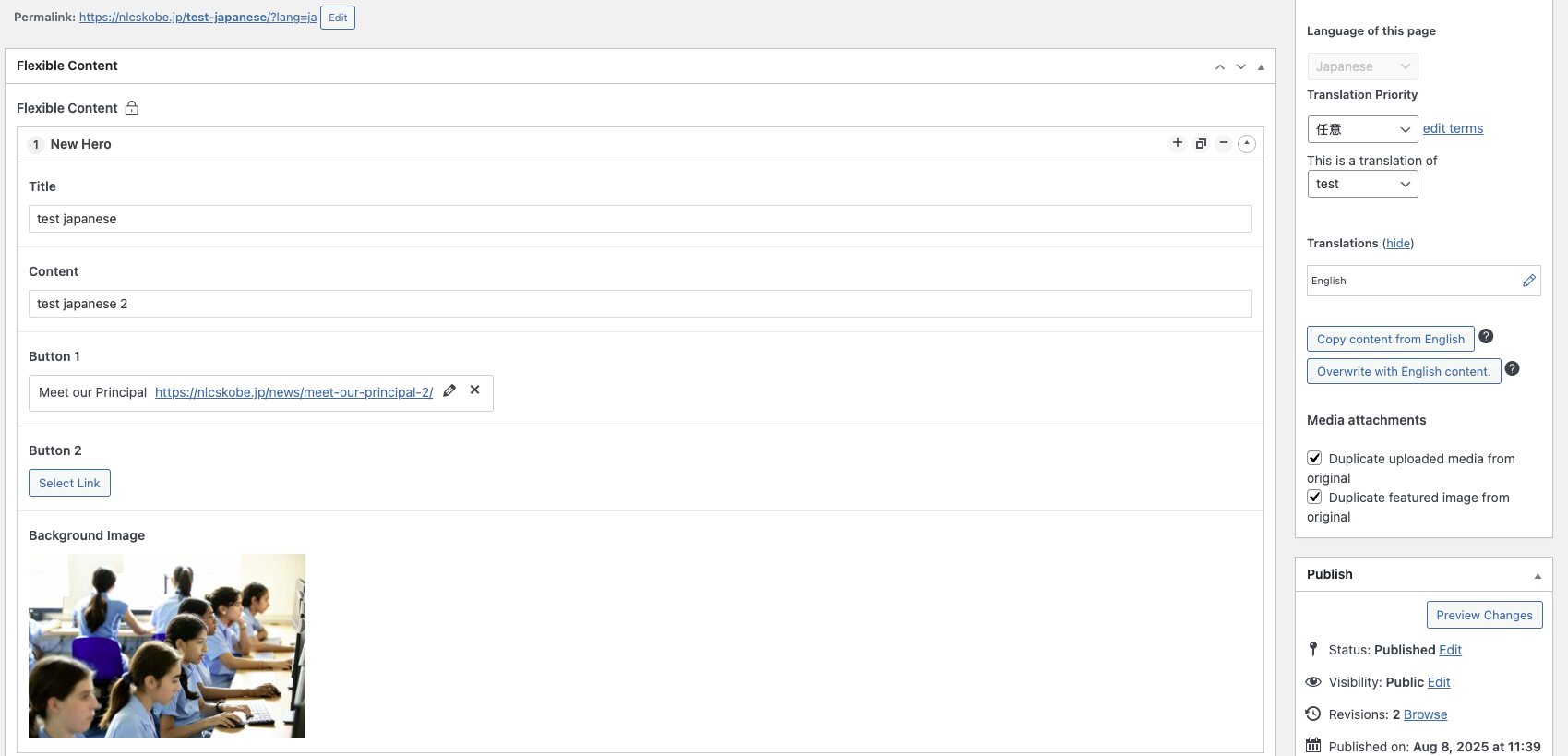
I have created a page in English with an ACF field group using Flexible Content. The field group is set to 'Different fields across languages'.
I created a page in english with the field group on and published. I then went to all pages, selected 'Add translation to Japanese', and added the translations manually. I attempted to edit the Japanese version of the page to make changes specific to that language and the images on it.
Symptoms:
I could only edit the text and buttons in the field group. The image field isn't editable on the Japanese page. The edit button appears while the backend is loading, but disappears once fully loaded.
Questions:
Why can't I edit the image field on the translated Japanese page?
הנושא '[סגור] Page Translation' סגור לתגובות חדשות.