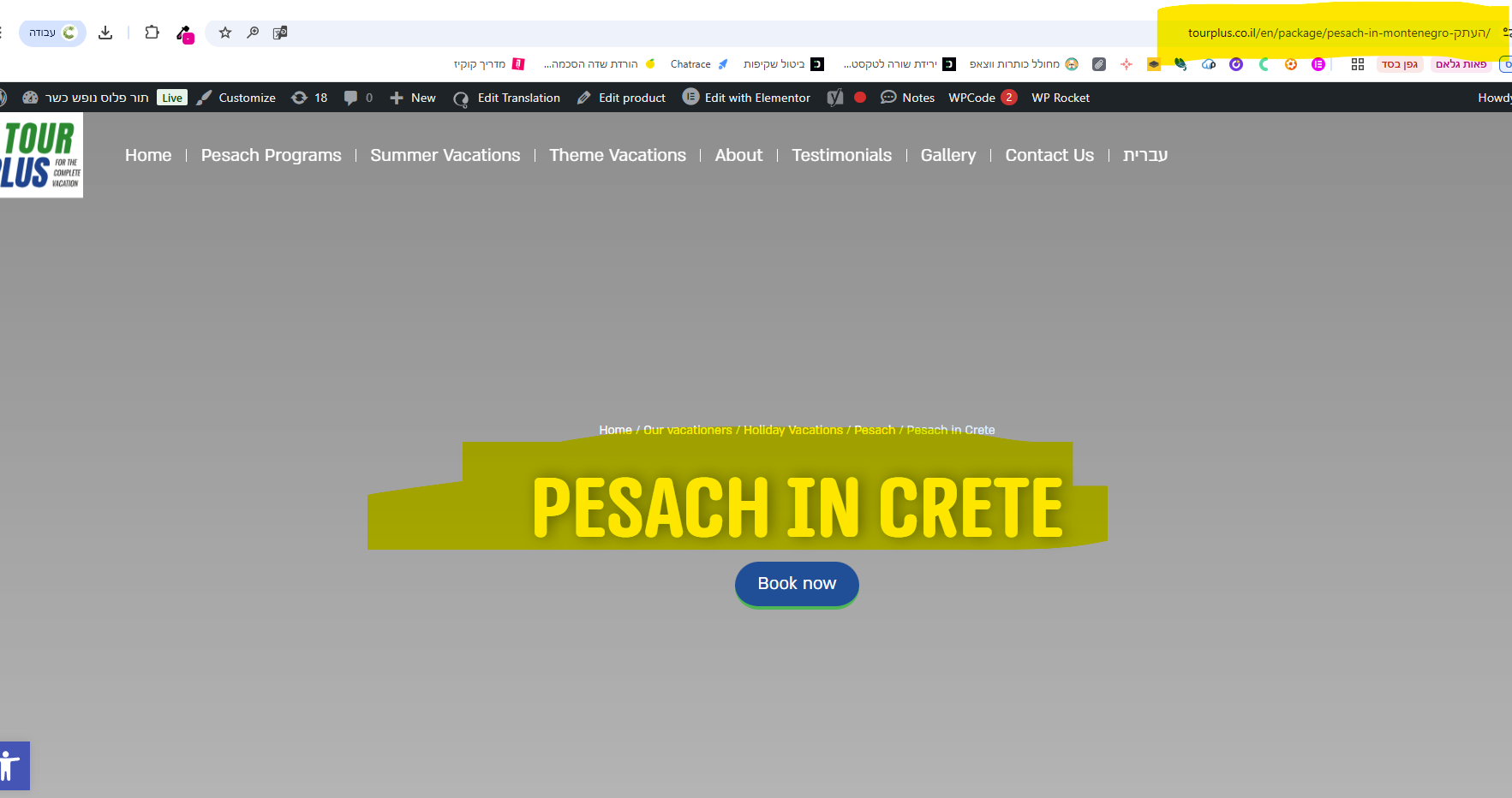
How can I change the slug in links on the site?
For that matter, if I duplicated an existing product, it takes the page ID from it and doesn't allow me to change it.
Welcome to WPML support. The best way for you is to make the slug of the products available for translation in the Advanced Translation editor. That way, you will be able to translate the slug alongside the other parts of the content.
You can change the slug of the original language after the duplication, normally like you would do on any other WordPress page or post and for the translation of that product, you can use the advanced translation editor.
Please read the documentation below for the steps on how to expose the slug for translation in WPML:
Please make sure you do the steps below if you want to change a product that was translated before the settings above are applied:
- Go to your Dashboard > Products.
- Open the edit screen of the original product. You should see a pencil/circle/gear icon in the sidebar options under the "Languages" section.
- Make a small change, for example, add an extra blank space at the end of a sentence/paragraph.
- Save it.
- You should now see that a circular arrow appears beside the 2nd languages links, this means that an update is required.
- Edit the translation again and save it up to 100% translated.
?Hi
Thanks for the answer
I followed the instructions but I can't get to change the slug..
How can I do this by quickly editing the page in WordPress like always..?
The process is the same for products. If it is not possible then I can take a look into the issue.
I'd appreciate it if you could give me the URL/User/Pass of your WordPress dashboard after you make sure that you have a backup of your website.
It is absolutely important that you give us a guarantee that you have a backup so if something happens you will have a point of restore.