


Overview of the Issue
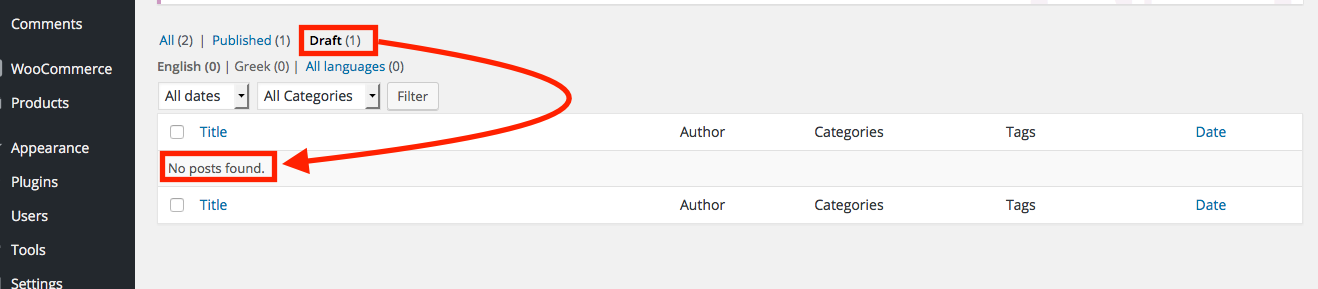
During the creation of a post, leaving the editing page without saving, causes the draft to become hidden: that is, the draft is saved, but not shown when WPML is active.
Here is an example of a WooCommerce draft product:
Workaround
This issue is fixed in WPML 4.7.2. Updating solves it on your site, so you only need this workaround if you can’t update yet.
Always saving the draft or publishing, will not cause the issue. In case you already have a hidden draft, follow these steps:
- Go to WPMLSupport.
- Open Fix language data (on WPML 5.0 and later this tool comes with the WPML Troubleshooting plugin, installed from WPMLActivate & Update).
- Click the Set language information button.
- The hidden draft should now be available.
