- Status
- Resolved by author
- Type
- Bug
- Related plugin/theme
- Impreza
- Topic tags
- Compatibility
Overview of the issue
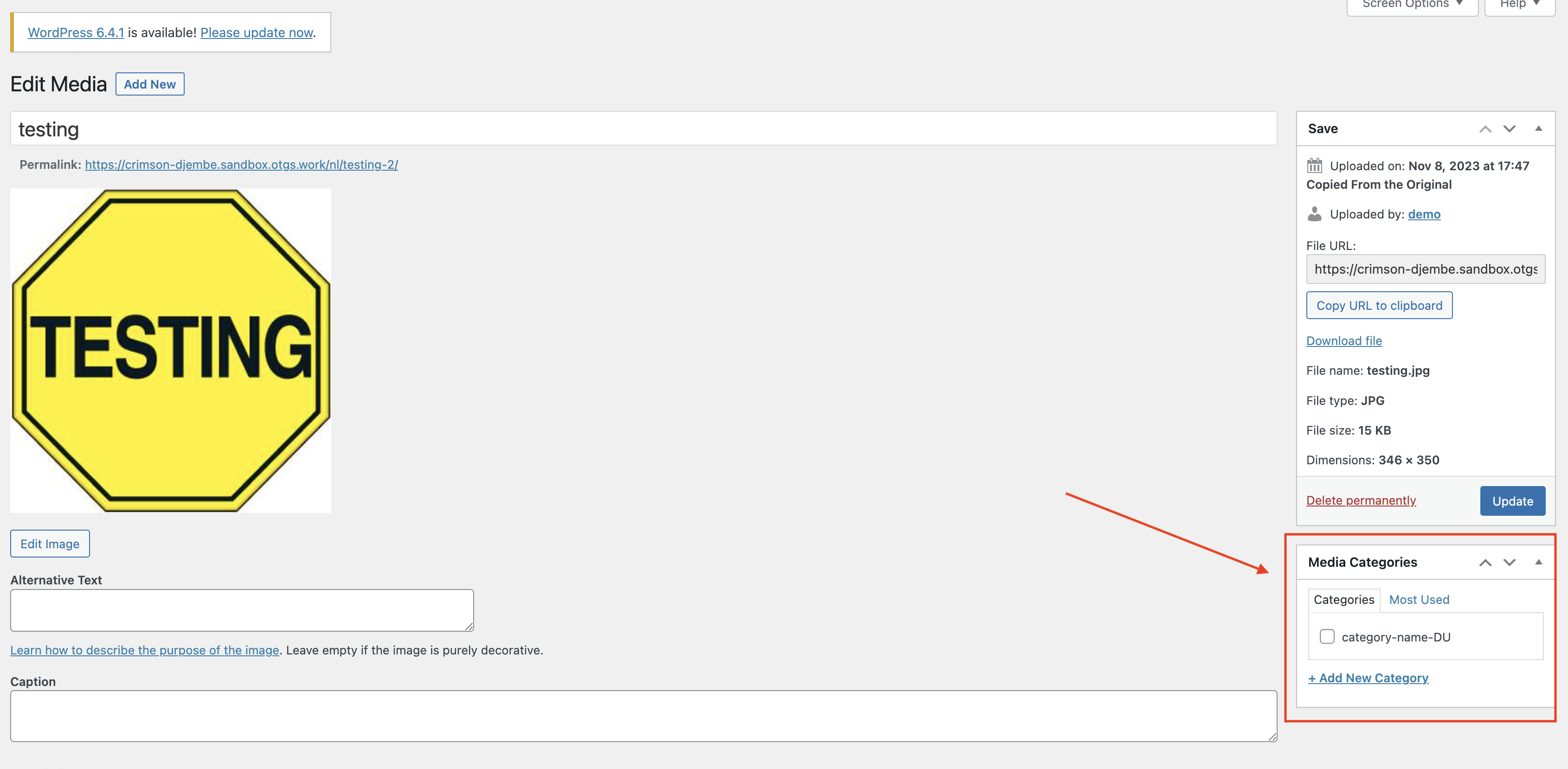
If you are using the Impreza theme with WPML, you might encounter an issue with media categories not functioning correctly in the secondary language. Specifically, when you create and translate a media category, assign an image to this category in the default language, and then switch to the translated media library, the media category won’t be assign to the translation.
Workaround
Option 1
- Go to WPML > Support.
- Open Fix language data (on WPML 5.0 and later this tool comes with the WPML Troubleshooting plugin, installed from WPML → Activate & Update).
- Select Media and click on the Synchronize posts taxonomies option.
Option 2
- Go to WPML > Settings > Taxonomies Translation page.
- Translate us_media_category slug for something different.
- Manually update the translated images and assign the media categories.
Option 3
- Go to Media > Library.
- Click on the top bar and switch languages.
- Select any image.
- Assign the category from the attachment clicking on the Edit more details link.