Today we are happy to announce a few WPML compatible WooCommerce extensions.
The WooCommerce extensions are: WooCommerce Pay for Payment (opens in a new tab), WooCommerce Catalog Mode (opens in a new tab), WooCommerce PDF Catalog (opens in a new tab), WooCommerce Print Products (opens in a new tab), WooCommerce Ultimate Tabs (opens in a new tab), Automate Woo (opens in a new tab), Easy Checkout Field Editor (opens in a new tab).
If you want to review the entire multilingual ready list of themes and plugins you are welcome to view it here:
Also, if you’re a theme or a plugin author and you want to make it compatible with WPML, we welcome you and are ready to help: You are welcome to contact us at go global program page.
In order to expedite the process, we strongly recommend that you test your theme or plugin with our Achieving WPML compatibility for your themes and plugins. It easily tests compatibility with WPML and helps you quickly make your theme or plugin Multilingual Ready.
WooCommerce Pay for Payment
Add individual charges for each payment method as a flat rate and/or as a percentage of the cart total.
WooCommerce Catalog Mode
This Plugin remove prices, removes the add to cart button or replaces it with an enquiry form.
WooCommerce PDF Catalog
Create a PDF Catalog from your whole Shop or just from a product category.
WooCommerce Print Products
Give your customers the opportunity to export your products as PDF or Word
WooCommerce Ultimate Tabs
Reorder, rename or disable Tabs and create custom WooCommerce tabs
Automate Woo
Convert and retain customers with automated marketing
Easy Checkout Field Editor
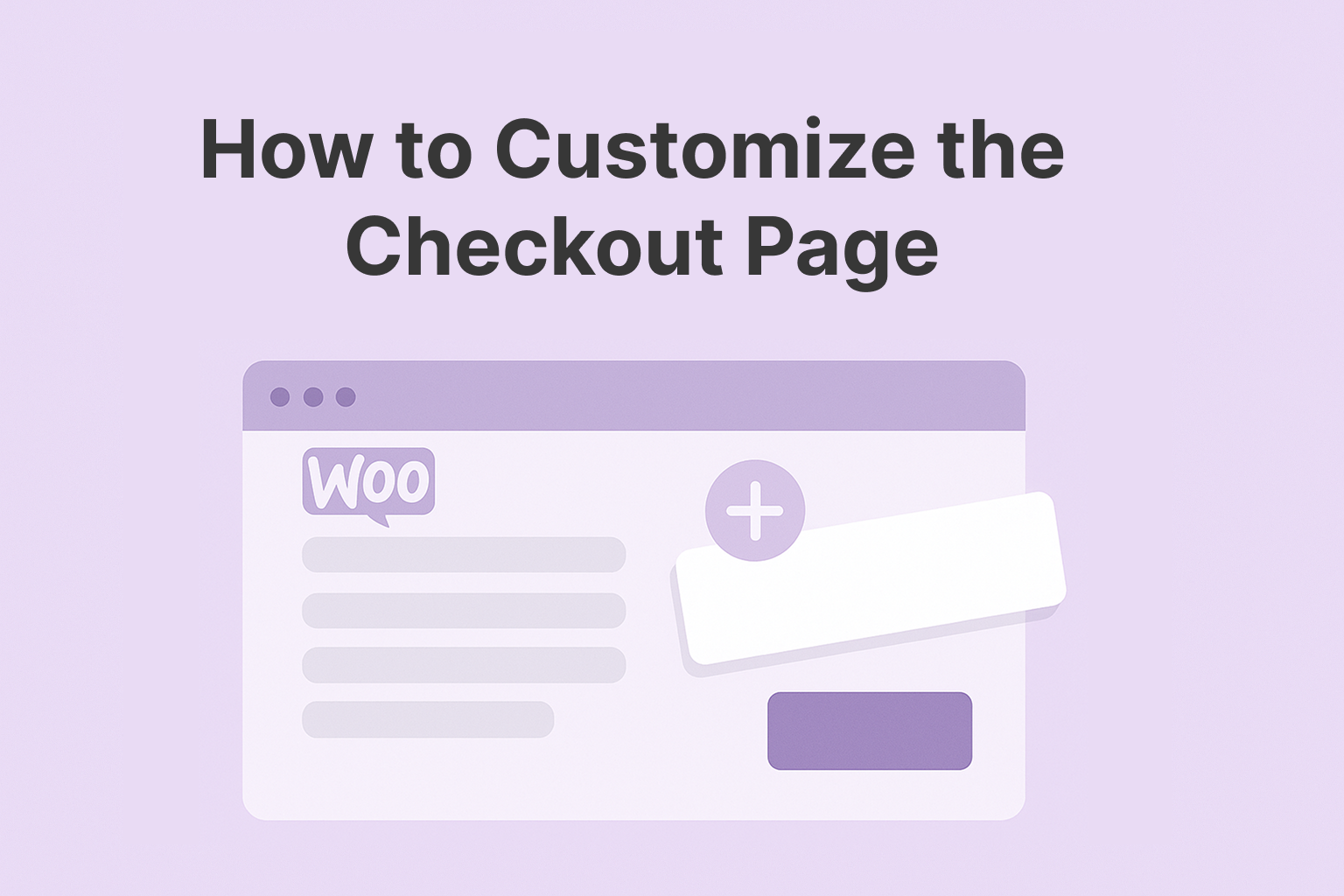
Woocommerce Easy Checkout Field Editor Plugin Lets you Add /Edit / Delete fields in checkout form . You can reorder them using our Drag and Drop Admin UI .