
Il s'agit du forum d'assistance technique de WPML, le plug-in multilingue pour WordPress.
Il est accessible à tous, toutefois seuls les clients de WPML peuvent y publier leurs messages. L'équipe du WPML répond sur le forum 6 jours par semaine, 22 heures par jour.
Marqué : Compatibility
Ce sujet contient 5 réponses, a 2 voix.
Dernière mise à jour par Nicolas V. Il y a 1 année et 10 mois.
Assisté par: Nicolas V..
| Auteur | Messages |
|---|---|
| février 5, 2024 à 9:16 pm #15268400 | |
 ahmedB-28 |
Dear WPM Support Team, I hope this message finds you well. I am reaching out to report a critical issue that has arisen on our website following the activation of WPML plugin, which is affecting the functionality of the Tutor LMS courses page across all language versions. Issue Description: Troubleshooting Attempted: Request for Assistance: Additional Information: Debugging Steps for WPML Integration Issue on Tutor LMS Courses Page Initial Observation: Expected Outcome: Actual Outcome: Issue Details Before and After WPML Activation: After WPML Activation: The described issue emerged, indicating a potential conflict or misconfiguration between WPML and Tutor LMS. Interaction with Filtering Elements: Secondary Bug - Language Redirection Issue: Request for WPML Support: Your prompt attention to this matter would be immensely appreciated, as it is crucial for our ongoing development of our educational offerings. Please let me know if further information or access is required to diagnose and address this issue. Thank you for your time and assistance. Best regards, Ahmed BEN SALEM |
| février 6, 2024 à 1:19 pm #15271960 | |
 Nicolas V. Supporter Les langues: Anglais (English ) Français (Français ) Fuseau horaire: America/Lima (GMT-05:00) |
Bonjour, Merci d'avoir contacté le support de WPML. Pour une assistance plus rapide, j'ai activé un message privé où vous pouvez fournir vos informations de débogage. Cela me permettra de mieux comprendre la configuration de votre site. Veuillez suivre ces instructions: --- En attendant ce fichier je peux déjà vous offrir une réponse. Comme vous le verrez sur notre listing: https://wpml.org/plugin/tutor-lms-pro/ Si vous avez tous ces plugins installés, vous pouvez suivre leur documentation: lien caché PS: Comme "WPML Addon" est leur plugin, si vous avez des question relatives à son fonctionnement n'hésitez pas à contacter leur support. |
| février 7, 2024 à 9:38 am #15275565 | |
|
ahmedB-28 |
bonjour voici mes infos de déboggage |
| février 7, 2024 à 1:26 pm #15276757 | |
|
Nicolas V. Supporter Les langues: Anglais (English ) Français (Français ) Fuseau horaire: America/Lima (GMT-05:00) |
Bonjour Ahmed, Veuillez installer le plugin WPML addon de TutorLMS. Ensuite suivez cette documentation: lien caché |
| février 7, 2024 à 1:43 pm #15276873 | |
|
ahmedB-28 |
bonjour l'addon en question est installé et activé 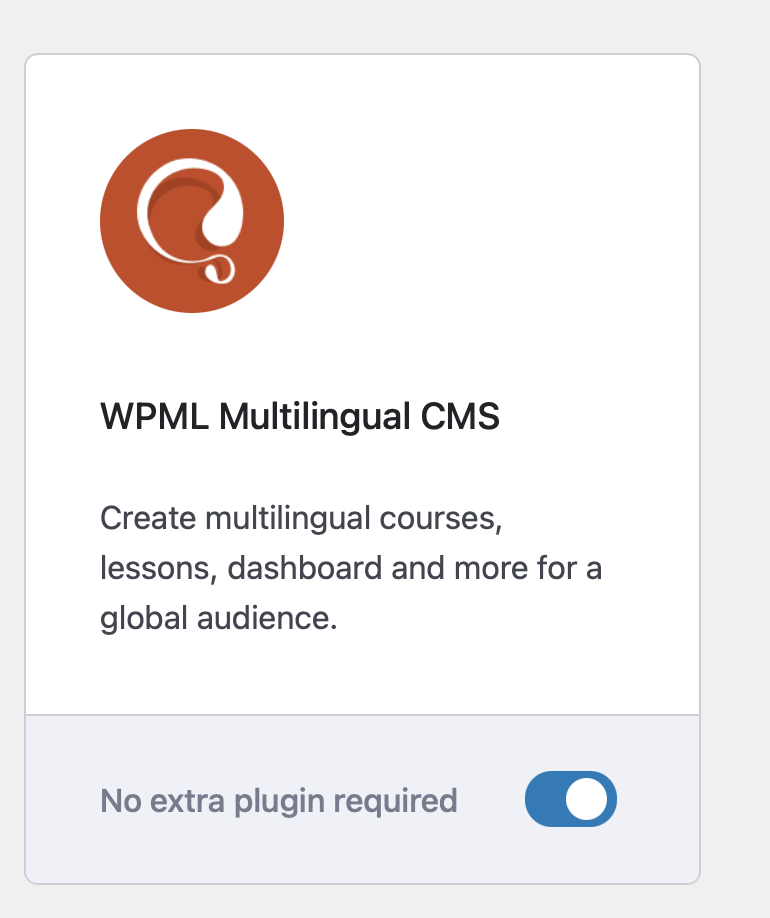 |
| février 7, 2024 à 5:30 pm #15278190 | |
|
Nicolas V. Supporter Les langues: Anglais (English ) Français (Français ) Fuseau horaire: America/Lima (GMT-05:00) |
Bonjour, Oui un accès admin (si possible à une copie staging du site) sera plus pratique qu'un appel. 1. J'ai activé un champ privé pour votre prochaine réponse où vous pourrez partager ces informations de manière confidentielle avec notre support. Ne partagez pas votre propre compte admin, créez un nouveau compte que vous pourrez éliminer une fois l'assistance terminée. IMPORTANT: Avant de continuer, faites un backup complet de votre site et base de données. 2. Je vais annuler l'appel "Coaching session" prévu dans un moment car il s'agit d'un problème technique à résoudre sur le support. |
| février 11, 2024 à 11:56 am #15289435 | |
|
ahmedB-28 |
on a trouvé un contournement, passer par le shortcode. je pense que c'est un problème avec TutoLMS qu'ils vont corriger. je propose de clôturer le ticket ici car ne concerne pas votre plugin mais le leur |


