Ce sujet est résolu. Voici une description du problème et de la solution.
Problème : Vous rencontrez un problème avec la page panier dans la version italienne de votre site, où il est impossible de valider le panier. Ce problème ne se présente pas dans les versions espagnole et anglaise de votre site. Solution : Si vous rencontrez ce problème, nous vous recommandons de suivre ces étapes pour résoudre le problème de la page panier en italien : 1. Supprimez la page panier en italien. 2. Allez dans WooCommerce > WCML > Onglet Statut. 3. Cliquez sur 'Créer une page de traduction manquante' dans la section Pages de la boutique WooCommerce. Après avoir suivi ces étapes, la page panier en italien devrait fonctionner correctement. Veuillez vérifier votre site pour confirmer la résolution.
Il est possible que cette solution ne soit plus pertinente en raison de mises à jour ultérieures ou qu'elle ne s'applique pas à votre cas spécifique. Nous vous recommandons vivement de consulter les problèmes connus, de vérifier la version de la correction permanente et de confirmer que vous avez installé les dernières versions des thèmes et plugins. Si le problème persiste, n'hésitez pas à ouvrir un nouveau ticket de support sur notre forum de support.
Il s'agit du forum d'assistance technique de WPML, le plug-in multilingue pour WordPress.
Il est accessible à tous, toutefois seuls les clients de WPML peuvent y publier leurs messages. L'équipe du WPML répond sur le forum 6 jours par semaine, 22 heures par jour.
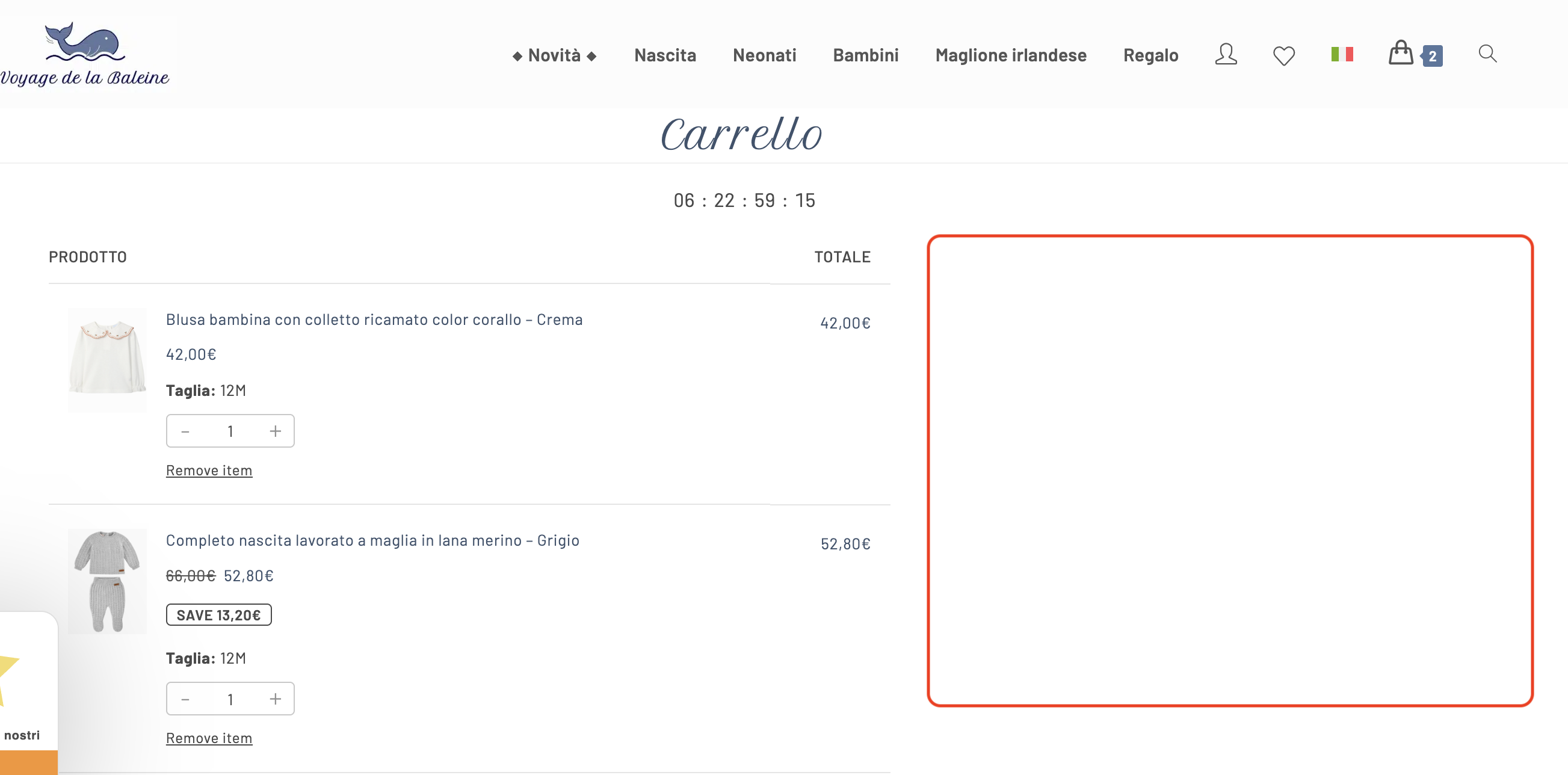
J'ai un problème avec la page panier dans la version italienne de mon site : il est impossible de payer le panier car on ne peux pas le valider !
Je n'ai pas le problème dans les versions espagnole et anglaise de mon site.
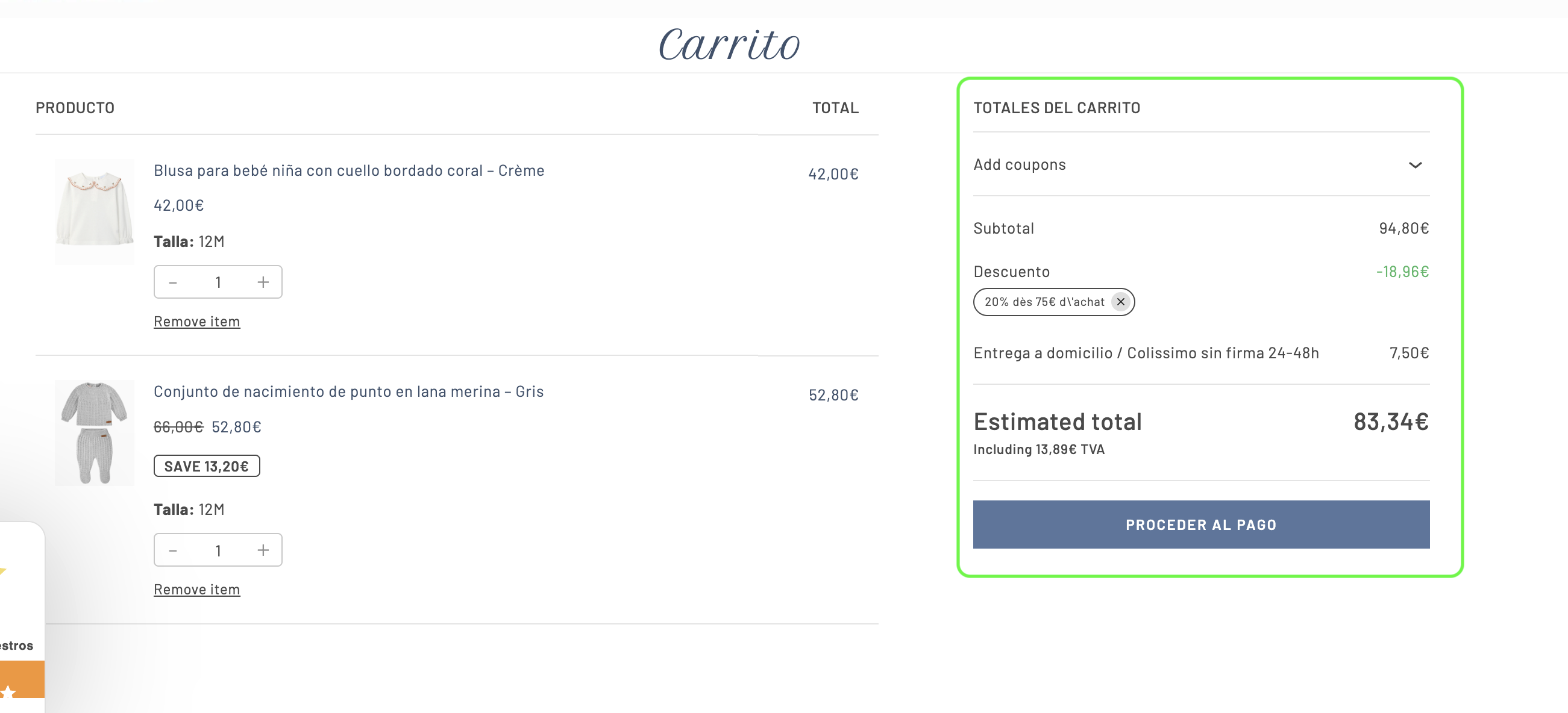
Je vous envoie une capture écran de la page panier version italienne et de la page panier version espagnole pour que vous puissiez voir le problème : c'est la partie sur la droite qui manque dans la version italienne.
Merci d'avance pour votre aide.
Cordialement,
Flore
Les langues: Anglais (English )Vietnamien (Vietnamese )
Fuseau horaire: Asia/Ho_Chi_Minh (GMT+07:00)
Hi Flore,
I’m Long from the WPML Development team, I’m happy to help you with this issue.
I can see the issue with translation Cart in Italian language but it still works well in other languages. I would like to request temporary access (wp-admin and FTP) to your site so I can take a better look at the issue. It would be better to have a testing site where the issue is replicated. Your next reply is set to private to share the info.
Les langues: Anglais (English )Vietnamien (Vietnamese )
Fuseau horaire: Asia/Ho_Chi_Minh (GMT+07:00)
Hi,
I check the error log and Console tab of the browser when visiting the Cart page in Italian but don't see any related error message.
There could be a connection issue between the original Cart page and its translation in Italian, then I fix the issue by re-creating the translation Cart page:
- delete the Cart page in Italian
- go to WooCommerce > WCML > Status tab
- click on Create missing translation page in the section WooCommerce Store Pages
Now you can see the Cart page in Italian works properly, please check the attached screenshot.
It is working for the italian cart now, thanks, but not for the spanish one and I tried to do what you said below (for the Spanish cart) but it is not working
- delete the Cart page in Spanish
- go to WooCommerce > WCML > Status tab
- click on Create missing translation page in the section WooCommerce Store Pages
The issue is solved thanks but how did you do it please?
Besides I have 2 other questions/issues for you :
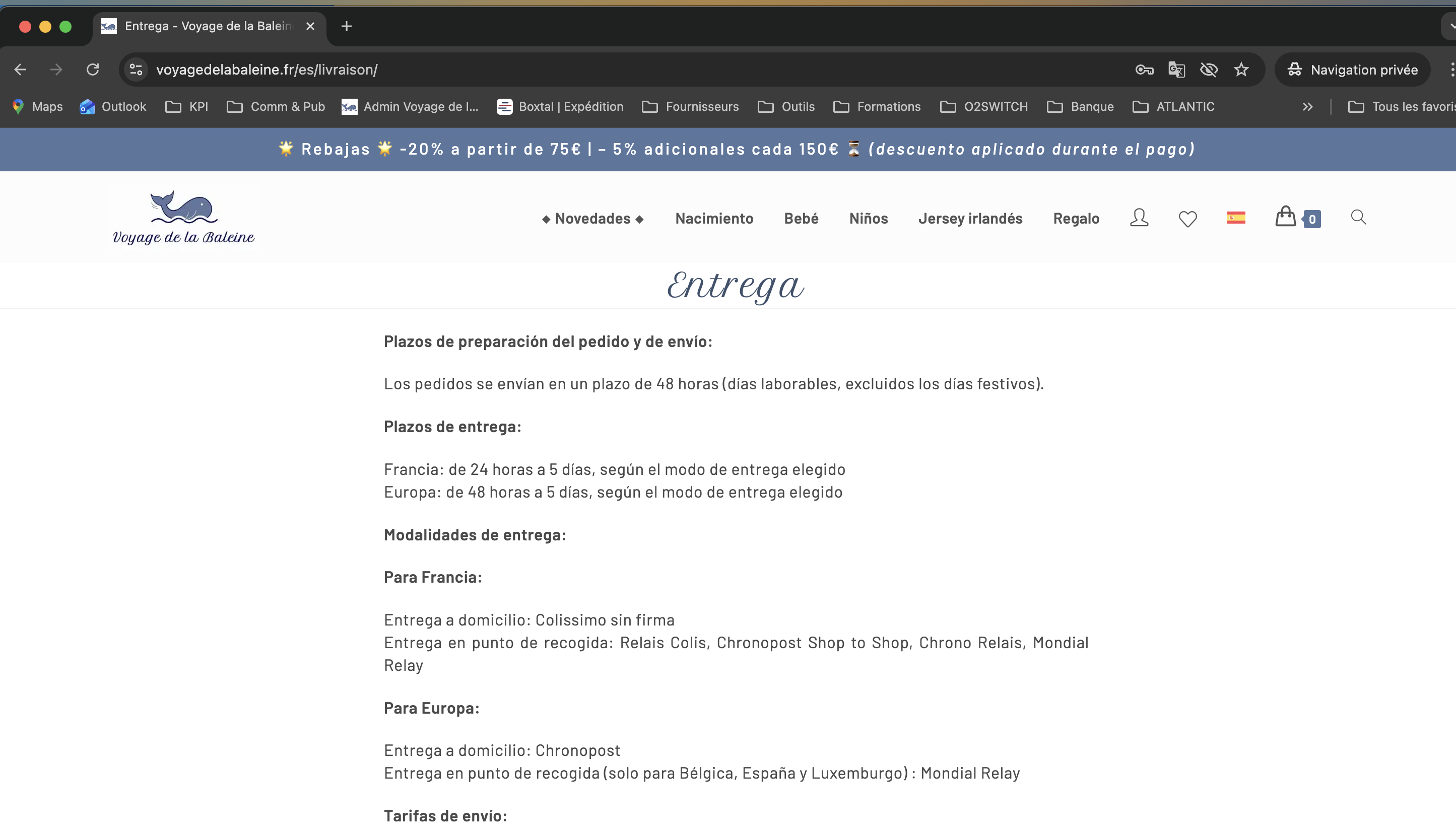
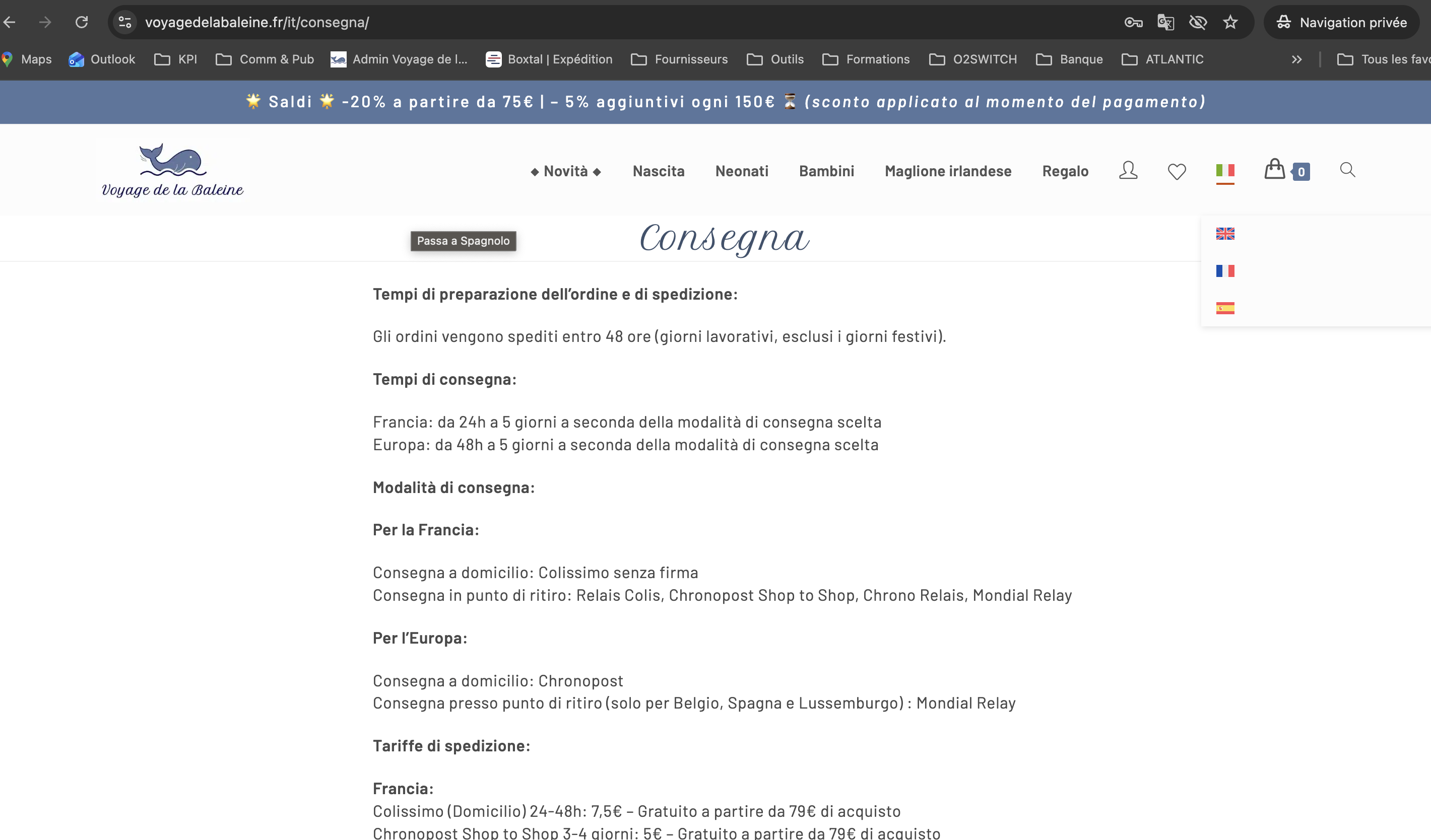
1) I noticed that the URLs of the pages are not translated in Spanish while they are translated in Italian. Please see the print screen attached.
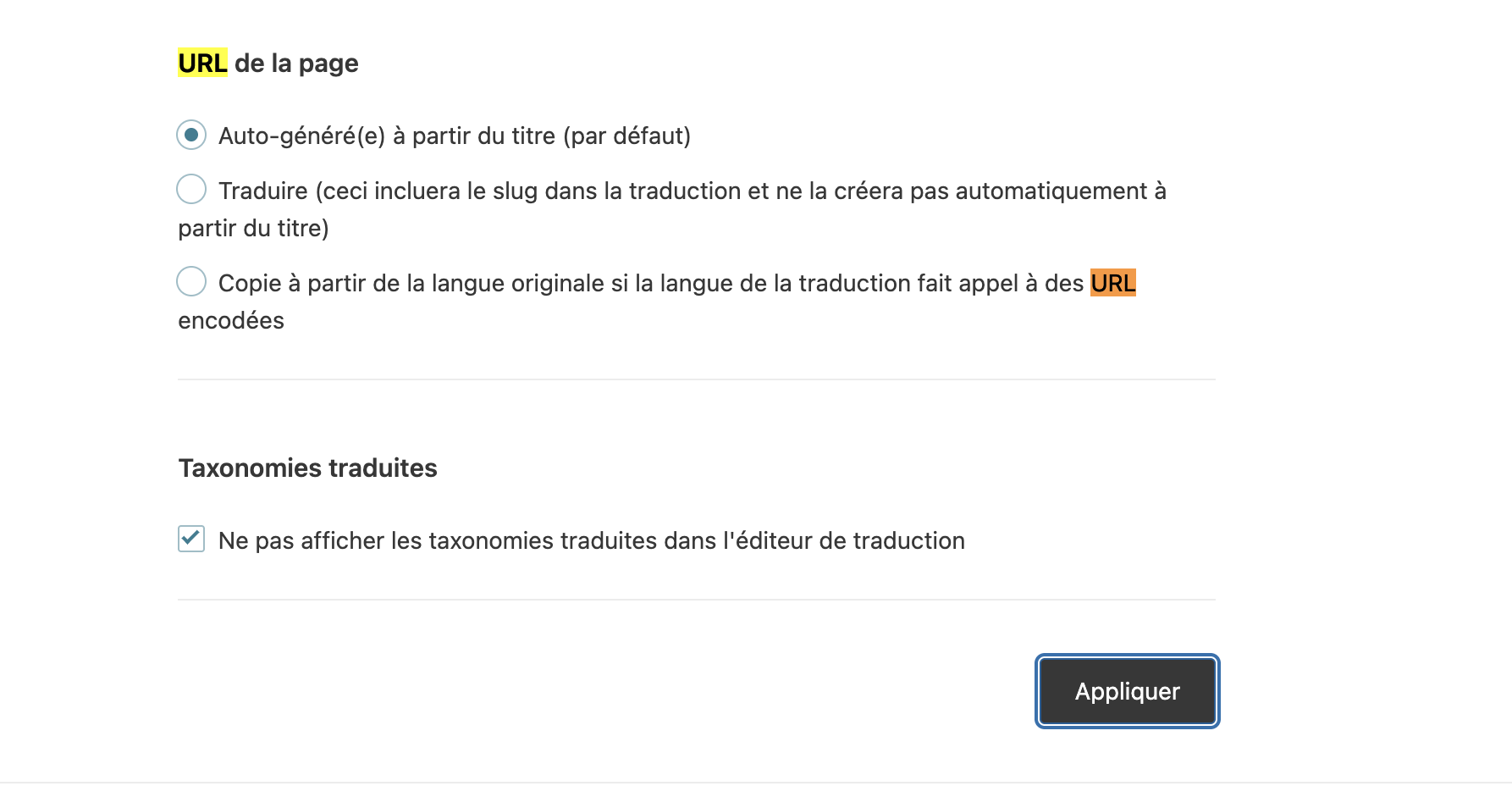
I have enabled the option "automatically translate URL with the page title" in WPML settings so I don't understand why it is not translated.
How can I make the URLs translated in the Spanish version of my website please?
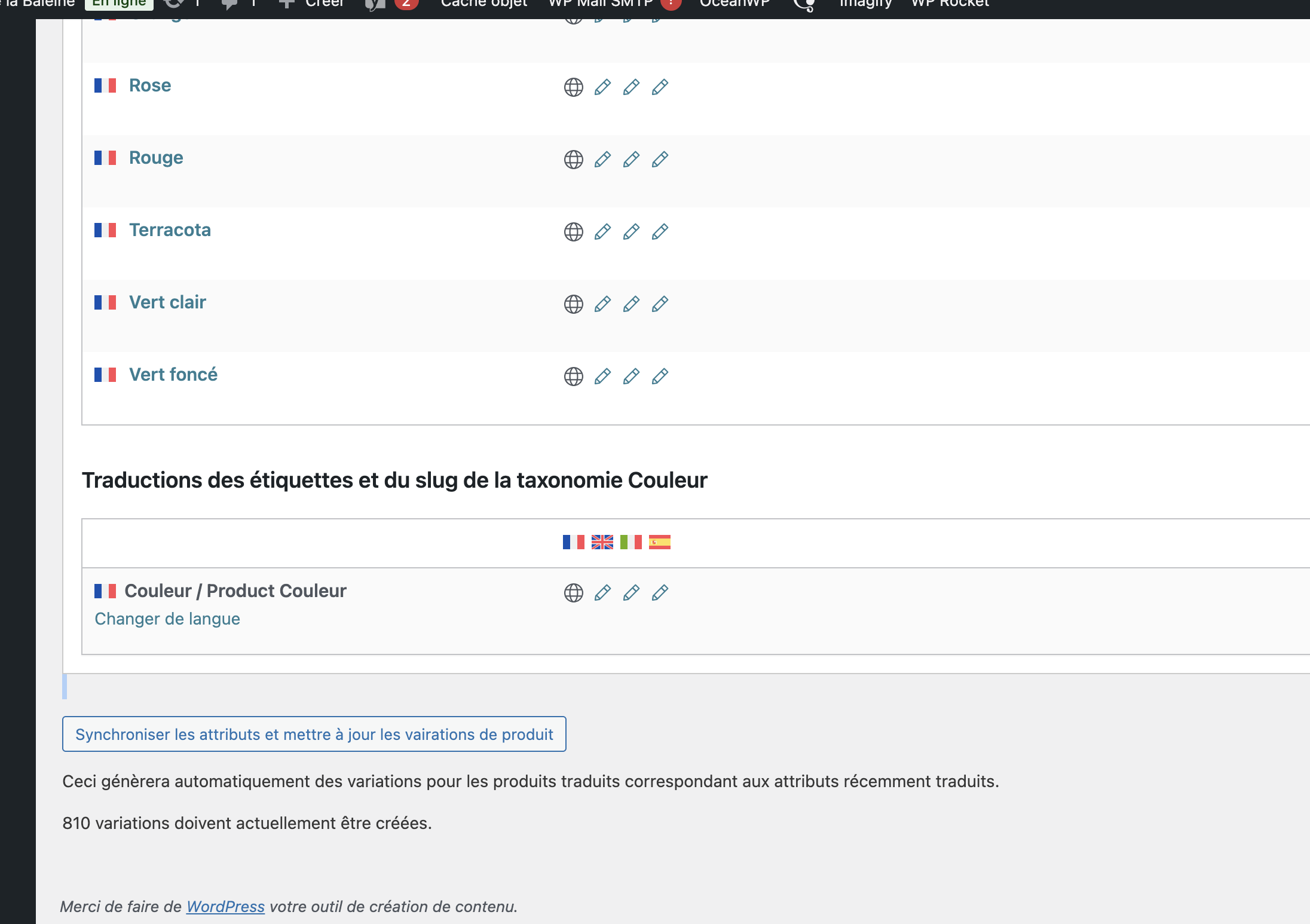
2) In WPML / Taxonomy translation : for each taxonomy, Do I need to click on "synchronize attributes and update product variations" ? see the print screen attached.
2. I noticed that the URLs of the pages are not translated in Spanish while they are translated in Italian.
Please notice that the option "Auto-generate from title (default)" will work at once, after creating the translation page. It doesn't re-update the page slug after you update the page title.
It is possible that the translation page in the Spanish language has the same title "Livraison" for the first time, then the title is updated to "Entrega". You can try to create a new page and recheck this feature.
If you want to update the page slug, you can:
- edit the page in admin area > Switch to Spanish language and update it manually.
- or use the option "Translate (this will include the slug in the translation and not create it automatically from the title)", then the page slug is available in the translation editor for translation every time.
3. Do I need to click on "synchronize attributes and update product variations"?
This is used for troubleshooting. For example, if you import product/content to your site and somehow the translation variations are missing in the translation product, you can use this feature for all product taxonomies. Please create a backup of your site before proceeding.
Ok thanks a lot !
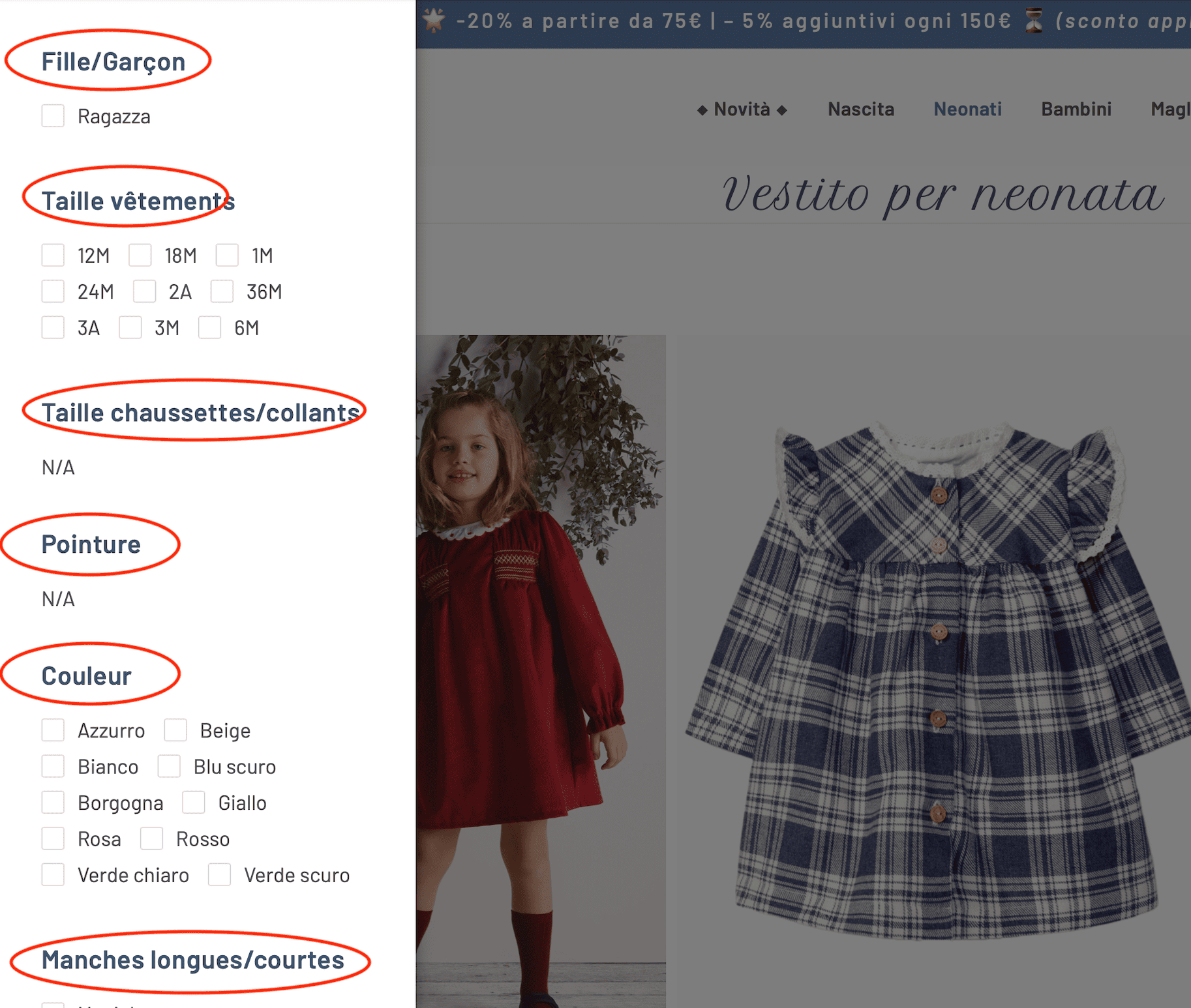
I have another issue : I am using the plugin "WCAPF - WooCommerce Ajax Product Filter" to filter the products on the archive pages but I do not find how to translate the titles of the filters (see print screen attached).
I checked the string translation but could not find the related strings.
Thanks for your help.
Kind regards,
Flore
Les nouveaux fils créés par Long Nguyen et associés à celui-ci sont repris ci-dessous :
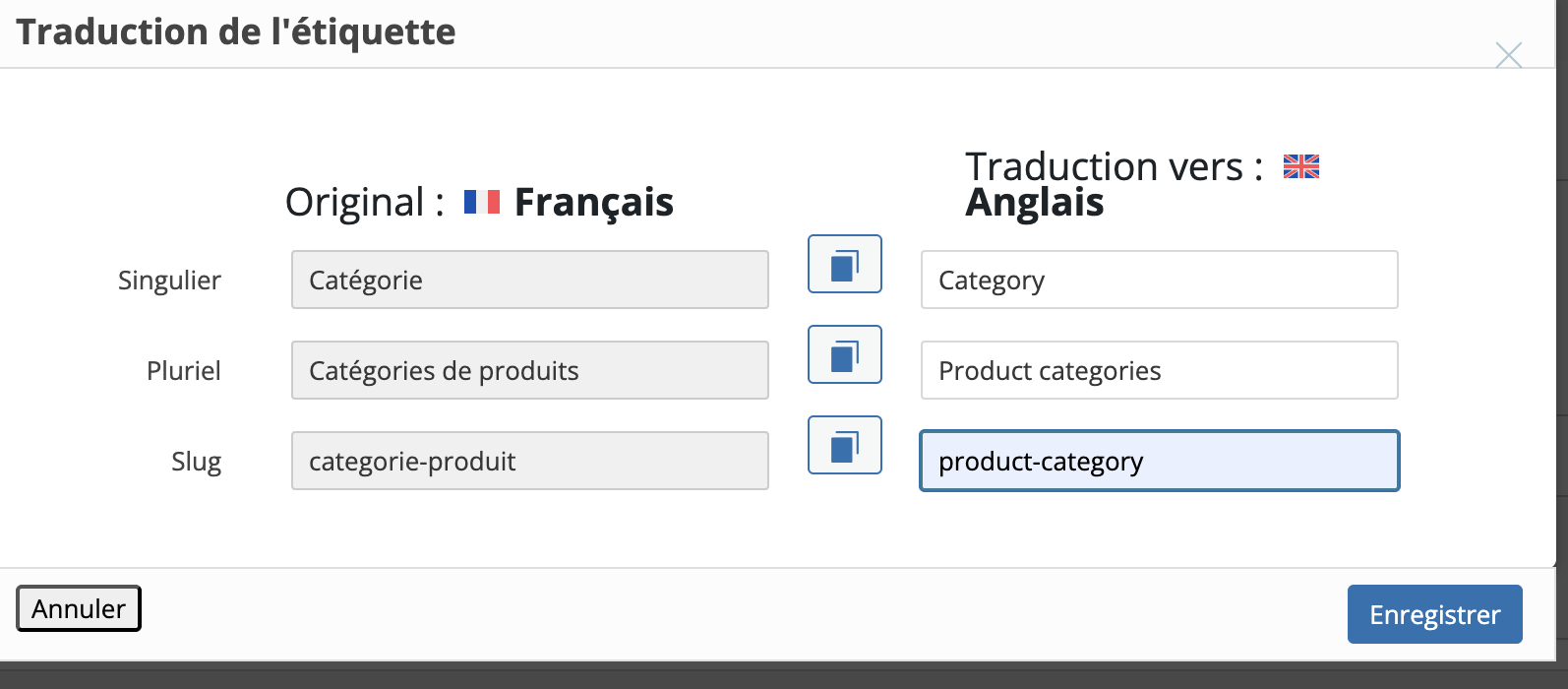
I also noticed that the slug taxonomy of my products categories are not translated because I have not entered a translation.
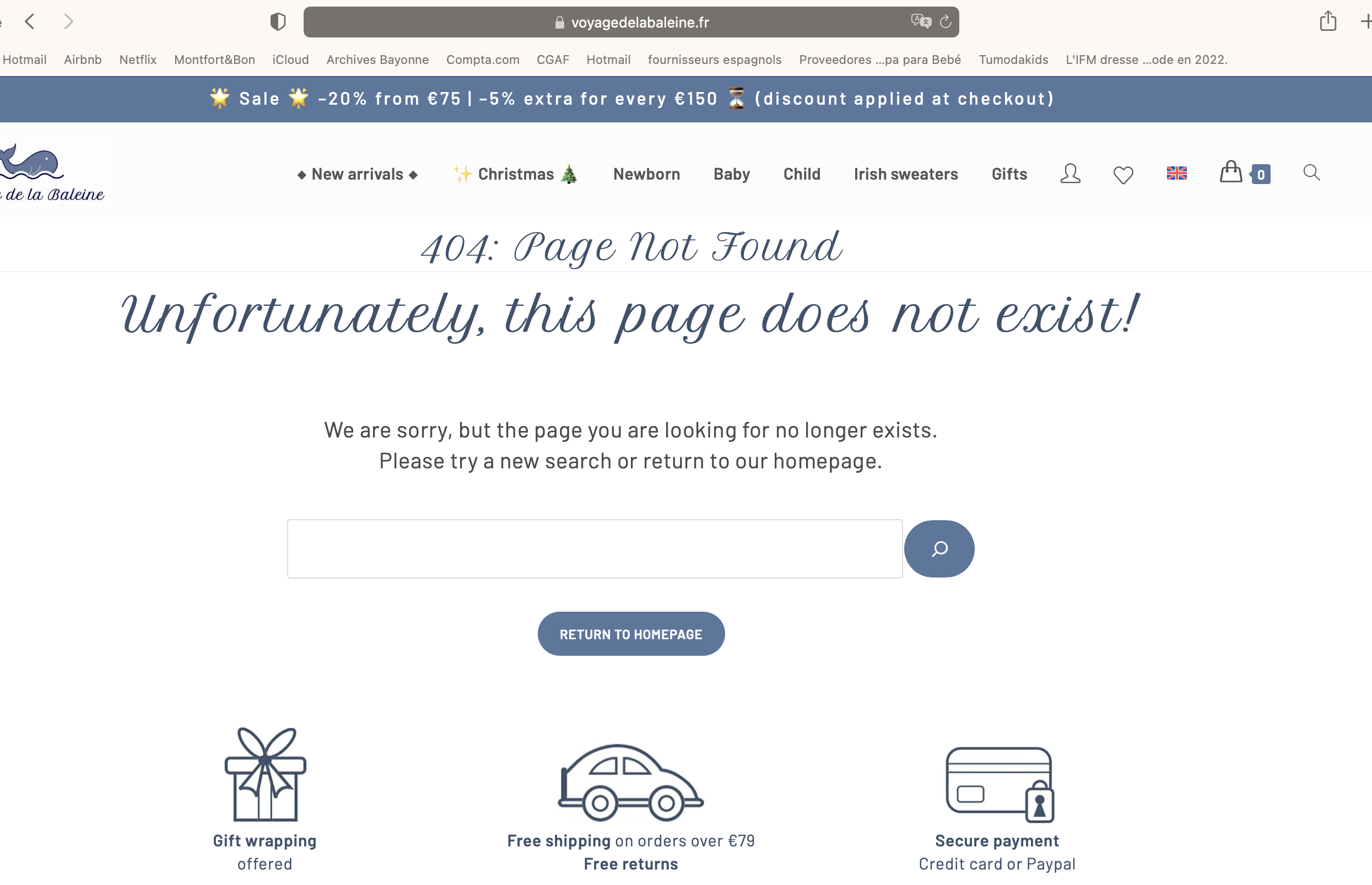
Thus, I have tried to enter one in English for example : "product-category" but when I do that, all the links in the menu are broken an I get a 404 error message.
See attached.
How can I change the slugs and make the links work again in the menu?
I get the same issue by the way when I translate the URL of my pages in Spanish and then, the links to the pages in the footer are broken.
Thanks!
Kind regards,
Flore
Les nouveaux fils créés par Long Nguyen et associés à celui-ci sont repris ci-dessous :
If you see the main issue in this ticket with the translation Cart page is resolved, please mark this ticket as Resolved. Feel free to create new tickets if you have more questions.