Questo è il forum di assistenza tecnica di WPML, il plug-in multilingue di WordPress.
La sua lettura è permessa a tutti, ma la pubblicazione è riservata esclusivamente ai clienti di WPML. Il team di WPML risponde sul forum 6 giorni su 7, 22 ore su 24.
Sun
Mon
Tue
Wed
Thu
Fri
Sat
12:00 – 20:00
12:00 – 20:00
12:00 – 20:00
12:00 – 20:00
12:00 – 20:00
-
-
-
-
-
-
-
-
-
Fuso orario del supporto: Asia/Karachi (GMT+05:00)
Contesto del problema:
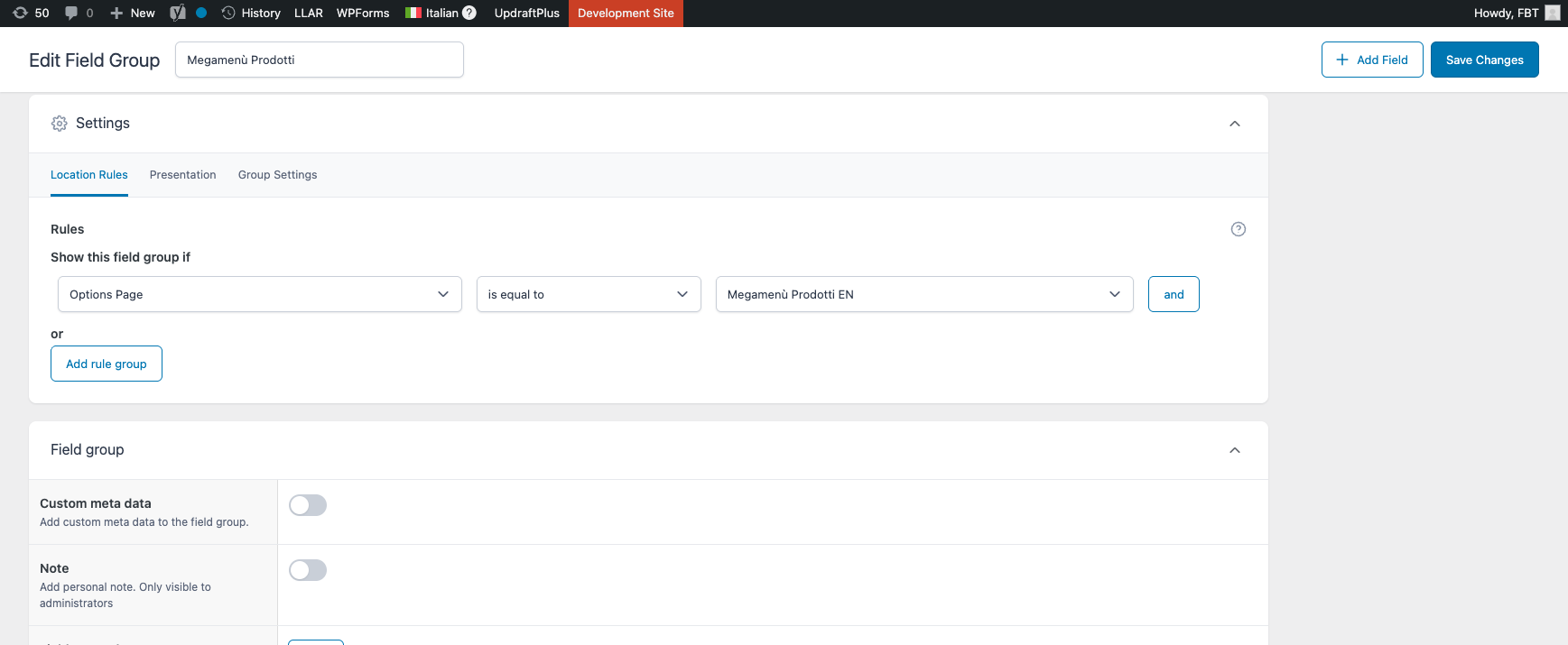
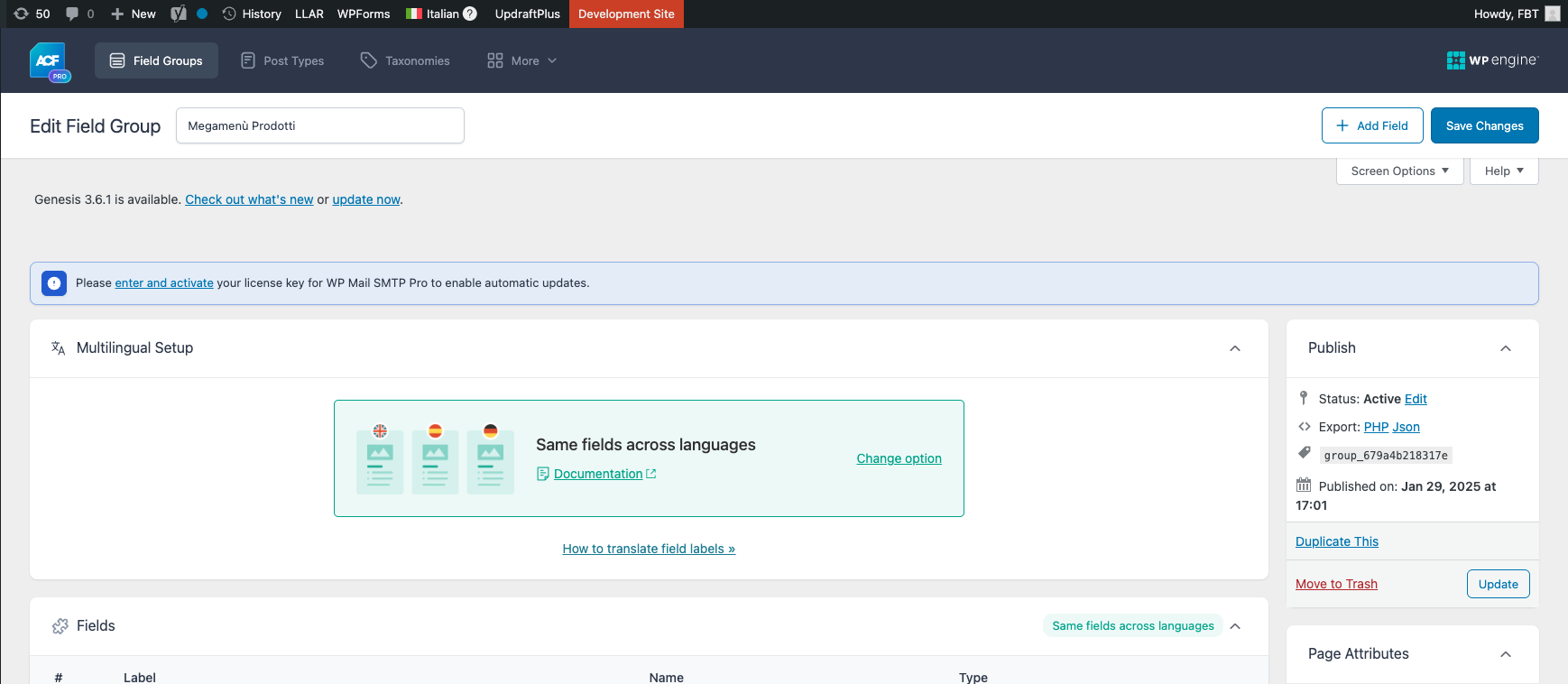
I am developing a site and have created an ACF Options Page using the ACF UI interface. The options page appears correctly in the WordPress admin menu under 'Appearance → Megamenù Prodotti EN'. I have configured WPML settings to make 'Options Pages (acf-ui-options-page)' translatable and set the ACF Field Group 'Megamenù Prodotti' to have the same fields across languages with location rules set to 'Options Page is equal to Megamenù Prodotti EN'.
Sintomi:
The WPML language switcher does not appear on the ACF Options Page, preventing me from editing the Italian version of the content. When I switch the admin language to Italian, I can only edit the English content.
Domande:
Why is the WPML language switcher not appearing on the ACF Options Page?
How can I edit the Italian version of the content on the ACF Options Page?
Thank you for contacting WPML Support. Could you please try to follow the below steps and see if this resolves the issue:
1. Take a backup of your site first for safety reasons.
2. Go to the ACF >> Options pages.
3. Switch to a secondary language using the admin language switcher.
4. Delete the options page, also remove it from trash.
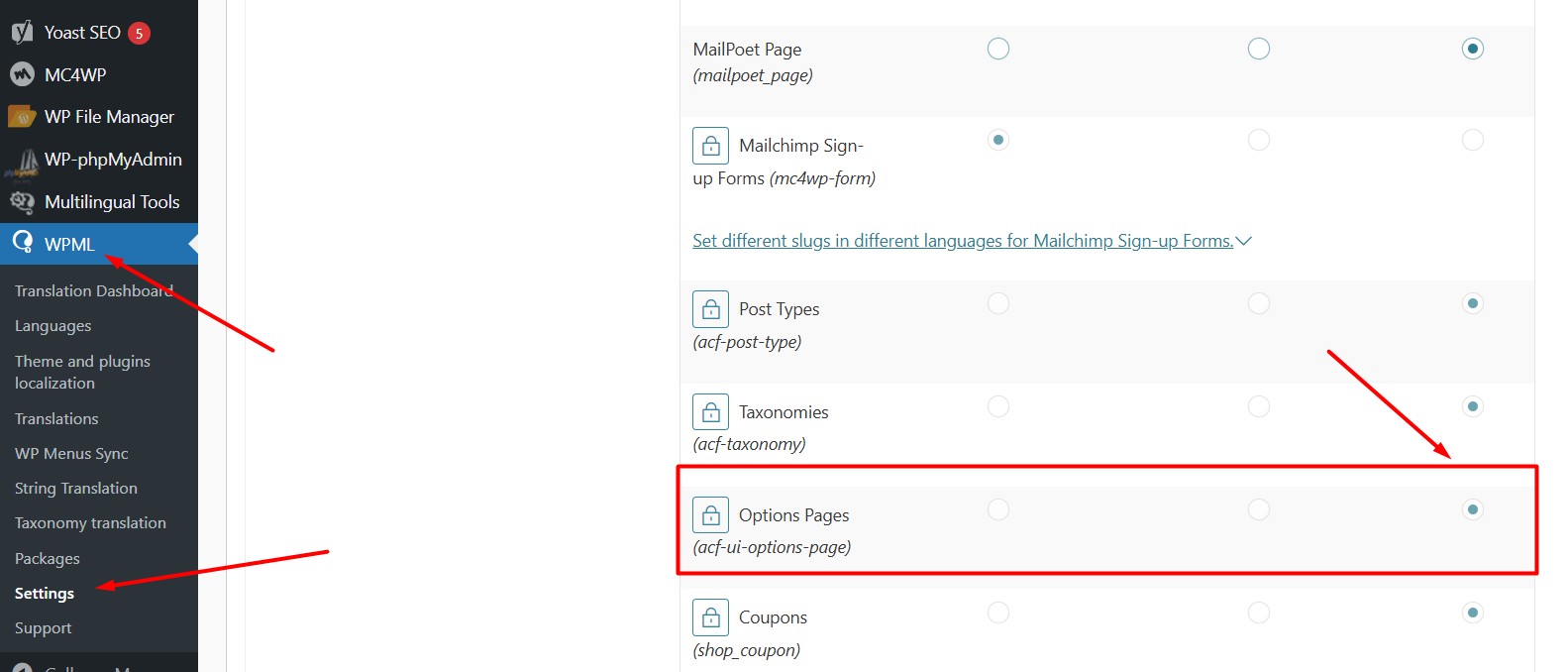
5. Set the “Options Pages (acf-ui-options-page)” to Not Translatable from WPML >> Settings > Post Types Translation as you can see in the attached screenshot.
6. Press the Save button.
7. Now, please open the ACF options page, save it in the default language, then switch to the secondary language and update the fields there as well. Let me know if this fixes the issue.
I need clarification on the last point. I go to the ACF Options Pages, select "Megamenù Prodotti" in the default language, and save. But it makes no sense to switch to the second language because it opens a new Options Page, not a translation of the existing one. And then, if I go to the Megamenù Prodotti on the left menu and I switch to Italian, the "Language: English" on the right remains.
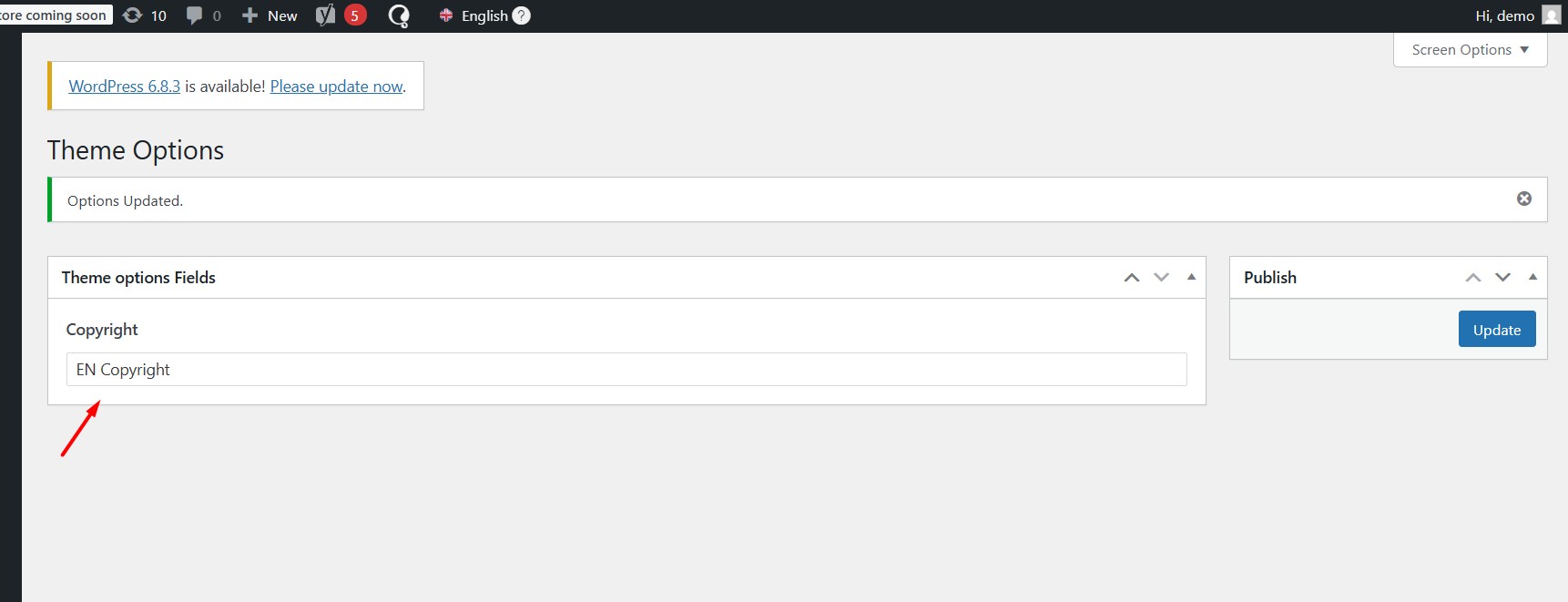
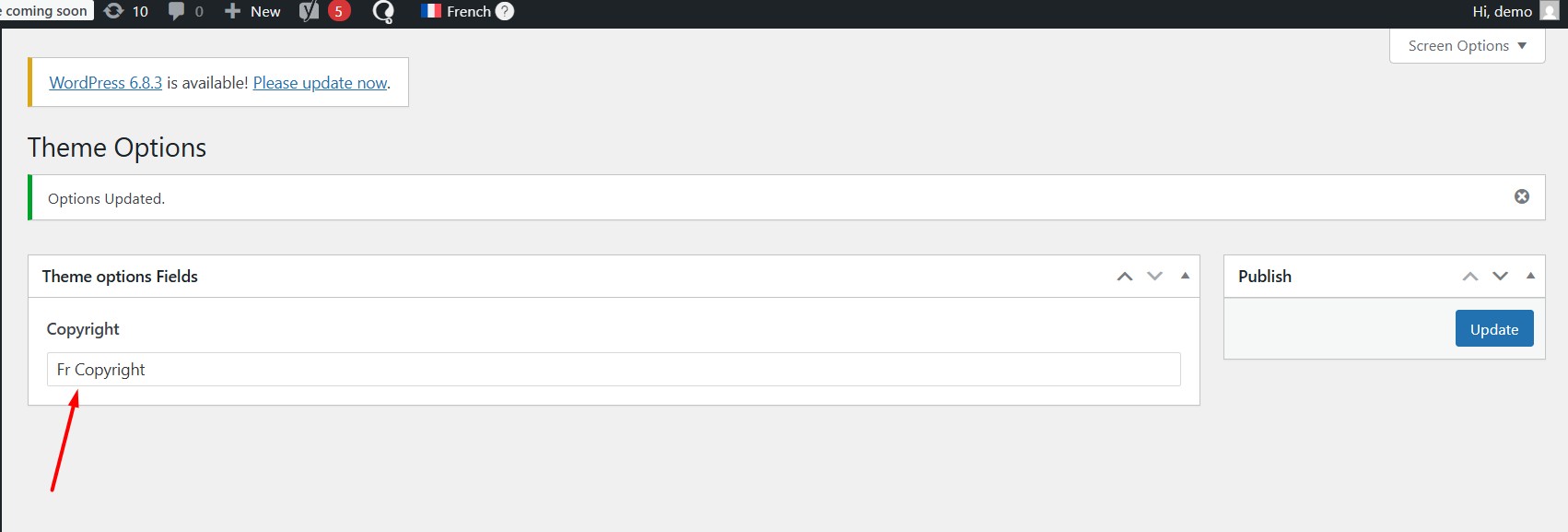
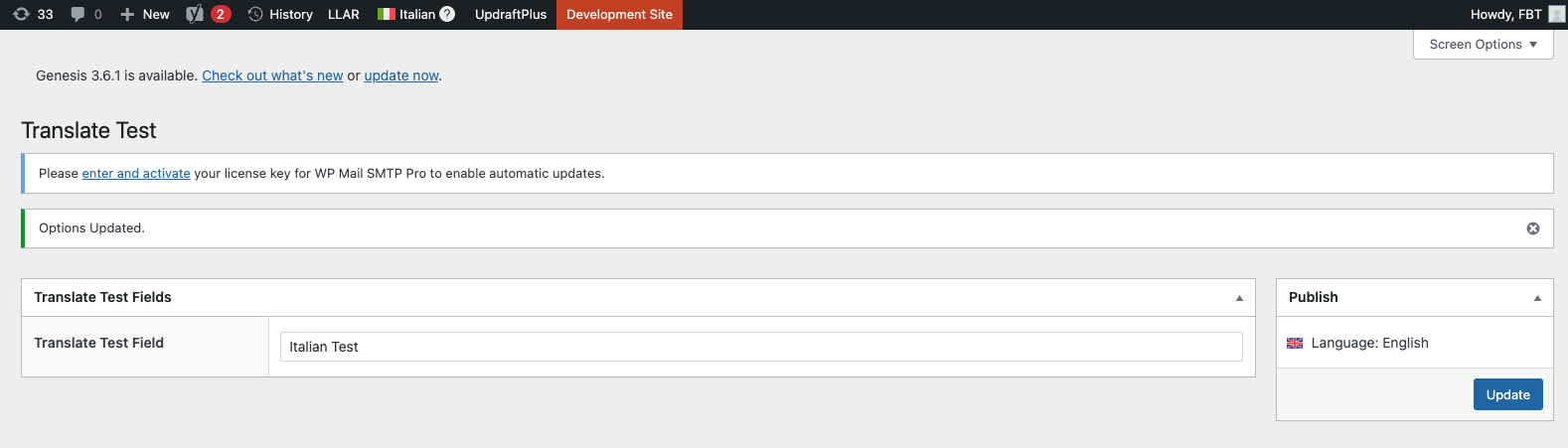
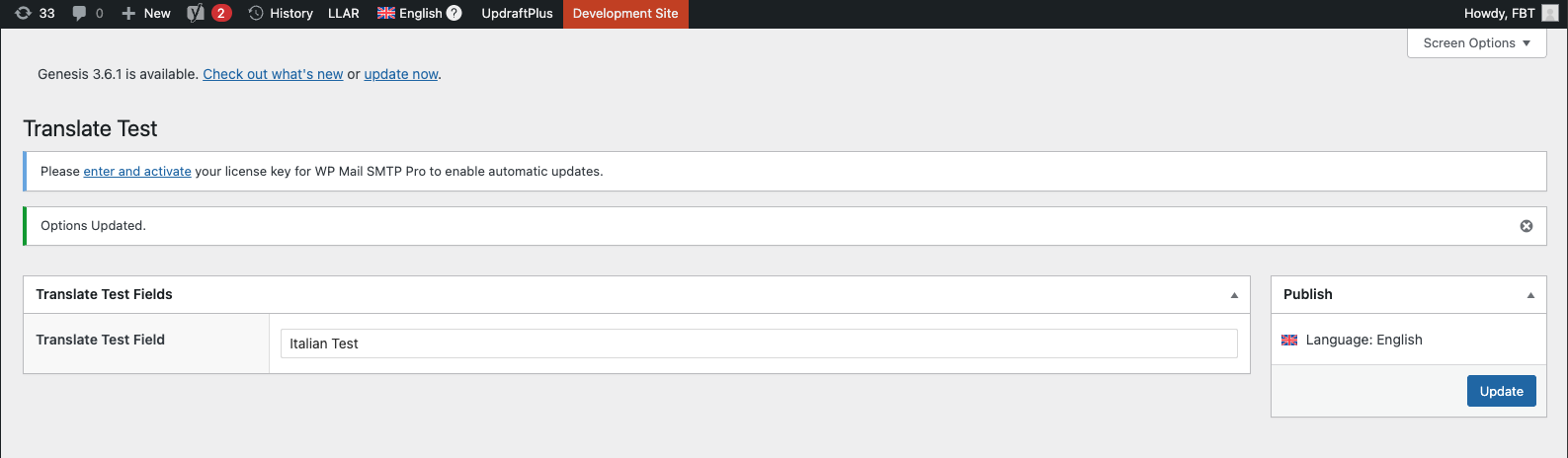
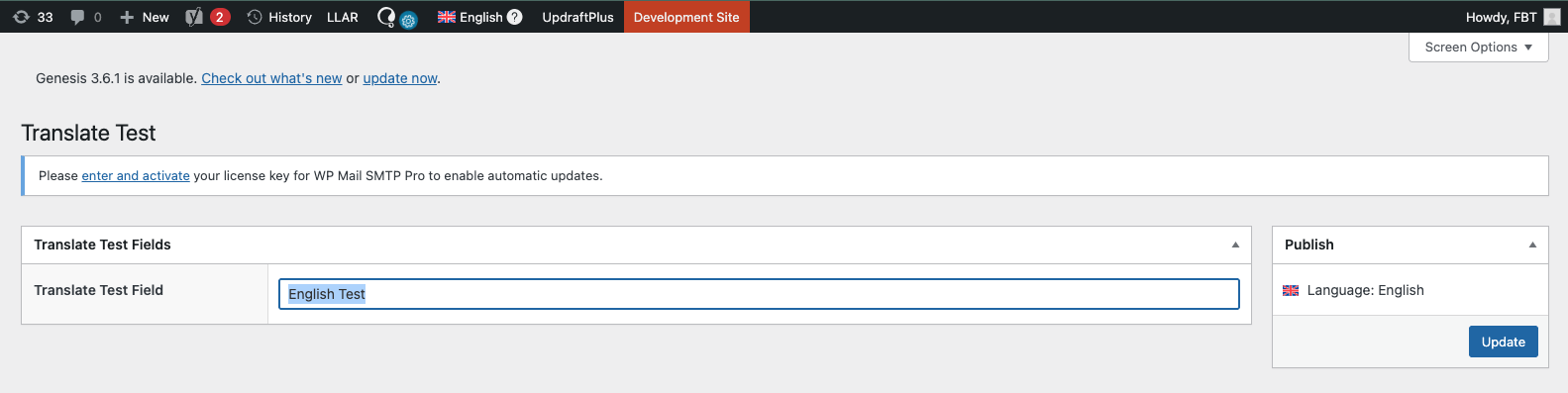
Thanks for the update. I tried to replicate the issue at my test site and it works correctly with the ACF Options page as you can see in the attached screenshots.
Could you please try to follow the below steps and see if this resolves the issue:
1. Take a backup of your site first for safety reasons.
2. Update all outdated plugins to the latest version including WPML and its add-ons.
3. Clear all sorts of site/server/CDN cache and see if this resolves the issue.
I followed the exact same instructions and created a new options page, but there's still a difference between your screenshots and mine. On the right, I see the Language: English text in both English and Italian, and if I change the Italian language, the English language text also changes, so it's not working. The WPML and ACF plugins are updated and the cache is cleared.
Thanks for trying the above steps and sharing the screenshots. I’ve created a fresh WP site with WPML and ACF plugins installed/configured. Could you please try to replicate the issue by following these steps:
1. Login to the fresh WP site by clicking on the auto login URL: link nascosto
2. Create the ACF options page as you did on your site.
3. Try to translate the ACF options page fields.
Please note that you don't need to set up an entire website or clone your existing site.
Please share the step-by-instructions which you will follow to reproduce it so that we let our 2nd tier know about it, if needed.
I did it and it works there, but I don't need to try it on another site if it doesn't work on mine. I updated all my plugins, WordPress, and the theme. Is there any way to figure out where the problem is on my site? Maybe by looking in the database or using debugging functions. It keeps showing "Language: English" on the right.
Thanks for checking it on a fresh site. To investigate this further, please provide temporary access (WP-Admin and FTP Login info) to your site (preferably staging site), so that I can look into your setup and debug the issue.
Your next answer will be private, meaning only you and I can access it.
=== Please backup your database and website ===
✙ I would need your permission to deactivate and reactivate Plugins and the Theme and to change configurations on the site. This is also a reason the backup is essential.
Thank you
L'argomento '[Chiuso] ACF UI Options Page missing language switcher despite correct WPML configuration' è chiuso a nuove risposte.