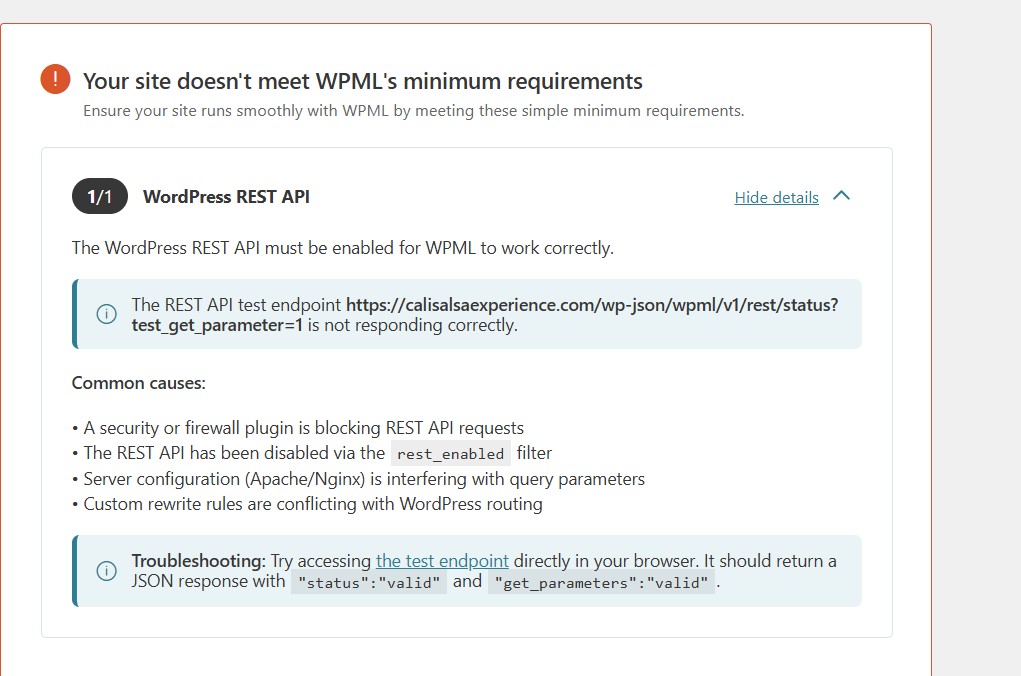
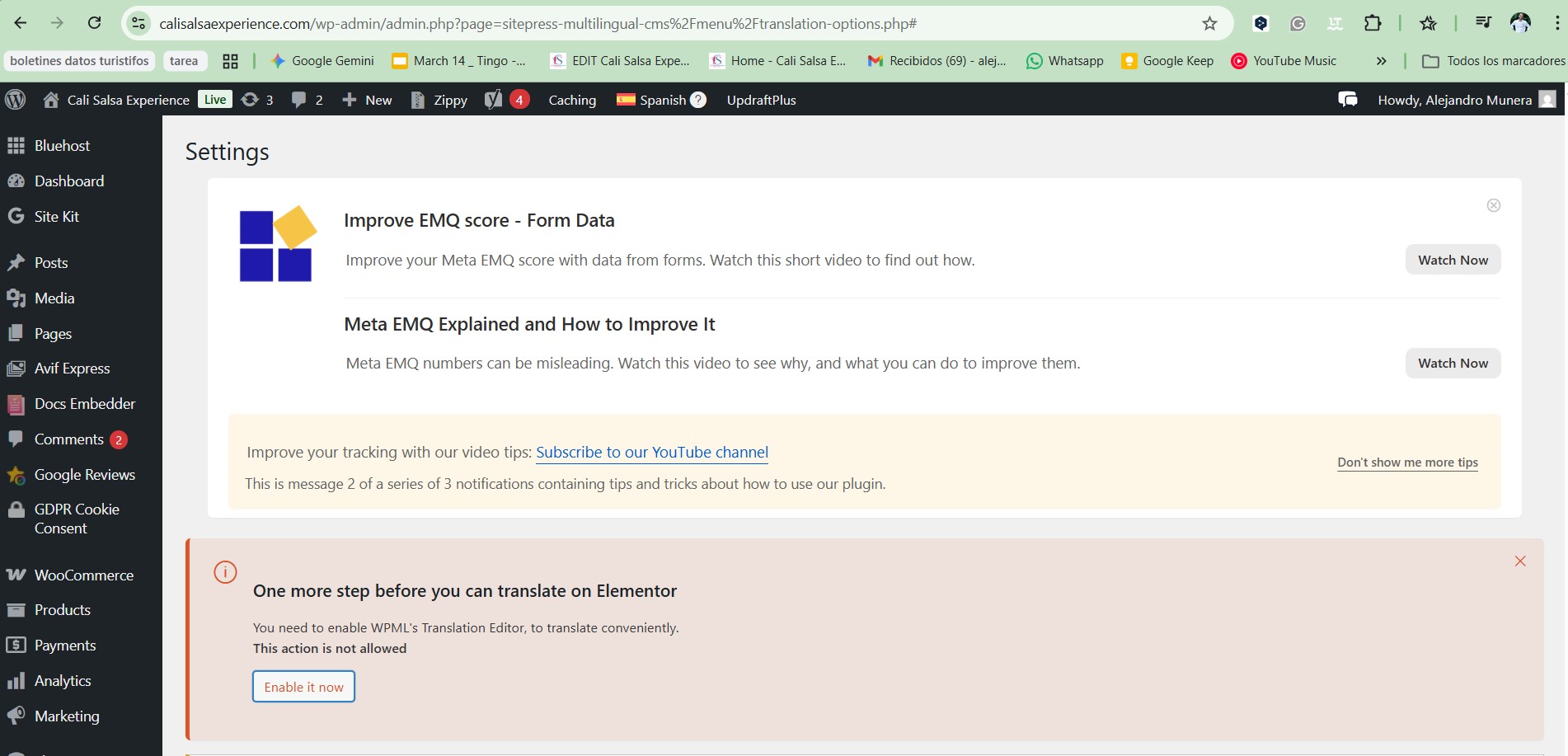
[A la espera de la opinión de los usuarios] not able to access
Este es el foro de soporte técnico de WPML, el plugin multilingüe de WordPress.
Todas las personas pueden leerlo pero solo los clientes de WPML pueden ingresar comentarios. El equipo de WPML responde en los foros 6 días a la semana, 22 horas por día.
Sun
Mon
Tue
Wed
Thu
Fri
Sat
-
8:00 – 12:00
8:00 – 12:00
8:00 – 12:00
8:00 – 12:00
8:00 – 12:00
-
-
13:00 – 17:00
13:00 – 17:00
13:00 – 17:00
13:00 – 17:00
13:00 – 17:00
-
Zona horaria del soporte: Europe/Vienna (GMT+02:00)
¿Puede proporcionar más detalles sobre el problema? ¿Dónde está intentando acceder? ¿Ve algún mensaje de error?
¿A qué cuenta se refiere? Por favor, comparta capturas de pantalla del problema y sea lo más objetivo posible en la descripción de lo que está ocurriendo. Gracias.
Again, can you please provide more details? I need to understand what's *actually* happening.
Which steps did you follow to activate the plugin?
Which one of them is failing?
Please send me screenshots and be as decriptive as you can. The more details you give me, the better I'll be able to help you. With the information shared so far, I don't know what's happening.
This is a common false negative, depending on your server and security settings. I've checked your REST API, and it's working as expected. You can safely ignore this message.
In this case, it's best to re-register the website. Please follow these steps:
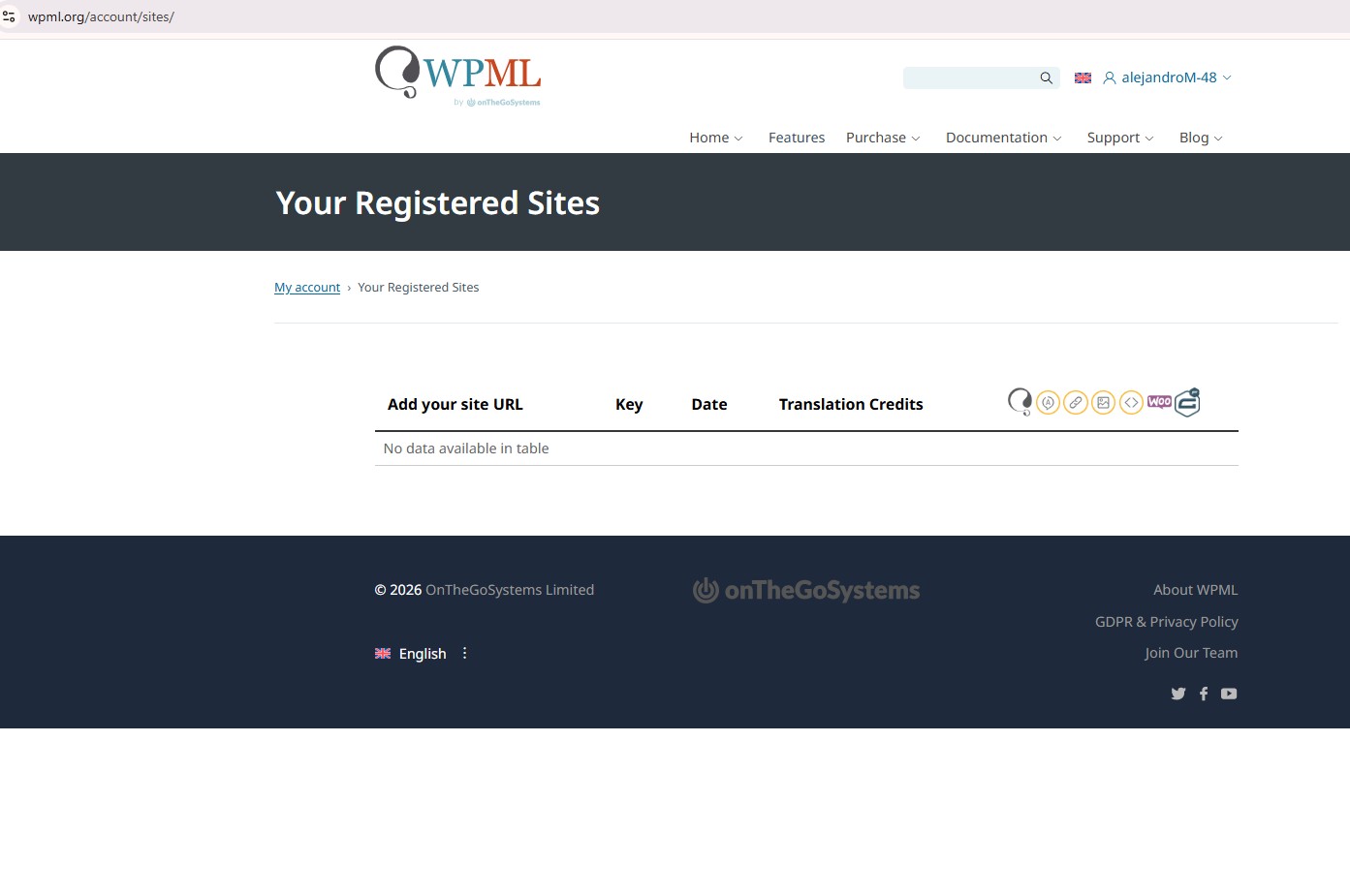
1. Go to wpml.org/account/sites and remove the website from the list;
2. Add it again and copy the newly generated key;
3. In your website's admin panel, go to Plugins > Add New > Commercial Tab and click on "Unregister WPML from this site";
4. Register the website again, with the key you copied in step #2;
After that, please try again. Let me know how it goes.
Hi Lucas Vidal from WPML Support,
Thank you for you time! –🤗
Thank you for the previous instructions regarding re-registering my website. I followed Step 1 and successfully removed the website from my list at wpml.org/account/sites.
However, I am stuck on Step 2. I am unable to find the button or field to "Add" or "Register" a new site on my account page. The option to enter a new URL and generate a new key is not visible to me. see attachement
Could you please check my account status to see why this option is missing?
Additionally, if there is a technical delay on the dashboard, could you manually generate a new site key for me? My website URL is: [INSERT YOUR FULL WEBSITE URL HERE].
I look forward to your guidance so I can complete the registration process.
Thank you for sharing the results. I've escalated that to our systems support, to check what's the expected behavior and what might be causing this. I'll let you know the next steps, once I have feedback from them.
I would like to look at this directly on your site. For this I would need temporary access (WP-Admin) to your site.
The required fields can be found below the comments section. The information you enter is private, i.e. only you and I can see it and have access to it.
I may need to replicate your website locally. To do this, I need to temporarily install a plugin called "Duplicator" or "All in One WP Migration" on your website. This will allow me to create a copy of your website and content. Once the issue is resolved, I will delete the local website. Let me know if this works for you.
IMPORTANT
Please make a backup copy of the site files and database before giving us access.
- If you do not see the wp-admin/FTP fields, this means your post and site login details are being made PUBLIC. DO NOT post your website details if you do not see the required wp-admin/FTP fields. If you do not, ask me to enable the private box. The private box looks like this: