
Questo è il forum di assistenza tecnica di WPML, il plug-in multilingue di WordPress.
La sua lettura è permessa a tutti, ma la pubblicazione è riservata esclusivamente ai clienti di WPML. Il team di WPML risponde sul forum 6 giorni su 7, 22 ore su 24.
Etichettato: Exception
Questo ticket contiene 12 risposte, ha 2 voci.
Ultimo aggiornamento da Laura 1 anno, 10 mese fa.
Assistito da: Laura.
| Autore | Post |
|---|---|
| Marzo 2, 2024 alle 9:21 am #15365478 | |
 Alfred Stoffel |
Hello 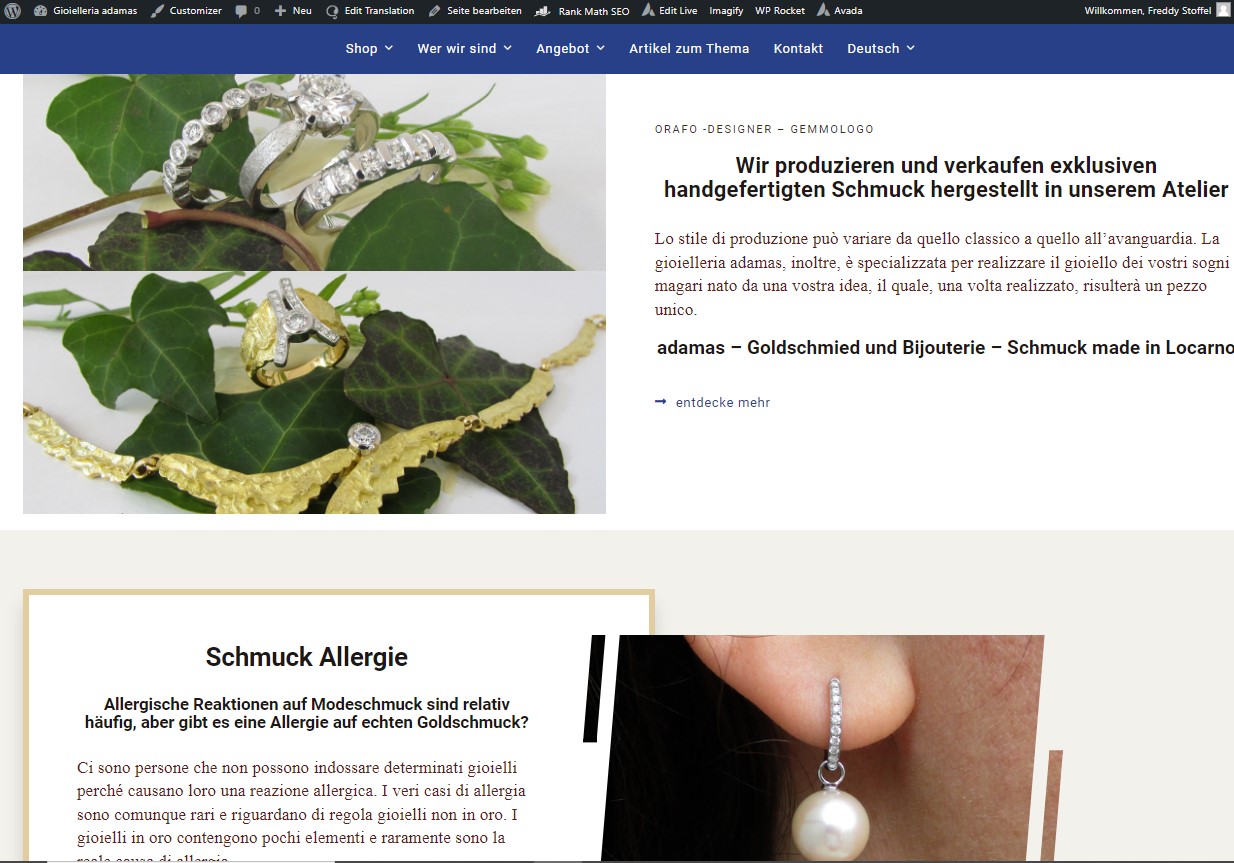 |
| Marzo 4, 2024 alle 11:08 am #15369002 | |
 Laura Sostenitore di WPML dal 05/2018 Lingue: Inglese (English ) Italiano (Italiano ) Fuso orario: Europe/Rome (GMT+01:00) |
Hi Fred, thanks for contacting us. How did you translate the page, manually of with the WPML editor? |
| Marzo 5, 2024 alle 8:29 am #15373040 | |
|
Alfred Stoffel |
Hello Laura On the german page - The language selector was missing. This was the first thing i noticed so i contacted avada: Fred: After u changed to the german page try to return to the italian page Avada: Alright, it appears that you have not translated the menu properly into each language as can be seen here => link nascosto Thanks On the main menues - links for the translation had been lost so i fixed as well as i could (im not a expert) originally the translation was "HauptMenu DE" Let me know if you need credentials |
| Marzo 5, 2024 alle 10:19 am #15373595 | |
|
Laura Sostenitore di WPML dal 05/2018 Lingue: Inglese (English ) Italiano (Italiano ) Fuso orario: Europe/Rome (GMT+01:00) |
Hi Fred, yes it's better if I take a look at the site directly. If you have a staging, it would be even better so I can test. If you don't, we'll see later if a copy of the site is needed. Also please give me the name of page where I can see the issue. |
| Marzo 5, 2024 alle 10:56 am #15373884 | |
|
Alfred Stoffel |
I forgot |
| Marzo 5, 2024 alle 10:56 am #15373886 | |
|
Alfred Stoffel |
There may be others |
| Marzo 5, 2024 alle 3:47 pm #15375364 | |
|
Laura Sostenitore di WPML dal 05/2018 Lingue: Inglese (English ) Italiano (Italiano ) Fuso orario: Europe/Rome (GMT+01:00) |
I'm not sure what happened here but it seems there was an issue with Text Block modules. When I first tried to open the translation for adamas.ch/de the content from Text Blocks was missing. What I tried was to remove a text block and add it again, and now content from Text Blocks are again visibile in the editor (one was untraslated, not sure if it can be related). The container "Popolari prodotti" is a global element and it needs to be translated on its own, that's why it doesn't appear in the front page. Honestly it would be difficult to undestand why it happened. We should deploy the backup and try to update (for example) and see what happens but even so we can't guarantee we can find the issue. If these are the only things missing I'd suggest to just retranslate them and consider the issue fixed. |
| Marzo 6, 2024 alle 8:28 am #15377690 | |
|
Alfred Stoffel |
Hi Laura So for now |
| Marzo 6, 2024 alle 8:33 am #15377725 | |
|
Alfred Stoffel |
after a page is translated with the standard translator can you switch it off and translate the page after that manually |
| Marzo 6, 2024 alle 1:14 pm #15379478 | |
|
Laura Sostenitore di WPML dal 05/2018 Lingue: Inglese (English ) Italiano (Italiano ) Fuso orario: Europe/Rome (GMT+01:00) |
"after a page is translated with the standard translator can you switch it off and translate the page after that manually" This is something you should NOT do and if you did this in the past it's likely the reason why your translations disappeared. The Element link nascosto was not translated in German, but opening it in the Advanced Editor showed up the translation memory, so it was there. It's possible like I said that Avada changed something with the management of these parts of the site (like they were part of the page and after they were moved to Element... I can't know the history of the site) and when updating the original page translation were overwritten. I'd suggest checking in Translation Management what is not translated and translate it, probably you'll only need to download the translations again. As for the menu, it shows exactly like the German menu in Appearance > Menus, so you need to fix it there. 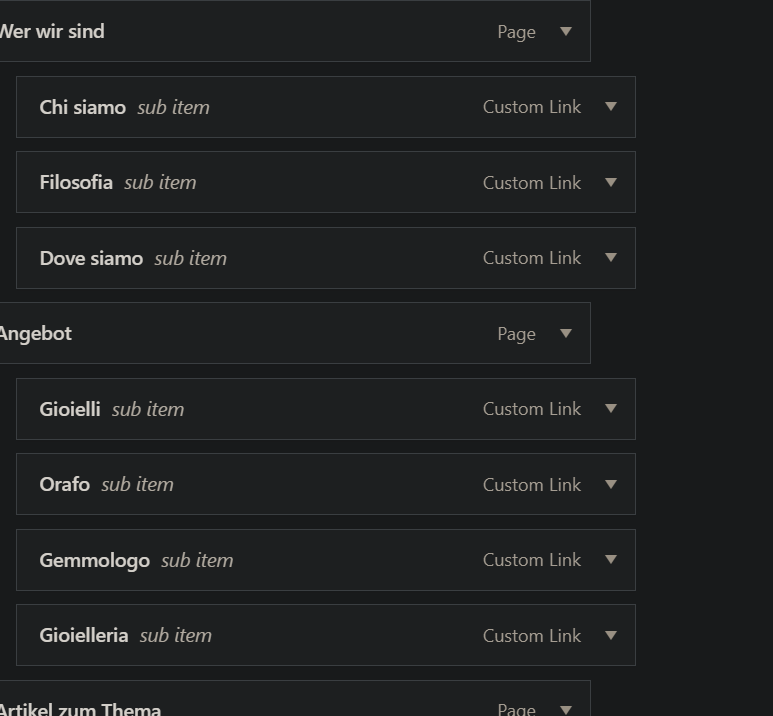 |
| Marzo 8, 2024 alle 9:33 am #15388049 | |
|
Alfred Stoffel |
I only used the standard translator to translate "probably you'll only need to download the translations" how do you access translation memory The menu i had reassigned but translation is not complete. The original translation was "HauptMenu DE" can i reassign this menu to the italian main menu or is it easier to translate the strings? 🙂 |
| Marzo 8, 2024 alle 9:52 am #15388101 | |
|
Alfred Stoffel |
I noticed an other problem The page "link nascosto" needs updating 2 Screenshot to illustrate Its confusing and not easy to stay coherent Something got badly shaken up Question is how to fix it the easiest way 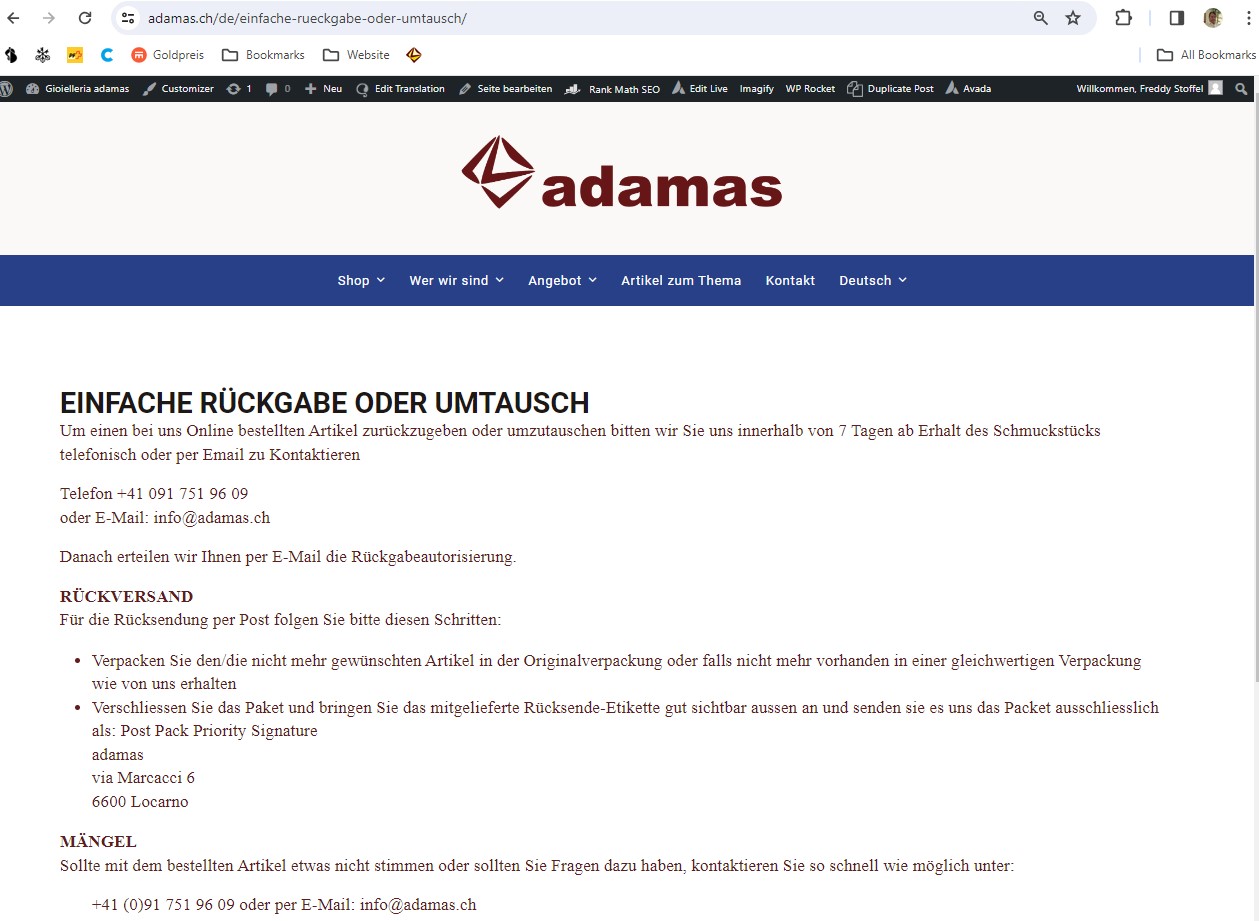 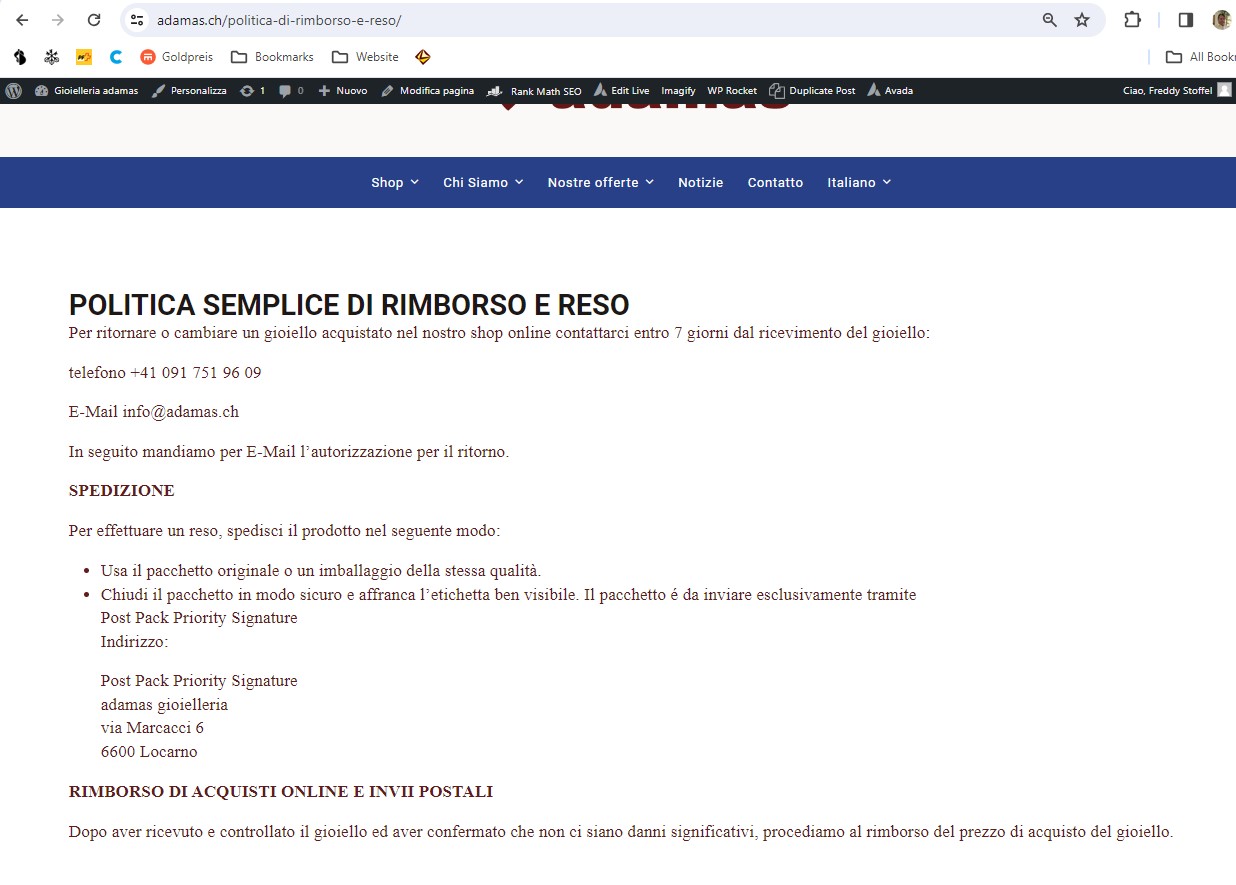  |
| Marzo 8, 2024 alle 12:46 pm #15389294 | |
|
Laura Sostenitore di WPML dal 05/2018 Lingue: Inglese (English ) Italiano (Italiano ) Fuso orario: Europe/Rome (GMT+01:00) |
You can't directly access translation memory. Send the content to translation, open it in the translation editor and click "complete" I'm not sure I understood the menu question. It's already translated to German, but custom links needs to be handled in String Translation. About the "old" content in the Translation Editor, you can try to delete these strings from String Translation. It's likely happening because you use a page builder and it stores the content in the database. WordPress might not show the content any more, but WPML takes the content from the database directly and that's why you still see it. Leaving it where it is now won't affect your translations. |


