[Resolvido] Translations are not reflected in the frontoffice
Este tópico foi resolvido. Aqui está uma descrição do problema e da solução.
Problem: If you're experiencing issues where translations for elements like the footer and header are visible in the backoffice but not reflected in the frontoffice, despite trying several solutions. Solution: We have identified that the header feature may be incompatible with your current theme, which causes it to display the default language header instead of the translated one. We recommend reaching out to your theme's author to see if they can adjust the logic on their side. Alternatively, consider switching to a WPML compatible theme or using the default header builder provided by Elementor Pro. You can find a list of WPML compatible themes that we have tested and verified here.
Please note that this solution might be irrelevant if it's outdated or not applicable to your case. We highly recommend checking related known issues at https://wpml.org/known-issues/, verifying the version of the permanent fix, and confirming that you have installed the latest versions of themes and plugins. If the issue persists, please open a new support ticket.
Este é o fórum de suporte técnico para o WPML — o plugin de WordPress multilíngue.
Todos podem ler, mas apenas clientes do WPML podem postar aqui. A equipe do WPML responde no fórum 6 dias por semana, 22 horas por dia.
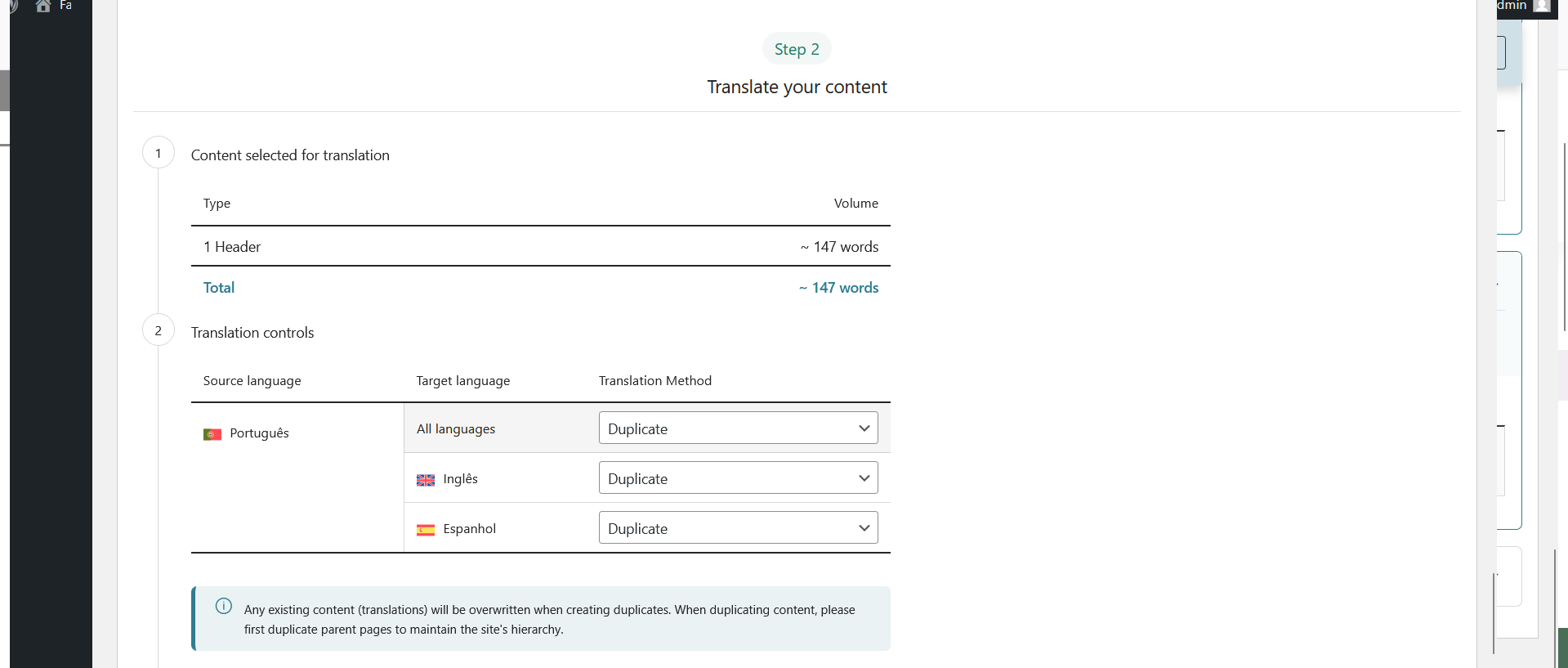
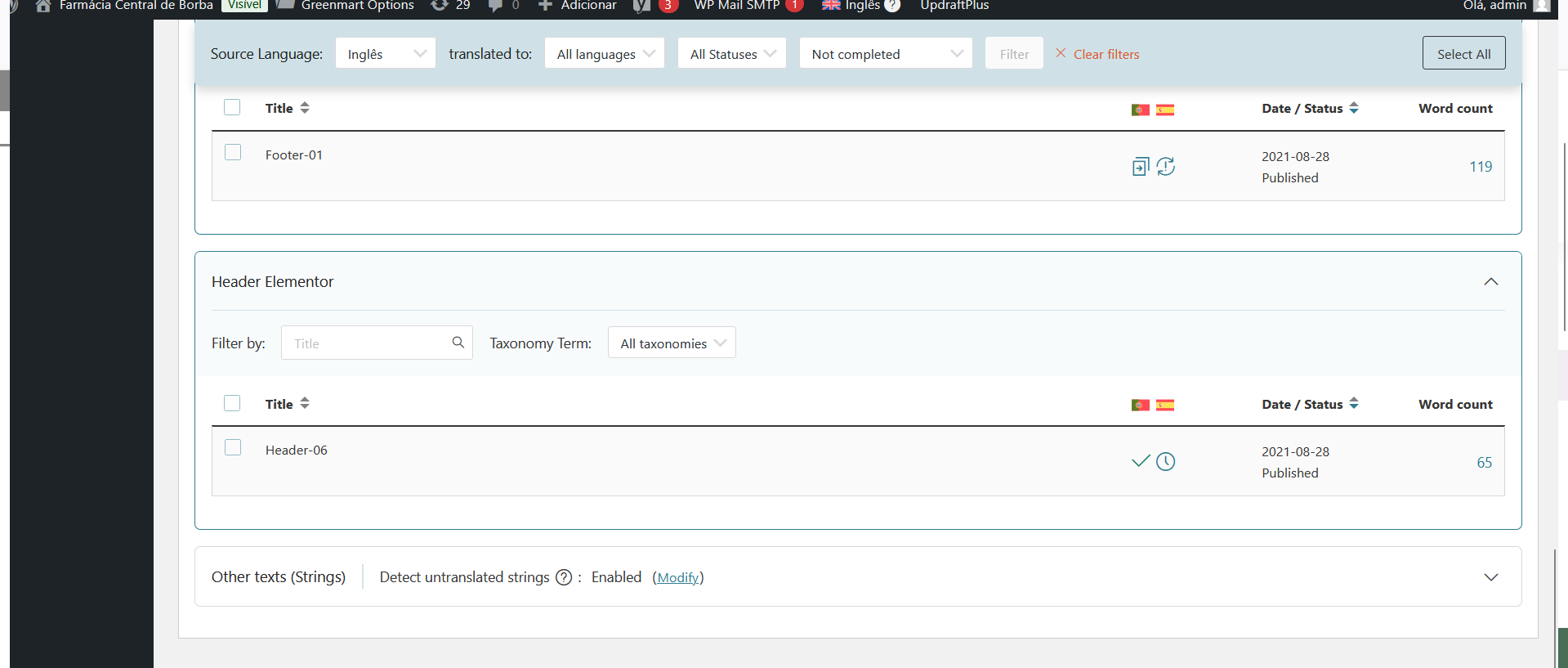
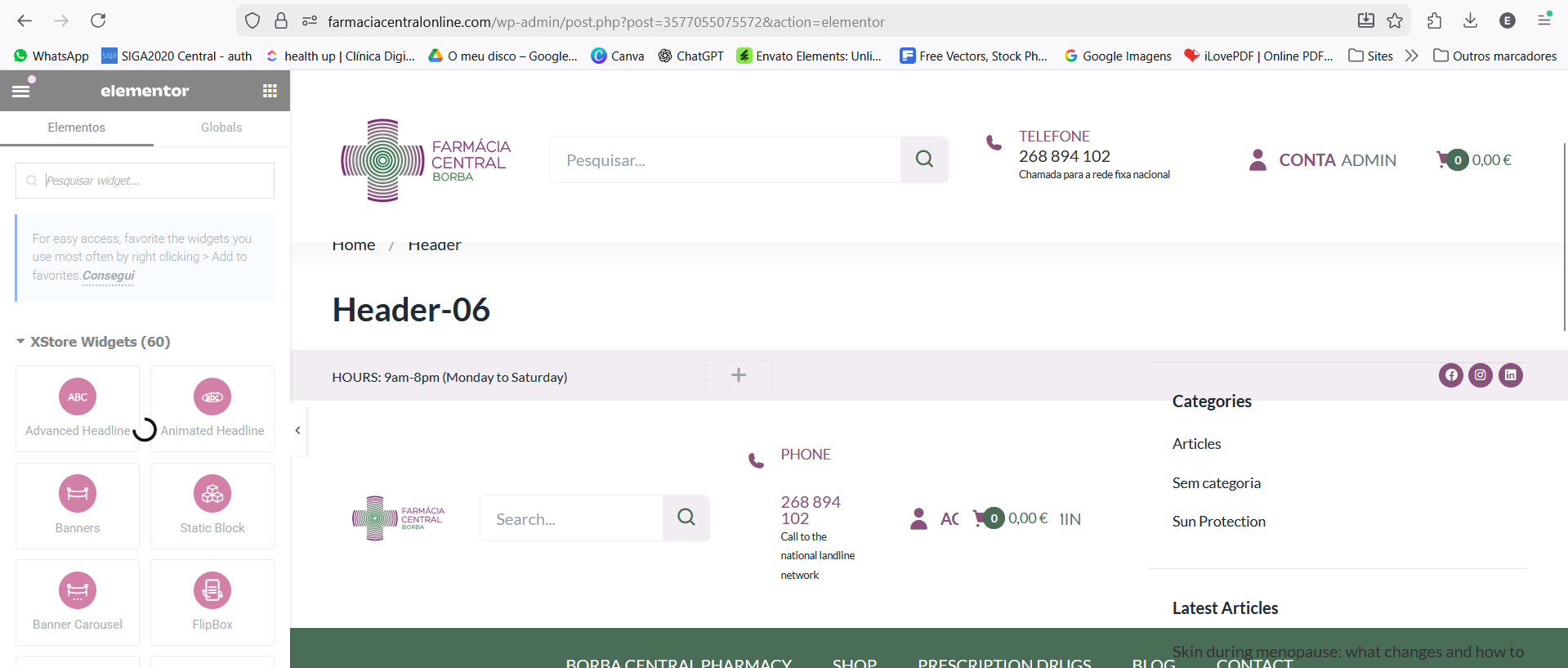
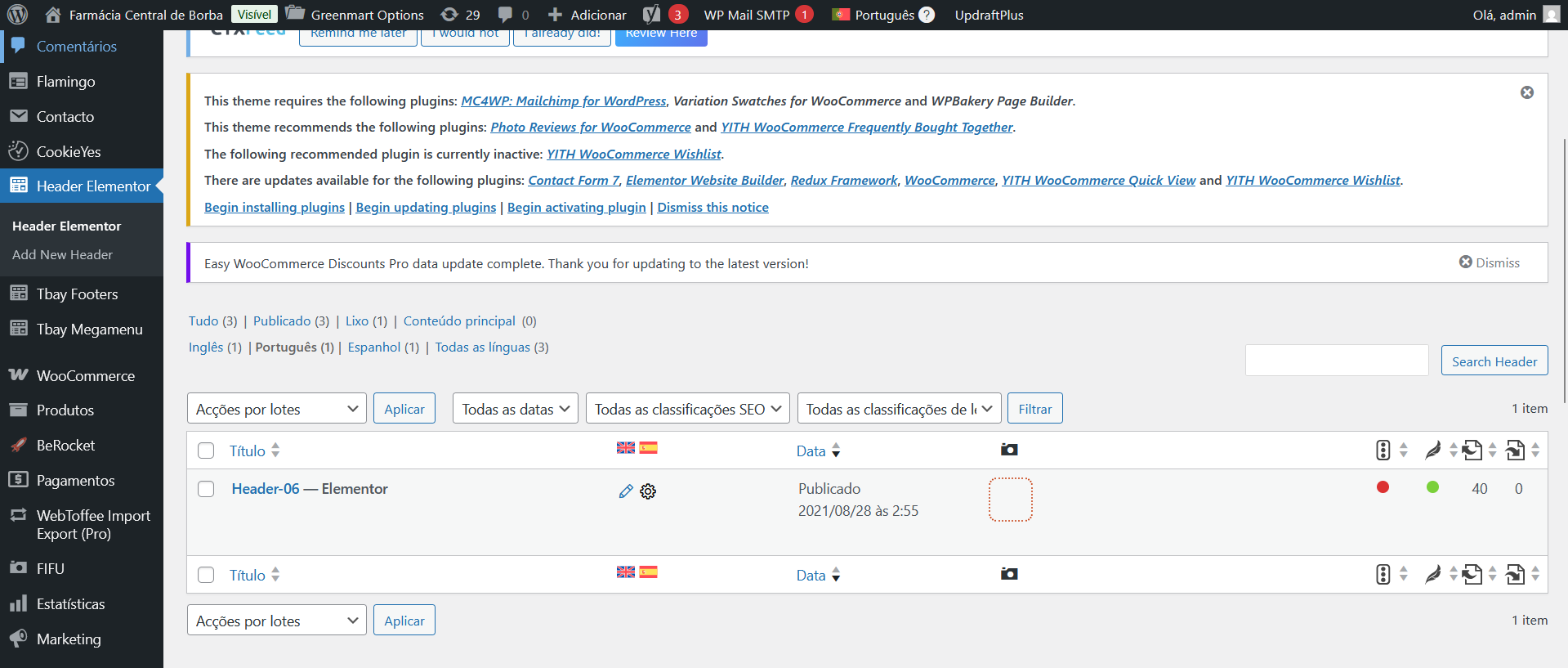
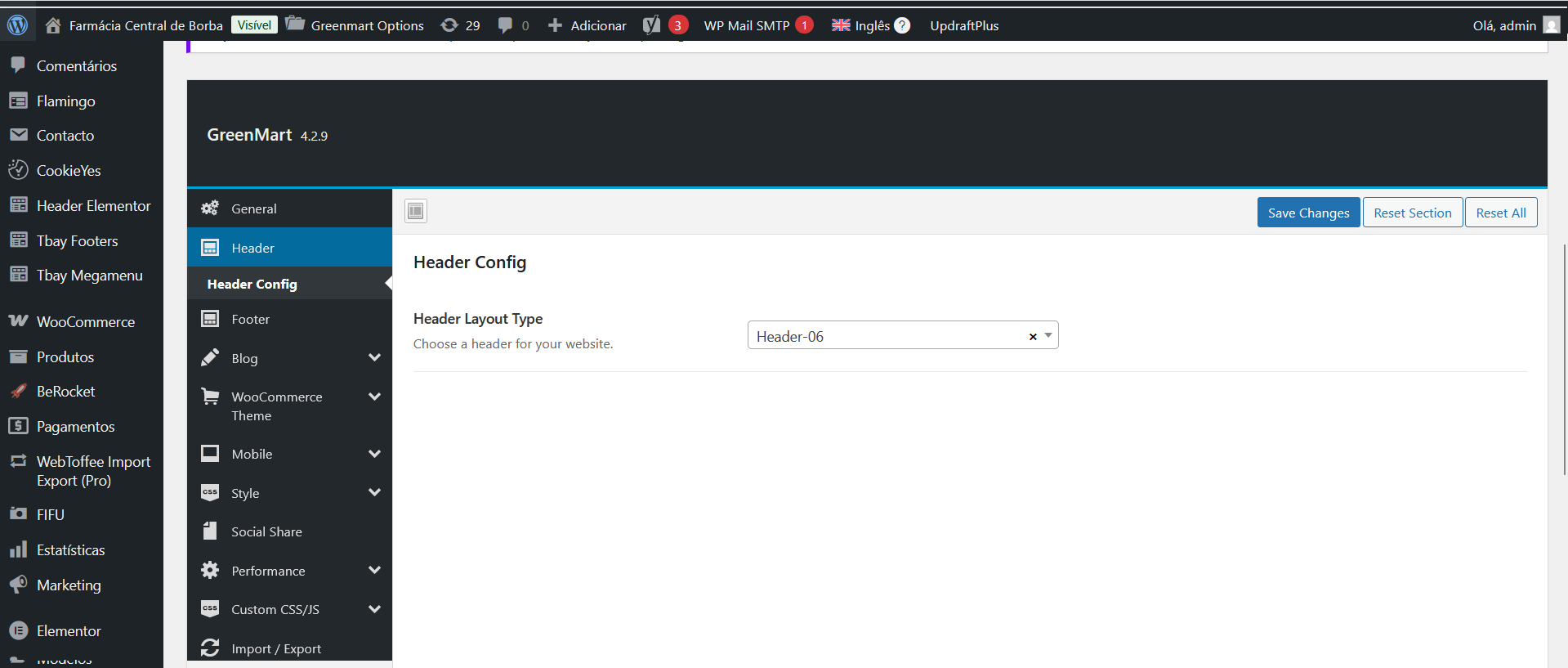
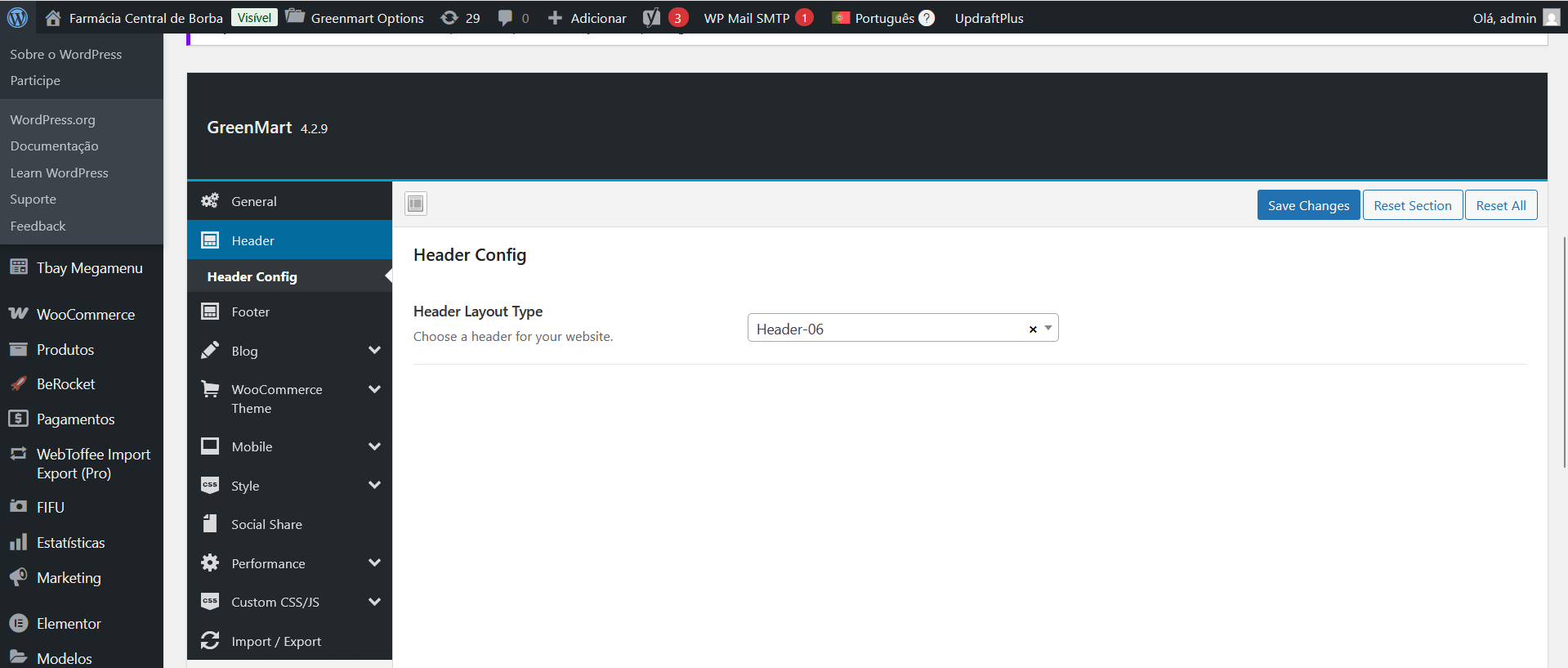
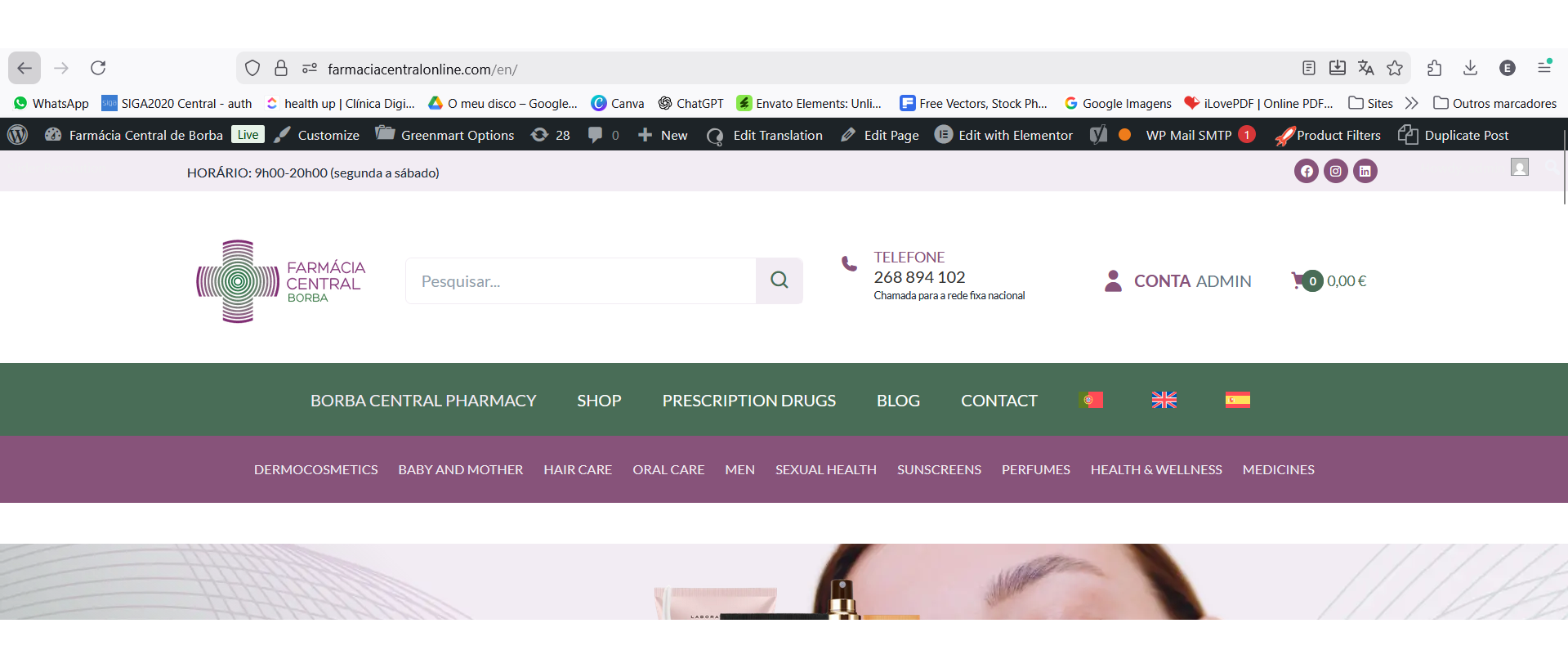
I've already tried several ways, and none of them does the frontoffice reflect some translation elements, for example the footer and header. I send some prints attached. It translates in the backoffice, but is not reflected in the frontoffice. It's the same problem as the previous ticket, none of the proposed solutions worked.
Thank you for waiting. I'll check, it seems that you're duplicating them (in which case, they are duplicates of the original and won't be translated), or there are unregistered custom Elementor widgets.
I would like to look at this directly on your site. For this I would need temporary access (WP-Admin and FTP) to your site, preferably to a test/staging site where the problem has been replicated if possible.
The required fields can be found below the comments section. The information you enter is private, i.e. only you and I can see it and have access to it.
I may need to replicate your website locally. To do this, I need to temporarily install a plugin called "Duplicator" or "All in One WP Migration" on your website. This will allow me to create a copy of your website and content. Once the issue is resolved, I will delete the local website. Let me know if this works for you.
IMPORTANT
Please make a backup copy of the site files and database before giving us access.
- If you do not see the wp-admin/FTP fields, this means your post and site login details are being made PUBLIC. DO NOT post your website details if you do not see the required wp-admin/FTP fields. If you do not, ask me to enable the private box. The private box looks like this:
"VERIFICATION REQUIRED: Additional verification is required for login. If there is a valid account for the provided login credentials, please check the email address associated with it for a verification link to continue logging in."
Can you please temporarily disable this, so I can access?
Thank you. I've checked your website, and the Header looks properly translated. What seems to be happening, is that your theme overwrites the header display logic from Elementor, and implements one of its own. This feature might not be compatible with multilingual websites, and seems to be serving always the same header (in Portuguese), regardless of the selected language.
To confirm that, I've created a Sandbox (a testing website), with WPML already setup, so we can check that in isolation - free of custom settings and other unrelated plugins. That will confirm if my theory is right. You can access it here;
link oculto
Please install your theme Greenmart, Elementor and the needed plugin Tbay Framework there. Let me know when you're done, so I can resume the needed testing. Since the idea is to test in isolation, please do not change any settings, import or create any content. Just the theme and the needed plugins, so I can proceed testing. Let me know when you're done.
I know this takes some effort, so thanks in advance for your cooperation.
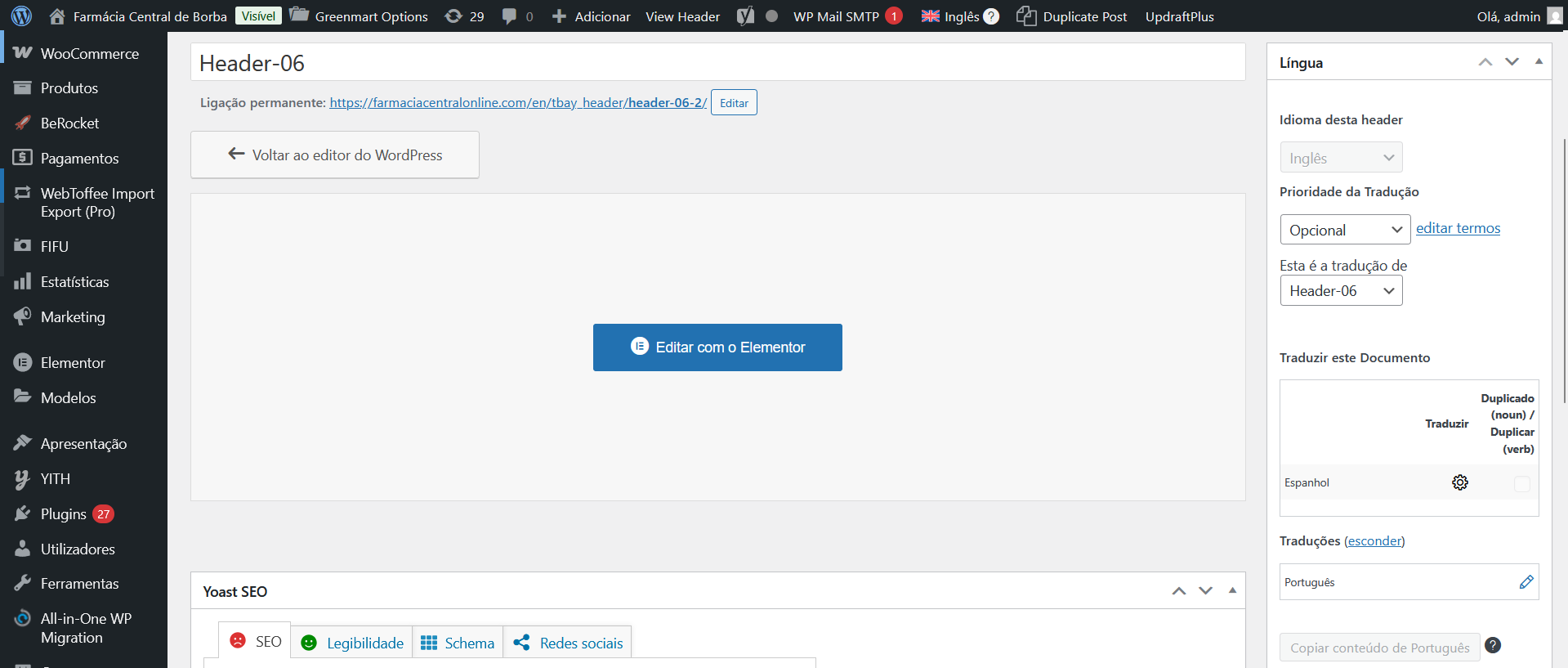
Thank for sharing. I logged into the website, but when creating a header under "Header Elementor", I cannot actually use Elementor to create the header. The builder is not available there.
Can you please check? If possible, please create a header using Elementor, and set it as the website's header.