Questo thread è stato risolto. Ecco una descrizione del problema e della soluzione.
Problem:
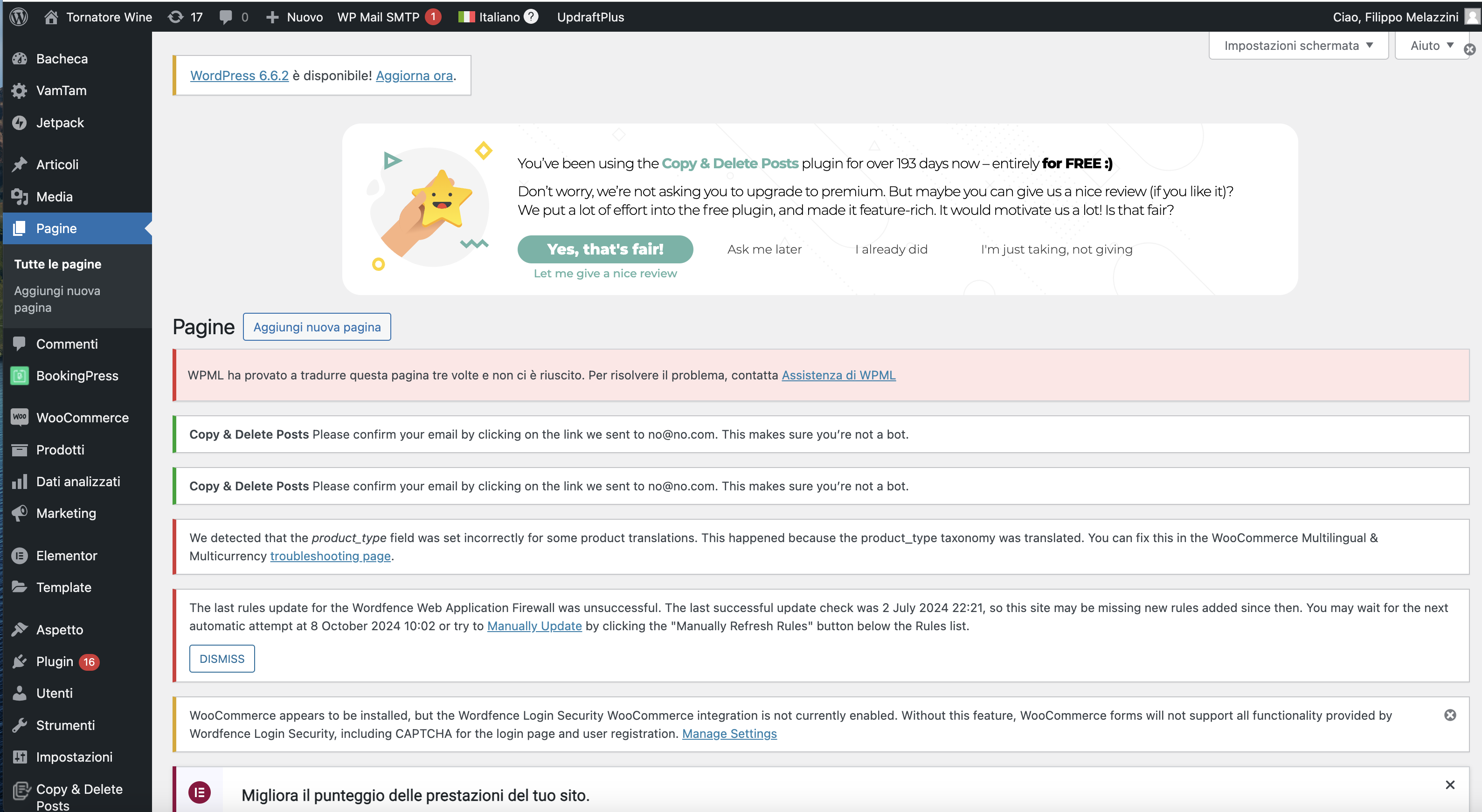
You are unable to access the edit menu for translating a page on your website.
Solution:
If you're experiencing this issue, we recommend you:
1. Update WPML to the latest version
2. Make a modification to the original page.
3. Try to open the translation again.
This solution might be irrelevant if it's outdated or not applicable to your case. We highly recommend checking related known issues at https://wpml.org/known-issues/, verifying the version of the permanent fix, and confirming that you have installed the latest versions of themes and plugins. If the problem persists, please open a new support ticket at WPML support forum.
Questo è il forum di assistenza tecnica di WPML, il plug-in multilingue di WordPress.
La sua lettura è permessa a tutti, ma la pubblicazione è riservata esclusivamente ai clienti di WPML. Il team di WPML risponde sul forum 6 giorni su 7, 22 ore su 24.
Questo ticket contiene 1 risposta, ha 2 voci.
Ultimo aggiornamento da 1 anno, 2 mese fa.
Assistito da: Laura.