
Questo thread è stato risolto. Ecco una descrizione del problema e della soluzione.
Problem:
The client is facing an issue where translated variations of products are being deleted when processing large batches of 30-50 products. This problem arises due to the saturation of session variables during WPML processing, caused by the product template having 10 or more add-on variations.
Solution:
We recommend using the custom field translation preference "Translate" or "Copy Once" and translating the product using the WordPress editor, as per the WooCommerce Product Add-Ons Ultimate documentation. For detailed guidance, please visit our documentation at https://wpml.org/documentation/translating-your-contents/using-different-translation-editors-for-different-pages/
Additionally, ensure that each product has unique group and field IDs for its variations. You may need to edit the product in the English language, delete the current groups and fields, and create new ones.
Lastly, adjust the custom field "group_order" to have the translation preference "Translate" in WPML > Settings page > Custom Fields Translation, and then create new variations for products in both Italian and English.
If this solution does not resolve your issue, or if it seems outdated or irrelevant to your case, we highly recommend checking related known issues at https://wpml.org/known-issues/, verifying the version of the permanent fix, and confirming that you have installed the latest versions of themes and plugins. If further assistance is needed, please open a new support ticket at WPML support forum.
Questo è il forum di assistenza tecnica di WPML, il plug-in multilingue di WordPress.
La sua lettura è permessa a tutti, ma la pubblicazione è riservata esclusivamente ai clienti di WPML. Il team di WPML risponde sul forum 6 giorni su 7, 22 ore su 24.
Etichettato: Compatibility, WCML
Documentazione correlata:
Questo ticket contiene 18 risposte, ha 1 voce.
Ultimo aggiornamento da Long Nguyen 2 mese, 2 settimana fa.
Assistito da: Long Nguyen.
| Autore | Post |
|---|---|
| Gennaio 11, 2026 alle 8:41 #17718742 | |
 paoloD-32 |
Salve, purtroppo devo riaprire la discussione relativa al ticket #17663452 aperto precedentemente. Abbiamo seguito le info fornite nel video di supporto, e nella documentazione ufficiale del plugin, e anche tradotto decine e decine di prodotti, che temporaneamente sembrano mantenere la struttura degli addon e i valori delle varianti dei gruppi e dei campi tradotti correttamente, per poi ritornare alla configurazione originaria. Faccio un esempio esplicativo perché è il primo prodotto caricato. link nascosto come vedete dalla sequenza immagini allegata, questo adesso ha le varianti addon tradotte correttamente in lingua(italiano per italiano, inglese per inglese). Questo è successo anche ieri per 50 prodotti di cui abbiamo tradotto manualmente i gruppi e i campi e i valori delle varianti. Come è possibile vedere invece nel prodotto successivo: link nascosto che è stato tradotto ieri, a 24 ore dalla traduzione delle varianti, esse sono ritornate di nuovo ad essere in lingua principale del sito(ITALIANO) anche nella versione di lingua inglese del prodotto. E questo per tutti i 50 prodotti che abbiamo tradotto ieri(pagina 5 e 4 del catalogo prodotti di woocommerce. Quindi rispetto a quanto chiuso nel ticket indicato precedentemente, il problema ancora sussiste. Aggiungo che abbiamo aumentato il valore delle variabili utilizzabili in wordpress (PHP max_input_vars), portantolo a 110mila unità accettate. Questo perché precedentemente il sito non permetteva l'aggiunta di varianti ulteriori nei prodotti per il termine di risorse. Ma per quanto riguarda la traduzione manuale delle varianti addon il problema ci si ripresenta ancora. C'è una soluzione ? Grazie a chi mi supporterà. Aggiungo che abbiamo cambiato la modalità di traduzione dei campi extra personalizzati(prefisso pewc_) sia con Copia 1 volta, che con Traduci, ma mantiene solo per 24 ore la modifica e dopo torna monolingua(Italiano/Italiano o Inglese/Inglese). La cosa strana è che nelle 24 ore in cui si traduce mantiene lo status bilingue delle varianti extra ma dopo torna ad una sola lingua. Trattandosi di 250 prodotti che presentano questo problema, siamo parecchio in difficoltà con la gestione del catalogo. 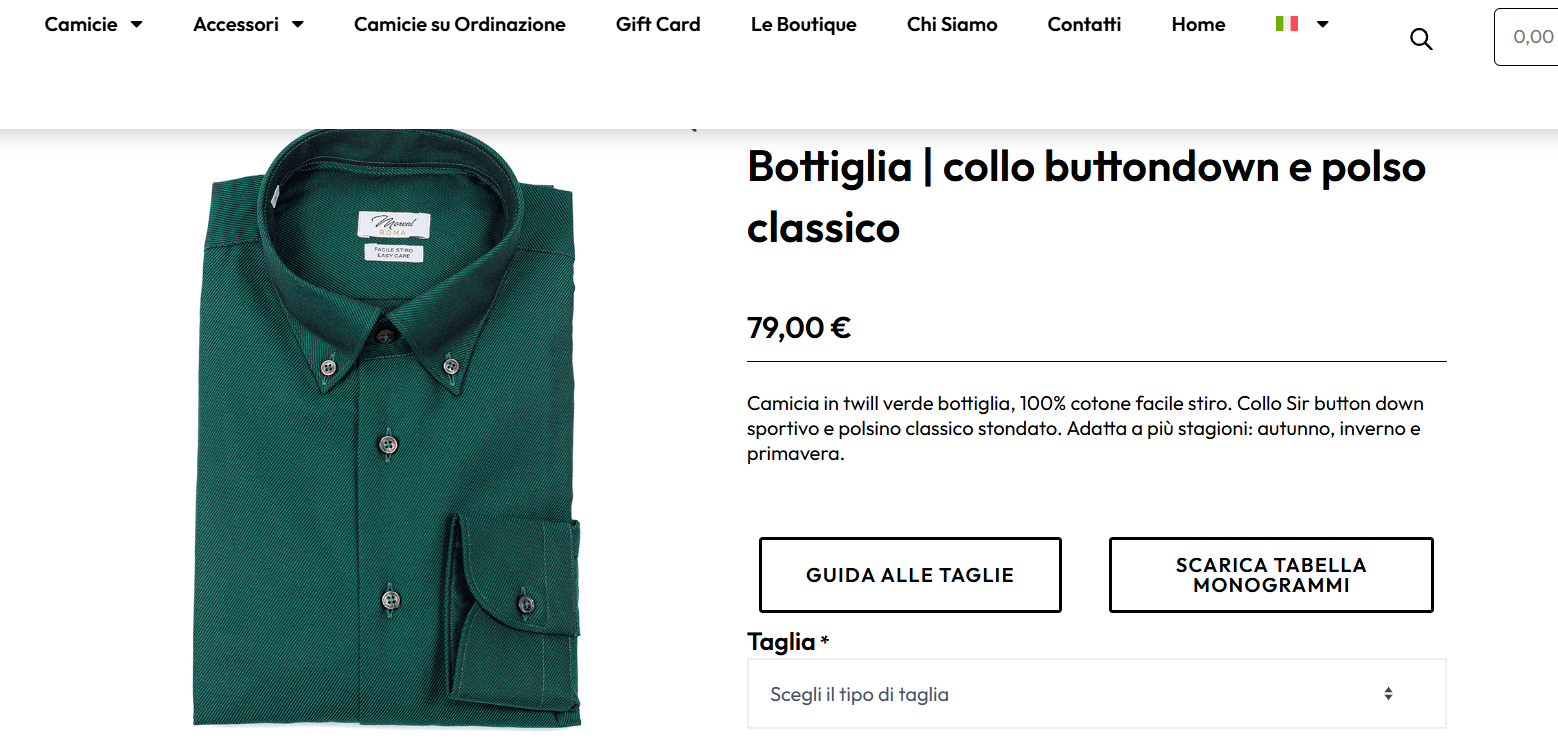 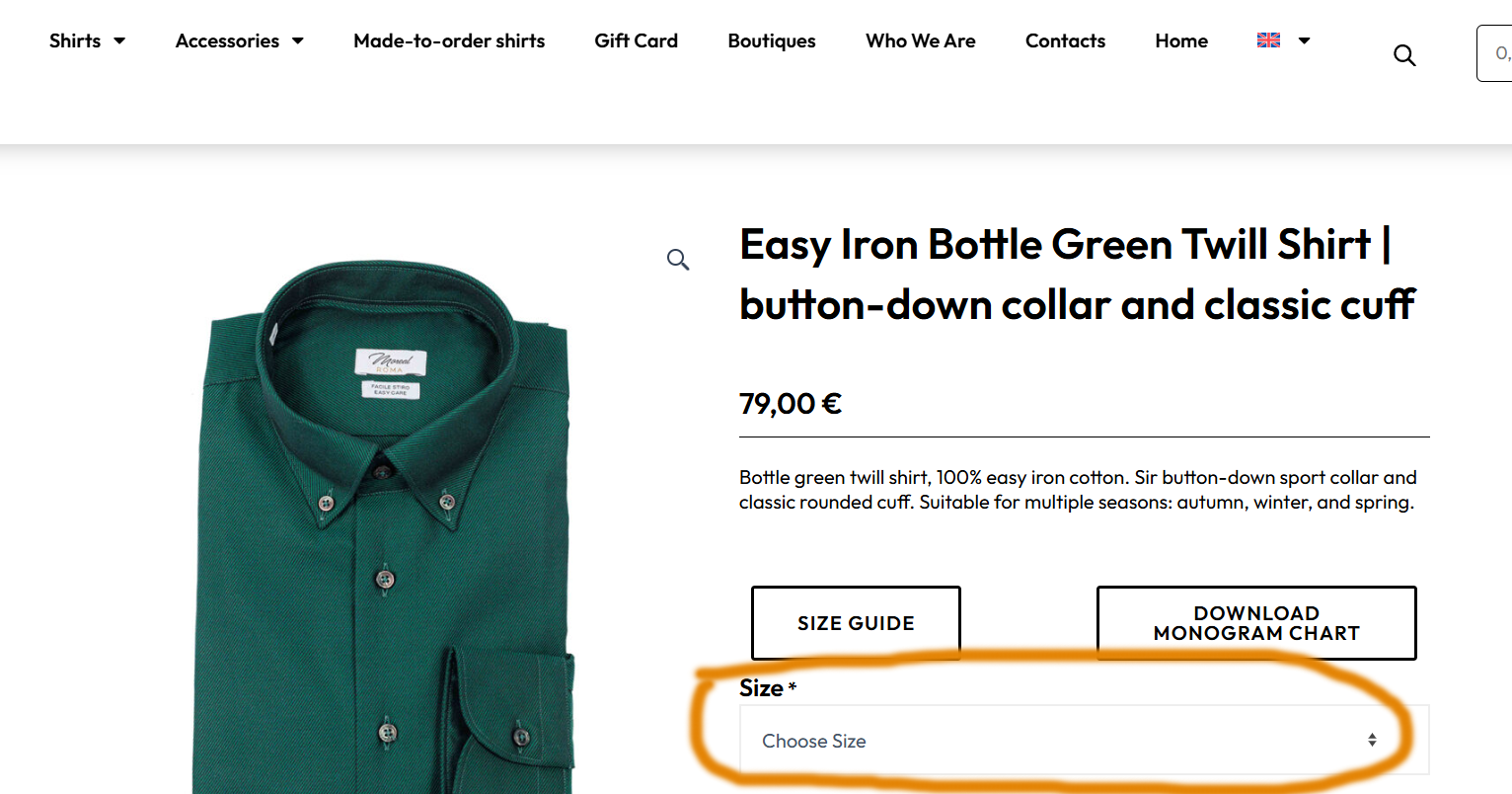 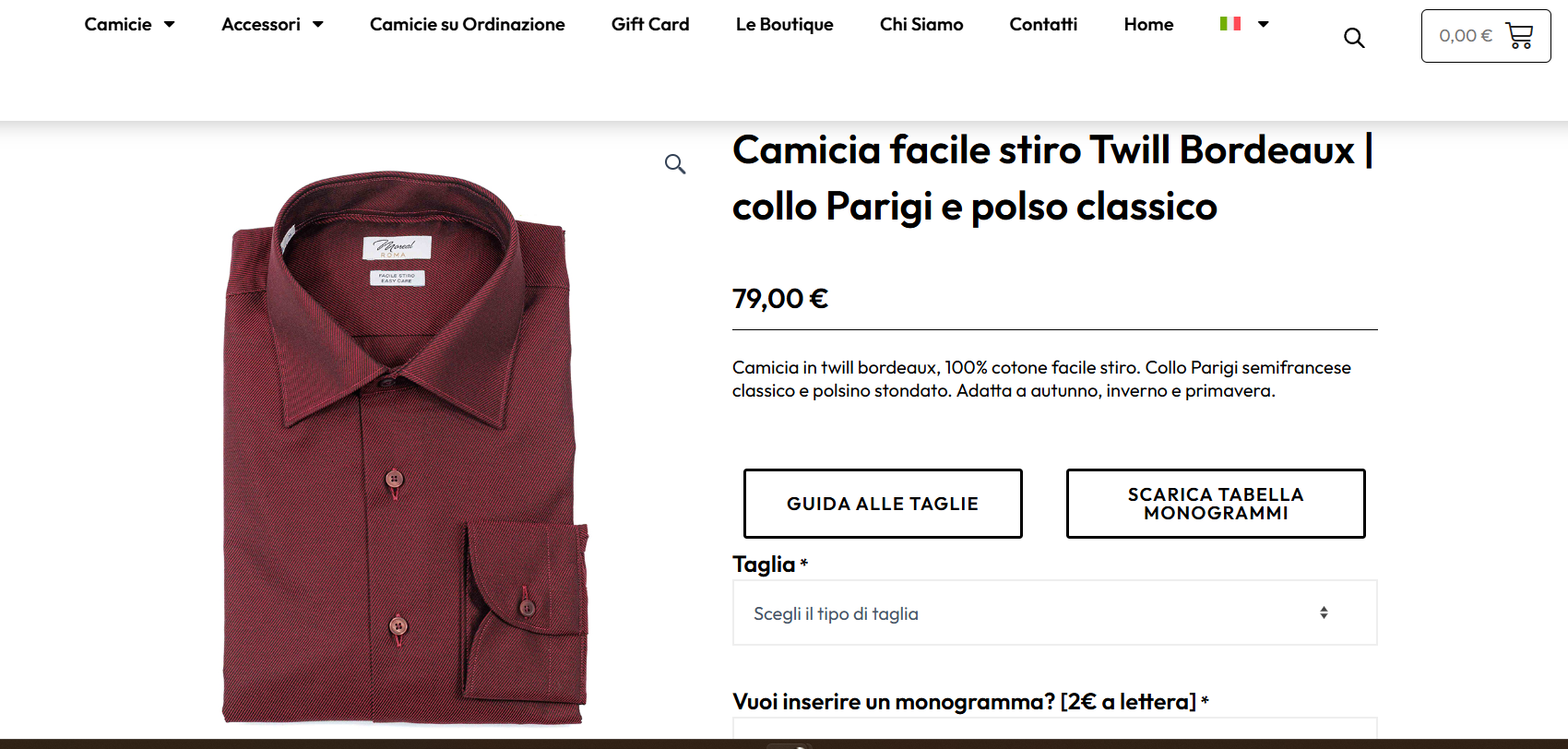 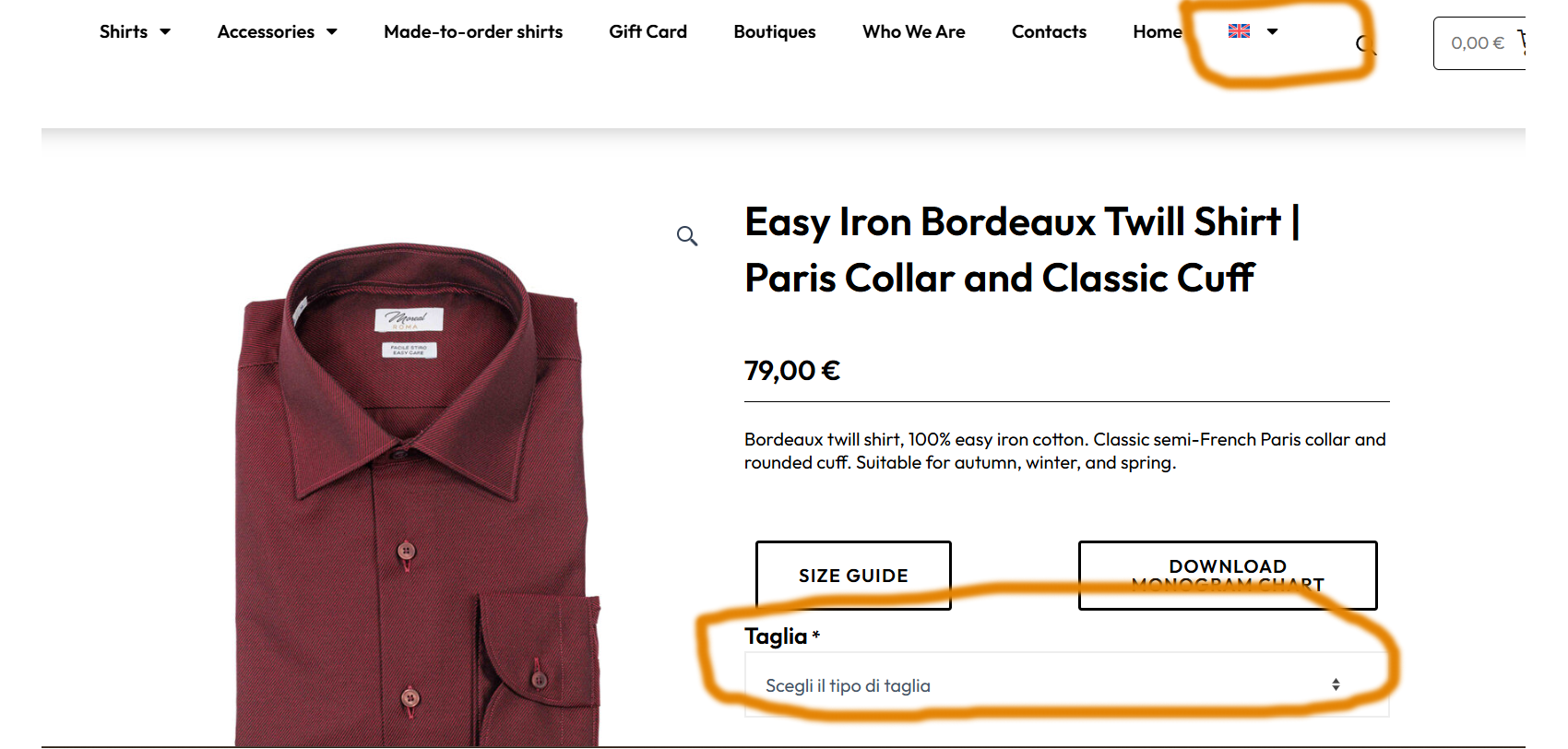 |
| Gennaio 11, 2026 alle 8:55 #17718802 | |
|
paoloD-32 |
Confermo che la traduzione automatica del sito è disattivata, e i campi personalizzati: pewc_product_extra_fields sono stati provati sia in traduci, copia e copia 1 volta. Senza successo perché la traduzione avviene, e poi dopo 24 ore trasmette l'ultima modifica in entrambe le lingue, inattivando, di fatto le modifiche fatte. Ripetiamo sono 256 prodotti che è la terza volta che completiamo la traduzione delle varianti e ritornano in monolingua. Lasciamo remind dell'utente di test precedentemente creato per farvi controllare all'interno. [removed by supporter] Aggiungo che abbiamo impostato tutto come indicano sia le guide di wpml sui campi personalizzati, sia come indicano le guide su wpml del plugin addon di Plugin Republic utilizzato. Entrambi dichiarate compatibilità, ma a noi non sta funzionando. Abbiamo provato anche a ricreare daccapo i gruppi e i campi, su singoli prodotti, come indicato nel video esplicativo del ticket primo aperto(vedi note sopra) ma il team di Moreal Camicie ha bisogno di duplicare prodotti simili per non riscrivere tutto il prodotto daccapo ogni volta. |
| Gennaio 12, 2026 alle 4:29 #17719965 | |
 Long Nguyen Sostenitore di WPML dal 02/2022 Lingue: Inglese (English ) Vietnamita (Vietnamese ) Fuso orario: Asia/Ho_Chi_Minh (GMT+07:00) |
Hi Paolo, I’m Long from the WPML Development team, I’m happy to help you with this issue. First thing, the admin account that you shared isn't correct so I'm not able to login to your site admin area to check the product and variations. The second, I suggest you use the custom field transltion preference "Translate" or "Copy Once" and use the WordPress editor to translate the product following the plugin WooCommerce Product Add-Ons Ultimate documentation. If this still doesn't help, I would like to request temporary access (wp-admin and FTP) to your site so I can take a better look at the issue. It would be better to have a testing site where the issue is replicated. Your next reply is set to private to share the info. ❌ IMPORTANT: Please backup your database and website before proceeding ❌ The third, please don't add your site credentials directly to your comment. This is a public forum and anyone can see that. You can share when a supporter asks for it and there will be a private box to fill in the info. And lastly, please let me know if it is okay to continue in English, or do you prefer only Italian? Looking forward to your reply. |
| Gennaio 12, 2026 alle 9:02 #17720463 | |
|
paoloD-32 |
I’d like to update you that currently, in the Advanced Translation Editor the add-on variations are translated correctly, but on the front end they don’t show up and they remain in the original (native) language. All products behave this way except for one product which, although it was edited more than 24 hours ago, has kept both languages translated correctly. link nascosto If you try this link, it’s the only product where the first language (Italian) shows the correct variations and the second language (English) also shows the correct variations. Thanks for your support. |
| Gennaio 13, 2026 alle 1:59 #17723479 | |
|
Long Nguyen Sostenitore di WPML dal 02/2022 Lingue: Inglese (English ) Vietnamita (Vietnamese ) Fuso orario: Asia/Ho_Chi_Minh (GMT+07:00) |
Hi, The admin account is still not correct. Can you please give a check and share the account again? Your next reply is set to private to share the info. Thank you. |
| Gennaio 13, 2026 alle 11:29 #17724918 | |
|
paoloD-32 |
The address of the server ftp is without link nascosto, only 138.201.119.248 |
| Gennaio 13, 2026 alle 16:29 #17726640 | |
|
paoloD-32 |
Hi Long, I’m updating you on the steps I’ve tried. I tried to bypass the automatic transfer of the add-on variant translations (visible in WPML’s Advanced Translation Editor) by adding a PHP function in the child theme, so it would run before the translation transfer step. I did this because the variants are translated in the Advanced Translation Editor for each product, but they don’t show up on the product front-end (for every product). The other translations, however, are displayed correctly. So basically, the translations for the add-on variants exist in the translation editor, but they don’t appear on the front-end / in the standard WordPress editor. I still haven’t been able to fix it because the add-on plugin strings (created by the plugin) are not showing up in WPML → String Translation. I can’t try again until tonight (Italian time). If you can support me, please update the ticket. Thanks in advance. 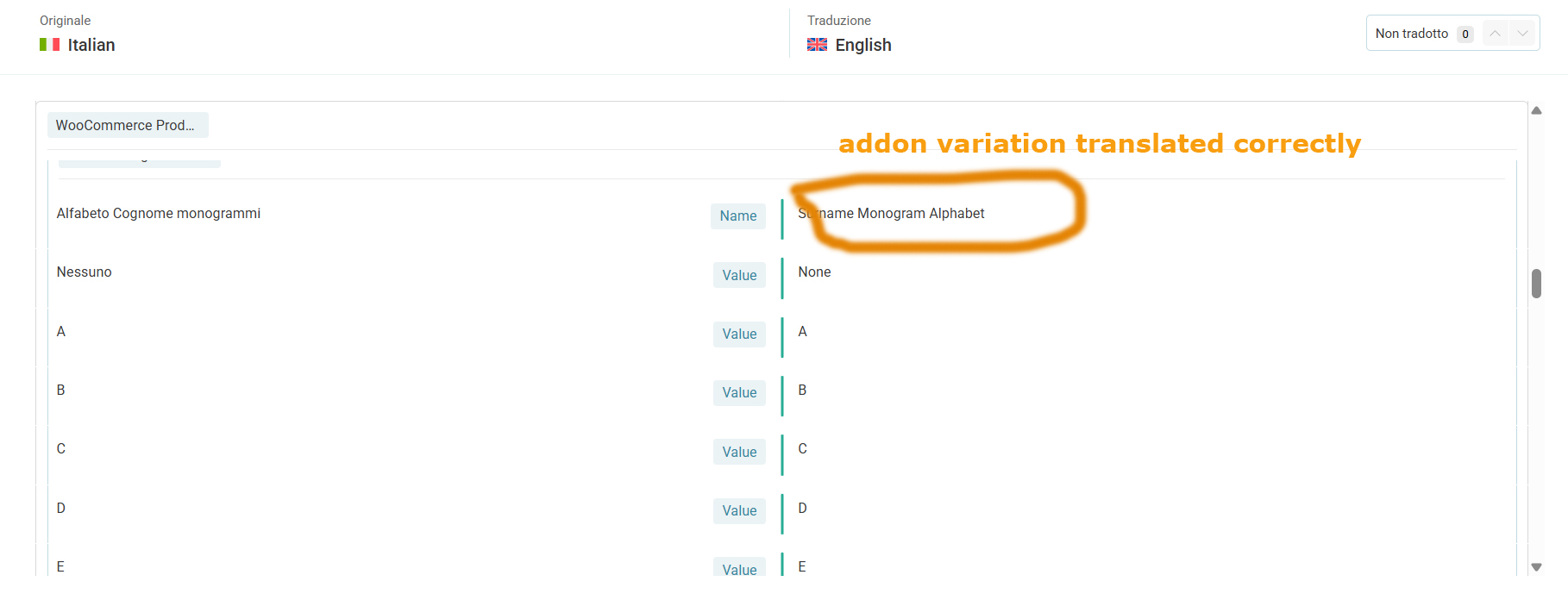 |
| Gennaio 13, 2026 alle 17:21 #17726879 | |
|
paoloD-32 |
I’m updating you on one last step: I manually translated the English and Italian versions of two products: link nascosto link nascosto It seemed to me that since yesterday (the last 24 hours) it has been keeping the changes made from the WordPress/WooCommerce backend, but I’ll wait until tomorrow to confirm. However, as I wrote in the previous message, I can confirm that all the add-on variants are translated correctly in the WPML Advanced Translation Editor, but they are not shown on the front end. |
| Gennaio 14, 2026 alle 2:13 #17727598 | |
|
Long Nguyen Sostenitore di WPML dal 02/2022 Lingue: Inglese (English ) Vietnamita (Vietnamese ) Fuso orario: Asia/Ho_Chi_Minh (GMT+07:00) |
Hi, As I mentioned in my first reply, you need to use the WordPress translation editor to translate the product and Product Add-ons fields. Please check the attached screenshots and follow the plugin documentation Looking forward to your reply.    |
| Gennaio 15, 2026 alle 9:41 #17732284 | |
|
paoloD-32 |
Sorry Long, the approach you suggested is correct— in fact, we managed to translate all the products again, including the add-on plugin variants. I have a question: is it possible that 24–48 hours after translating or adding new products, some translations might sporadically “drop” or go missing for older products that were already in the system? I have the feeling it may be related to WordPress and hosting resources. For now I’ve increased PHP’s max_vars parameter to 130,000—based on your experience, do you have any other suggestions? Thanks as always for your support. |
| Gennaio 15, 2026 alle 10:13 #17732394 | |
|
Long Nguyen Sostenitore di WPML dal 02/2022 Lingue: Inglese (English ) Vietnamita (Vietnamese ) Fuso orario: Asia/Ho_Chi_Minh (GMT+07:00) |
Hi, As far as I know, the PHP setting max_input_vars will check the number of variables when you submit a request; it doesn't drop or delete a product, translation product (a post) after it is created. If you experience the issue again, please take some screenshots and share them with me. I will help you investigate the issue. Looking forward to your reply. |
| Gennaio 15, 2026 alle 17:08 #17734891 | |
|
paoloD-32 |
Hi Long, the issue is still alive. Some products translated come back at monolingual issue. link nascosto It for example that mantains variatons in english, in both the language switches. I think that it could be caused by the hosting’s limited resources, or could it depend on something else? |
| Gennaio 16, 2026 alle 2:44 #17735552 | |
|
Long Nguyen Sostenitore di WPML dal 02/2022 Lingue: Inglese (English ) Vietnamita (Vietnamese ) Fuso orario: Asia/Ho_Chi_Minh (GMT+07:00) |
Hi, After making some small changes to the product addon fields of the product link nascosto The plugin Product Add-ons will save the changes to a transient value in the database and it will expire after 24 hours. After that, the plugin will fetch the value from the posts, the group and the field are kinds of post types, that are the group and the field you created. To fix the issue, you need to edit the product in the English language, delete the current groups and fields, create new groups and fields for the product and save. Notice that each product should have a unique group and field IDs. Looking forward to your reply.   |
| Gennaio 16, 2026 alle 12:15 #17736841 | |
|
paoloD-32 |
Hi Long, and thanks all in advance for your support. I Tried your suggestion, but unfortunately it didn't work. I removed all the variant groups from the English product, and it removed them all. When I then tried to recreate them by adding them again, after saving they don’t show up and they don’t appear in the Variants section. Basically, it deletes variants but doesn’t add them. To be safe, I also tried deleting just one variant from the group in the Italian version of the same product, and after saving the plugin removed all the variants from the Italian version too. Below is the link to the product I tested. link nascosto 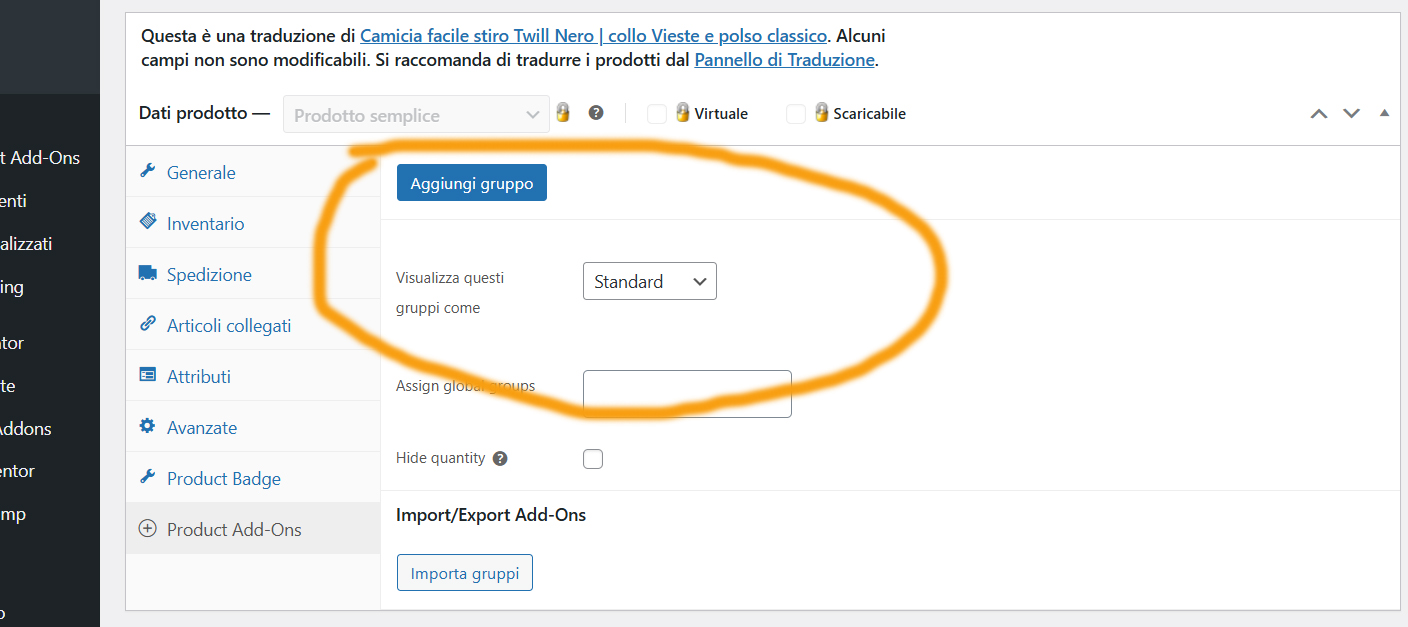 |
| Gennaio 16, 2026 alle 22:45 #17738557 | |
|
paoloD-32 |
Hi Long, I’m updating you on the status of the changes and tests. I resolved the issue with variants not being saved by increasing the server-side system variables limit (max_vars) to 200,000. I’ve now followed your instructions and tested them by recreating the variants from scratch on a product. Tomorrow at 5:00 PM (Italian time) I’ll check whether it retains the translations correctly, and if so I’ll replicate the operation in batches across products—covering all products that didn’t retain the translations that were applied. I’ll update you at the end of the processing cycle. Thanks again. |



