[Résolu] How can I change the slugs and make the links work again in the menu?
Ce sujet est résolu. Voici une description du problème et de la solution.
Problem: The client is experiencing 404 errors after translating the slug taxonomy of product categories and page URLs into different languages. Additionally, when translating the URL of the 'Nous contacter' page to Spanish ('contactanos'), the footer link in the Spanish version redirects to the French URL instead of the Spanish one. Solution: 1. For translating product category slugs, we recommend using the WPML > Taxonomy Translation page. After translating, clear the caches (Object cache, WP Rocket) to ensure the translated product category pages work properly in the frontend. 2. For the issue with the page not showing in the correct language, ensure that the page is fully translated into Spanish. If it's not, it will fallback to the French version due to the 'Translatable - use translation if available or fallback to default language' setting in WPML > Settings. Change this to 'Translatable - only show translated items' to avoid such issues. 3. To update the page slug for 'contactanos', you can either edit the page in the admin area and switch to the Spanish language to update it manually, or use the option 'Translate' in the translation editor, which allows the slug to be included in the translation.
If these steps do not resolve your issue or if the solution seems outdated or irrelevant to your case, we highly recommend checking related known issues at https://wpml.org/known-issues/, verifying the version of the permanent fix, and confirming that you have installed the latest versions of themes and plugins. If the problem persists, please open a new support ticket.
Il s'agit du forum d'assistance technique de WPML, le plug-in multilingue pour WordPress.
Il est accessible à tous, toutefois seuls les clients de WPML peuvent y publier leurs messages. L'équipe du WPML répond sur le forum 6 jours par semaine, 22 heures par jour.
I also noticed that the slug taxonomy of my products categories are not translated because I have not entered a translation.
Thus, I have tried to enter one in English for example : "product-category" but when I do that, all the links in the menu are broken an I get a 404 error message.
See attached.
How can I change the slugs and make the links work again in the menu?
I get the same issue by the way when I translate the URL of my pages in Spanish and then, the links to the pages in the footer are broken.
Les langues: Anglais (English )Vietnamien (Vietnamese )
Fuseau horaire: Asia/Ho_Chi_Minh (GMT+07:00)
Hi,
I translate the product category slug on the page WPML > Taxonomy Translation as you do, clear the caches (Object cache, WP Rocket), the translation product category page works properly in the frontend. lien caché
Please recheck this and confirm it works on your side.
It worked but I still have an issue withe the URL translation of the Spanish pages 🙁
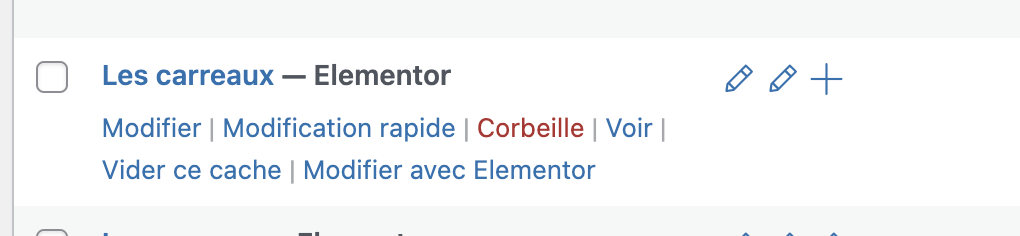
For example for the page "Les carreaux" (French page) : I deleted the Spanish version (flushed the trash as well) and translate the page again in Spanish to get a Spanish URL.
Then I cleared the cache (object cache & WP Rocket) but the page remains in French in the Spanish version of my website and when I go back to the admin dashboard it seems that the translation is not saved. lien caché
I tried several times but still, the spanish translation is not taken into account.
How can I solve the issue please?
In addition to my message above :
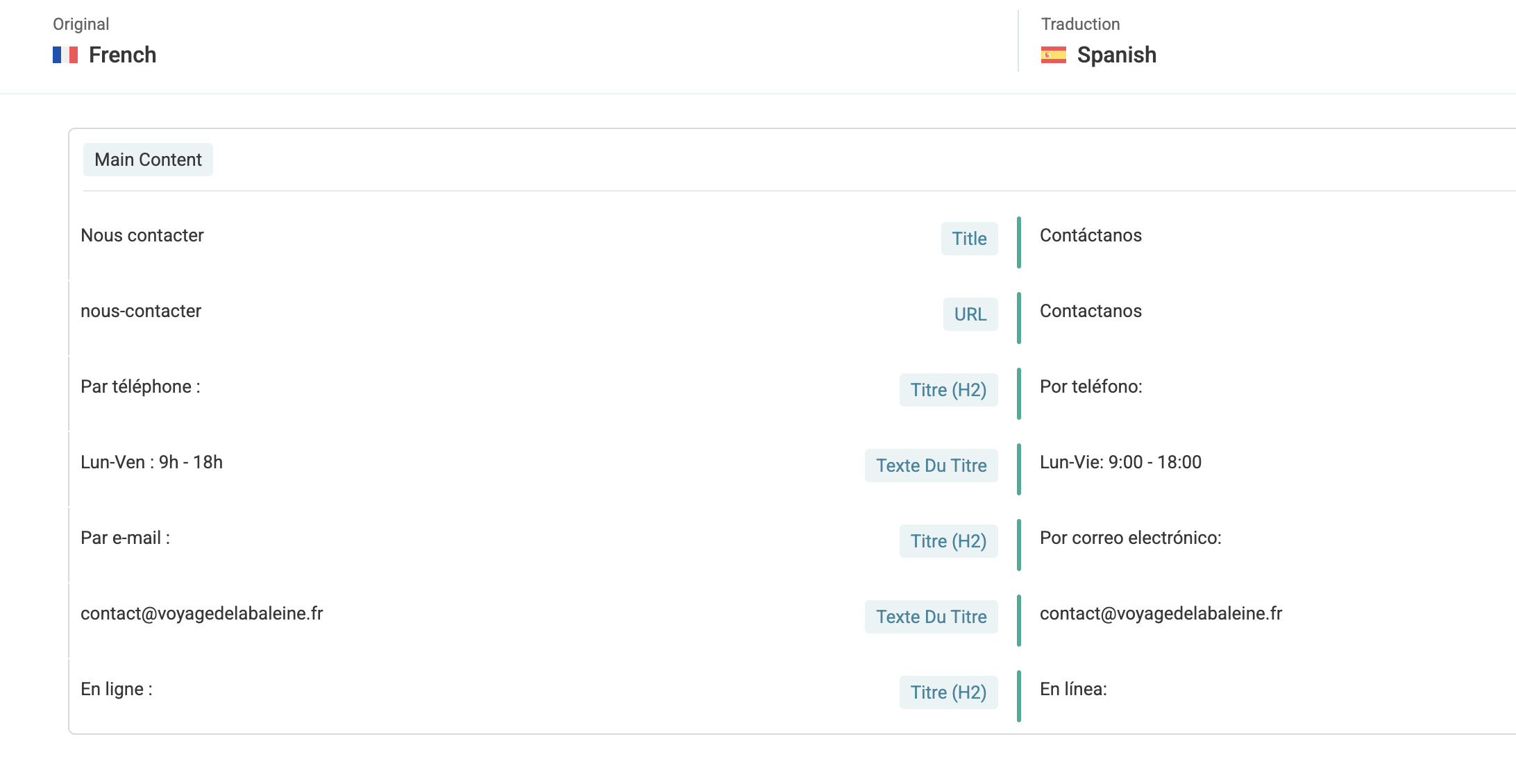
I also tried to manually change the translated URL of a page : "Nous contacter" (see print screen) : I translated it is Spanish : "contactanos"
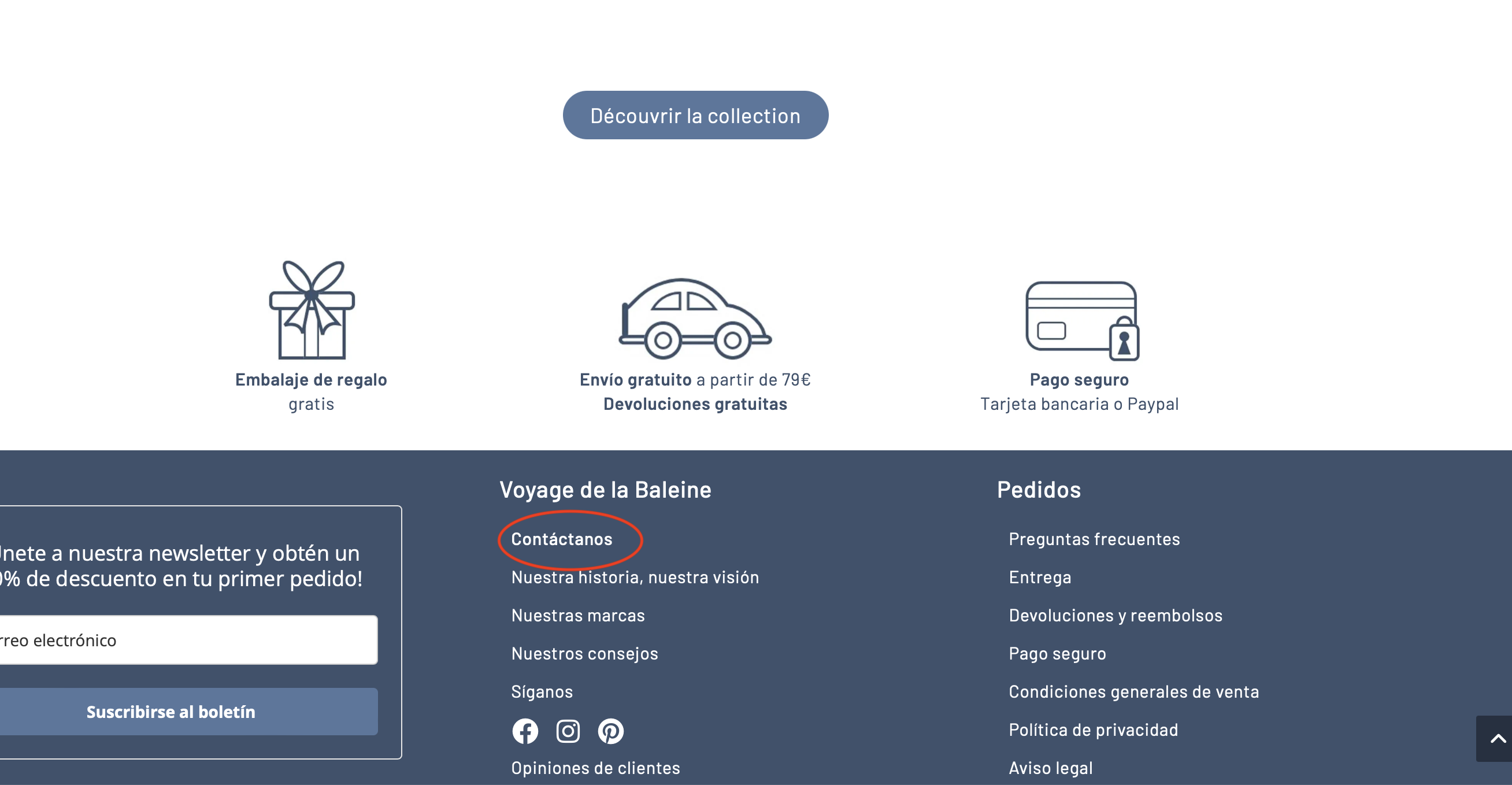
But in the footer of my website in the Spanish version, when I click on "Contactanos" I get the page with the French URL and not the Spanish one.
Could you please explain me how to change the URL of the pages in oder to get a Spanish URL and make it wok through my website?
Les langues: Anglais (English )Vietnamien (Vietnamese )
Fuseau horaire: Asia/Ho_Chi_Minh (GMT+07:00)
Hi,
1. For the page lien caché
Please note that this is the fallback version of the French language. This page is not translated into the Spanish language. You are using the preference "Translatable - use translation if available or fallback to default language" for the Page post type on the WPML > Settings page.
That means if the page is not translated into a second language, you can still access the page from second language. Please check the attached screenshots.
You can use the preference "Translatable - only show translated items" to avoid this issue.
2. For the page "contactanos" lien caché
I already suggested 2 options to update the page slug in the previous ticket https://wpml.org/fr/forums/topic/https-voyagedelabaleine-fr-it-carrello/#post-17744391
If you want to update the page slug, you can:
- edit the page in admin area > Switch to Spanish language and update it manually.
- or use the option "Translate (this will include the slug in the translation and not create it automatically from the title)", then the page slug is available in the translation editor for translation every time.
Les langues: Anglais (English )Vietnamien (Vietnamese )
Fuseau horaire: Asia/Ho_Chi_Minh (GMT+07:00)
Hi,
I check the database, table icl_translations and see that there is a post ID in Spanish language linked to the page "Les carreaux" ID 12429 in French language.
However, this post ID is not available in the table posts.
It could be a ghost entry after you delete the page in Spanish language and re-translate it. Then I go to WPML > Support > Troubleshooting > Click on some buttons:
- Clear the cache in WPML
- Remove ghost entries from the translation tables
- Fix post type assignment for translations
- Clear Object cache, WP Rocket cache
and translate the page again. Now you can see it works properly. lien caché