Passer au contenu Passer à la barre latérale

Ce sujet est résolu. Voici une description du problème et de la solution.

Problem:
If you're experiencing issues where your translated pictures in a post appear as not yet translated even after using WPML Media Translation, this might be due to the default media text behavior being enabled.
Solution:
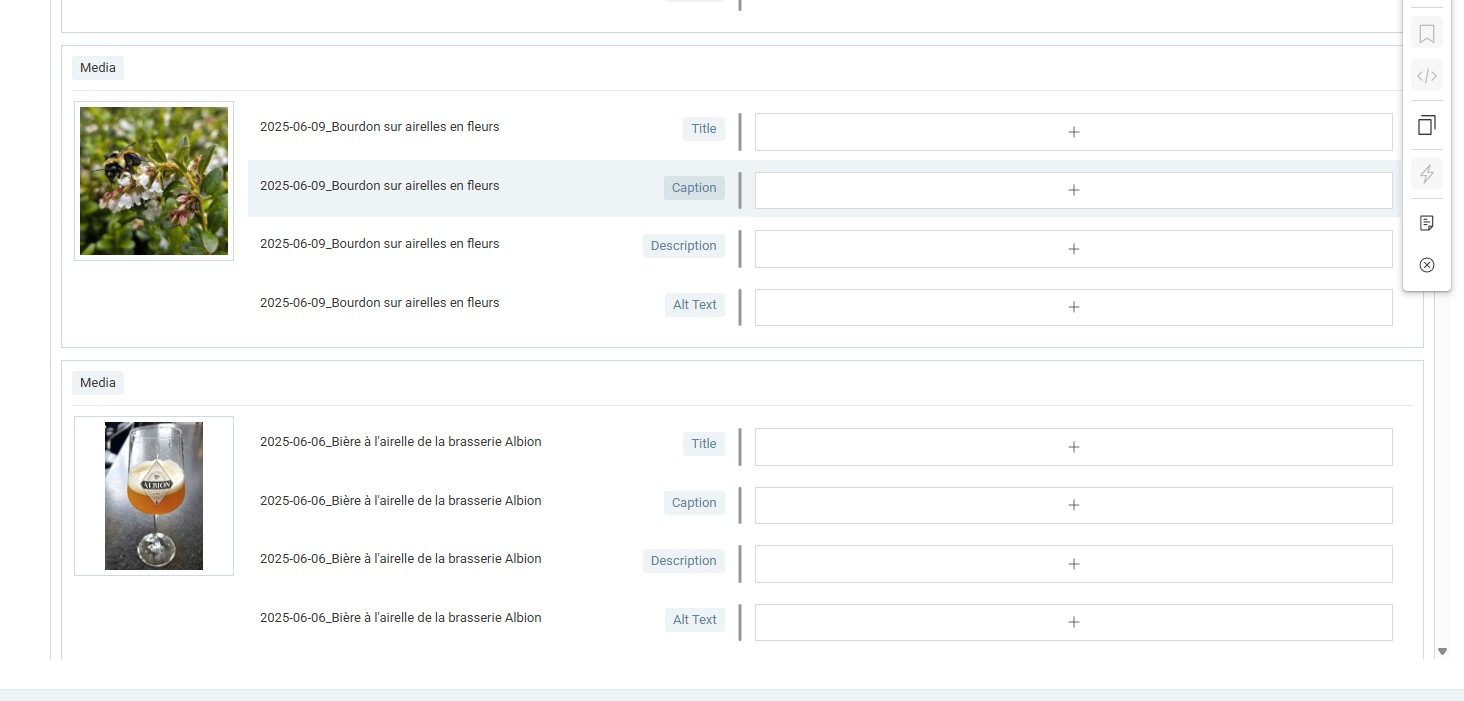
We recommend you disable the default media text behavior. You can do this by navigating to WPML > Settings > Media translation. After disabling, make a small change to the post to allow WPML to apply the new settings to the next translation. This should resolve the issue of media texts appearing in the translation editor.

Please note that this solution might be outdated or not applicable to your specific case. If the problem persists, we highly recommend checking related known issues at https://wpml.org/known-issues/, verifying the version of the permanent fix, and confirming that you have installed the latest versions of themes and plugins. If needed, do not hesitate to open a new support ticket at WPML support forum for further assistance.

Il s'agit du forum d'assistance technique de WPML, le plug-in multilingue pour WordPress.

Il est accessible à tous, toutefois seuls les clients de WPML peuvent y publier leurs messages. L'équipe du WPML répond sur le forum 6 jours par semaine, 22 heures par jour.

Marqué : 

Ce sujet contient 4 réponses, a 0 voix.

Dernière mise à jour par Philippe Il y a 1 jour et 5 heures.

Assisté par: Ilyes.

Auteur Messages
mars 18, 2026 à 5:46 pm #17909041

Philippe

Hello,
I have translated my pictures using WPML Media Translation. Now, when I translate my Post, all my pictures appear as not yet translated. There are 56 pictures in a Portfolio. How to put them in sync?

mars 18, 2026 à 11:55 pm #17909554

Ilyes
Supporter

Les langues: Anglais (English ) Français (Français ) Arabe (العربية )

Fuseau horaire: Pacific/Easter (GMT-05:00)

Hello,

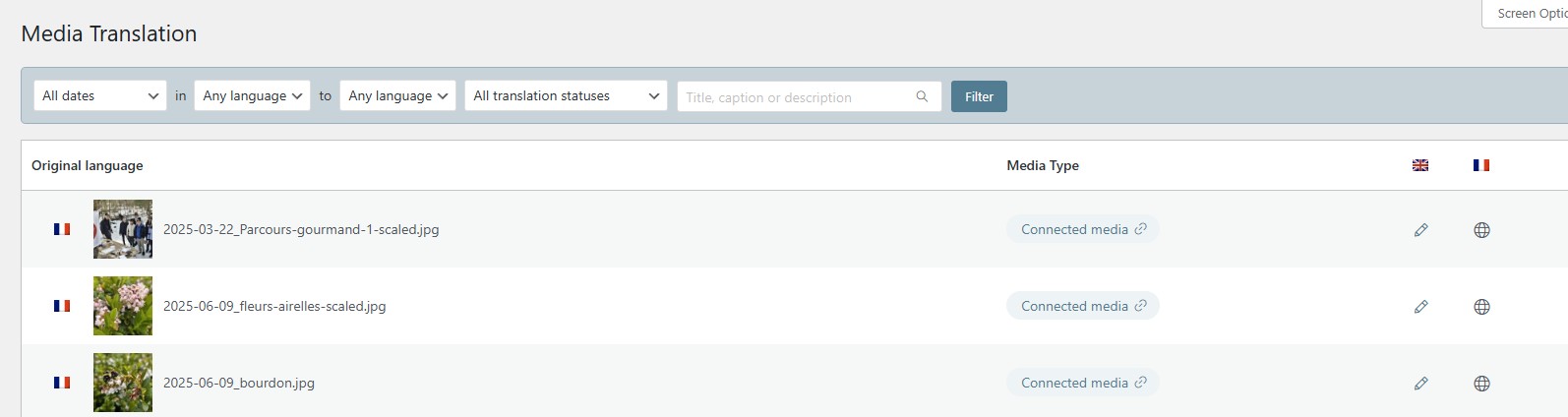
Under WPML > Media translation, it should show you the option to sync at the top everytime you add/edit a translation of one of your images.

Try do a small edit to any of those translation and save, see if you get that option,

If it doesn't work for any reason, you could share an access to your site below, I could then check it for you.

mars 23, 2026 à 12:12 pm #17918455

Philippe

Hello Ilyes,
Did you find something on your side?

mars 23, 2026 à 1:53 pm #17918944

Ilyes
Supporter

Les langues: Anglais (English ) Français (Français ) Arabe (العربية )

Fuseau horaire: Pacific/Easter (GMT-05:00)

Hello,

THank you for your patience,

It turns out you had the default media text behavior enabled, I had to disable this option under WPML > Settings > Media translation : lien caché

Then you need to apply a small change to the post for WPML to apply the new settings to the next translation.

The site is a bit unresponsive for the moment so I couldn't test this yet, I will get back to you once I confirm this fix.

mars 23, 2026 à 1:56 pm #17919011

Ilyes
Supporter

Les langues: Anglais (English ) Français (Français ) Arabe (العربية )

Fuseau horaire: Pacific/Easter (GMT-05:00)

Hello again,

So it seems to be working now : lien caché

The post is no longer showing the media texts in the translation editor.

mars 23, 2026 à 5:03 pm #17919719

Philippe

Hello Ilyes, thank you for your help, it works fine now!