WPML

Simplify the Visitor's Path to Their Language

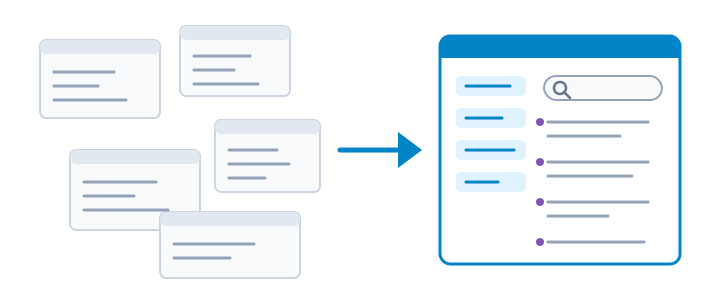
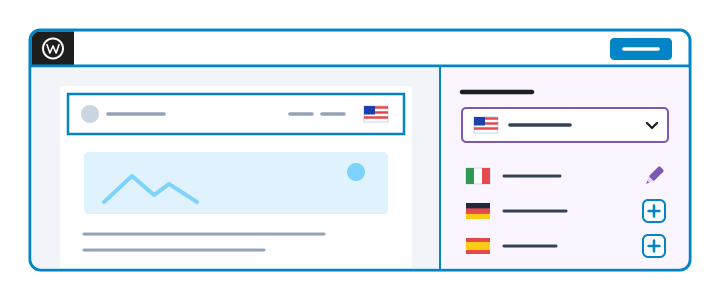
Now you can simplify the visitor's path to their language version by using Visitor language settings in WPMLSettingsURLs and SEO.

  • Show the site in the language the visitor last picked in the language switcher.
  • Set how many days the site remembers the visitor's choice.
  • When the visitor has not made a choice yet, and when their browser uses a different language than the page, your site can show a bar that offers the page in their language.
  • Set how many hours the bar stays hidden after the visitor closes it.
  • The bar does not affect your page indexing, as everything happens in the browser.

This one-minute video shows how to set it up and what your visitors see:

Finished Translations Reach Your Site Faster

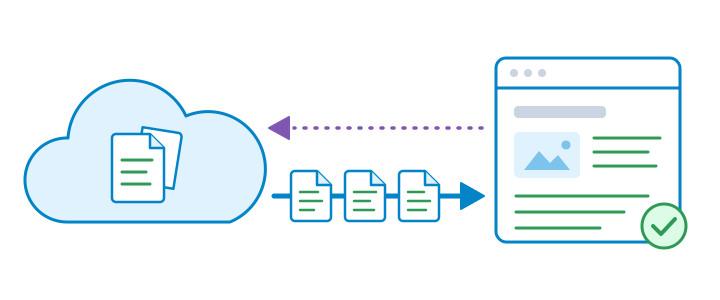
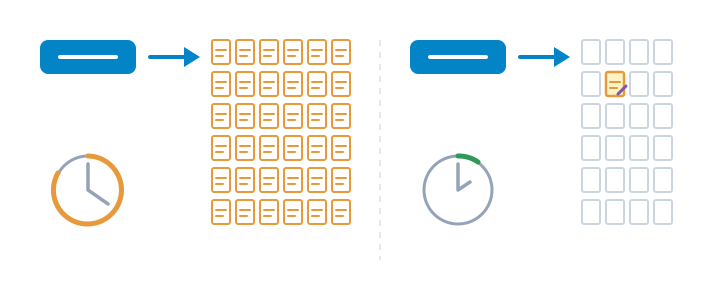
In WPML 5.4, your site checks for finished translations itself and, when they are ready, collects them from WPML's translation server:

  • The translations arrive faster.
  • Sites with a large backlog get their finished translations faster.
  • WPMLSupport now has a Translation delivery box with the status of your translations.
  • If something needs your attention, you get an email that names the fix.
  • The WPML admin bar icon shows a green play icon while Translate Everything runs with nothing to do, and a red counter when something needs your action.
A website asks WPML's translation server for finished pages and receives three translated documents
Finished translations reach your site faster.

Updates to Your Existing Translations, at No Cost

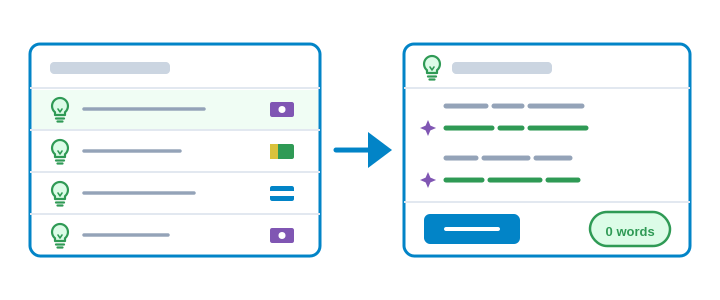
When WPML improves translations your site already received, it offers you the updated versions. You can apply them free of charge.

  • The Updated translations tab appears in WPMLTranslations.
  • WPML shows a notice and emails your translation contact.
  • Nothing changes until you accept the updates, per page or all at once.
  • Updates cost no words.
A list of pages with improved translations; next to it, the old and improved lines of one page and an Apply button that costs no words
Improved translations wait for your OK and cost nothing.

You Pay Once for Each Word

You pay for the words that need automatic translation, once:

  • All the texts that belong to a page or category now go to translation in one job and are billed once.
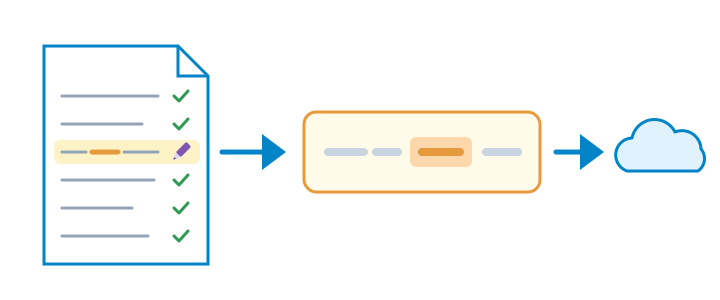
  • When part of a field changes, WPML sends only the changed sentences as new text.
  • WPML counts words in categories and tags like posts, so the Translation Dashboard's estimate matches the actual charge.
  • Sending content made in a page builder again charges only for the new text.
A translated page where every sentence has a tick except one edited sentence; only that sentence, with its changed word highlighted, goes to translation
An edit sends only the changed sentence to translation.

Block Themes: Language Controls in the Site Editor

If your site uses a block theme, WPML 5.4 makes it easier to manage its translations:

  • Templates, template parts, synced patterns and menus have their own Language panel in the Site Editor sidebar.
  • Translated pages use the translated templates, including when the templates were translated automatically.
  • If you edit a translated template, template part or menu in the Site Editor, WPML warns you that the next translation update will replace your edit.
  • The Language Switcher blocks can hide the current language from the list.
The Site Editor sidebar with a Language panel showing a template's language and its translations
Templates, parts and menus get their language panel in the Site Editor sidebar.

Page Builder Pages Complete in Every Language

WPML 5.4 brings more than 130 page builder improvements. The ones you notice most:

  • Elementor: forms, pop-ups, styles and display conditions work in every language. A template or pop-up whose translation isn't published yet shows the original.
  • Divi 5: edits you make to a translation in the Visual Builder stay after the next translation update.
  • Cornerstone: you can translate headers, footers, layouts and components on every site.
  • All builders: saving the original page no longer replaces a translation's own content with the original's text.
  • More texts from Elementor, Cornerstone, Beaver Builder, WPBakery and SiteOrigin reach translation.
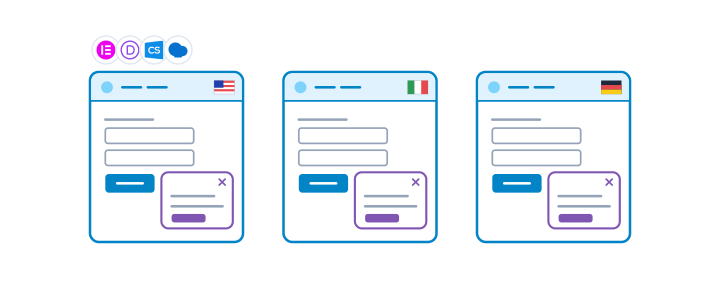
A page builder page with a header, a form and a pop-up in three languages, with marks for Elementor, Divi, Cornerstone and WPBakery
Page builder components translated better with WPML 5.4.

Find Categories and Tags That Still Show the Original Name

WPML 5.4 finds categories, tags and product attributes that still show their original name, and can send them for translation.

  • The WPML Troubleshooting plugin has a new tool, Translated terms that show the original name.
  • The tool finds these terms and sends them for automatic translation.
  • The Taxonomy section of the Translation Dashboard shows each taxonomy's status and volume.
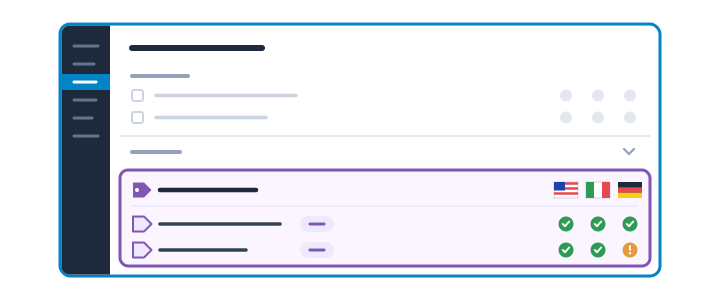
The Translation Dashboard with the categories and tags section highlighted, showing each one's status in three languages
WPML 5.4 finds the translated terms with the original name.

WooCommerce Multilingual 5.9

WPML Multilingual & Multicurrency for WooCommerce 5.9 ships with WPML 5.4 and makes buying smoother in every language:

  • Visitors can buy variable products even when an attribute value is not translated yet.
  • Product pages open normally when their categories are translated or mixed.
  • When a scheduled sale starts or ends, the sale prices you set by hand in other currencies switch too.
  • "Back in stock" emails reach shoppers who signed up on a translated product, in their language.
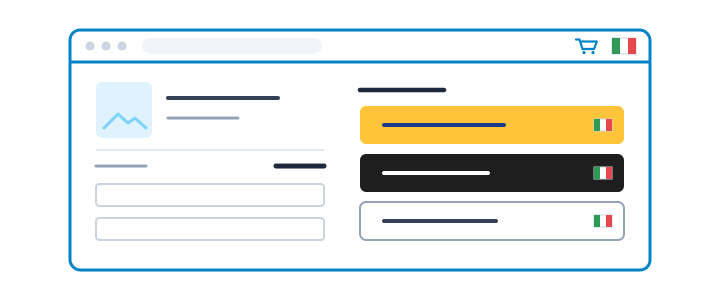
A store checkout shown in the shopper's language
Smoother buying in every language.

Also in WPML 5.4

  • In the languages editor in WPMLSettingsLanguages, you can now drag languages into the order the language switcher shows. Adding or removing a language keeps that order.
  • More texts of WordPress core blocks reach translation, such as embed captions, button tooltips and cover image alt texts.
  • Two new bulk actions in post lists: Translate independently and Overwrite with <default language> content.
  • WPMLSupport repairs internal links that older versions turned into ?page_id= addresses.
  • If your default language uses a directory, such as /en/, the root URL has a new option: Redirect to the default language.
  • In WPMLSettingsAI Translation, under Translate what visitors see, you choose whether automatic translation waits until the content appears on the site. You set it for each type of content, such as Elementor templates.
  • Elementor: you can translate the site name and tagline from Site Settings in the Translation Dashboard. The Site Title widget's text translates with its header.
  • WPMLSupport shows whether WPML's template cache is on, and why it is off.
  • Multisite: WPML warns when a sub-site's path is the same as a language directory, or its address is a language domain of another sub-site.
  • For developers: the WP-CLI commands wp wpml config reload and wp wpml appearance, and the filter wpml_exclude_packages_from_auto_translate.
  • When translations wait for you, the dashboard and the admin bar say why.
  • The Elementor Language Switcher widget gets hover, active-language and dropdown styles.

Important Fixes

WPML 5.3 and 5.4 bring about 470 fixes. Among them:

  • Saving a menu keeps all its items.
  • The "A New Site Key Is Required" notice no longer returns after each login.
  • Removing a former default language with its translations leaves your current default-language content in place.
  • Gravity Forms translations stay in place when a post has the same ID as the form.
  • Category archives, WooCommerce product categories included, open normally on hosts that limit large database queries.
  • You can send many pages at once, and every finished translation is kept.
  • Translate Everything no longer leaves a post stuck as waiting for translator with no job when an automatic send is interrupted.
  • When a language's URL code differs from its stored code, such as /en/ for en-us, the language switcher keeps /en/ on that language's own pages.
  • Updates finish on more servers, and an interrupted update shows a notice.
  • The Yoast SEO sitemap shows the right hreflang links for categories and tags.

The changelogs below list every fix.

Full Details for Every Plugin

Core components:

Add-ons:

How to Update Your Site

  1. Back up your site first.
  2. Check that your server runs PHP 7.4 or newer.
  3. Go to DashboardUpdates, or to WPMLActivate & Update, and update all your WPML plugins together. WooCommerce Multilingual 5.9 needs WPML 5.4.
  4. The update reaches your WordPress admin within 24 hours of the release. To get it right away, open WPMLActivate & Update and click Check for updates.

Your languages, URLs and settings carry over on their own. If you need help after the update, ask a support question.

Found this useful? Share this article: