


How to Translate Divi with WPML
Learn how to translate Divi into more languages and create a multilingual website with WPML.


Translate all Elements
Translate all Divi elements, including pages, custom posts, products, and more
Translate Theme Texts
Translate headers, footers, and any other texts in the theme
Localized Designs
Use the same design across languages, or create different designs in each language
Translate Any Divi Element
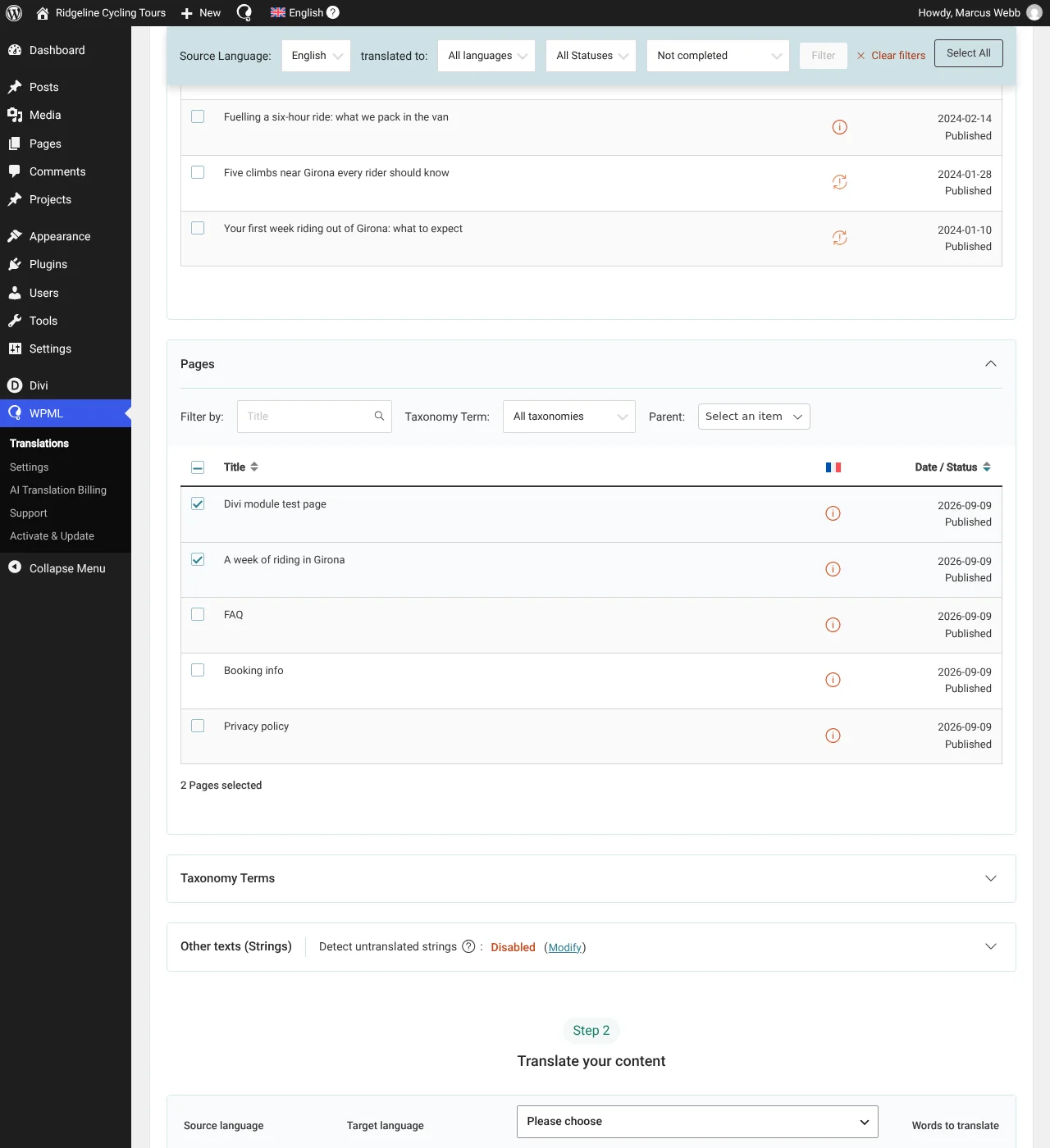
Translate any Divi element with WPML’s Translations dashboard.
Simply go to WPMLTranslations, open the Dashboard tab and select content for translation. Then, choose to translate by yourself or using Private Translation Cloud (PTC) (opens in a new tab), our most advanced automatic translation engine.
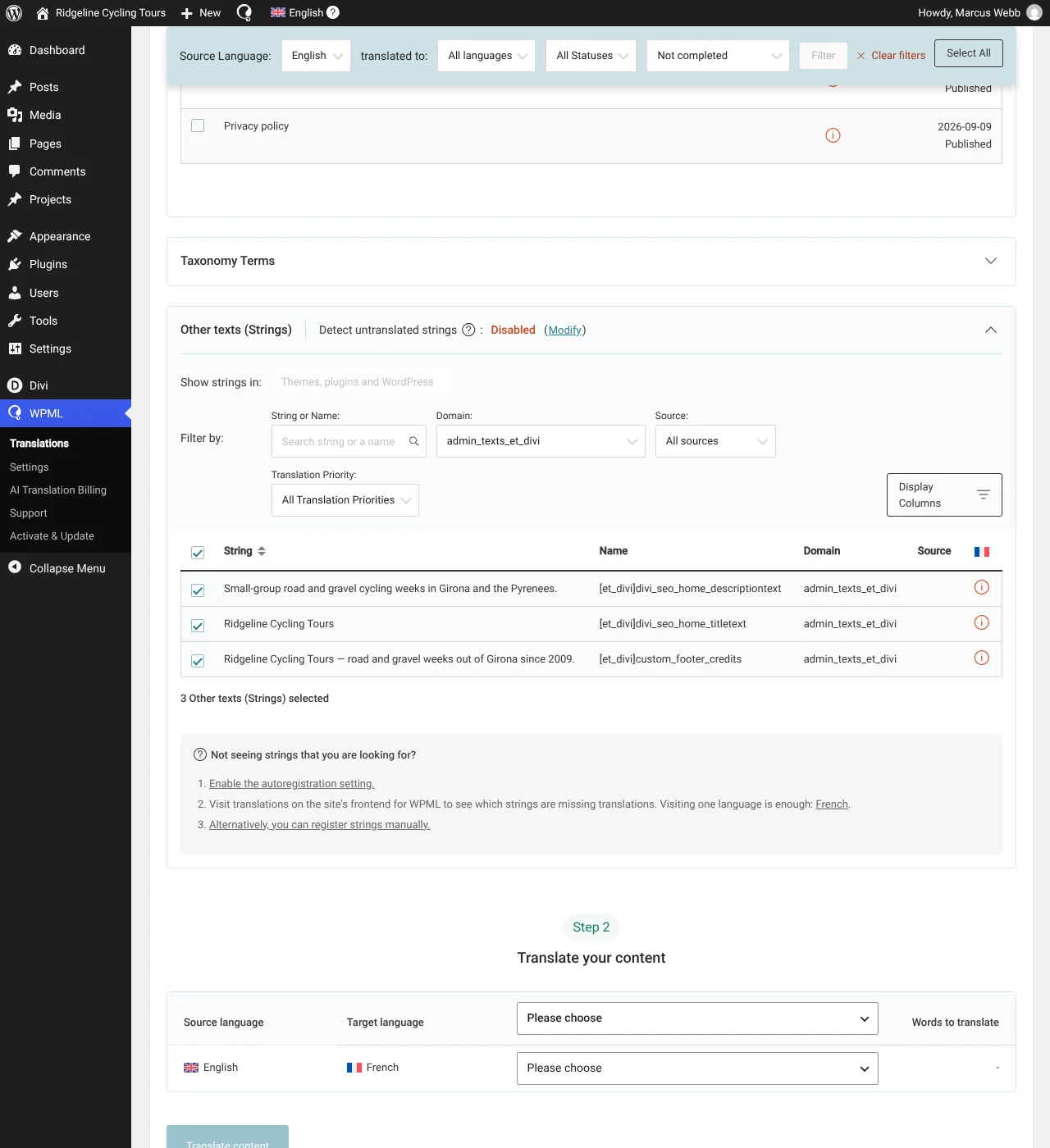
Translate Theme Texts
Translate your header, footer, and any other theme part via the Other texts (Strings) section in the Translations dashboard, or with WPML’s String Translation.
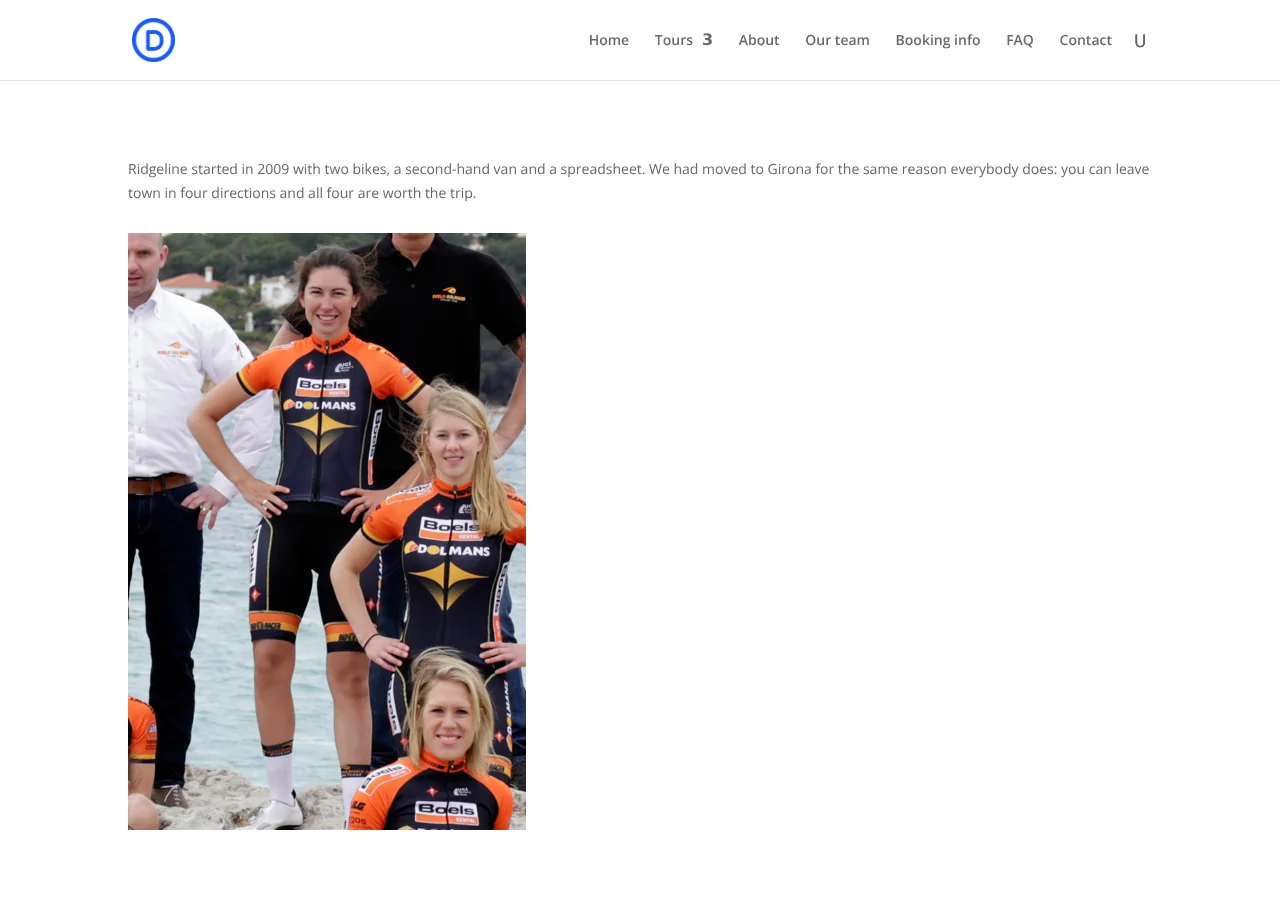
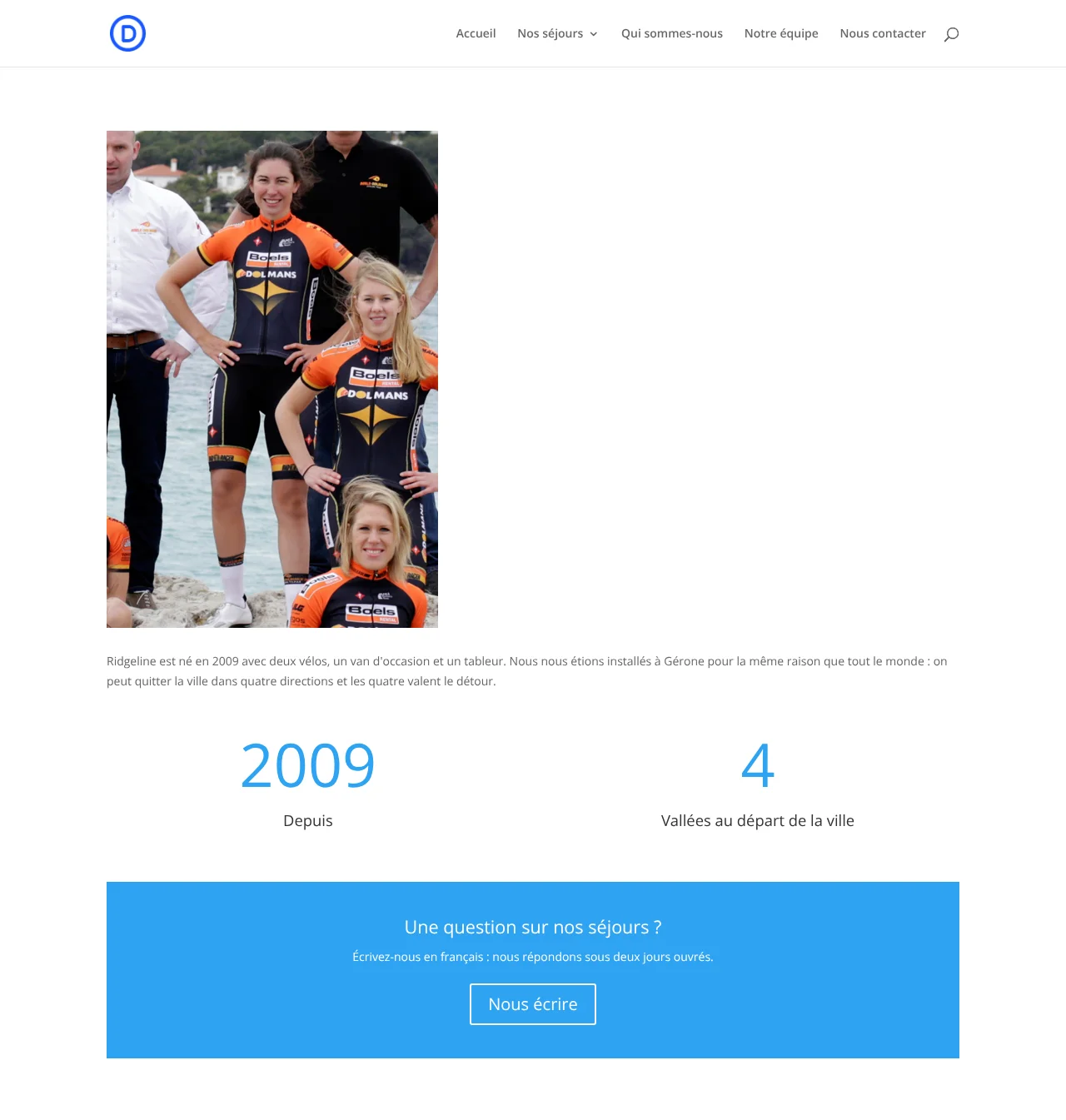
Create Different Designs in Each Language
Offer visitors a unique experience by creating culturally relevant designs in each language.
Frequently Asked Questions
Does WPML work with Divi 5?
Yes. WPML translates pages built with Divi 5 and with Divi 4. In both versions, you send pages for translation from the Translations dashboard in the same way.
How do I translate Divi Theme Builder layouts?
Go to WPMLTranslations. Your header, body and footer layouts are in the Header Templates, Body Templates and Footer Templates sections. Translate them like any other content. Each language then shows its translated layout. A layout with no translation shows in the original language.
In Divi 5, you cannot build a different layout design for each language. To show different content in each language, use a global item from the Divi Library, as described in this known issue about Divi 5 Theme Builder layouts.
Can I translate Divi Library items and global modules?
Yes. Go to WPMLTranslations and expand the Layouts section. It lists your Divi Library items, including global modules. Translate a global module once, and every page that uses it shows the translation.
Can I translate Divi Canvases with WPML?
Yes, you can translate Canvases — just make sure you have updated WPML to version 4.9.1 or later. Then, go to WPMLTranslations and expand the Global Canvases section. You can translate all Canvases from that section, whether they’re global or added to a specific page.
Can I translate Global Variables/Design Variables with WPML?
Yes, you can translate Divi’s Design Variables (also called Global Variables in the Divi Builder) — just make sure to update WPML to version 4.9.1 or later. To translate these variables:
1. Go to WPMLTranslations
2. Expand the Other Texts (Strings) section and filter by the admin_texts_et_divi_global_variables domain.
3. Select the ones you want to translate and send them to automatic or manual translation.
Written by