[Resolved] ACF dynamic image field not working in French
This thread is resolved. Here is a description of the problem and solution.
Problem: If you're experiencing issues with an ACF dynamic image field not working in a WordPress pattern in French, it might be due to compatibility issues. Solution: We recommend following these steps: 1. Edit your pattern in the original language. 2. Switch to the WP editor for the translation. This can be done by opening the translation in the WP editor. 3. Reassign the dynamic ACF field and save your changes.
Please note that this solution might be outdated or not applicable to your specific case. We highly recommend checking related known issues at https://wpml.org/known-issues/, verifying the version of the permanent fix, and confirming that you have installed the latest versions of themes and plugins. If the issue persists, please open a new support ticket.
This is the technical support forum for WPML - the multilingual WordPress plugin.
Everyone can read, but only WPML clients can post here. WPML team is replying on the forum 6 days per week, 22 hours per day.
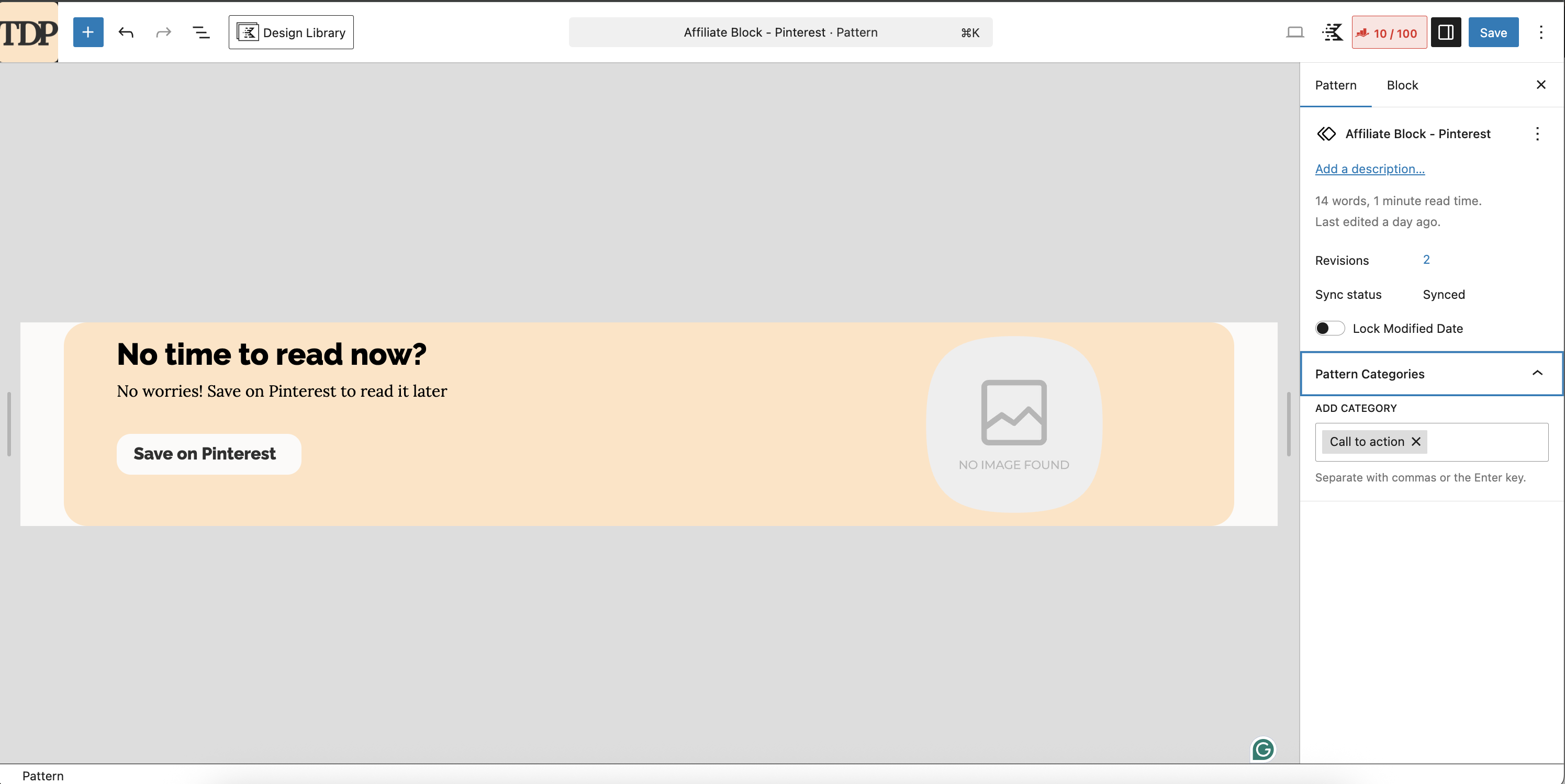
Kadence is a free theme, so it was easy. I also installed the free version of Kadence Blocks. And in the screenshot, you will find the structure I used for the block where both problems appear (title not translating, image not appearing)
If I understand correctly, can I delete the staging site?
I added Kadence Pro and my licence to your test environment.
I created the same pattern as the one on my live site. And connected the image to ACF. (i didn't add links.)
I added the pattern in the test post, and the test image appeared right away in the editor (which isn't the case in my site, I guess, because the articles are much longer)
I updated the translation using the ATE.
I then went to the WPML Translation Dashboard and translated the post pattern. There, I also had the issue that my main title didn't appear (see screenshot). For reference, the title is done using a Kadence adv (txt) bloc.
At that point, the problems are both replicated in the sandbox: hidden link
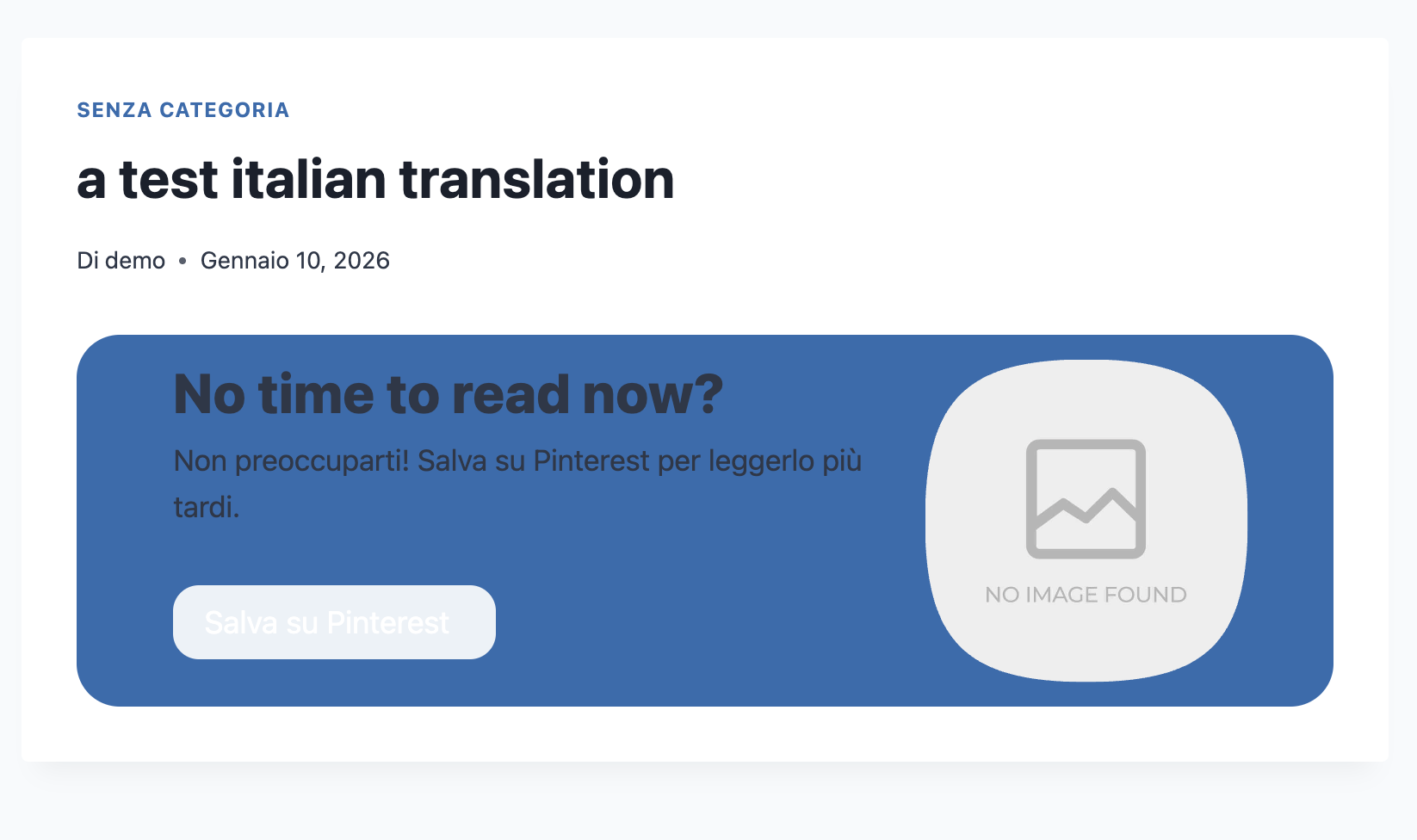
The image is not showing in IT, and the title is in English. (see 2nd screenshot).
Well since the plugin is not compatible anymore. The easiest solution would be to switch to the WP editor to translate the pattern.
1. Edit your pattern in the origina language: hidden link
2. Switch to the WP editor for the translation: hidden link
3. Open the translation in the WP editor, reassign the dynamic ACF field and save.