This thread is resolved. Here is a description of the problem and solution.
Problem: The client reported that after migrating their site, additional languages (Dutch, French, and German) disappeared, and the settings menu showed a critical error preventing the addition of new languages. The language menu on the homepage also disappeared. Solution: We resolved the issue by performing the following steps: 1. Navigated to WPML->Support->Troubleshooting and ran the option to repopulate the icl_languages database table. 2. Went to WPML->Languages to add new languages and reactivated the previously used languages. 3. To reactivate the default English language, we inspected the element by right-clicking on the language box, then in the HTML code, we removed the attribute
disabled="disabled"
.
If this solution does not resolve your issue, or if it seems outdated or irrelevant to your case, we highly recommend checking related known issues at https://wpml.org/known-issues/, verifying the version of the permanent fix, and confirming that you have installed the latest versions of themes and plugins. If the problem persists, please open a new support ticket.
This is the technical support forum for WPML - the multilingual WordPress plugin.
Everyone can read, but only WPML clients can post here. WPML team is replying on the forum 6 days per week, 22 hours per day.
Background of the issue:
I set up the site several years ago using WPML, but lately, the additional languages have disappeared. The site is hidden link.
Symptoms:
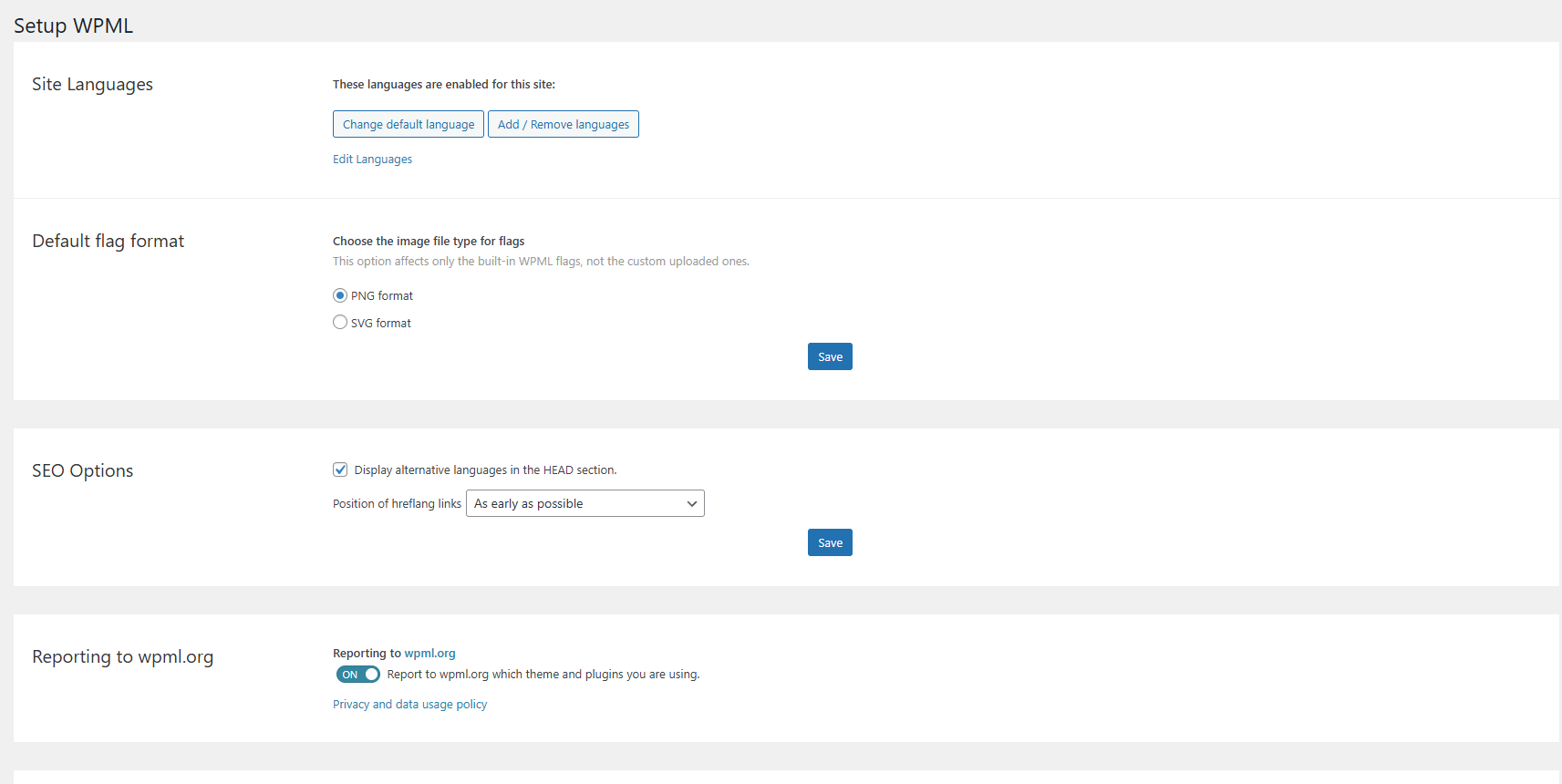
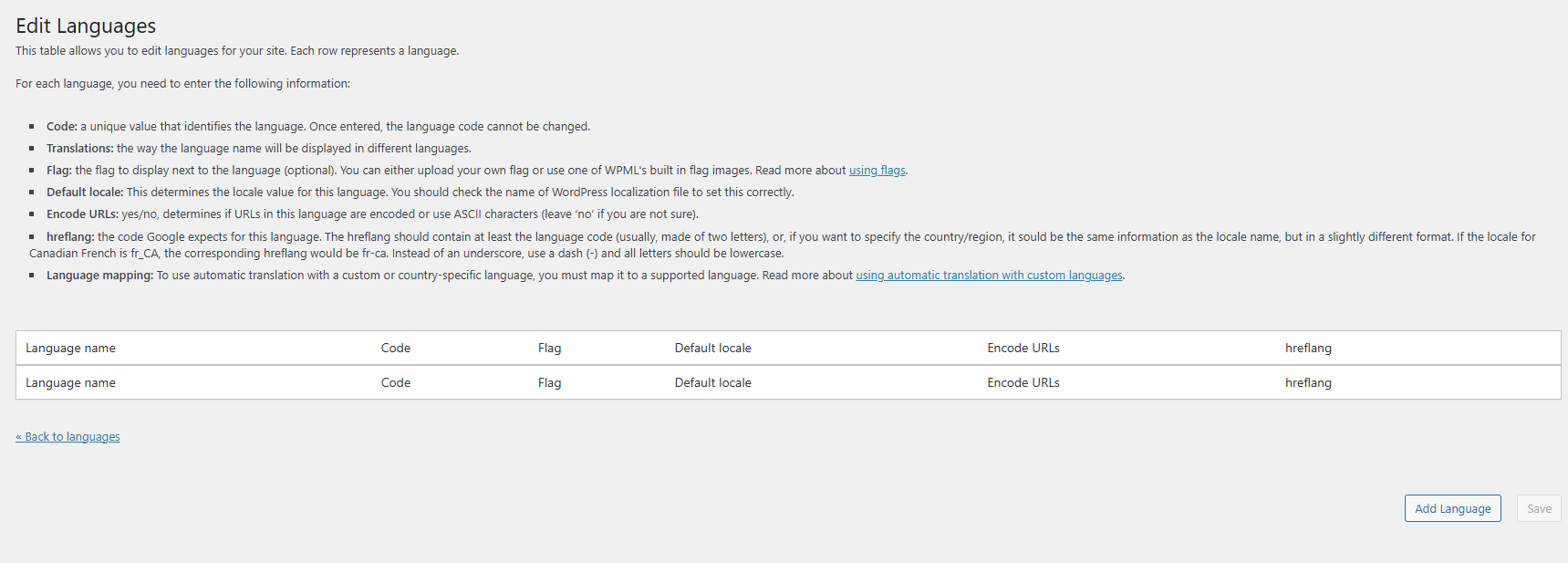
The additional languages (Dutch, French, and German) have disappeared. The settings menu gives a critical error, and no new languages can be added through the interface. The regular language menu on the homepage has disappeared.
Questions:
How can I restore the disappeared languages on my site?
What could be causing the critical error in the settings menu?
How can I add new languages through the interface again?
Why has the language menu on the homepage disappeared?
languages > blank - no languages are shown.
And yes, the site was recently migrated from Siteground to NameHero. Otherwise, no changes were made.
Thanks in advance, Bobby,
Please help me out.
Cheers,
Bart
I would like to request temporary access (wp-admin and FTP) to your site to test the issue.
(preferably to a test site where the problem has been replicated if possible)
**Before we proceed It is necessary to take FULL BACKUP of your database and your website. Providing us with access, you agree that a backup has been taken **
I often use the Duplicator plugin for this purpose: http://wordpress.org/plugins/duplicator/
You will find the needed fields for this below the comment area when you log in to leave your next reply.
The information you enter is private which means only you and I have access to it.
NOTE: If access to the live site is not possible and the staging site does not exist please provide me with a duplicator package created with the duplicator plugin.
Thank you, I was able to fix it by doing the following:
- WPML->Support->Troubleshooting-> Run the option to repopulate the icl_languages database table (it will no longer show as it is now fixed)
- WPML->Languages->Add new languages and select the previously activated languages.
To activate the English language (default) I used these steps _> Hover over right the box -> right click and inspect -> in the HTML you will see an attribute for "disabled=disabled", highlight and delete it.