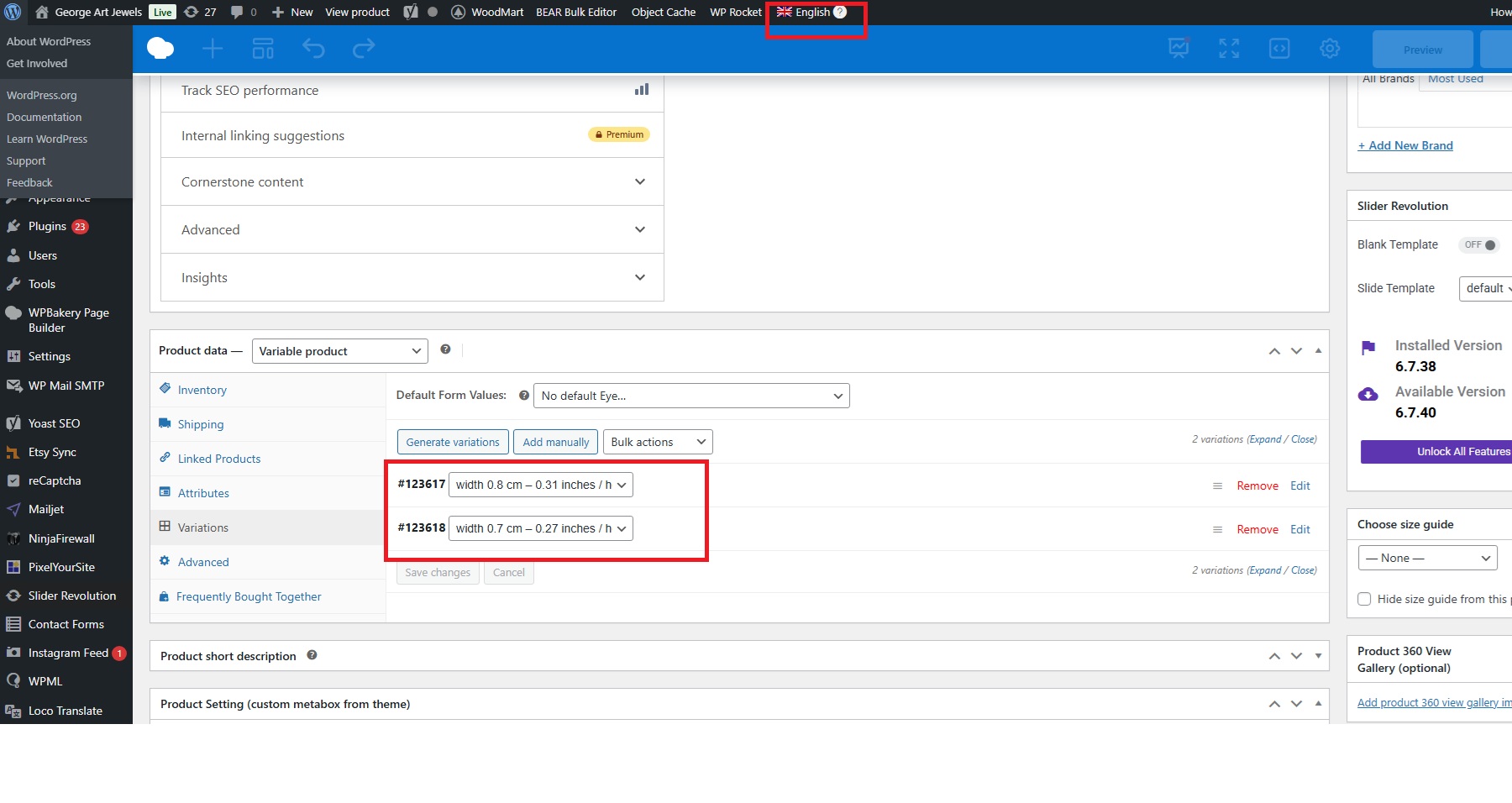
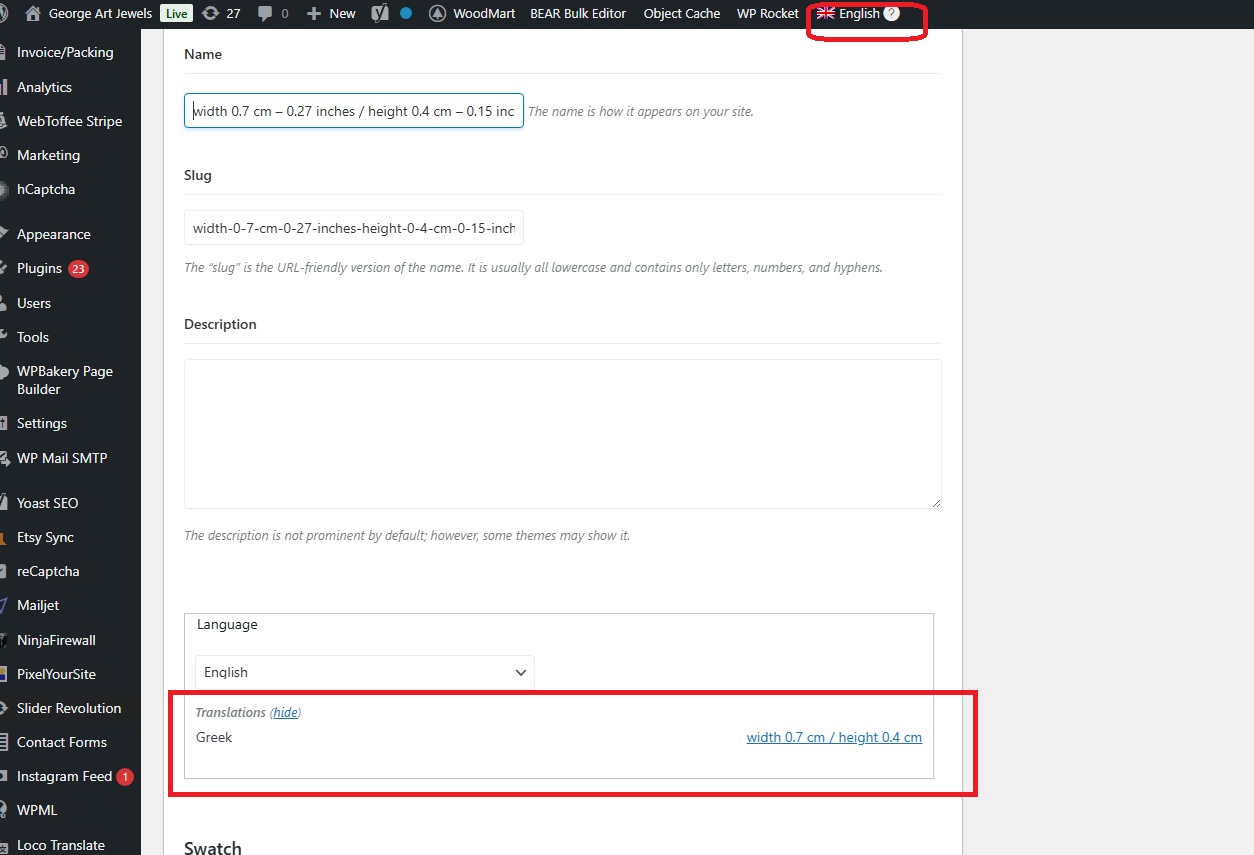
Post types -> Products + Variations -> use translation if available or fallback to default language
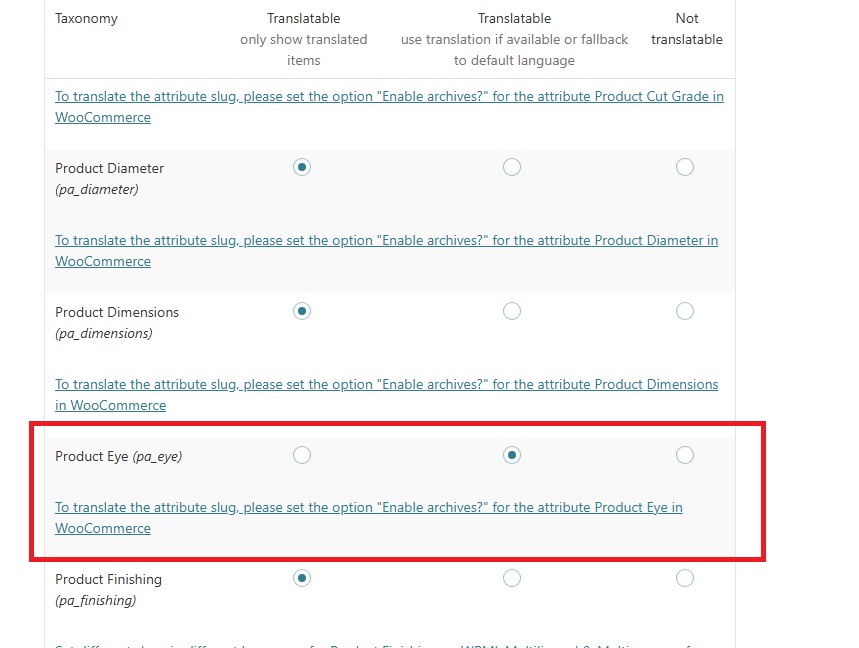
Taxonomies Translation -> pa_eye -> use translation if available or fallback to default language
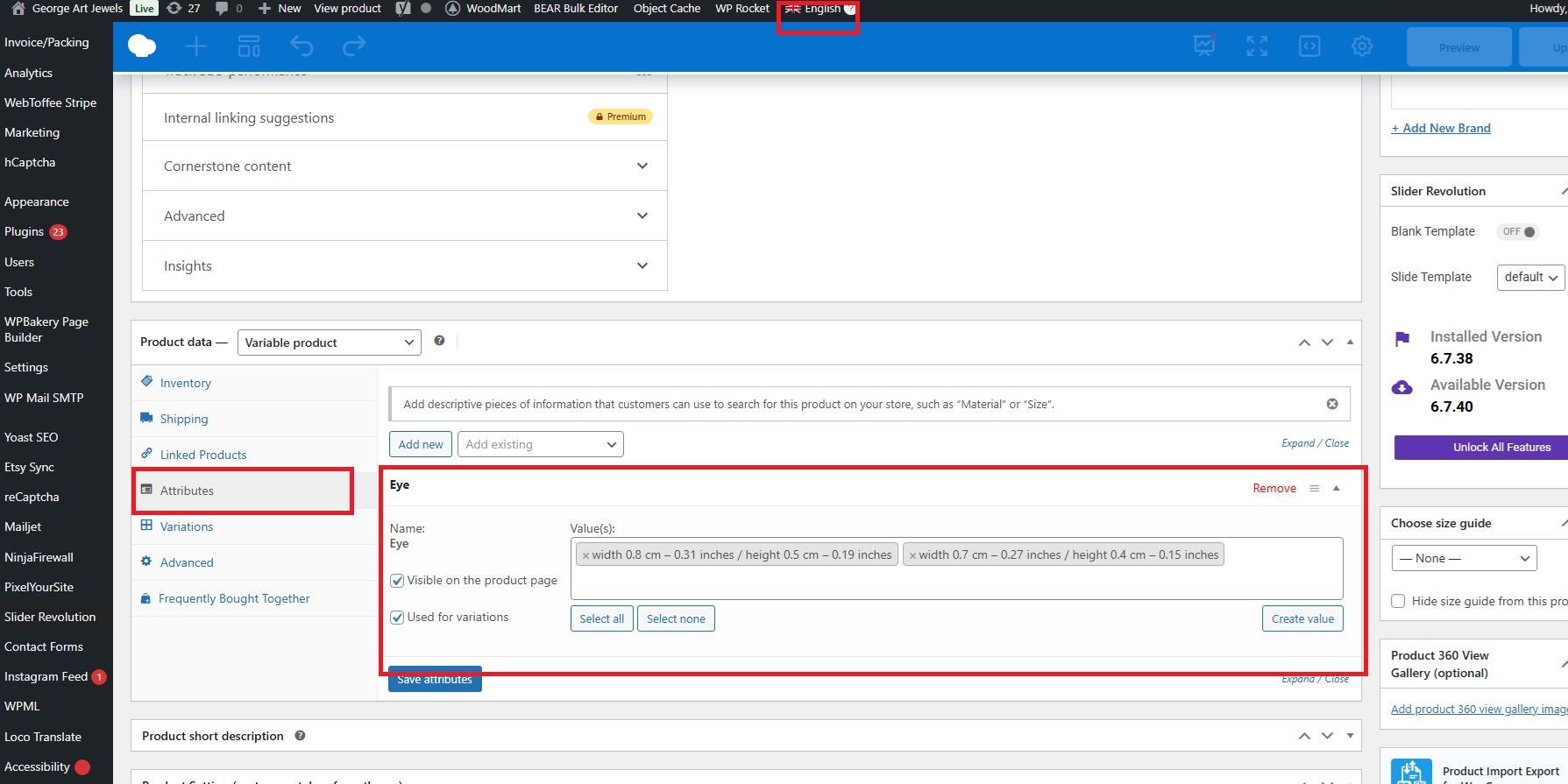
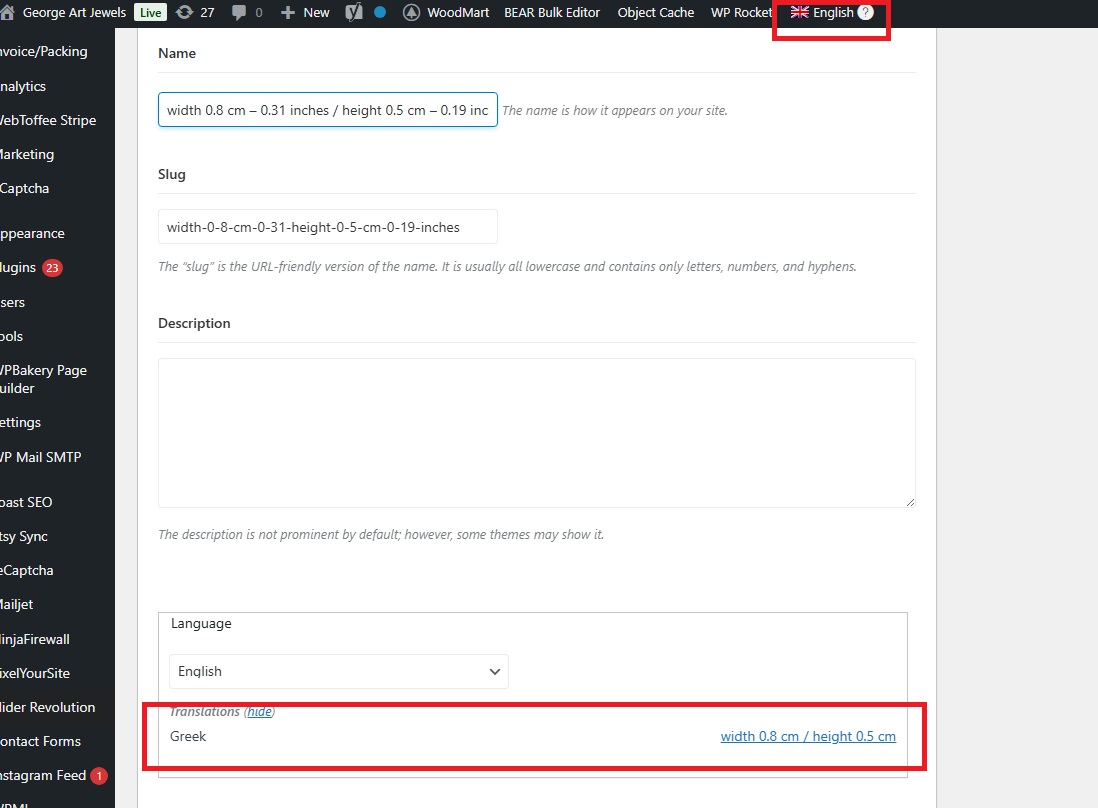
Taxonomy terms are translated and correctly linked
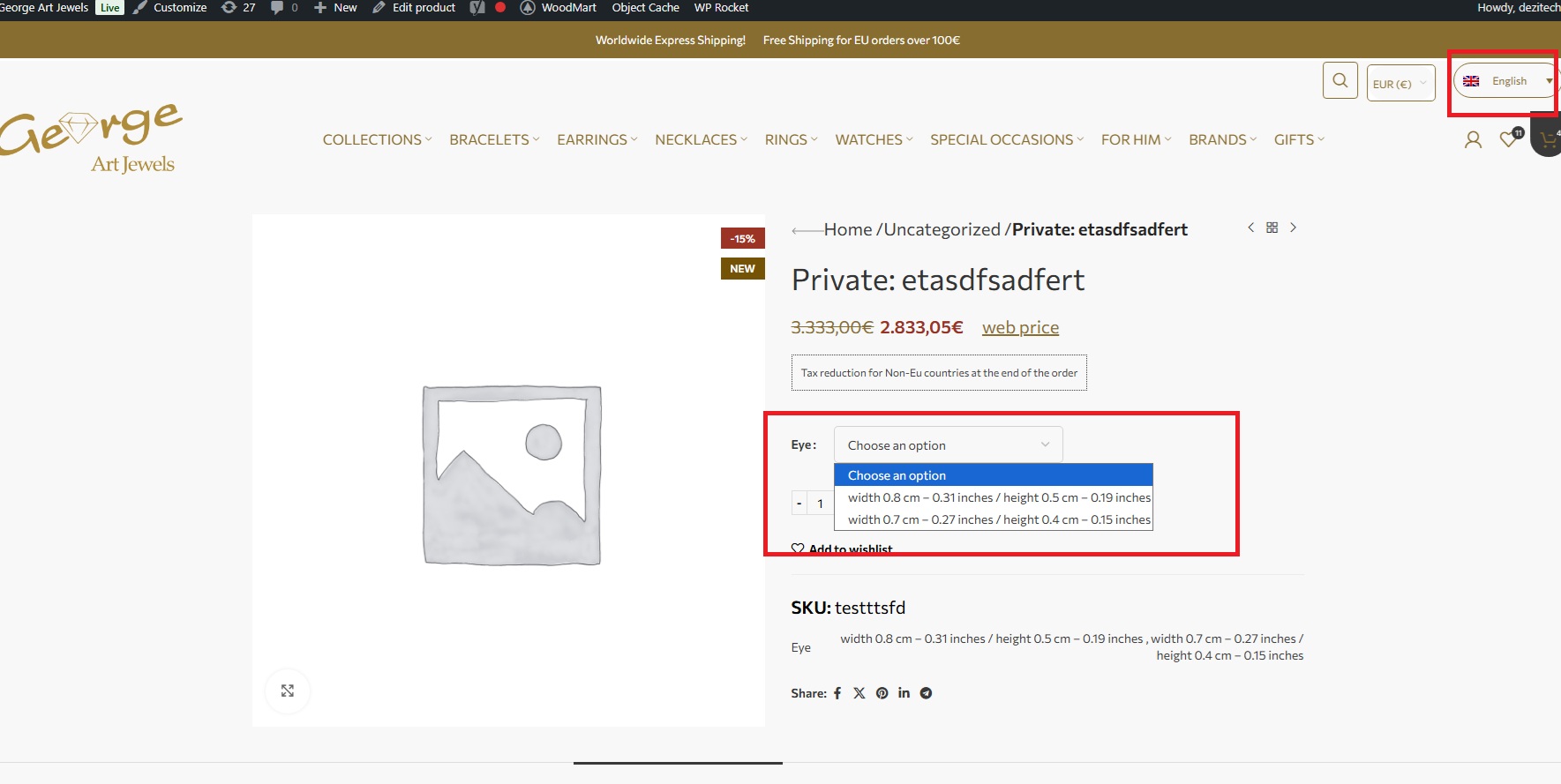
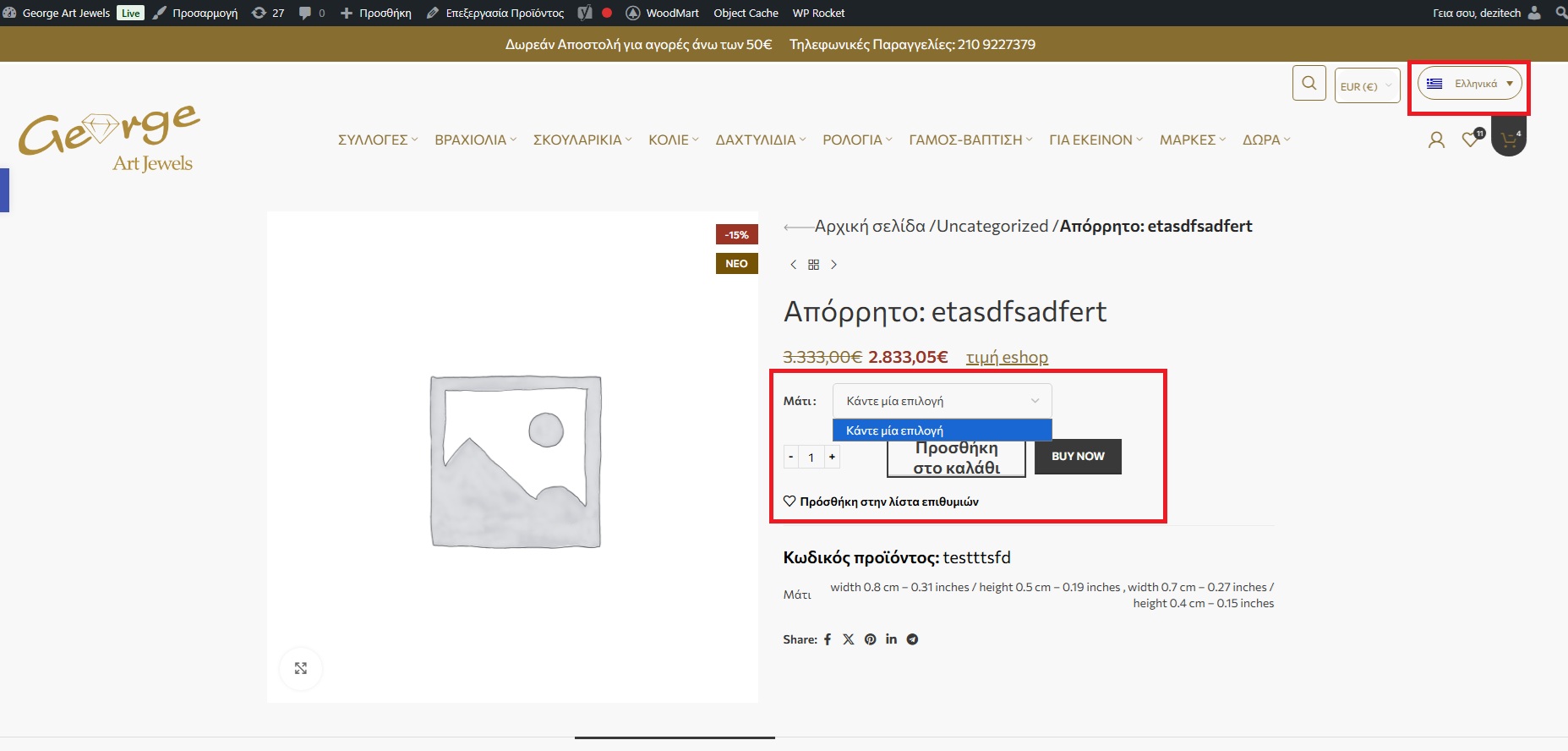
The greek version of the product is not showing any variations.
One of my colleagues will be taking over your ticket. In the meantime, I’d like to clarify an important point that may help you understand the situation better.
For WooCommerce products to behave as expected in this scenario, it’s important that none of the related elements are translated individually. Specifically, the following should be set to “Use translation if available or fallback to default language” and should not be translated:
• Products
• Product variations
• Product taxonomies (categories, tags, attributes)
If any of these elements (for example, attributes or other product taxonomies) are translated while others are not, the behavior will be inconsistent.
In short:
• Either nothing is translated and everything falls back to the default language, or
• Everything is translated consistently (products, variations, attributes, and taxonomies together).
Mixing translated and non-translated elements is what typically causes problems in this setup.
I hope this helps clarify how WPML expects this configuration to work.
The topic ‘[Closed] fallback to default language not working for variable products’ is closed to new replies.