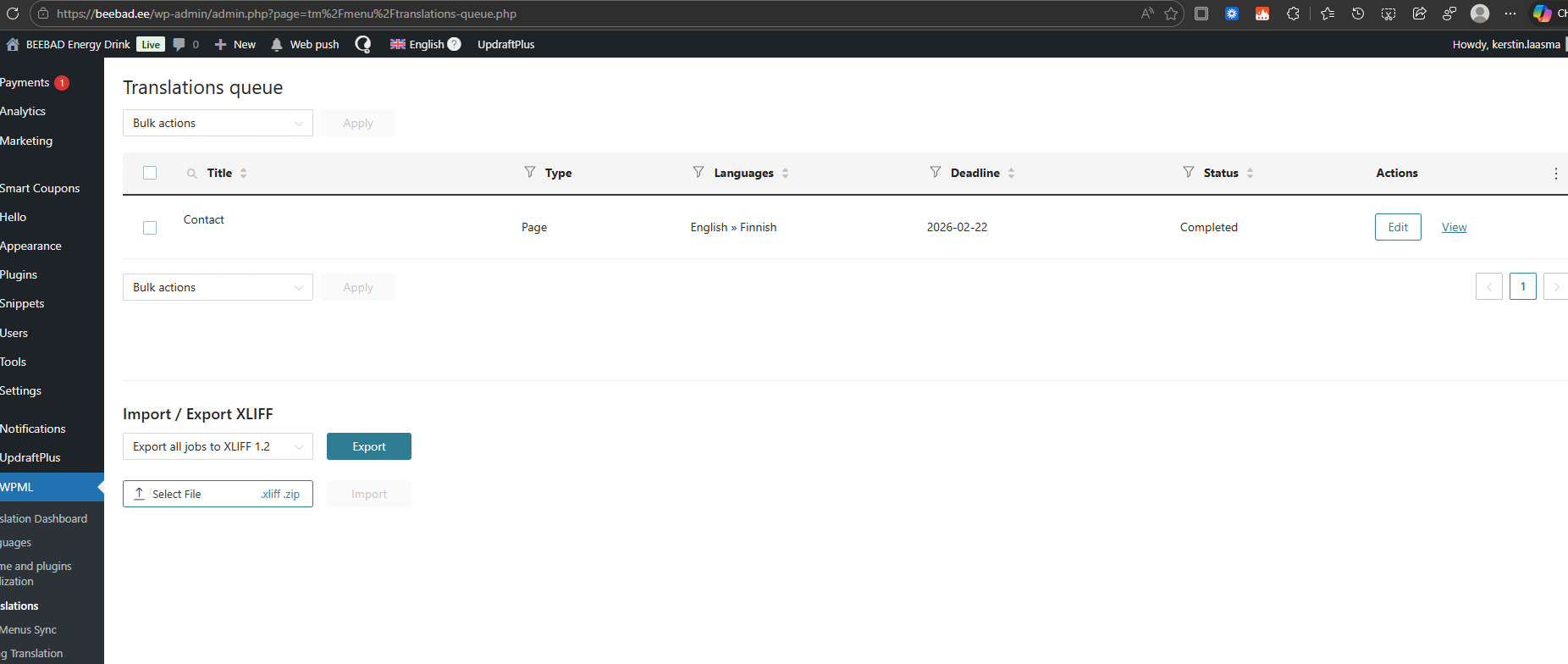
Yesterday I had a conversation with a WPML support team member, Carlos Rojas, because translations are not displayed under “Translations” on my computer or phone. Additionally, when I try to save my work after translating, I receive the message: “jobs couldn’t be loaded.”
All troubleshooting measures have been attempted, and Carlos advised me to contact the hosting provider, which I did. Their IT support reviewed the issue and said:
"The technicians found the problem in the 'php.log' file located in the 'logs' directory. The following error had appeared:
[20-Feb-2026 14:24:27 UTC] PHP Fatal error: Uncaught DivisionByZeroError: Division by zero in /data01/virt118512/domeenid/www.beebad.ee/htdocs/wp-content/plugins/sitepress-multilingual-cms/classes/API/REST/jobs/class-wpml-tm-rest-job-progress.php:41
The error message indicates that there is a bug in the WPML plugin that attempts to divide by zero, which causes a fatal error and results in a 500 error.
It should be checked whether WPML is updated to the latest version. If it already is, then it would be necessary to roll back to a working version and report the issue to the WPML developers."
I kindly ask for your assistance in resolving this issue so that I can have a properly functioning plugin.
Languages: English (English )Spanish (Español )German (Deutsch )
Timezone: America/Lima (GMT-05:00)
Hello,
Our apologies for the inconvenience, and I'd be happy to take a closer look at this.
I need to request temporary access (wp-admin and FTP) to the website to investigate the issue further.
You'll find the necessary fields below the comment section if you log in to leave the next reply. The information you provide will be private, meaning only you and I will be able to see and access it.
IMPORTANT
Please be sure to create a backup of the website and database before granting us access.
If you don't see the "wp-admin / FTP" fields, your login credentials for the post and website will be set to "PUBLIC." Do NOT publish the information unless you see the required wp-admin / FTP fields.
The private reply form looks like this: hidden link
When replying again, click "I still need assistance".
Video: hidden link
Please note that we are required to request this information individually on each ticket. We are not permitted to access any login information that was not specifically provided in the private reply form for this ticket.
The problem is still not solved. I don't understand how your side it works, but on my side it doesn't work.
I checked the plugins as well. I can't activate this plugin (on the screenshot). I updated it to newest version, but it's inactivated.
Languages: English (English )Spanish (Español )German (Deutsch )
Timezone: America/Lima (GMT-05:00)
I can confirm that it is not possible to activate OTGS Installer, which might be a limitation to your hosting environment. The good news is, you do not really need this plugin.
All updates for WPML can be accessed at Plugins > Add plugin by clicking on the "Commercial" tab.
----
I now see, that the issue actually seems not to be the translation queue at WPML > Translations. The place where jobs are not loading is WPML > Translation Dashboard > Translation Jobs.
Failed to load resource: the server responded with a status of 500 ()
I made sure that your user account had a first name and last name, which is important for WPML to validate the user. Then I used the WPML troubleshooting options to resync translation jobs and users. After sending a new job to translation, the issue seems ot be solved.
Please let me know in case the issue occurs again.