Background of the issue:
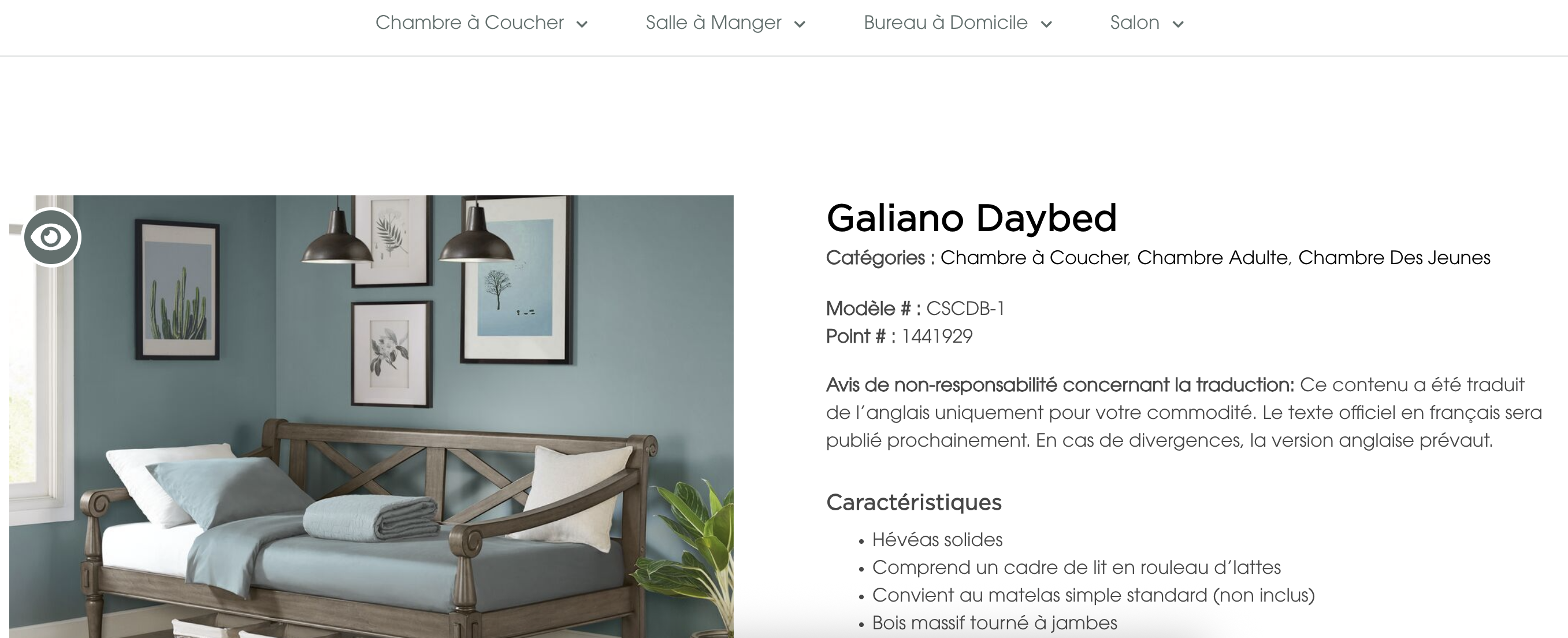
I translated the Elementor Product Template from English to Spanish and French using WPML. The site I am working on is hidden link.
Symptoms:
Certain words and phrases are not translating on the front end. The Translation Dashboard shows an icon indicating that nothing has been translated.
Questions:
Why are certain words and phrases not translating on the front end?
Why does the Translation Dashboard indicate that nothing has been translated after completing the process?
Thanks for reaching out. From the screenshot you shared, I’m not entirely sure what you mean. Could you please provide a bit more detail? It would help if you could highlight the issue directly on a screenshot of the content that isn’t being translated.
Also, have you tried searching for these strings in String Translation?
I manually translated the Elementor product template. And when I went back to the dashboard, it showed the icon for an item that hadn't been translated.
I'm showing that the dashboard indicates there isn't a translation for the Elementor Template, but when I view the products on the front end, the translations I created are displayed.
Additionally, when I enter manual edit mode, none of the translations I added appear in the editor.
Are these issues that can be related to String Translation?
Thanks for your reply. I can see that you're using the latest version of the WPML plugins.
I will require temporary access (WP-Admin and FTP) to a test site where the problem has been replicated, if possible. This will enable me to provide better assistance and determine if any configurations need to be modified.
Please note that it is important to have a backup for security purposes and to prevent any potential data loss. You can use the UpdraftPlus plugin (https://wordpress.org/plugins/updraftplus/) to fulfill your backup requirements.
Your upcoming reply will be treated with confidentiality and will only be visible to you and me.
✙ To resolve the issue, I may need your consent to deactivate and reactivate plugins and the theme, as well as make configuration changes on the site if necessary. This emphasizes the significance of having a backup.