This thread is resolved. Here is a description of the problem and solution.
Problem: The client was unable to see a translated article in the English article list dashboard after using credits for automatic translation. Despite the translation being marked as 'finished', the updated content was not displayed. Solution: We requested temporary access to the client's site to investigate the issue thoroughly. After gaining access, we identified that the translation job was still assigned to the client's WordPress user account. We suggested changing the password and providing a different account for further testing. Additionally, we planned to replicate the site on a local environment for deeper debugging, pending the client's approval to use a duplication plugin and ensure a backup was made.
If this solution does not resolve your issue, or if it seems outdated or irrelevant to your case, we highly recommend checking related known issues at https://wpml.org/known-issues/, verifying the version of the permanent fix, and confirming that you have installed the latest versions of themes and plugins. If problems persist, please do not hesitate to open a new support ticket at WPML support forum for further assistance.
This is the technical support forum for WPML - the multilingual WordPress plugin.
Everyone can read, but only WPML clients can post here. WPML team is replying on the forum 6 days per week, 22 hours per day.
Background of the issue:
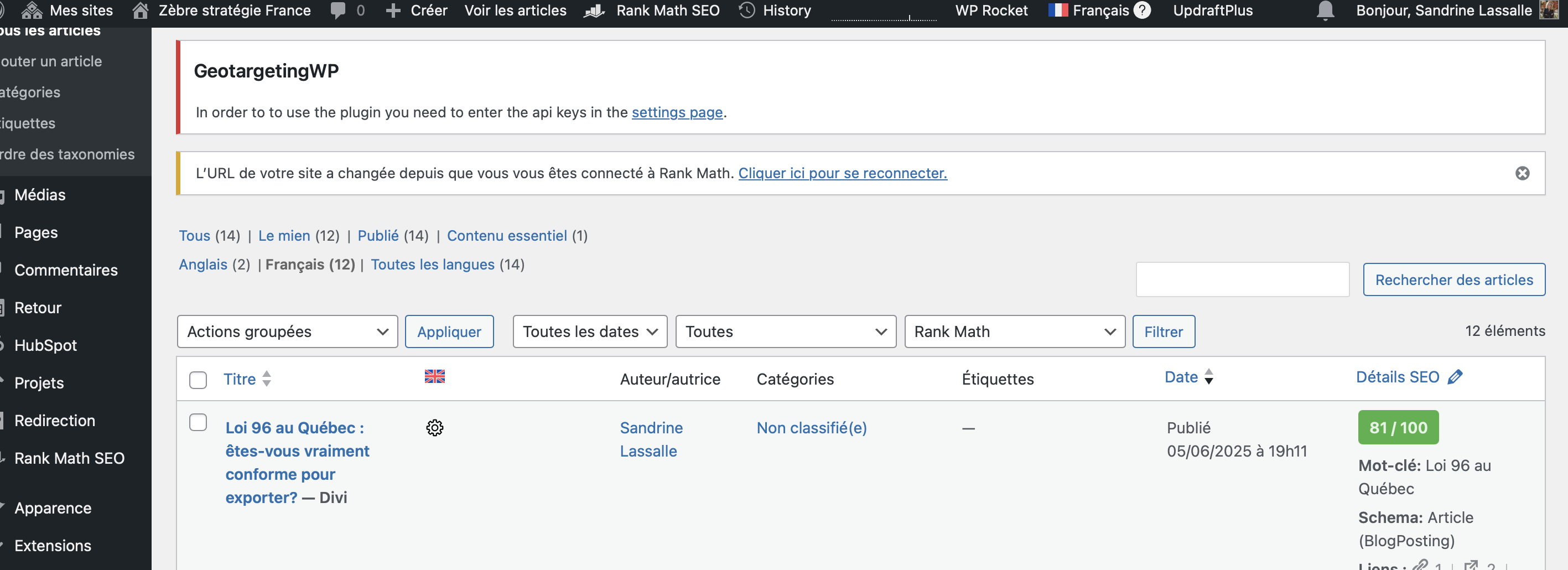
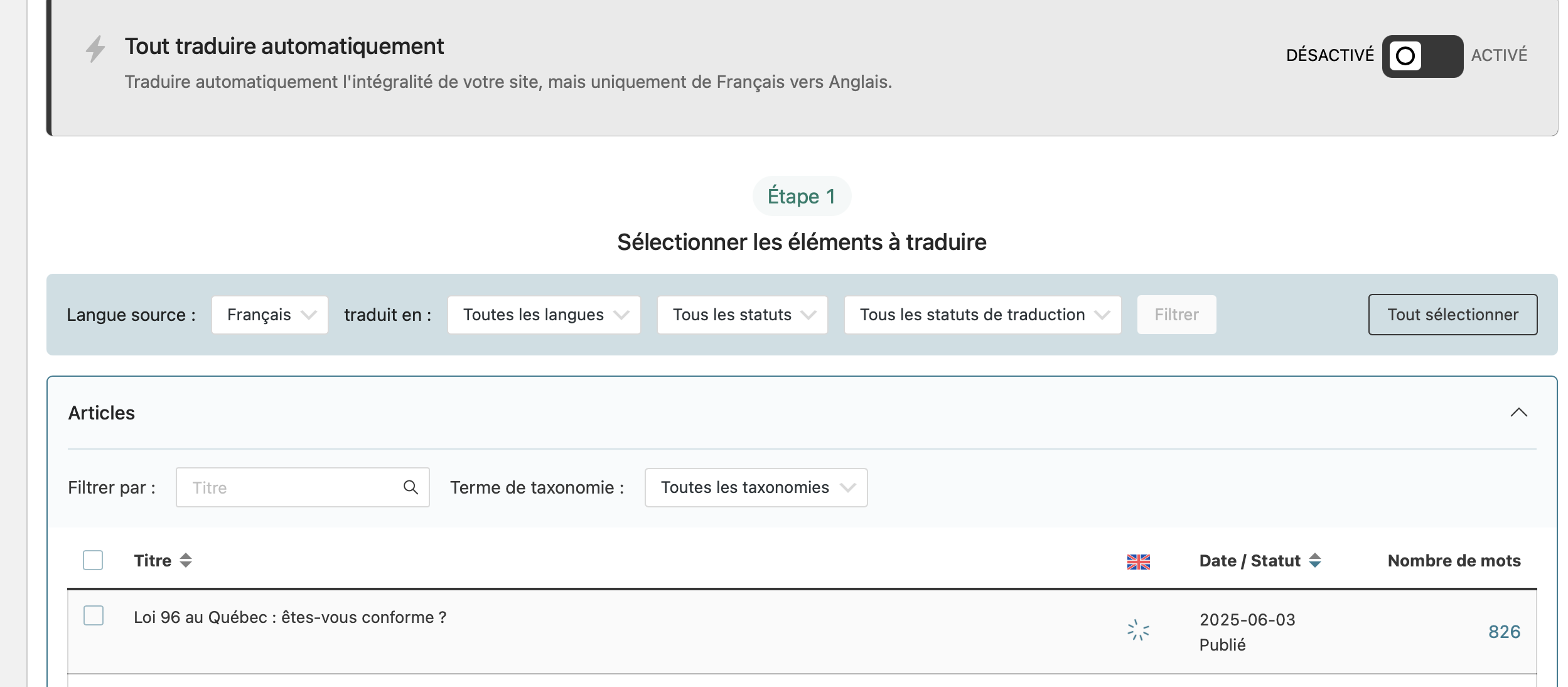
I am trying to translate an article using the WPML translation management dashboard. I expected to see the translated article in the English article list dashboard.
Symptoms:
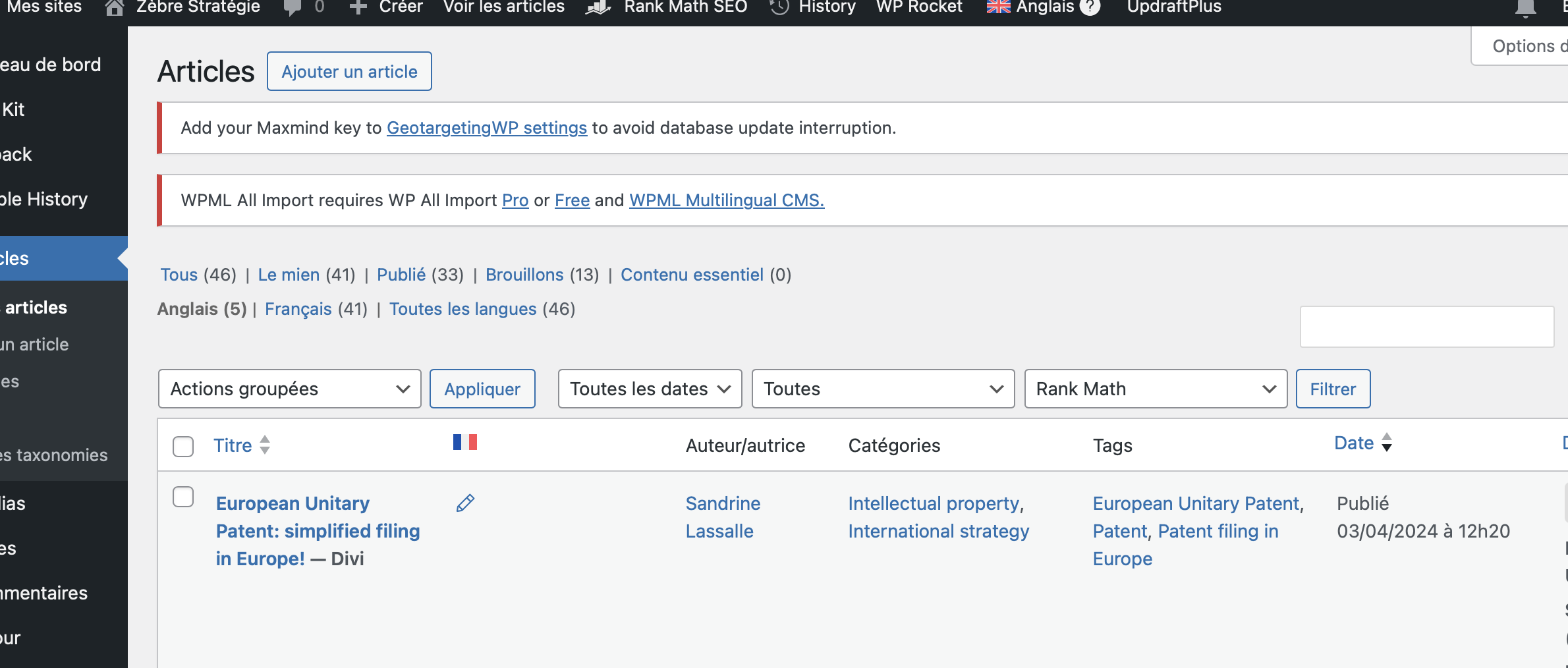
Instead of seeing the translated article, I got nothing.
Questions:
Why is the translated article not appearing in the English article list dashboard?
I'm more than happy to take a closer look at this.
I would like to kindly request temporary access (wp-admin and FTP) to your site in order to examine the issue thoroughly. The necessary fields can be found below the comment area. When you log in to leave your next reply, please be assured that the information you enter is private and will only be visible to you and me.
Our Debugging Procedures
I will thoroughly review various settings in the backend to determine if the issue can be resolved. While I will not make changes that affect the live site, it is still advisable to back up the site before granting us access. Should further debugging be necessary, I will create a duplicate and work in a separate, local development environment to avoid any impact on the live site.
- Before granting us access, please ensure that the site files and database are backed up.
If you do not see the wp-admin/FTP fields, please refrain from posting your website details, as they will be made public. Kindly request I enable the private box if you do not see the required wp-admin/FTP fields. You can find the private box by following this link: hidden link
I have exactly the same issue with one of my page.
Impossible de translate it in English from the French version.
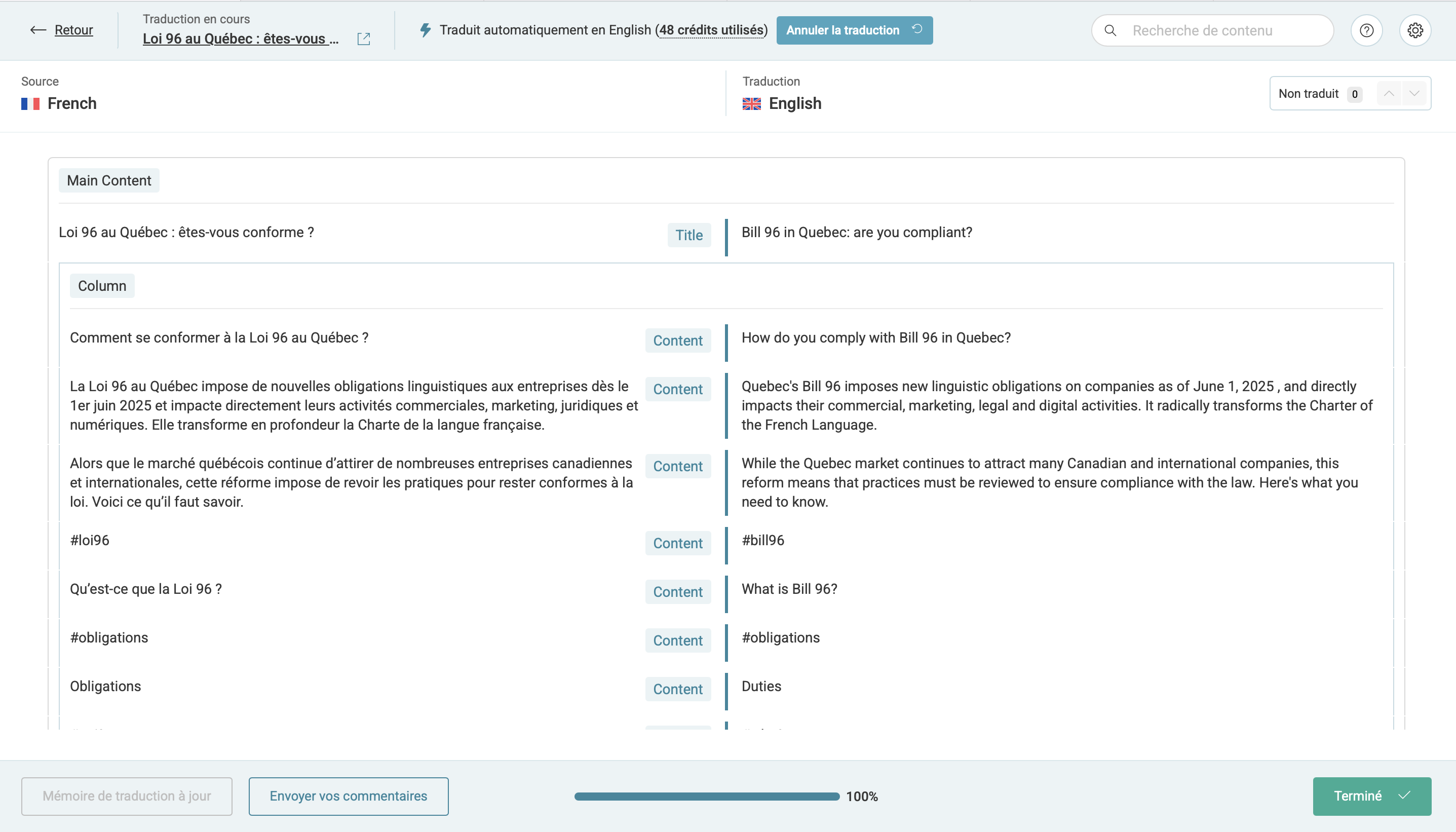
I use credits to translate it automatically, it is running but nothing appear
Another thing : I updated my main page zebrestrategie.com but the translation isn't shown as it needed an update ...
I don't understand why because we added a module with video and changed the text but the translation is noticed as «finished» ...
I've already tried to delete all the translation in process but it doesn't work.
I still have the article attribute to myself even after changing this and I can't do anything.
I also tried to delete the phantom translation but noting work.
Thank you for your incredible patience throughout the debugging process.
To help troubleshoot the issue further, I would like to replicate your website on a local environment.
Before proceeding, I will need your written approval to duplicate your site using a plugin called "Duplicator" (or a similar one) and debug the issue on a testing environment. Could you please confirm if this is ok with you?
Please create a full backup of your website before responding. Once the issue is resolved, the duplicate site will be deleted.