
This is the technical support forum for WPML - the multilingual WordPress plugin.
Everyone can read, but only WPML clients can post here. WPML team is replying on the forum 6 days per week, 22 hours per day.
Tagged: Exception
This topic contains 9 replies, has 0 voices.
Last updated by vladyslavS-8 1 week ago.
Assisted by: Otto.
| Author | Posts |
|---|---|
| February 24, 2026 at 4:26 pm #17847863 | |
 vladyslavS-8 |
I;'m trying to have same look for my site in Ukrainian (original) and translated versions 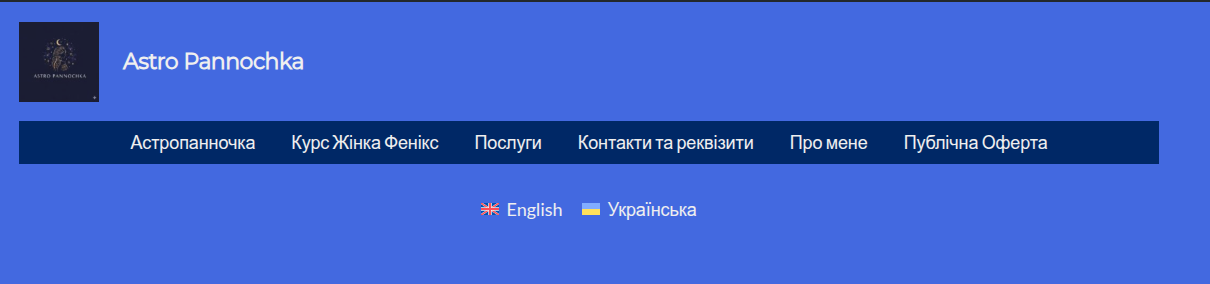 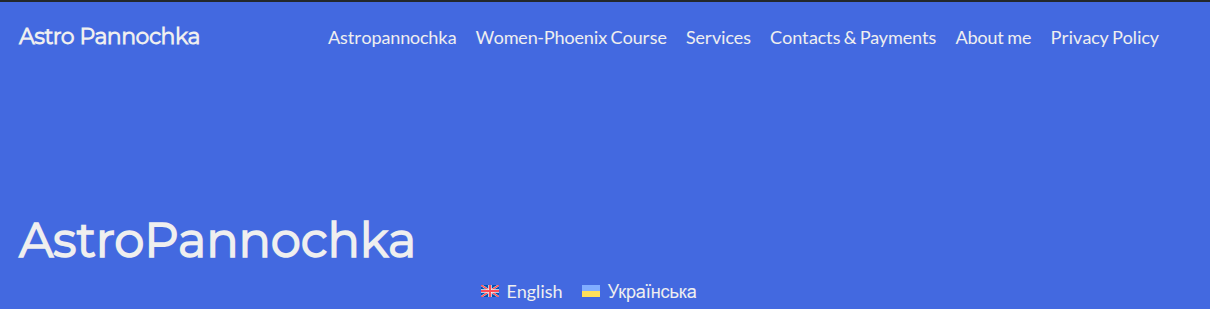 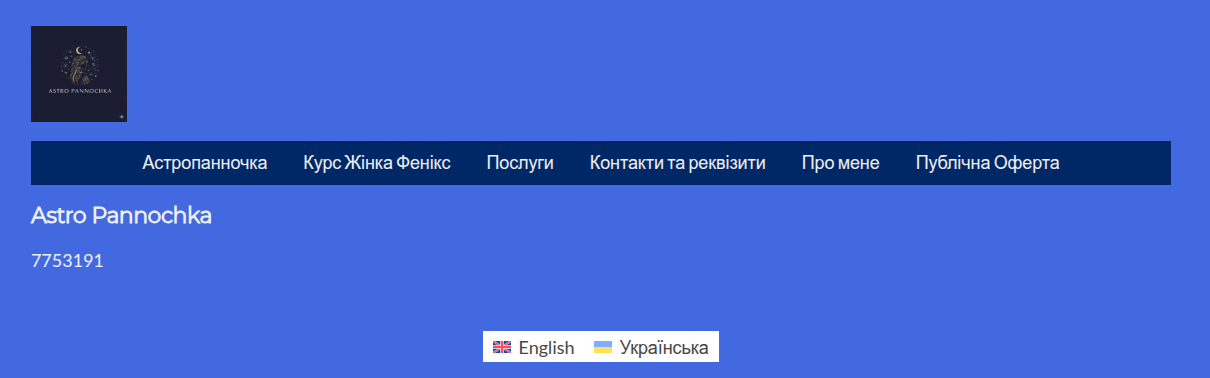 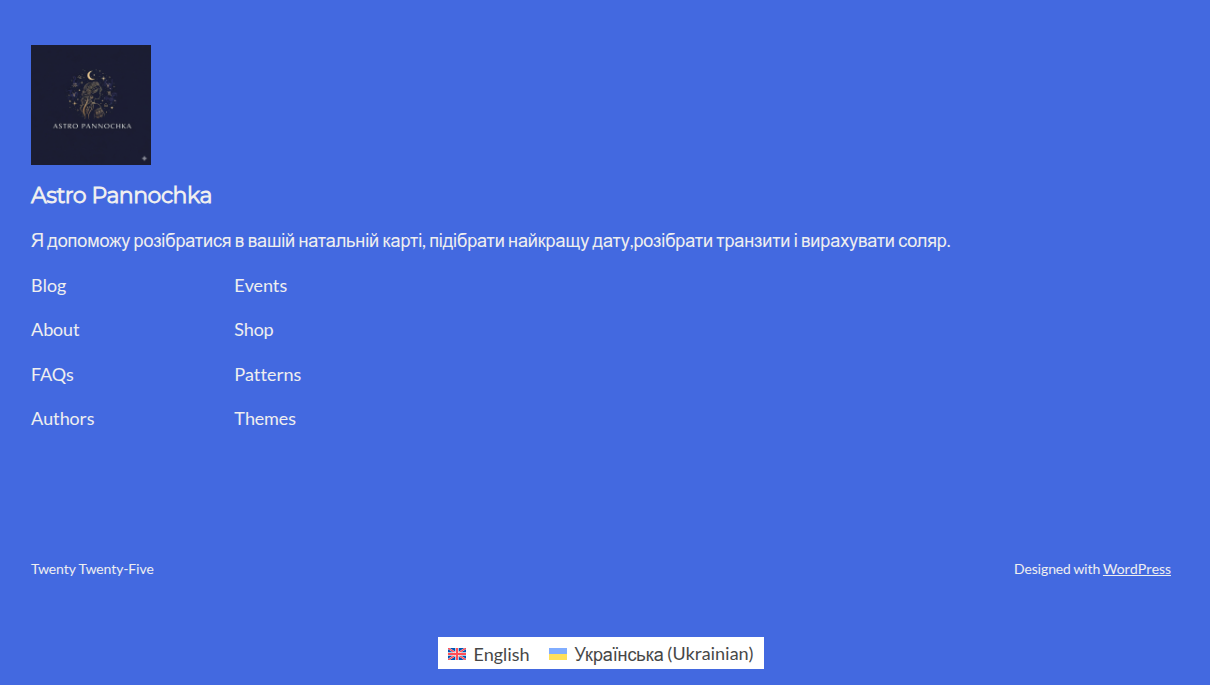 |
| February 24, 2026 at 9:18 pm #17848924 | |
 Otto |
Hello, I would like to request temporary access (wp-admin and FTP) to your site to take a better look at the issue. The information you will enter is private which means only you and I can see and have access to it. **IMPORTANT** Best Regards, |
| February 25, 2026 at 7:28 pm #17852877 | |
|
Otto |
Hello, To edit the template for the translation, try the following: ❌ Please make a full website backup before proceeding ❌ - Go to the WP Dashboard Let me know if this helps, please. Best Regards, |
| February 25, 2026 at 9:03 pm #17853026 | |
|
vladyslavS-8 |
No it didnt help |
| February 25, 2026 at 10:50 pm #17853151 | |
|
Otto |
Hello, Thanks. I can't test the suggestions myself because the site does not allow me to make a copy with “Duplicator” or "All in One WP Migration". I'll suggest one more thing. If it does not work, can you please provide me with a copy of the DB and the wp-content folder? I enabled a private reply so you can share a download link if needed. As far as I can see, the original template uses Pages_en. If you go to WPML > Translation Dashboard and filter using "Source Language": Ukrainian, you'll see it in the Templates section. The translation of this template is "In progress". Can you please complete it and check if it helps? If not, as mentioned, with your help, I'll install your site locally to take a deeper look. Thanks for your cooperation. Best Regards, |
| February 26, 2026 at 4:02 pm #17857382 | |
|
vladyslavS-8 |
the folder archive is 130MB how I can send it? |
| February 26, 2026 at 6:22 pm #17857829 | |
|
Otto |
Hello, You'll need to upload it to a service like Dropbox, WeTransfer, or Google Drive and share a download link. Best Regards, |
| March 1, 2026 at 9:57 am #17862565 | |
|
vladyslavS-8 |
hidden link here is the link |
| March 2, 2026 at 12:18 pm #17864402 | |
|
Otto |
Hello, Thanks. I requested access to the file. Best Regards, |
| March 2, 2026 at 4:26 pm #17865626 | |
|
Otto |
Hello, Thanks. I noted that the headers are the same now on your site; check the screenshots attached. Did you manage to solve it? I deployed your site locally, and I can edit each language template as explained here:
The Ukrainian template is Pages_en, and the English is just Pages. You can access each of them by switching languages before reaching Appearance > Editor. Best Regards,   |
| March 2, 2026 at 6:02 pm #17866024 | |
|
vladyslavS-8 |
Hello |