This thread is resolved. Here is a description of the problem and solution.
Problem:
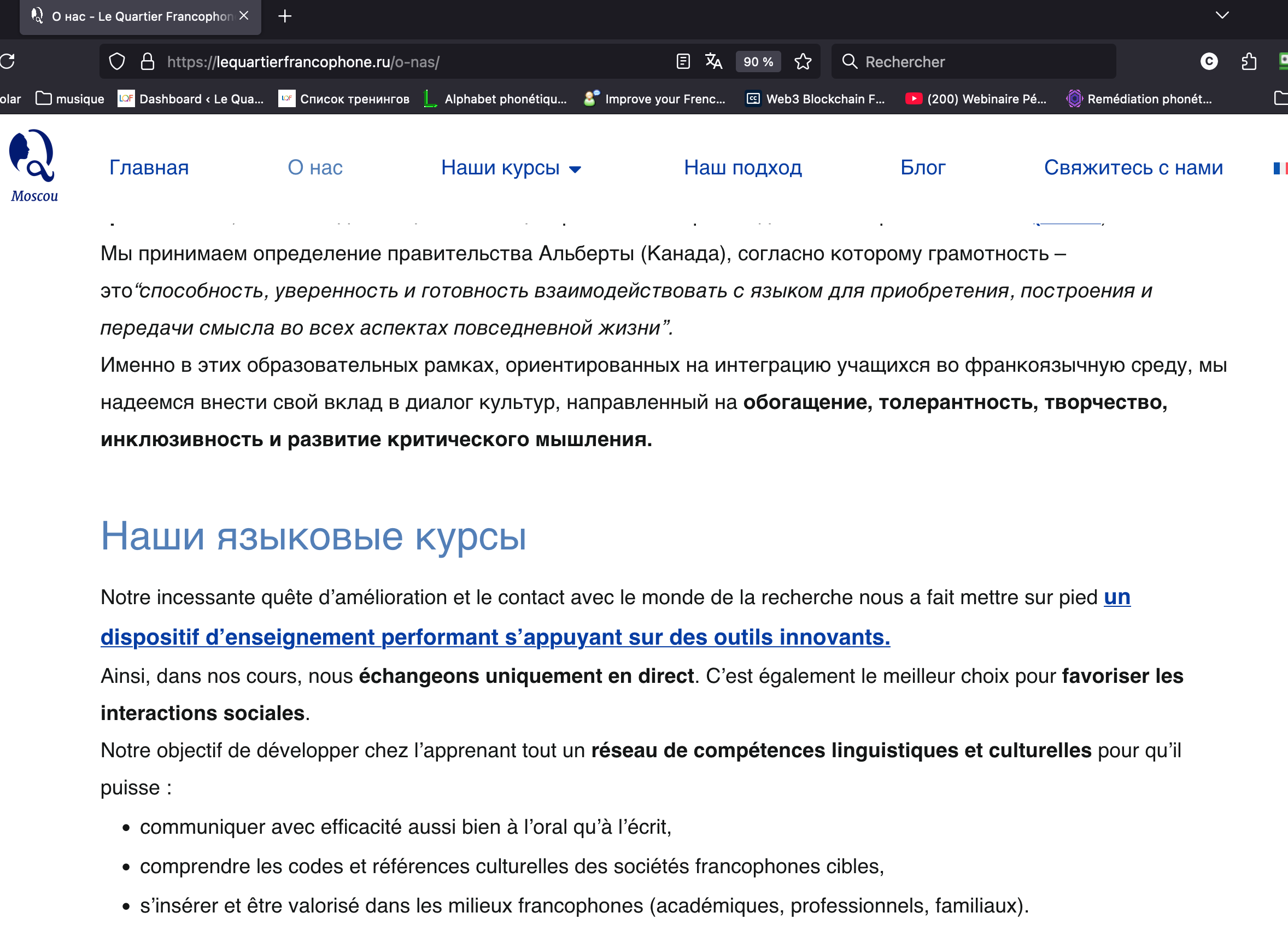
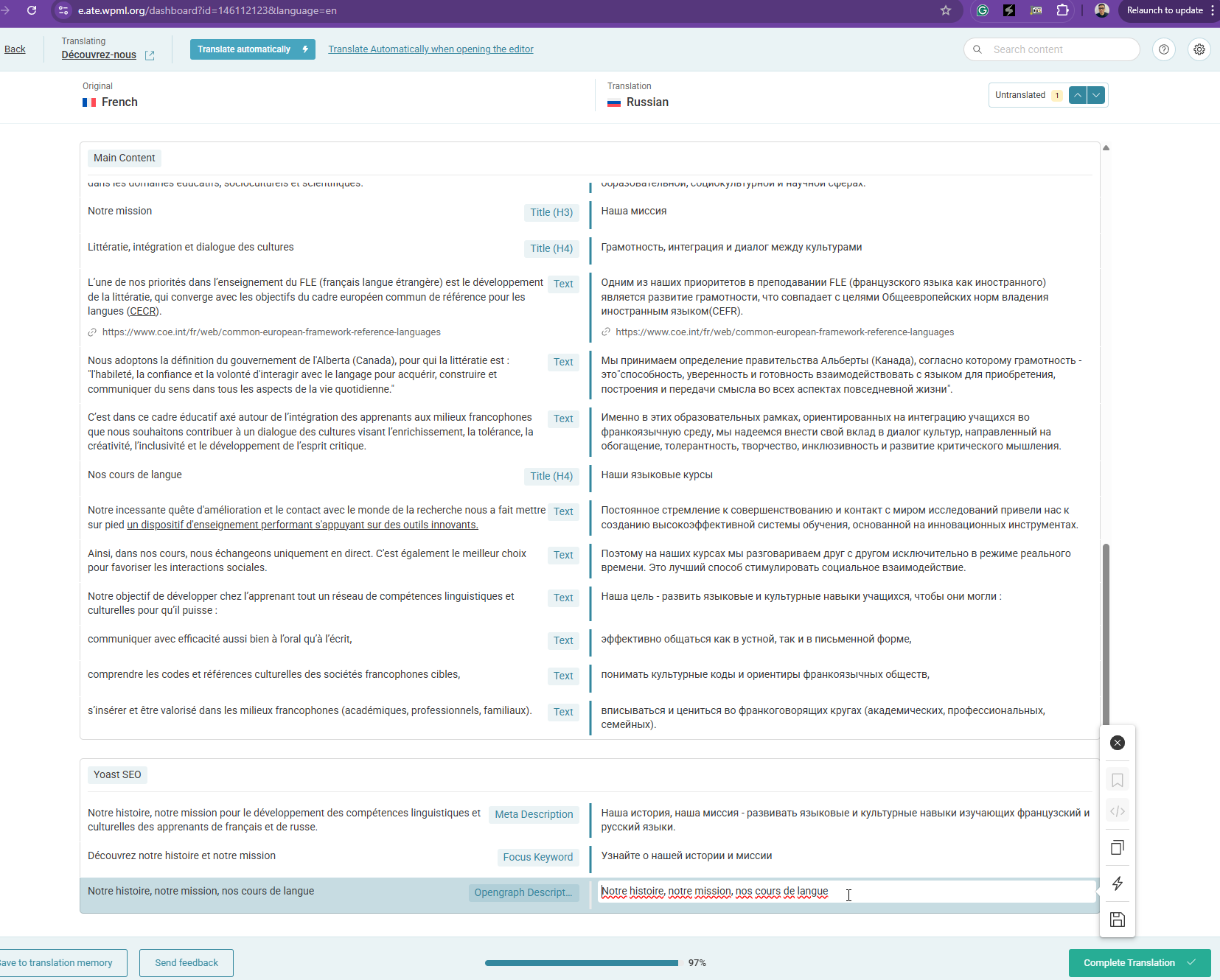
The client is experiencing issues with sections of text on their site reverting back to the original language after making changes in the original page. The changes do not appear in the WPML editor.
Solution:
We found that the translations were not fully completed. We completed the missing translations for the client. For future instances, if this issue occurs, we recommend going to the primary language version of the page and clicking “Update” or “Save.” This action will prompt the Advanced Translation Editor to resync the content and verify if the translations appear correctly.
If this solution does not resolve your issue, or if it seems outdated or irrelevant to your case, please visit our known issues page and check if there's a permanent fix available. Ensure you have the latest versions of themes and plugins installed. If the problem persists, we highly recommend opening a new support ticket at our support forum.
This is the technical support forum for WPML - the multilingual WordPress plugin.
Everyone can read, but only WPML clients can post here. WPML team is replying on the forum 6 days per week, 22 hours per day.