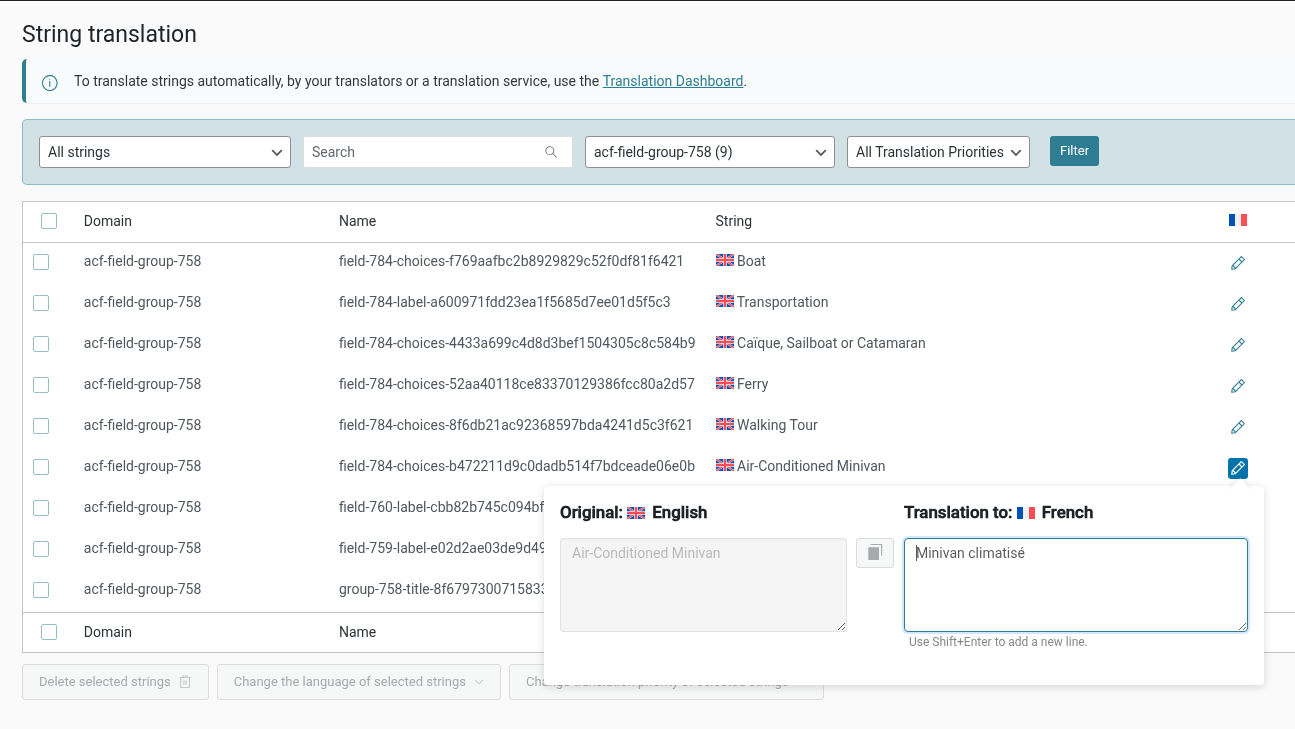
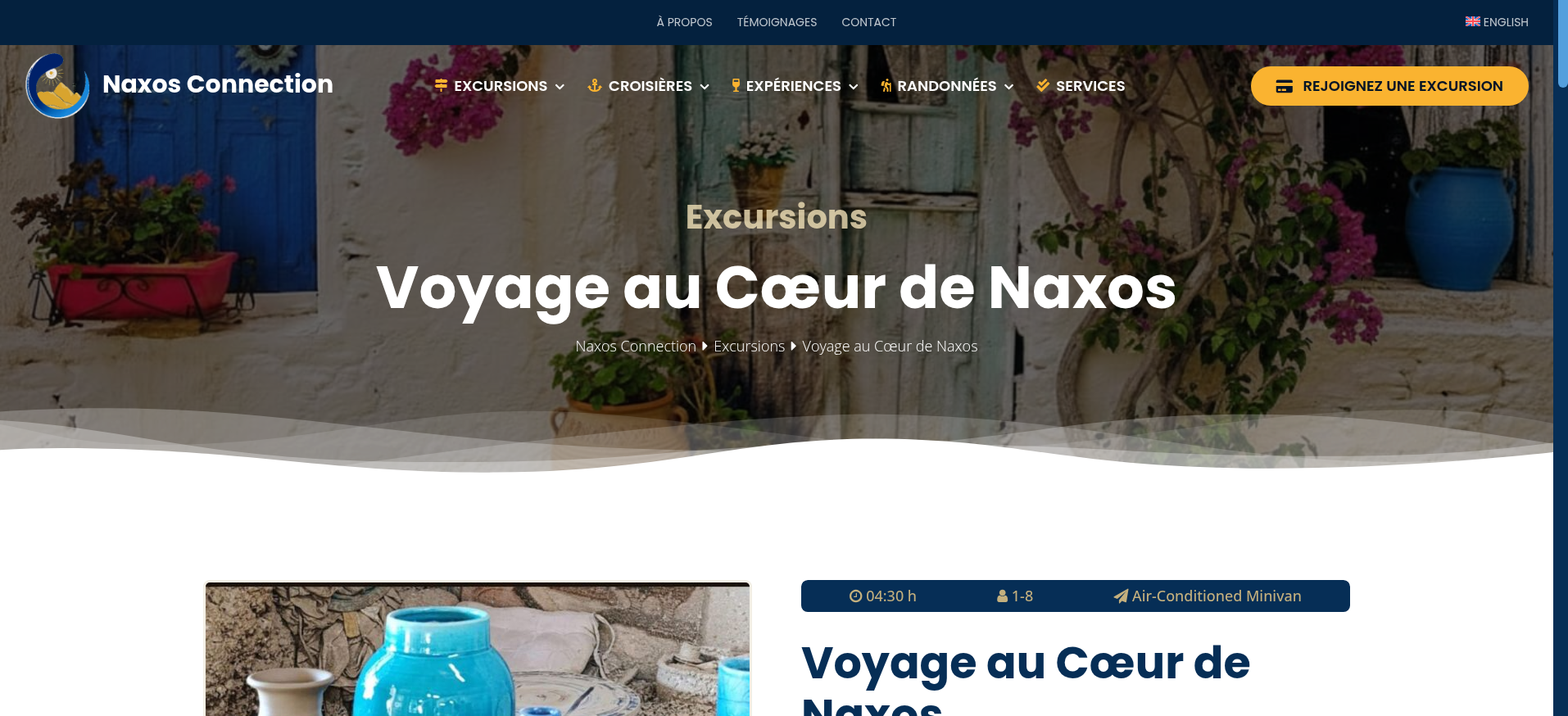
This thread is resolved. Here is a description of the problem and solution.
Problem:
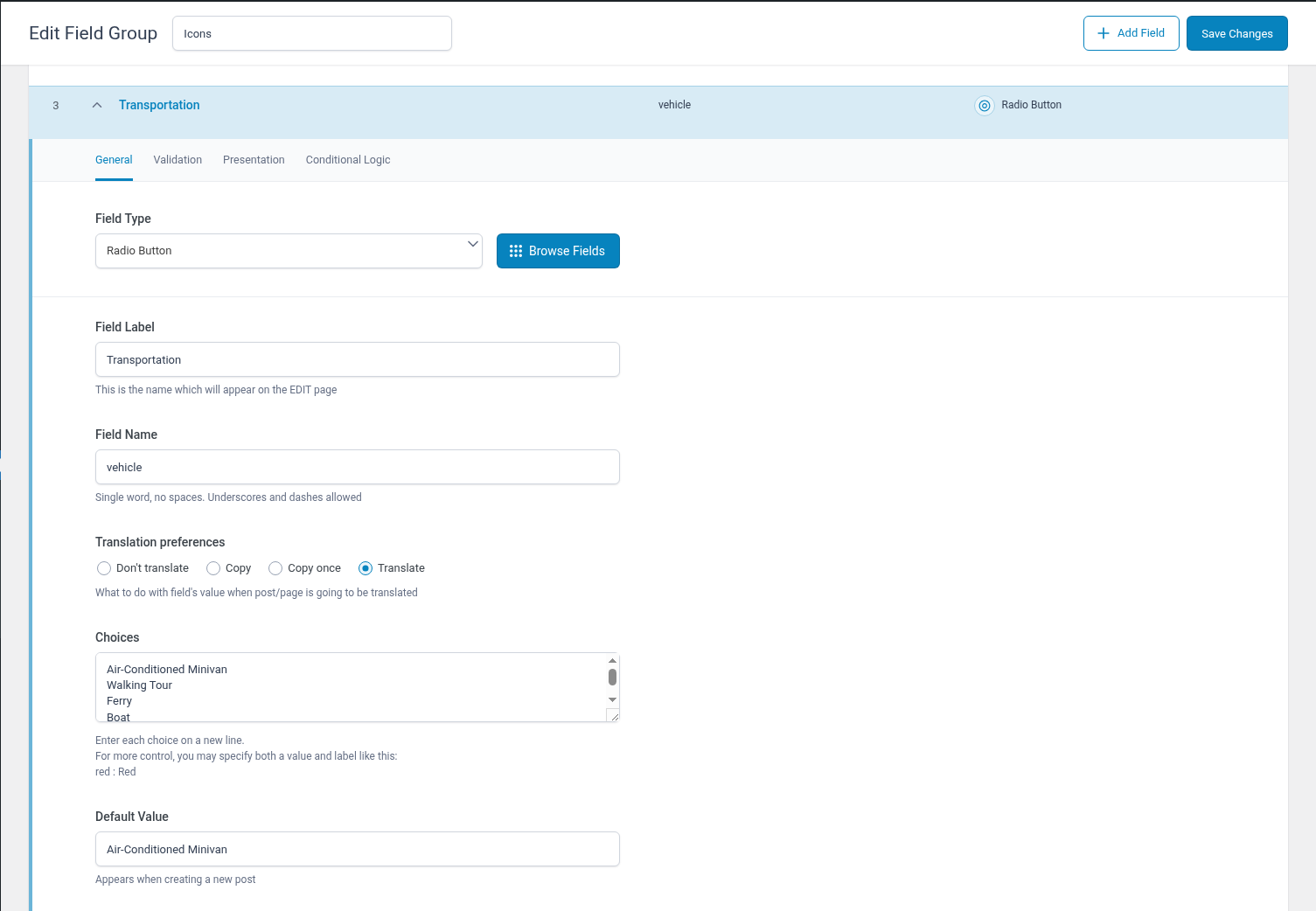
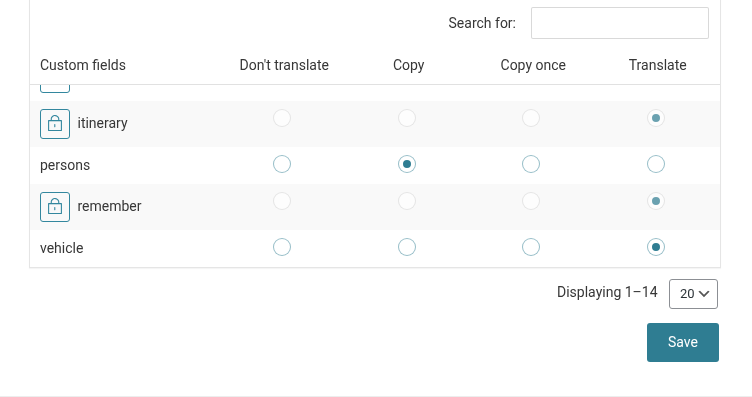
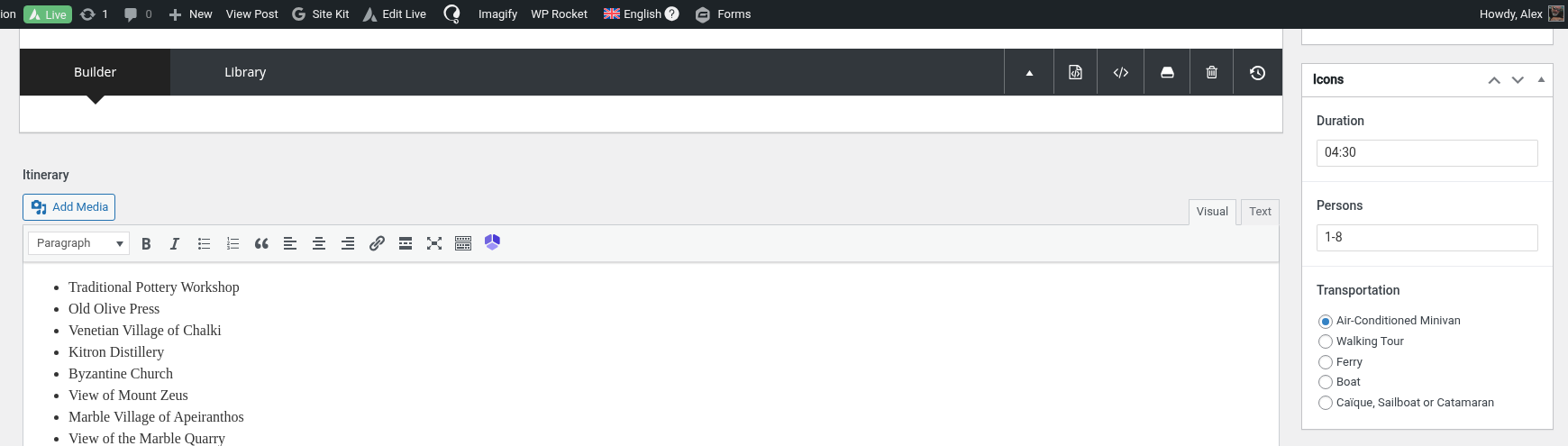
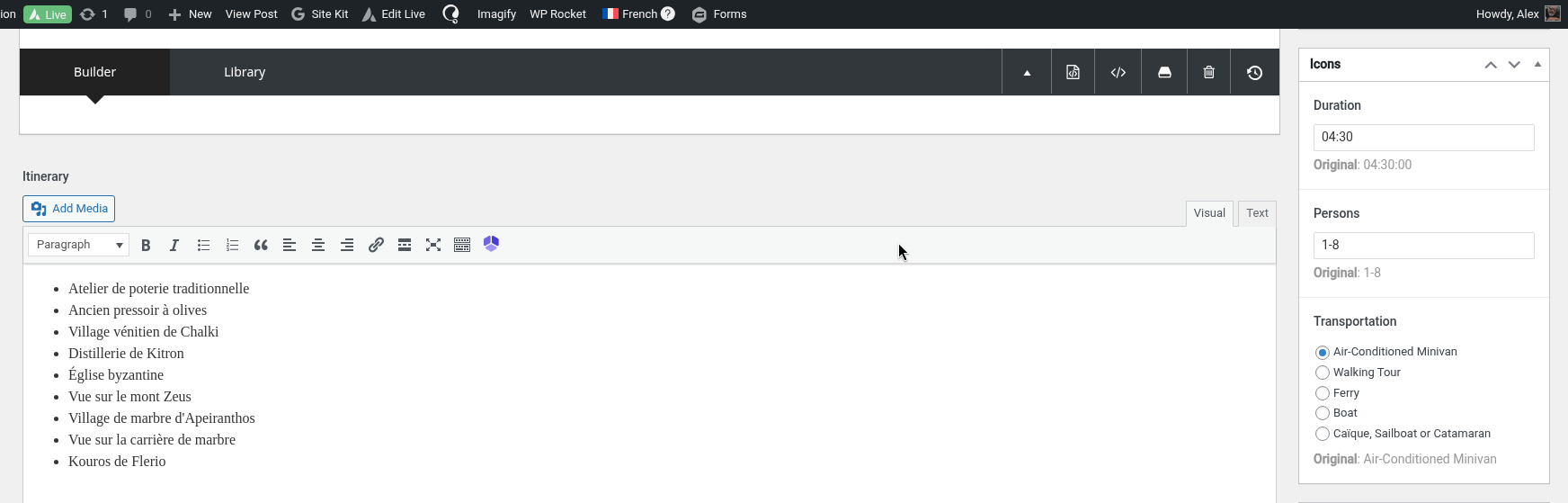
The client is using radio option values that aren't translatable in their project.
Solution:
We recommend setting up the radio options to be translatable by following the method described on the Advanced Custom Fields site. Specifically, format the choices field like this:
red : Red
. After updating the choices, the client should try translating the labels as explained in the WPML documentation on translating sites built with ACF. For more details, visit the following links:
- https://www.advancedcustomfields.com/resources/radio-button/
- https://wpml.org/documentation/related-projects/translate-sites-built-with-acf/#acf-field-choices
If this solution does not apply to your case, or if it seems outdated, we highly recommend checking related known issues at https://wpml.org/known-issues/, verifying the version of the permanent fix, and confirming that you have installed the latest versions of themes and plugins. Should you need further assistance, please open a new support ticket at WPML support forum.
This is the technical support forum for WPML - the multilingual WordPress plugin.
Everyone can read, but only WPML clients can post here. WPML team is replying on the forum 6 days per week, 22 hours per day.
This topic contains 2 replies, has 1 voice.
Last updated by 3 weeks, 2 days ago.
Assisted by: Shekhar Bhandari.