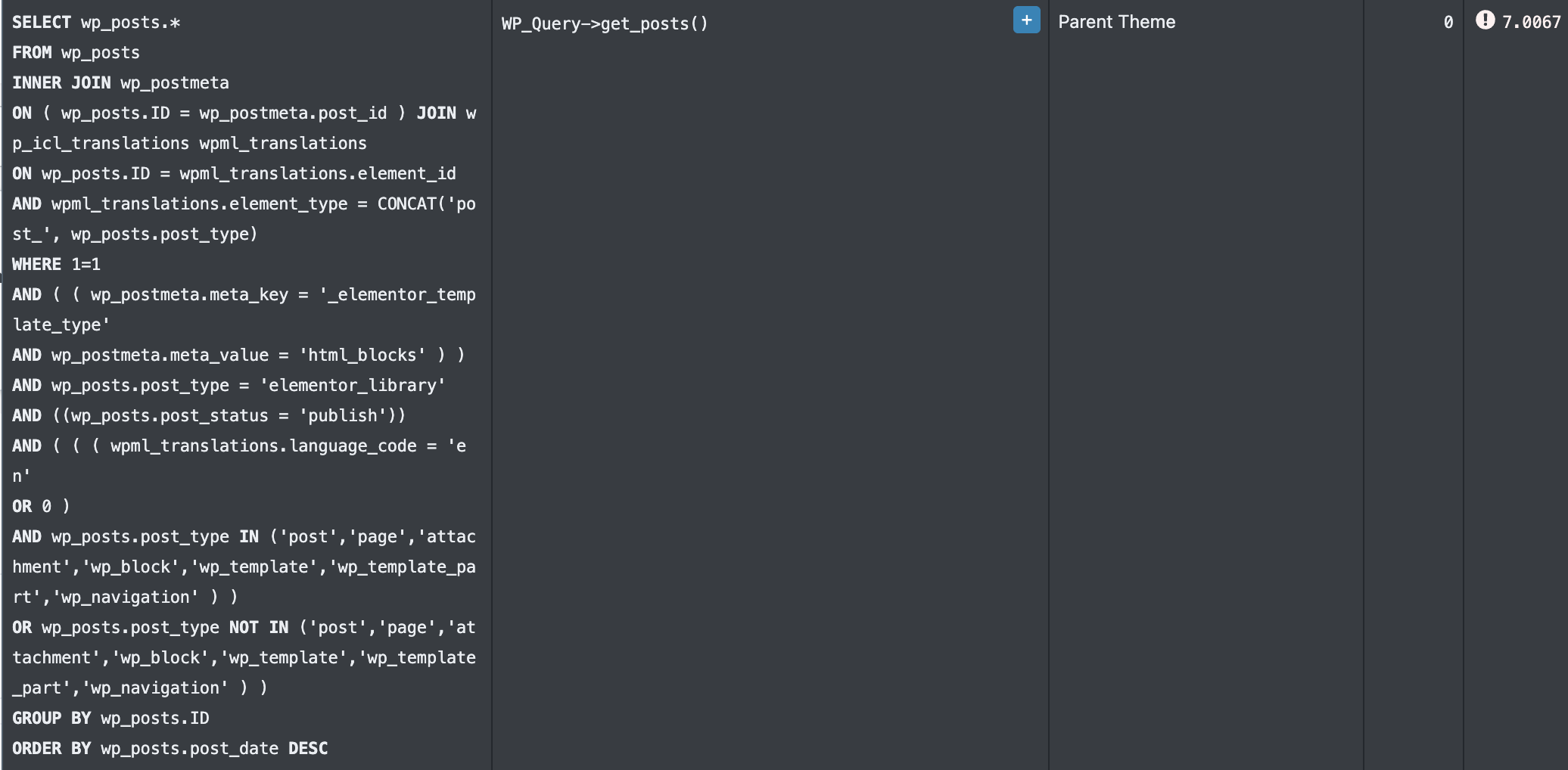
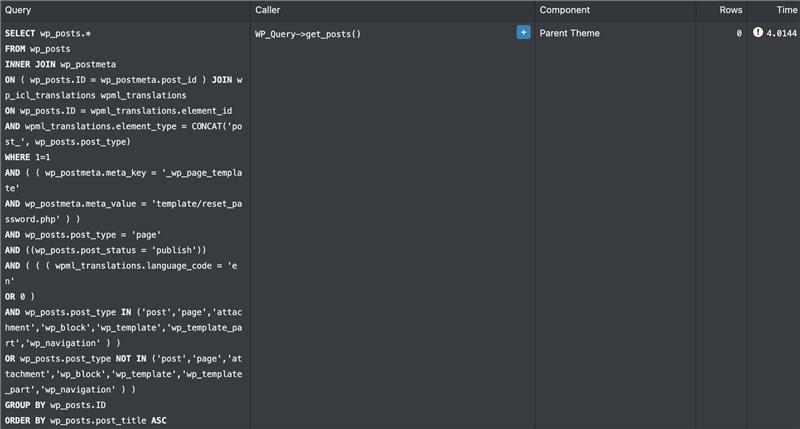
Background of the issue:
I am trying to use the WPML plugin for multilingual support on my website. However, I am experiencing issues with the plugin causing slow backend performance and timeouts during user logins.
Symptoms:
I am experiencing significant slowdowns and timeouts, especially during user logins, when the WPML plugin is active. The site becomes unresponsive, making it difficult to manage.
Questions:
Why is the WPML plugin causing slow backend performance and timeouts?
How can I resolve the slowdowns and timeouts caused by the WPML plugin?
I apologize for the delay in responding. I will take care of this ticket; the reply time will be shorter now.
Please try this:
❌ Please make a full website backup before proceeding ❌
- Go to WPML ▶ Support ▶ Troubleshooting.
- Run the three routines: Remove ghost entries, Cleanup and optimize string tables, Clear invalid strings.
If the issue persists, I suggest you try this to help us identify if it might be a conflict with another plugin or theme that is causing the problem.
**IMPORTANT:** Please try this in a staging environment or at least with a backup of your site files and database before continuing.
Disable all plugins except WPML-related and temporarily change the theme to a default WordPress such as Twenty Twenty-five.
Is the issue resolved with these settings? If so, please reactivate one by one to see which conflicts.
I would like to request temporary access (wp-admin and FTP) to your site to take a better look at the issue.
It would be better to a testing site where the issue is replicated.
The information you will enter is private which means only you and I can see and have access to it.
Maybe I'll need to replicate your site locally. For this, I'll need to temporarily install a plugin called “Duplicator” or "All in One WP Migration" on your site.
This will allow me to create a copy of your site and your content.
Once the problem is resolved I will delete the local site.
**IMPORTANT**
- Please make a backup of site files and database before providing us access.
- If you do not see the wp-admin/FTP fields this means your post & website login details will be made PUBLIC. DO NOT post your website details unless you see the required wp-admin/FTP fields.
Best Regards,
Otto
The topic ‘[Closed] Website performance issue – WPML plugin causing slow backend and timeouts’ is closed to new replies.