
This is the technical support forum for WPML - the multilingual WordPress plugin.
Everyone can read, but only WPML clients can post here. WPML team is replying on the forum 6 days per week, 22 hours per day.
| Sun | Mon | Tue | Wed | Thu | Fri | Sat |
|---|---|---|---|---|---|---|
| - | - | 9:00 – 18:00 | 9:00 – 18:00 | 9:00 – 18:00 | 9:00 – 18:00 | 9:00 – 18:00 |
| - | - | - | - | - | - | - |
Supporter timezone: America/Lima (GMT-05:00)
Tagged: Compatibility
This topic contains 9 replies, has 0 voices.
Last updated by Andreas W. 3 weeks ago.
Assisted by: Andreas W..
| Author | Posts |
|---|---|
| March 18, 2026 at 5:23 pm #17908934 | |
 beataK-8 |
Hi, 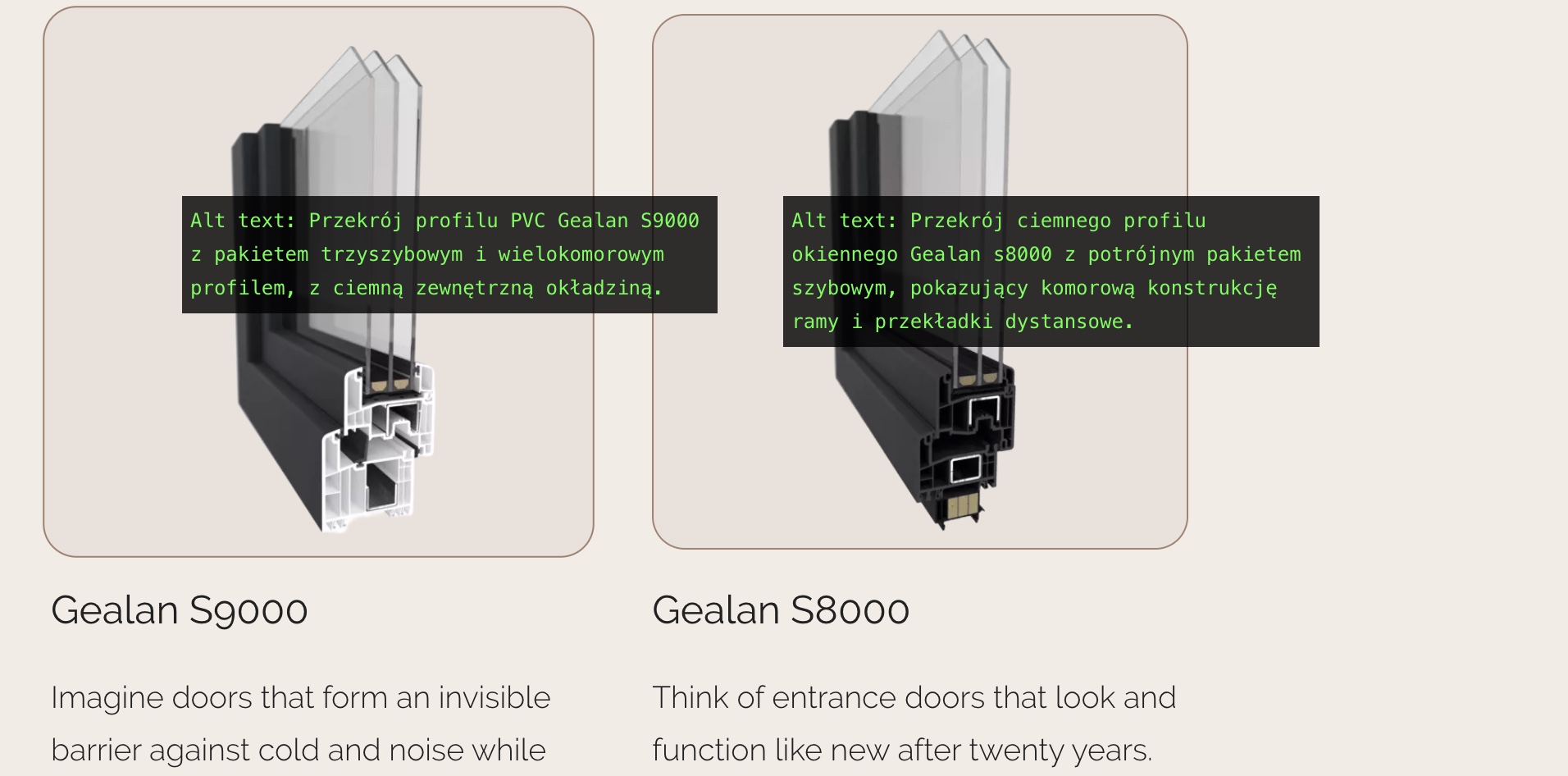 |
| March 19, 2026 at 6:56 pm #17912310 | |
 Andreas W. WPML Supporter since 12/2018 Languages: English (English ) Spanish (Español ) German (Deutsch ) Timezone: America/Lima (GMT-05:00) |
Hello, The workaround from your old ticket alters the code of the Bricks Theme to make it work with WPML. If you update the theme and the Bricks Team has not yet included a fix for the issue in the latest update, the issue will occur again. I will be reopening the earlier escalated thread, and ask our compatilbity team to reach out to the Bricks Team, so that they can solve this problem. In the meantime, please apply the workaround again: Open the file ...\wp-content\themes\bricks\includes\elements\image.php On line 751 Replace: $image_id = isset( $image['id'] ) ? $image['id'] : ''; With: $image_id = isset( $image['id'] ) ? apply_filters( 'wpml_object_id', $image['id'], 'attachment', TRUE ) : ''; That should translate the image. Best regards |
| March 20, 2026 at 1:00 pm #17914208 | |
|
beataK-8 |
Hi, However, after the recent Bricks Builder updates, the issue has returned - even though the workaround was already in place and the modified code had not been removed. Despite the filter still being applied, the ALT texts are showing in the original language on all pages, with the exception of posts and post archive pages, where the ALT text is displaying correctly. This is why I was asking whether a new solution has been found. Thank you and Regards |
| March 20, 2026 at 2:52 pm #17914568 | |
|
Andreas W. WPML Supporter since 12/2018 Languages: English (English ) Spanish (Español ) German (Deutsch ) Timezone: America/Lima (GMT-05:00) |
Are you sure that the code was not removed after the update? The workaround was placed inside the theme, as \wp-content\themes\bricks\includes\elements\image.php. A theme update would overwrite those changes, unless the Bricks Team has solved this issue already. I'd like to request temporary access (wp-admin and FTP) to the website to investigate the issue further. You'll find the necessary fields below the comment section if you log in to leave the next reply. The information you provide will be private, meaning only you and I will be able to see and access it. IMPORTANT If you don't see the "wp-admin / FTP" fields, your login credentials for the post and website will be set to "PUBLIC." Do NOT publish the information unless you see the required wp-admin / FTP fields. The private reply form looks like this: When replying again, click "I still need assistance". Video: Please note that we are required to request this information individually on each ticket. We are not permitted to access any login information that was not specifically provided in the private reply form for this ticket. |
| March 25, 2026 at 6:52 am #17924533 | |
|
Andreas W. WPML Supporter since 12/2018 Languages: English (English ) Spanish (Español ) German (Deutsch ) Timezone: America/Lima (GMT-05:00) |
I have revised a dozen images in your German media library, and none of them has a translated alt text. I have now entered a German alt text on hidden link. The image now has a translated alt text on the page: <img width="1024" height="1024" src="<em><u>hidden link</u></em>" class="brxe-image background-image css-filter size-large" alt="Jetzt haben wir das Haus mit einer PVC-Fassade aus PVC-Fassaden ausgestattet, mit denen Sie Ihre eigenen Hände füllen können, und mit der Sie nichts zu tun haben." id="brxe-jmgsmu" decoding="async"> |
| March 25, 2026 at 1:27 pm #17926430 | |
|
beataK-8 |
Hi, The alt texts are translated in the ATE, and the translations are also present in the Media Library for all images that appear on translated pages. Despite this, the translated alt text is not being rendered on the front end. Images that appear only in a single language are intentionally left untranslated — that is expected. The issue is specifically with images on translated pages where the alt text is fully translated. 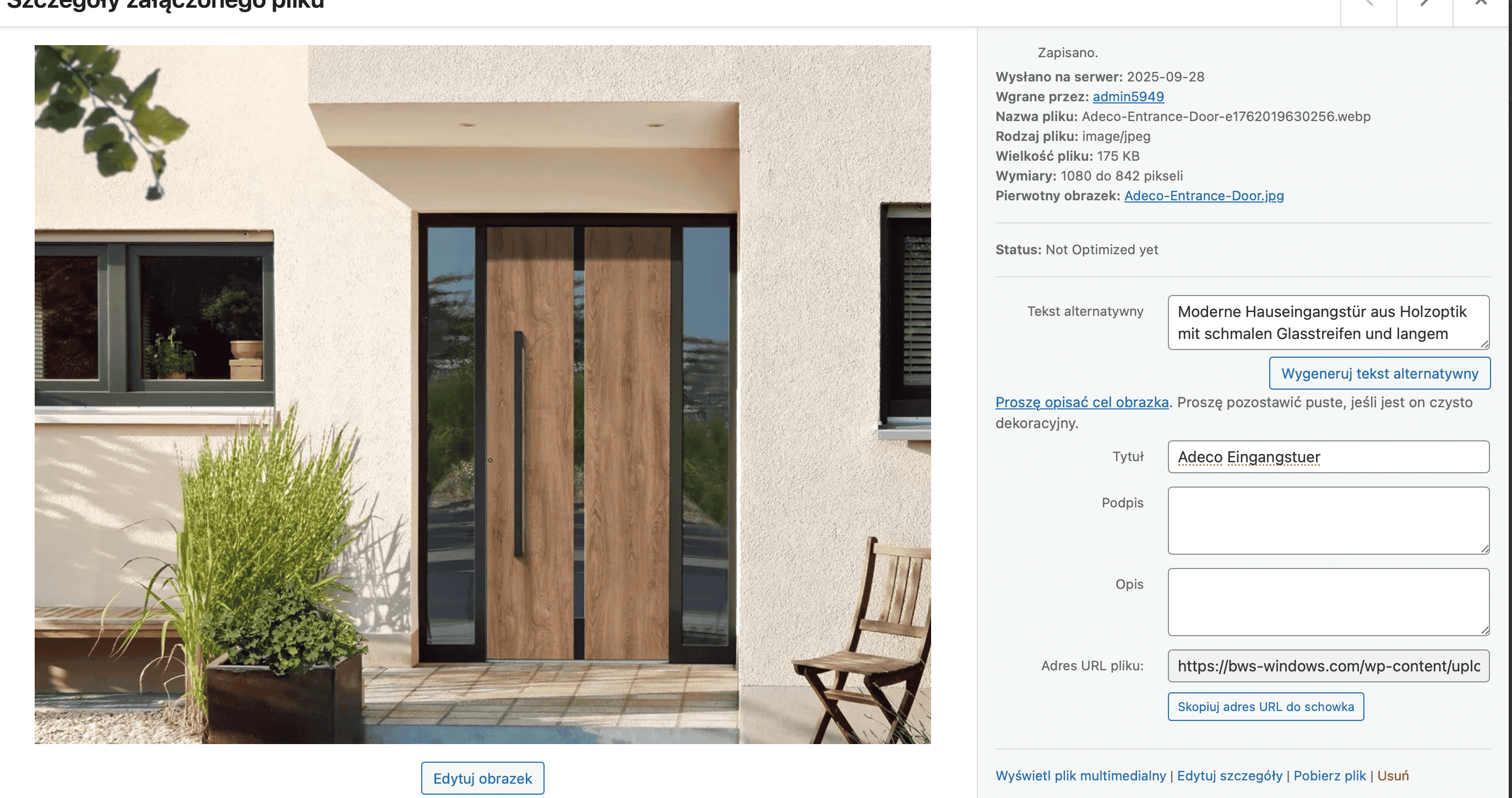   |
| March 25, 2026 at 6:45 pm #17927380 | |
|
Andreas W. WPML Supporter since 12/2018 Languages: English (English ) Spanish (Español ) German (Deutsch ) Timezone: America/Lima (GMT-05:00) |
Thank you for reaching out again! In fact, I see that the same alt text was already translated on the Advanced Translation Editor, but it seems as if this did not work out as expected. This might be a compatilbity issue between Bricks and WPML. For now, let me try to take a local copy of your site to troubleshoot the issue. I will try to test the site running only with Bricks and WPML to see if the issue persists. We will then take further steps from there. Workaround: <img width="1024" height="1024" src="<em><u>hidden link</u></em>" class="brxe-image background-image css-filter size-large" alt="Moderne Hauseingangstür aus Holzoptik mit schmalen Glasstreifen und langem Griff, flankiert von Pflanzkübel und Fenster." id="brxe-dzzkud" decoding="async"> |
| March 27, 2026 at 8:57 am #17931230 | |
|
Andreas W. WPML Supporter since 12/2018 Languages: English (English ) Spanish (Español ) German (Deutsch ) Timezone: America/Lima (GMT-05:00) |
On a local copy of your site, the alt text appears translated on the homepage, without making any further changes to the site. See screenshot. On your site, flushing the object cache in the Docket Cache plugin solves the issue.  |
| March 27, 2026 at 7:35 pm #17933212 | |
|
beataK-8 |
Hi, I found a solution to the problem. The workaround on line 751 correctly translates the image ID, but never saves it back — so the rest of the code, including the alt text, still uses the original untranslated ID. Adding one line after the existing workaround fixes the issue: $image_id = isset( $image['id'] ) ? apply_filters( 'wpml_object_id', $image['id'], 'attachment', TRUE ) : ''; $image['id'] = $image_id; Best regards |
| March 27, 2026 at 9:19 pm #17933277 | |
|
Andreas W. WPML Supporter since 12/2018 Languages: English (English ) Spanish (Español ) German (Deutsch ) Timezone: America/Lima (GMT-05:00) |
This makes complete sense in my opinion, thank you for mentioning that! It is kind of odd that the issue did not occur on a local copy and was solved on your site after clearing the object cache, but reviewing the workaround, if $image is an object, then your apporach would be the correct way to update the attachment ID. I have forwarded this information to our compatibility team. |






