Home›Support›English Support›[Resolved] Deregister and register subsites on multisite, fix bug after Database Tables Optimization
[Resolved] Deregister and register subsites on multisite, fix bug after Database Tables Optimization
This thread is resolved. Here is a description of the problem and solution.
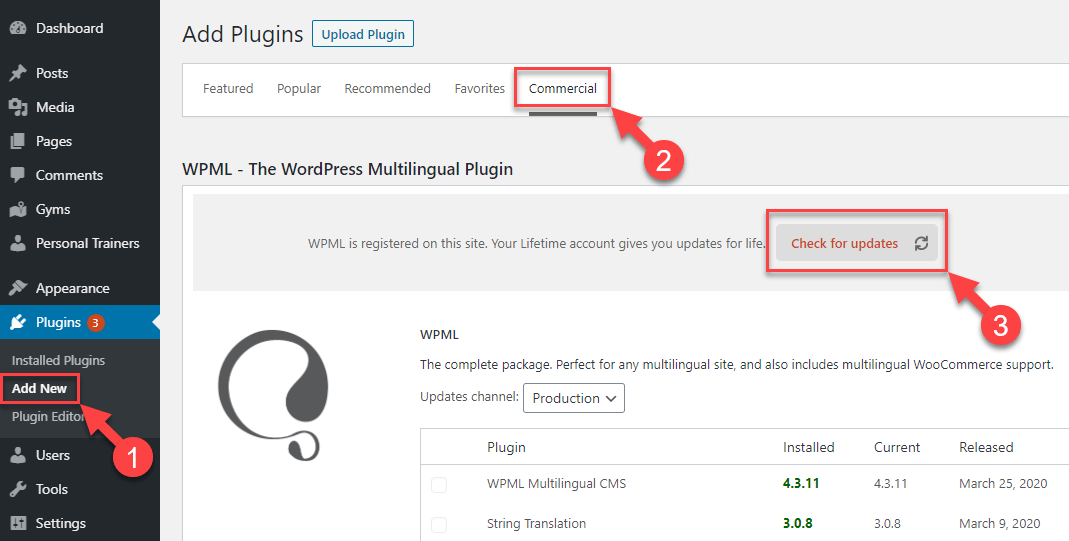
Problem: The client is experiencing issues with their WordPress multisite after migrating to another domain. Specifically, they cannot update the WPML license for individual sites within the multisite network, encounter database breakdowns during table optimization, and see old links in translation fields post-migration. Solution: We recommend updating your WPML plugins to the latest version, which includes fixes for the issues mentioned. Here's how you can update your plugins: 1. Navigate to Plugins → Add New Plugin. 2. Click on the Commercial tab. 3. Click the "Check for updates" button. https://wpml.org/wp-content/uploads/2020/04/wpml-force-plugin-update-1.png Please ensure to create a backup of your site before updating as a precaution.
If this solution does not apply to your case, or if it seems outdated, we highly recommend checking related known issues at https://wpml.org/known-issues/, verifying the version of the permanent fix, and confirming that you have installed the latest versions of themes and plugins. If issues persist, please open a new support ticket with us for further assistance.
This is the technical support forum for WPML - the multilingual WordPress plugin.
Everyone can read, but only WPML clients can post here. WPML team is replying on the forum 6 days per week, 22 hours per day.
Background of the issue:
I am trying to migrate my WordPress multisite to another domain and am testing this locally. I changed domain names in the database and chose that the site is a copy of the original site. The site I need help with is hidden link.
Symptoms:
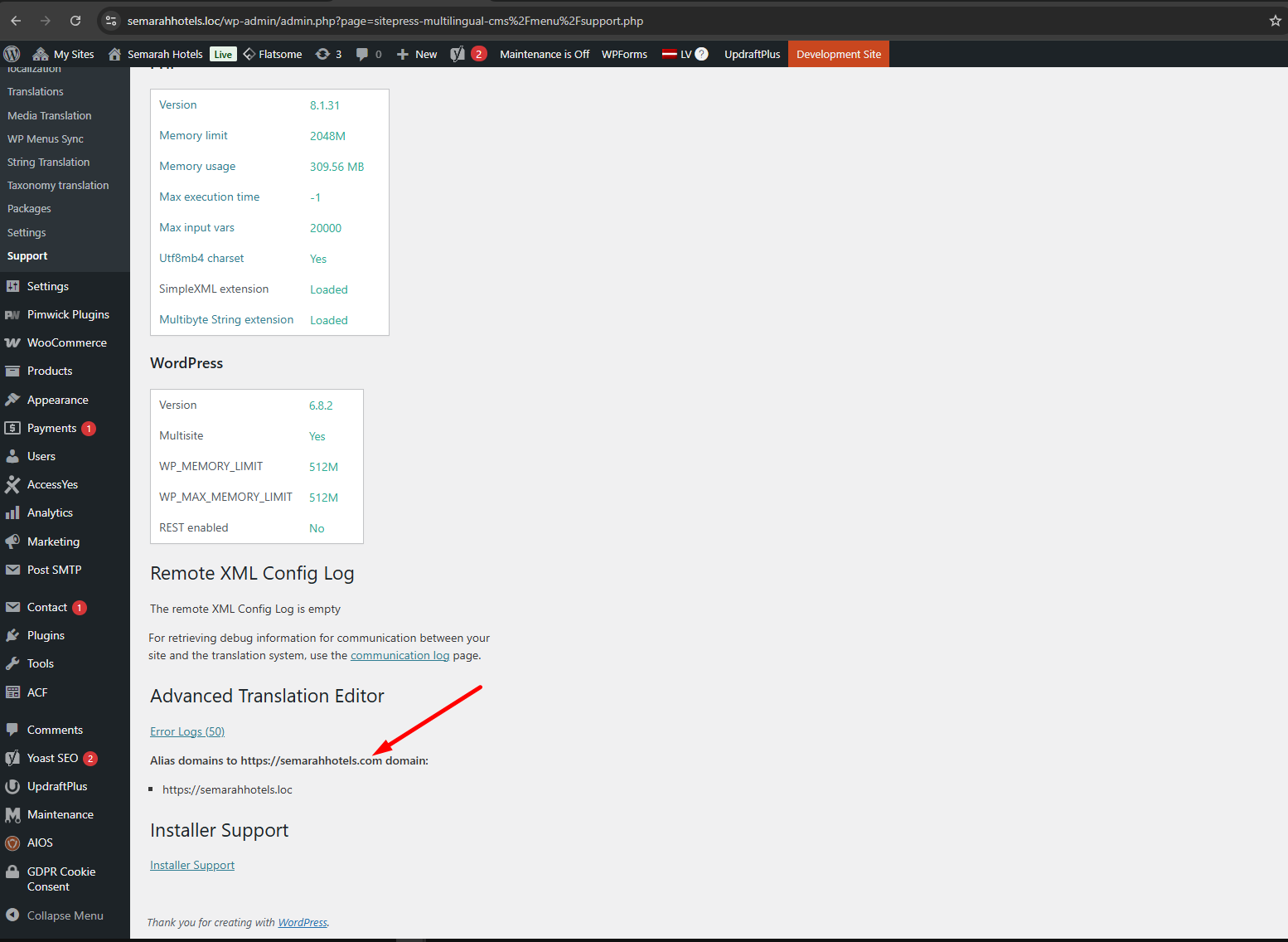
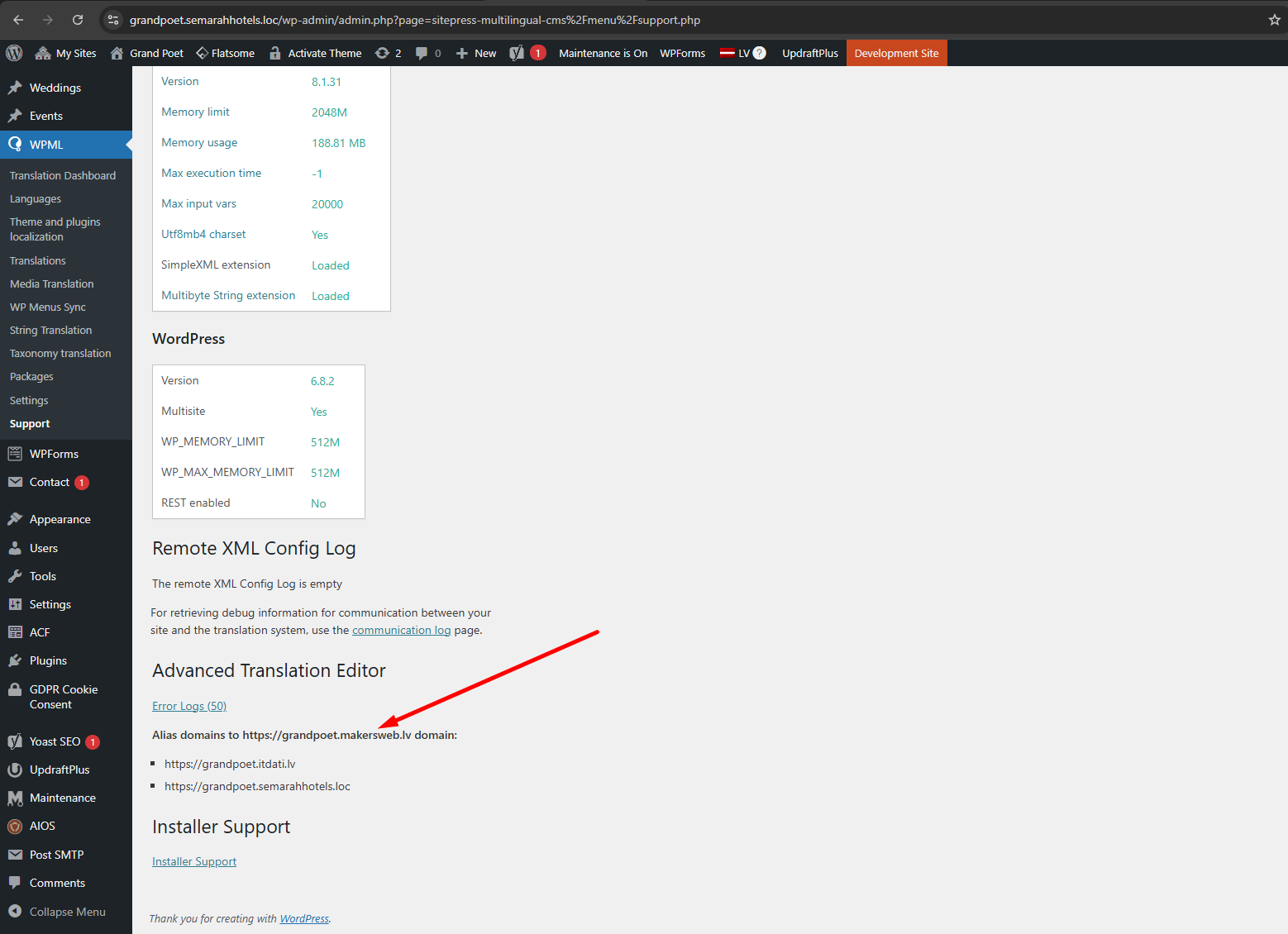
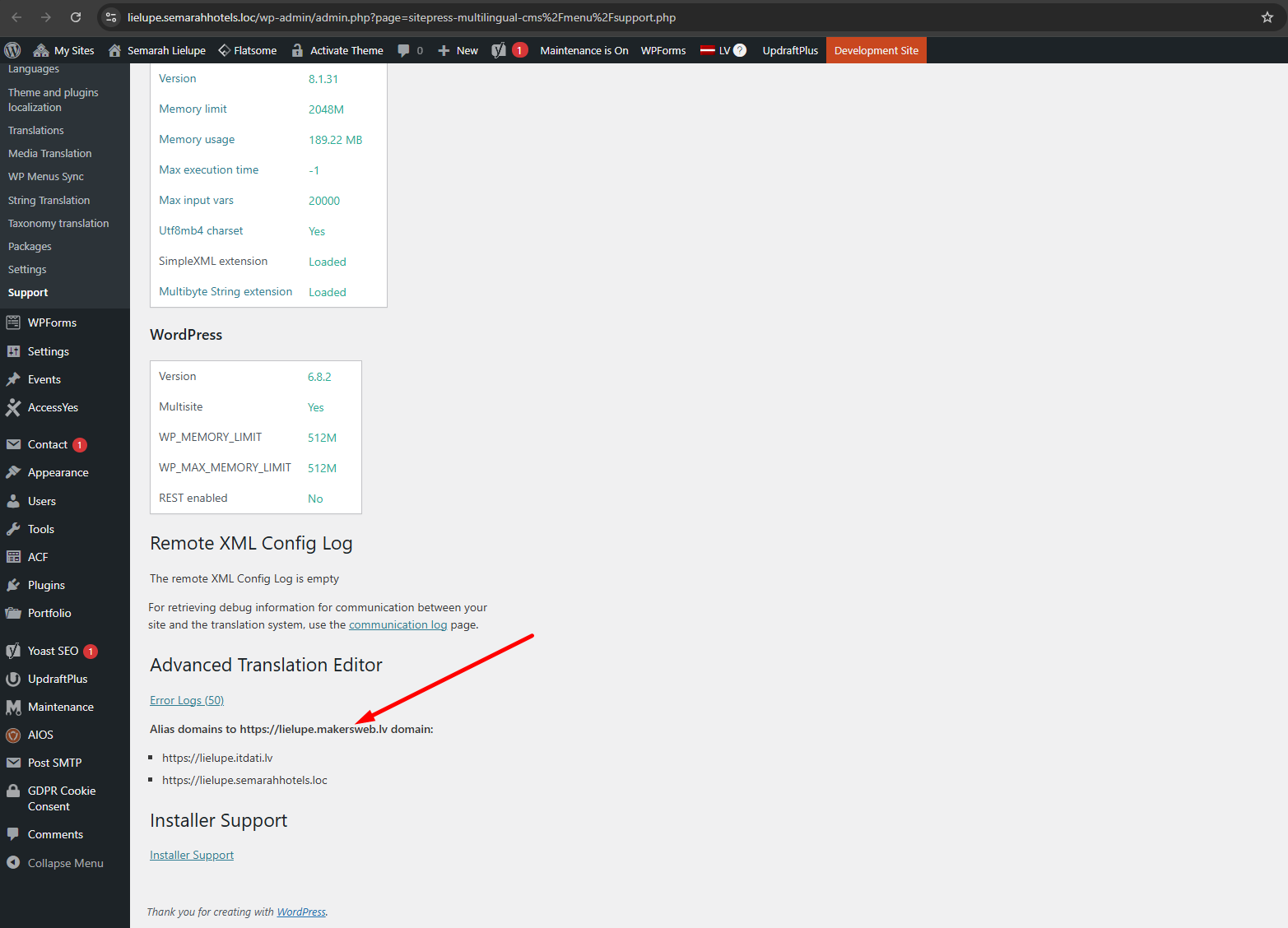
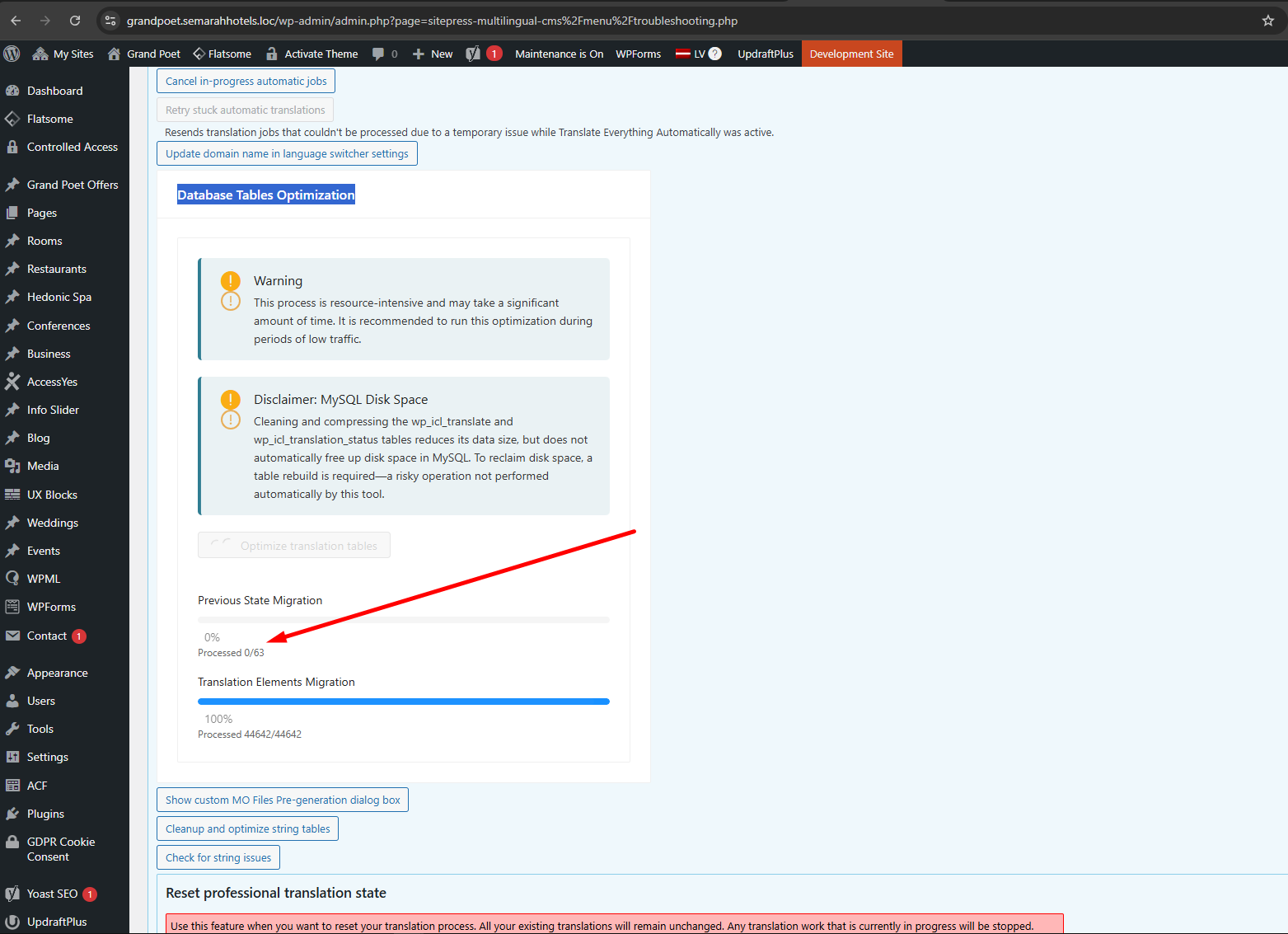
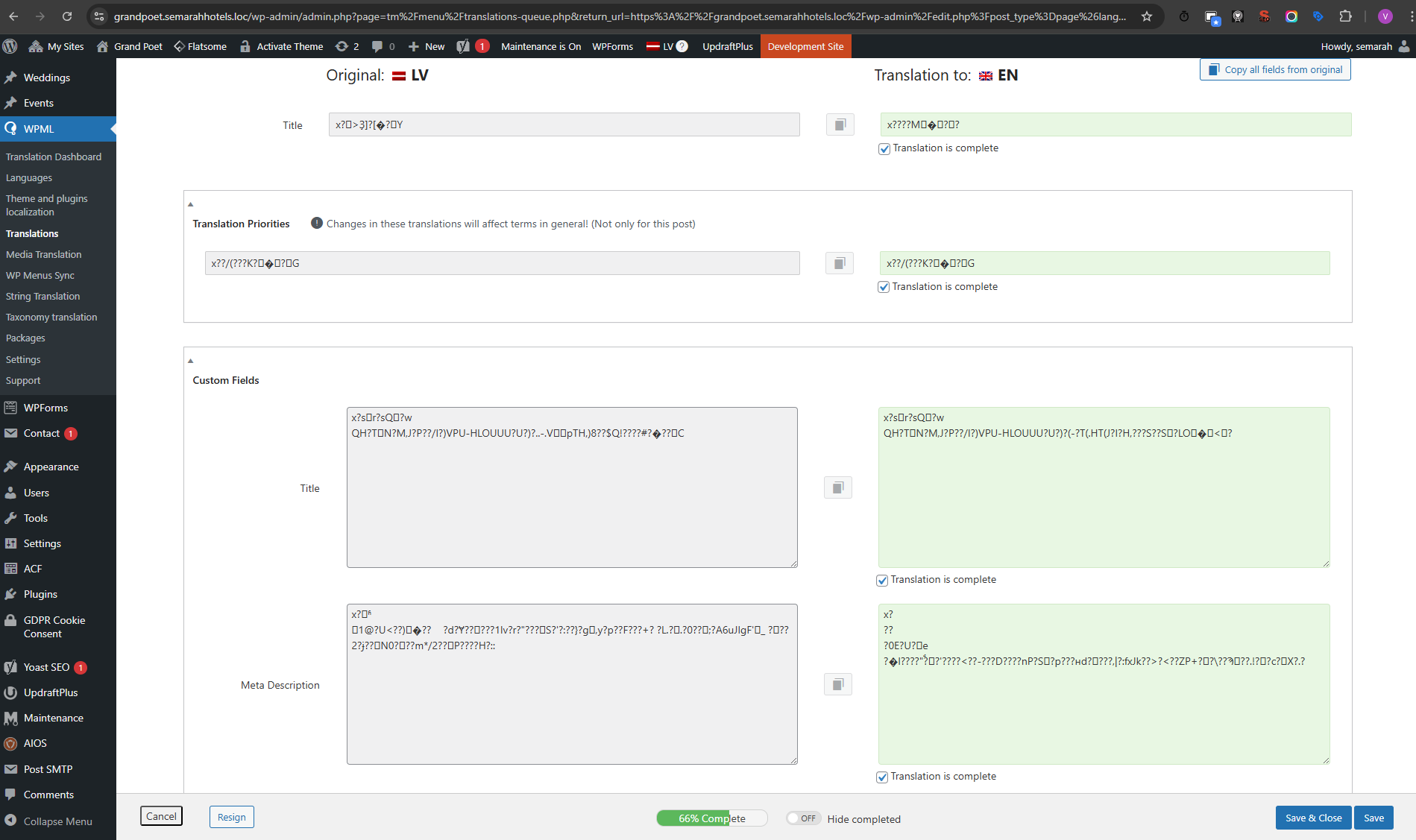
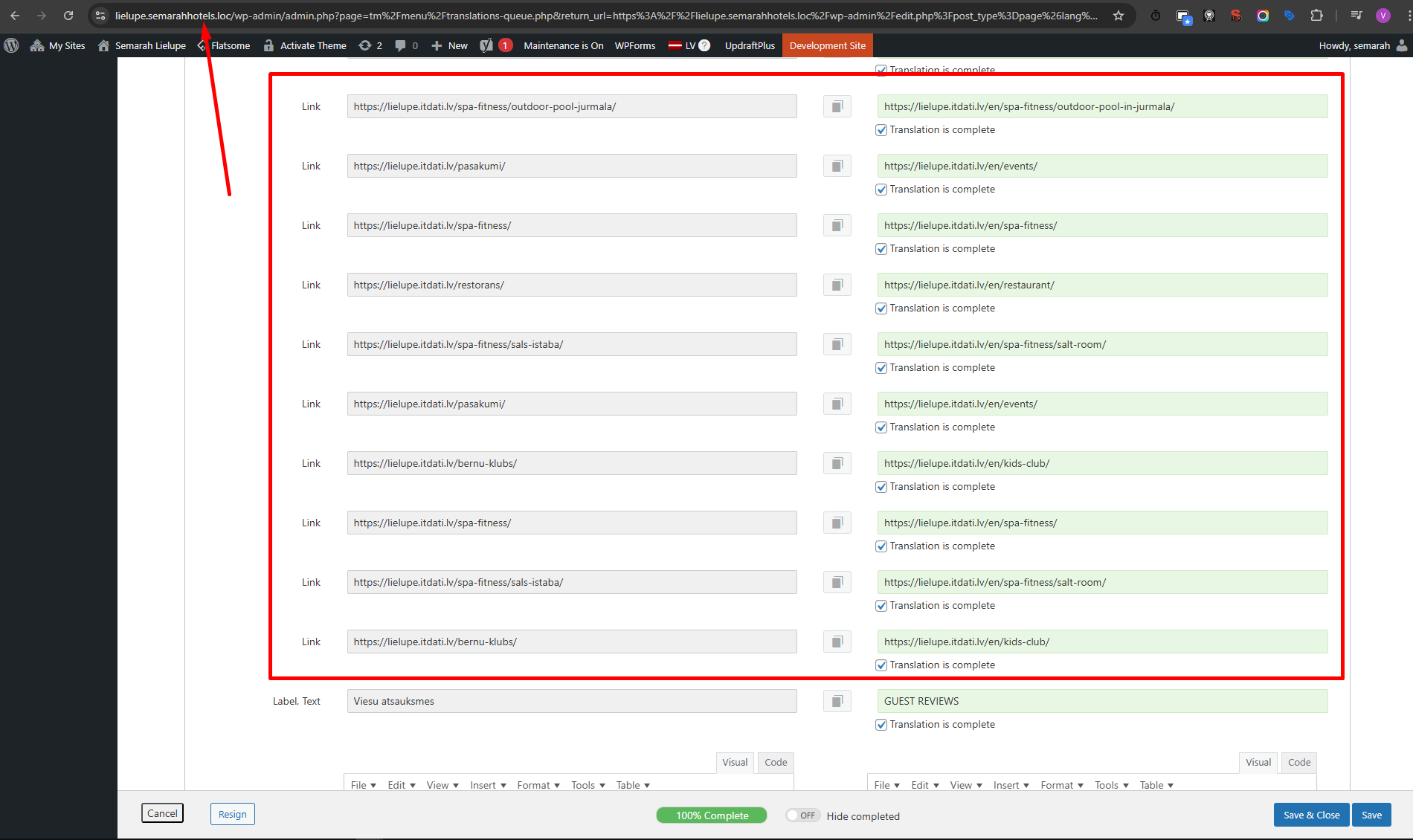
1) I can't update the license (Alias domains) for my sites on multisite WP. I updated the license for the network site, but it doesn't work for sites semarahhotels.loc, grandpoet.semarahhotels.loc, lielupe.semarahhotesl.loc. 2) Database Tables Optimization breaks down my database. 3) I see old links in translation fields after domain migration, even after clearing WPML cache and updating internal links.
Questions:
Why can't I update the license for my multisite WP domains?
Why does Database Tables Optimization break down my database?
How can I update old links in translation fields after domain migration?
Tell me please how to fix my problem with links on the pages?
I need to change all links in the translations itdati.lv -> semarahhotels.loc
I tried all: Search and replace plugin, Translate Link Targets option, clear WPML cache.
But I see old links in the translations.
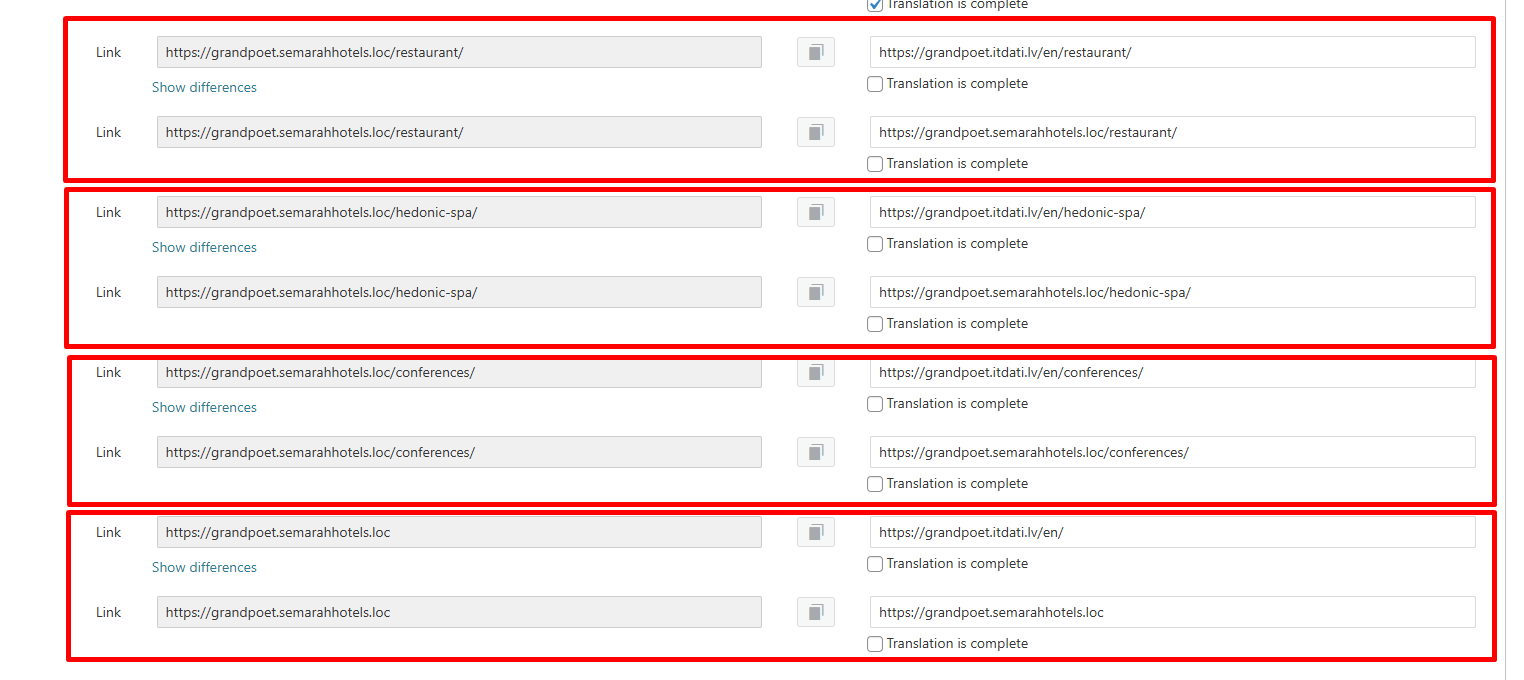
If I change/save the main page I have 2 links for each field in the translations.
1st -> hidden link -> itdati.lv
2nd -> hidden link -> hidden link
Its a problem because I dont know what link translation is good.
I can fix it if I remove Page Builder Page from Packages and translate all from the scratch.
I think should be more easy way.
New threads created by Shekhar Bhandari and linked to this one are listed below:
We've recently rolled out a new version of WPML plugins with the fix. Could you please update your plugins to the latest version and inform me if it resolves the issue?
Our WPML updates are distributed gradually. If your websites haven't received this update yet, please be patient, and you should see it within a few days.