
This is the technical support forum for WPML - the multilingual WordPress plugin.
Everyone can read, but only WPML clients can post here. WPML team is replying on the forum 6 days per week, 22 hours per day.
This topic contains 6 replies, has 1 voice.
Last updated by Tunde Maria Kovacs 1 year, 1 month ago.
Assisted by: Osama Mersal.
| Author | Posts |
|---|---|
| March 9, 2025 at 6:28 pm #16793474 | |
 Tunde Maria Kovacs |
Background of the issue: Symptoms: Questions: |
| March 9, 2025 at 6:30 pm #16793476 | |
|
Tunde Maria Kovacs |
When saving divi layout french or english, I end up with them in both language. How can I disable the automatic translation of saved sections in WPML? |
| March 10, 2025 at 5:06 am #16794183 | |
 Osama Mersal |
Hi, Thanks for contacting WPML forums support. I'll be glad to help you today. Would you please share screenshots or a screen-recorded video while reproducing the issue to help me understand it better? Best regards, |
| March 10, 2025 at 12:05 pm #16796275 | |
|
Tunde Maria Kovacs |
You will see when layout are saved in a specific language, they appear in both languages in divi library and don't appear when you recall them creating a page, any way to disable that translation feature for DIVI, Layout section would simplify or other solution. Thank you! 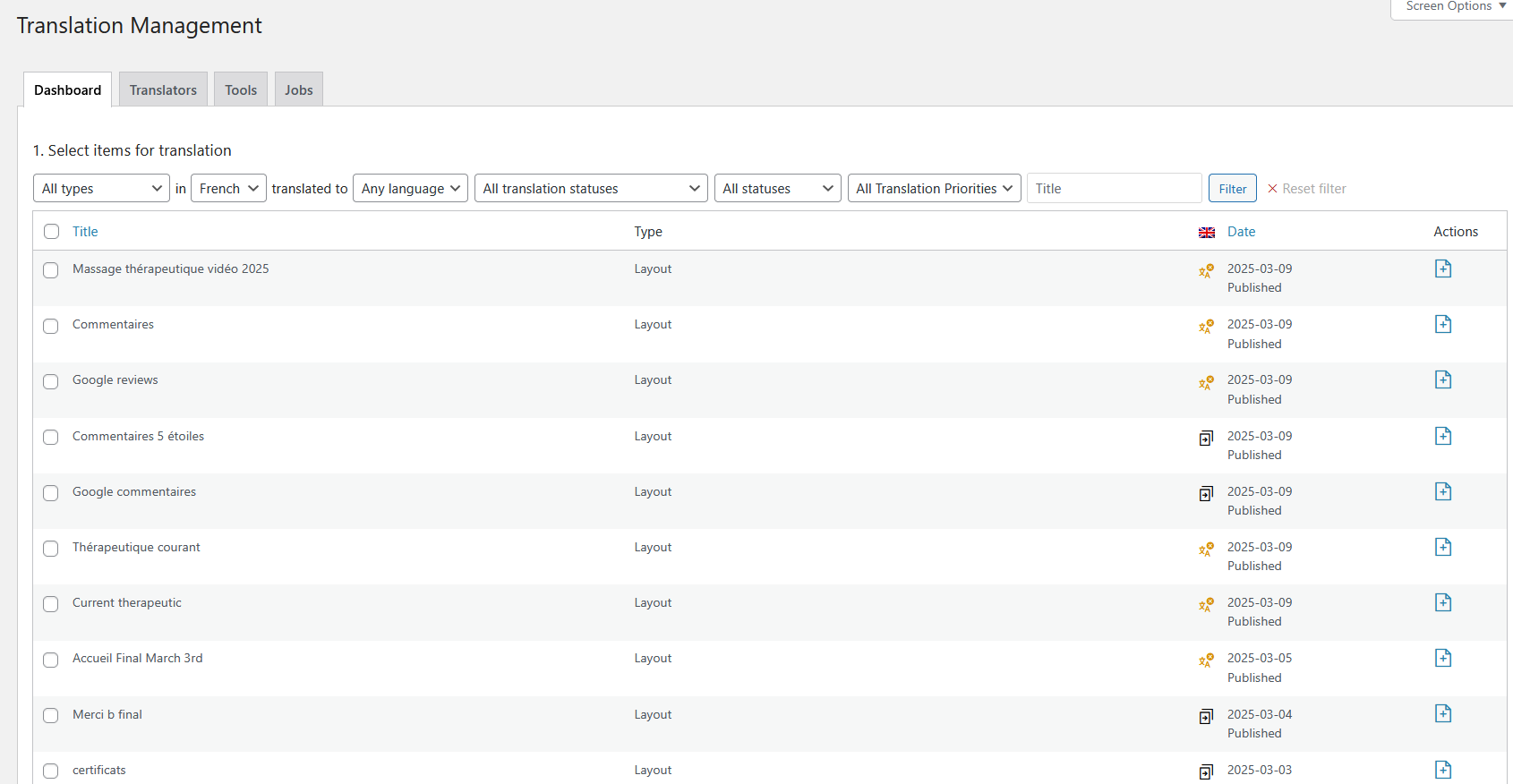 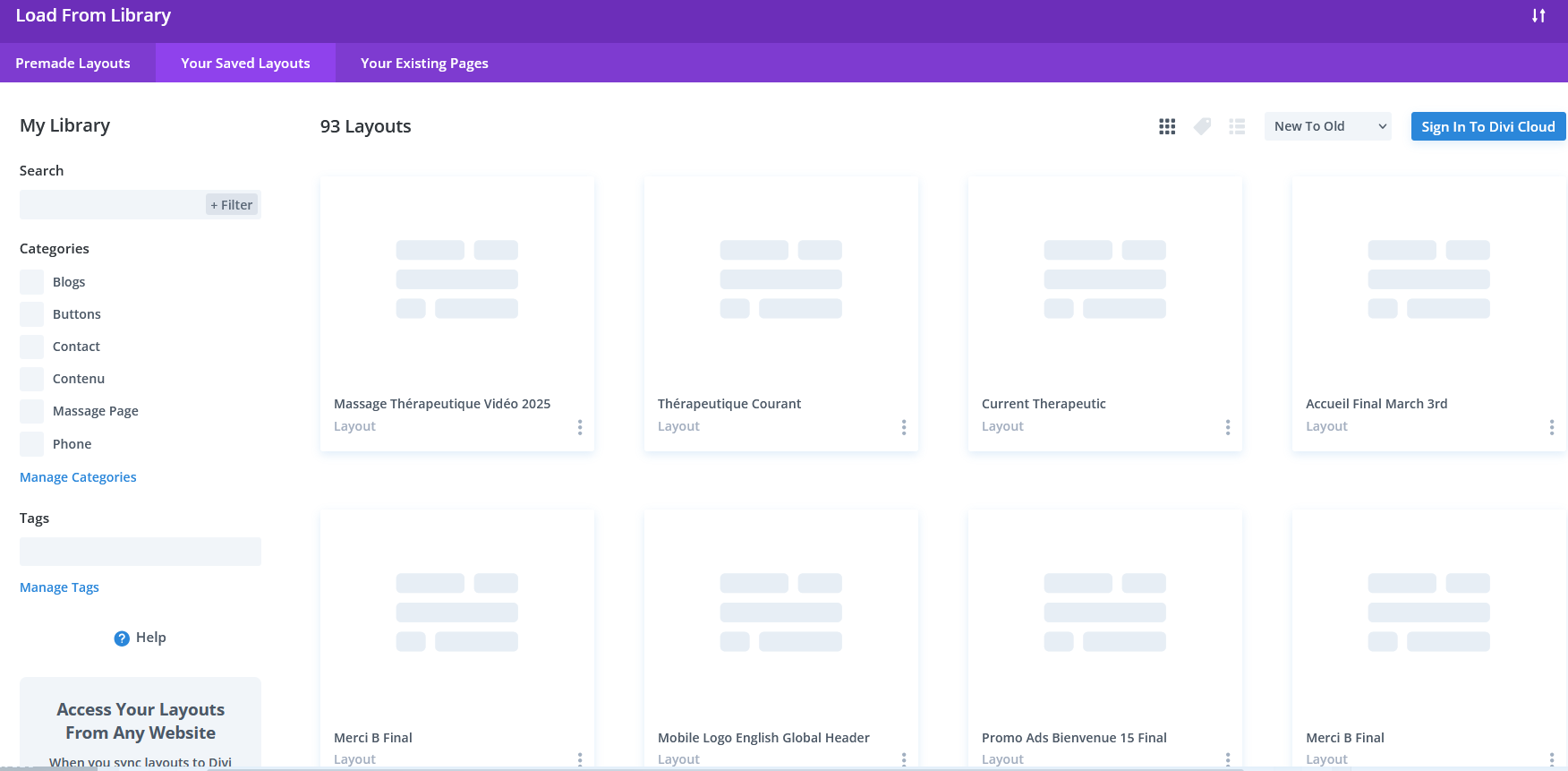 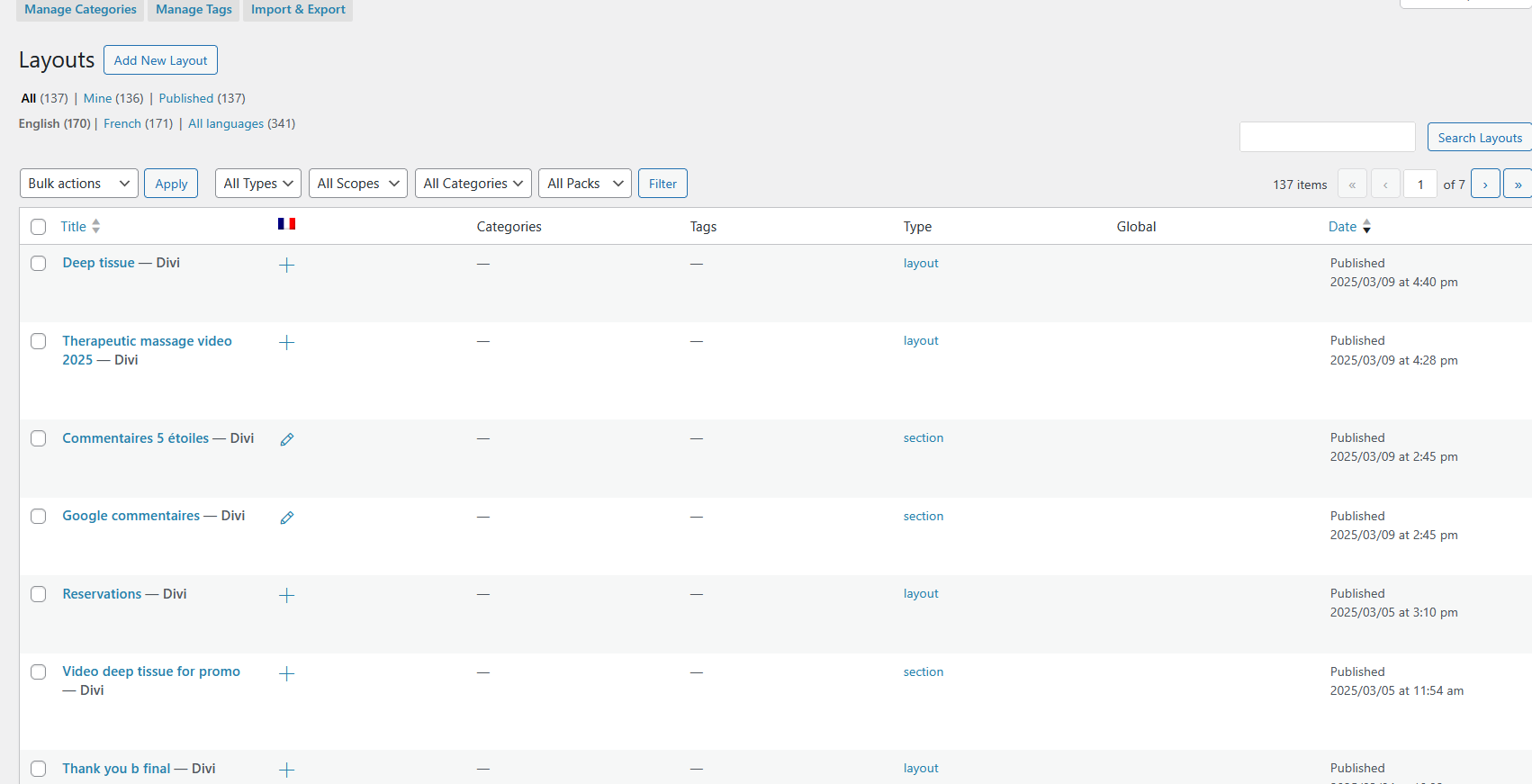 |
| March 10, 2025 at 3:46 pm #16797434 | |
|
Osama Mersal |
Hi, Thanks for your reply. Please log in to this hidden link">sandbox site and try to replicate the issue. Please let me know if the issue is replicable so I can check it and consult our compatibility team if needed. Kindly note that this sandbox site has Divi and WPML installed. Best regards, |
| March 10, 2025 at 4:12 pm #16797466 | |
|
Tunde Maria Kovacs |
Not applicable as the screenshots are explaining exactly the issue, which is related to translation, there is nothing I can create in that sandbox or video because I would have to import to many things, a previous agent solved part of this issue in my previous ticket, please review as all is in there. I thought it could be this: Post Types Translation section, locate the Divi Library post type (commonly labeled as et_pb_layout) but it's not there and theme builder is already set to not translatable but something is saving layouts and sections in both |
| March 10, 2025 at 4:54 pm #16797720 | |
|
Osama Mersal |
Hi, Thanks for your reply. I would need to look closely at your site, so I would need to request temporary access (WP-Admin and FTP) Your answer will be private, meaning only you and I can access it. ❌ Please back up your database and website ❌ ✙ I need your permission to deactivate and reactivate the plugins and themes and change site configurations. This is also why the backup is critical. ✙ I also need your permission to take a local copy of your site to debug the issue without affecting your live site. Best regards, |
| March 10, 2025 at 7:15 pm #16798212 | |
|
Tunde Maria Kovacs |
I figure it out finally, as sections are not appearing but not because of translations but from where you create the layout, all is good, thank you for following up! |