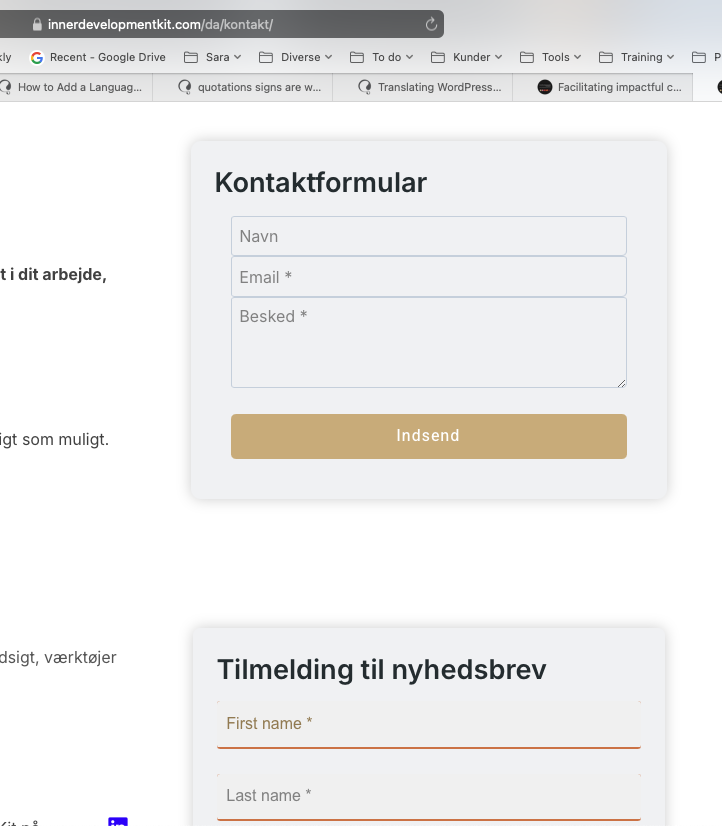
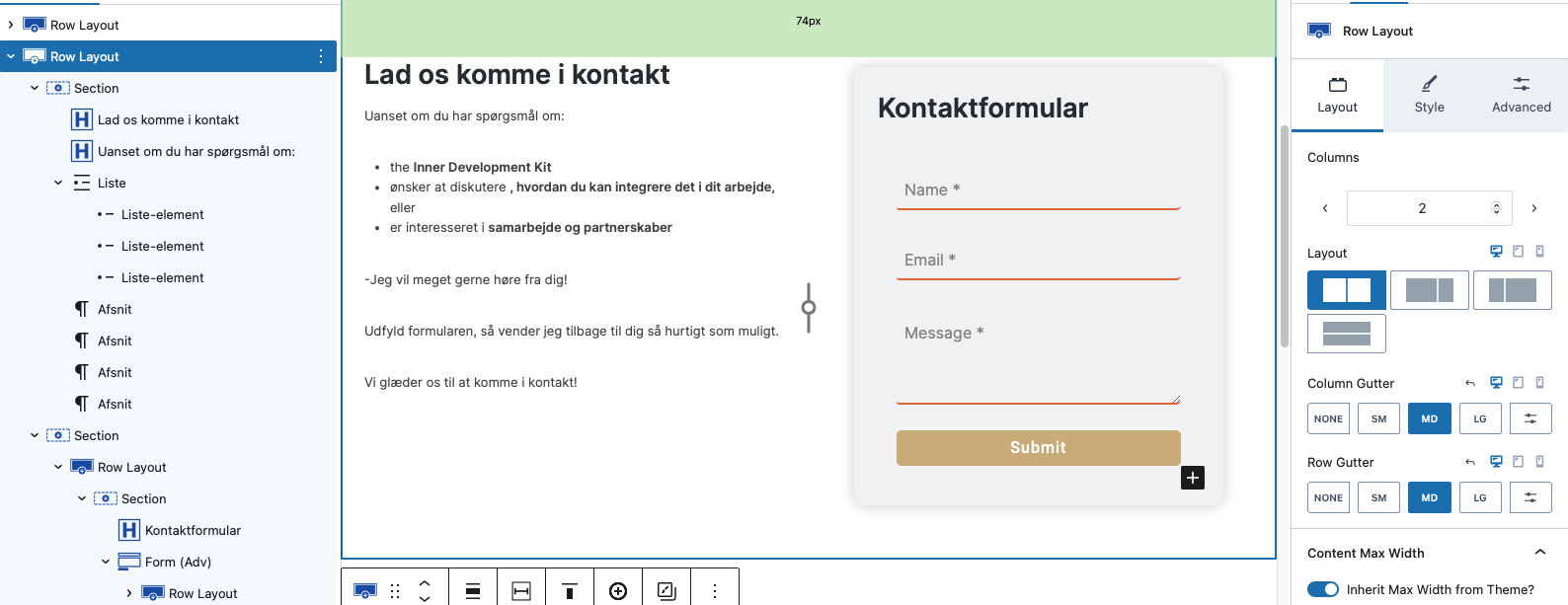
Background of the issue:
I am trying to fix the styling issue on the translated versions of the top form on the page hidden link. The same styling has been applied to both forms on the page, but the styling is lost only on the top form in the translated pages.
Symptoms:
The styling is broken on the translated versions of the top form on the contact page.
Questions:
How do I fix the styling issue on the translated versions of the form?
Welcome to the WPML support forum. Before passing this thread to my colleague, I would like to share some suggestions and possible solutions for the issues you mentioned.
Sorry for the late response because of the holidays and the high support load. It is not normal here. Thank you for your kind understanding.
It seems that some of the CSS classes related to the form are not appearing correctly in the secondary languages on the frontend. Are you using any custom CSS for the form?
If so, please try adding it under WPML>>Languages>>Language switcher options>>Additional CSS, then clear all caches and check if there's any difference in the result.
Also, please update the Contact page (in the original language) by making a small content change to refresh the translation settings. After that, update the translated version of the page (make sure the WPML language widget shows a pencil icon for that translation). Finally, clear all types of caches again and check if the issue persists.
--
Thanks!
Bigul
The topic ‘[Closed] styling is broken on translated page’ is closed to new replies.