Background of the issue:
I'm trying to translate my website from English to Arabic using WPML. The theme is Multilanguage Support WPML Ready. I am editing the site using Elementor.
Symptoms:
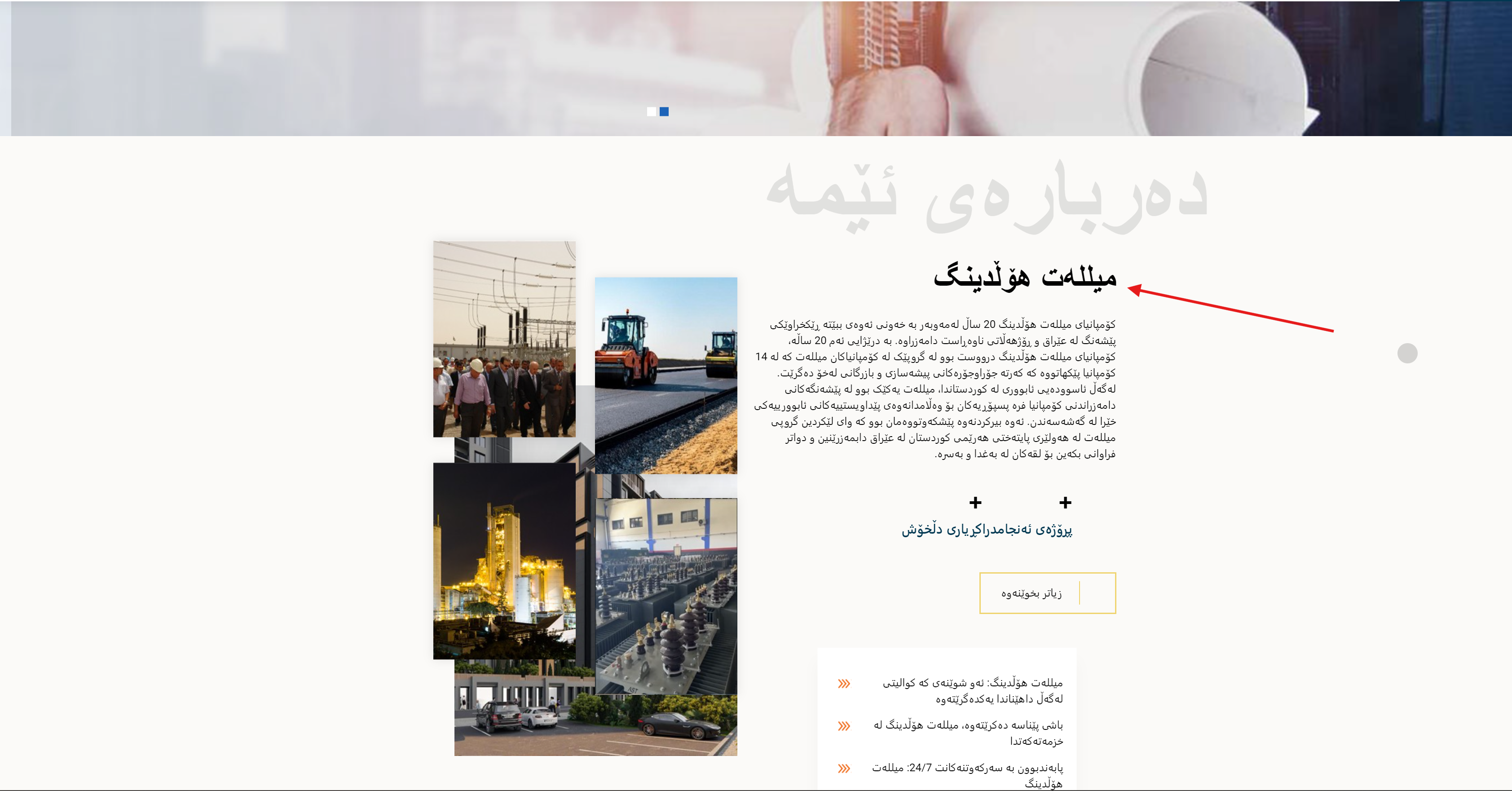
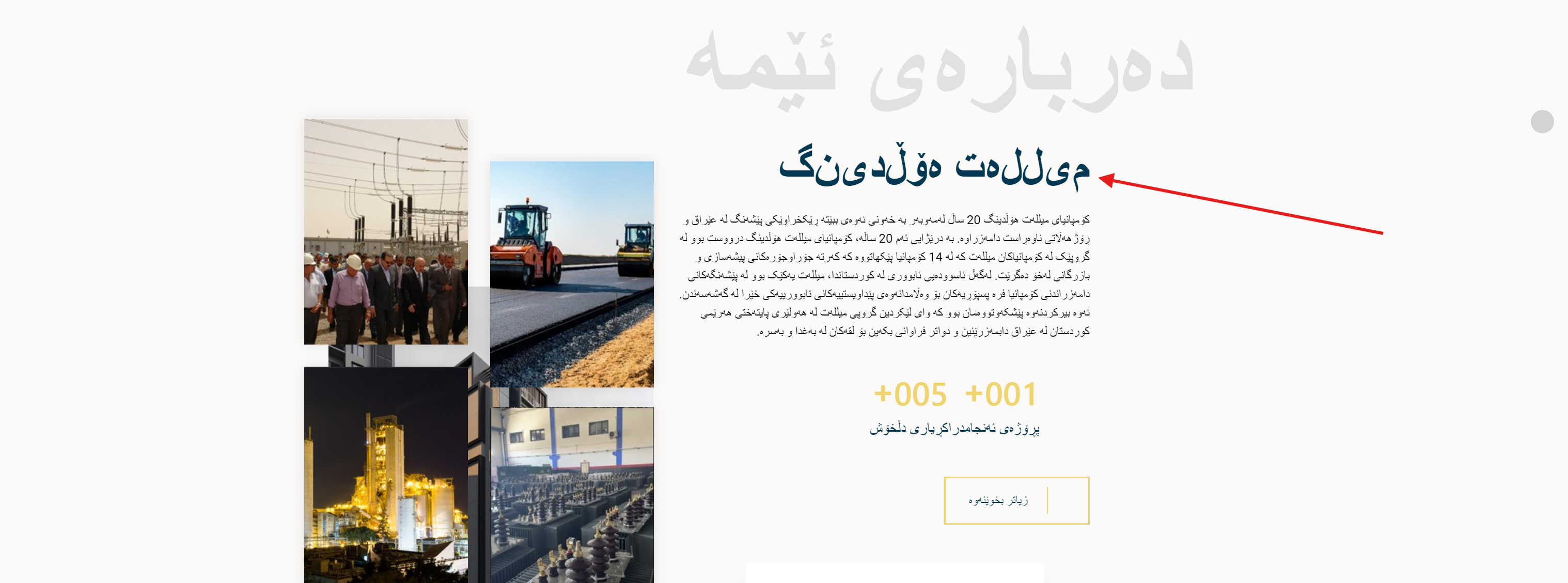
The translation is not working properly for some parts, specifically the headings (titles). The text shows fine in Elementor, but it does not work when I publish the page.
Questions:
Why is the translation for headings not working when I publish the page?
How can I fix the translation issues with headings in Elementor?
This seems to be more of a Database table collation issue as the Kurdish letters seems to be showing separated.
WPML does not have anything to do with these sort of issues. As a test please deactivate all WPML plugins.
Create a sample new page on your website and try to type some Kurdish words for the title of page.
Then check the front end and you will see the same error.
I am not sure what will be the correct collation for the Kurdish language but usually the "utf8mb4_unicode_ci" or "utf8mb4_general_ci" should do the trick.
To set the correct database collation in WordPress, you can follow these steps:
- Access your WordPress site's database using a tool like phpMyAdmin or through the command line.
- Locate the database where your WordPress installation is stored.
- Check the collation of the tables within the database. The tables should be using a collation that includes "utf8mb4".
- If the collation is not set to "utf8mb4_unicode_ci" or "utf8mb4_general_ci", you can change it by selecting the tables and using the "Change collation" option to set it to the appropriate collation.
It's important to note that changing the database collation should be done carefully and preferably with a backup of your database.