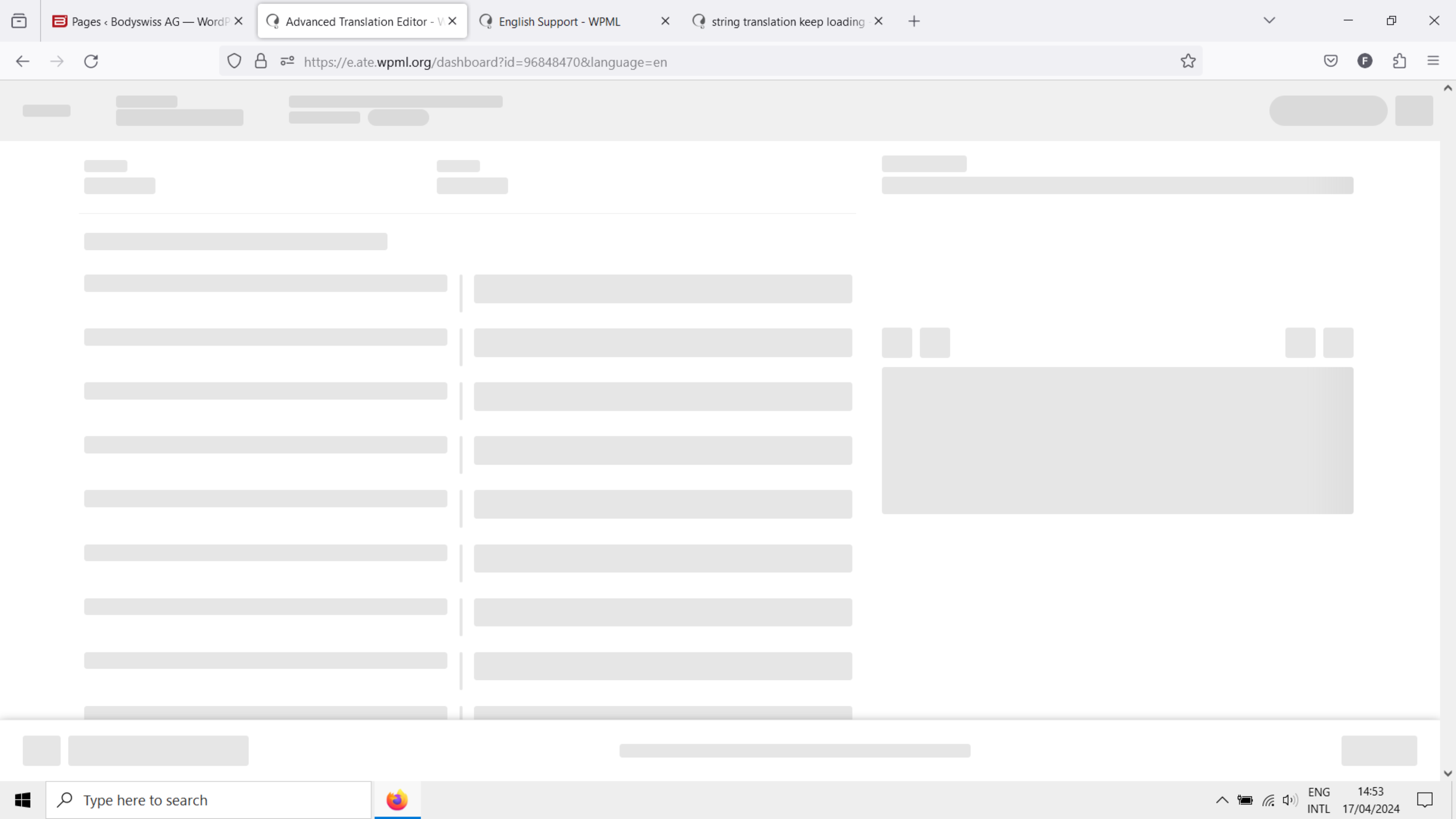
[Resolved] ATE keep loading when I want to update it
This thread is resolved. Here is a description of the problem and solution.
Problem: The client is unable to update design changes and text content on the EN page because the Advanced Translation Editor (ATE) keeps loading. Solution: We recommend trying to use a different browser to see if the issue persists. If the problem remains, clear the browser cache to potentially resolve the loading issue.
If these steps do not solve the problem, the solution might be outdated or not applicable to your case. We highly recommend checking related known issues, verifying the version of the permanent fix, and confirming that you have installed the latest versions of themes and plugins. If the issue continues, please open a new support ticket with us.
This is the technical support forum for WPML - the multilingual WordPress plugin.
Everyone can read, but only WPML clients can post here. WPML team is replying on the forum 6 days per week, 22 hours per day.
If it doesn't help, To debug this issue further, I would need to check your site settings once, for this I would need temporary access (wp-admin and FTP) to your site.
So could you please provide me with those details, you will find the needed fields for this below the comment area when you log in to leave your next reply. hidden link
It shouldn't take too long, probably just a small problem. Can you try again?
Also, we're trying to figure out why this is happening, but right now we can't make it happen again. Our developers are looking into it to see if they can reproduce.
Hi Shekhar, I am not sure what happened, but now the ETA work well. I often experience this issue at the morning and afternoon (my time), the time when I contact you first today. Maybe it is internet connection issue + caching issue. But not sure.