Yes, I know what was going wrong, the license key was still switched off because I needed it in the test website.
No it actually does appear on te English website, but most of the lines are in the original language, not translated. What is weird, because we did translate everything.
So we are almost there: how do I translate this after already translated the strings?
Sorry, I do have one more question. Where did you find the strings to translate? I no switched on all the product options for all categories, and the rest doesn't show translated, but I do think I translated all the strings. How do I find those that are not translated?
Please navigate to WPML → String Translations, search for similar strings, and translate each of them. You can also test which ones take effect to identify the correct domains.
In translations I can translate all product options, but it doesn't work.
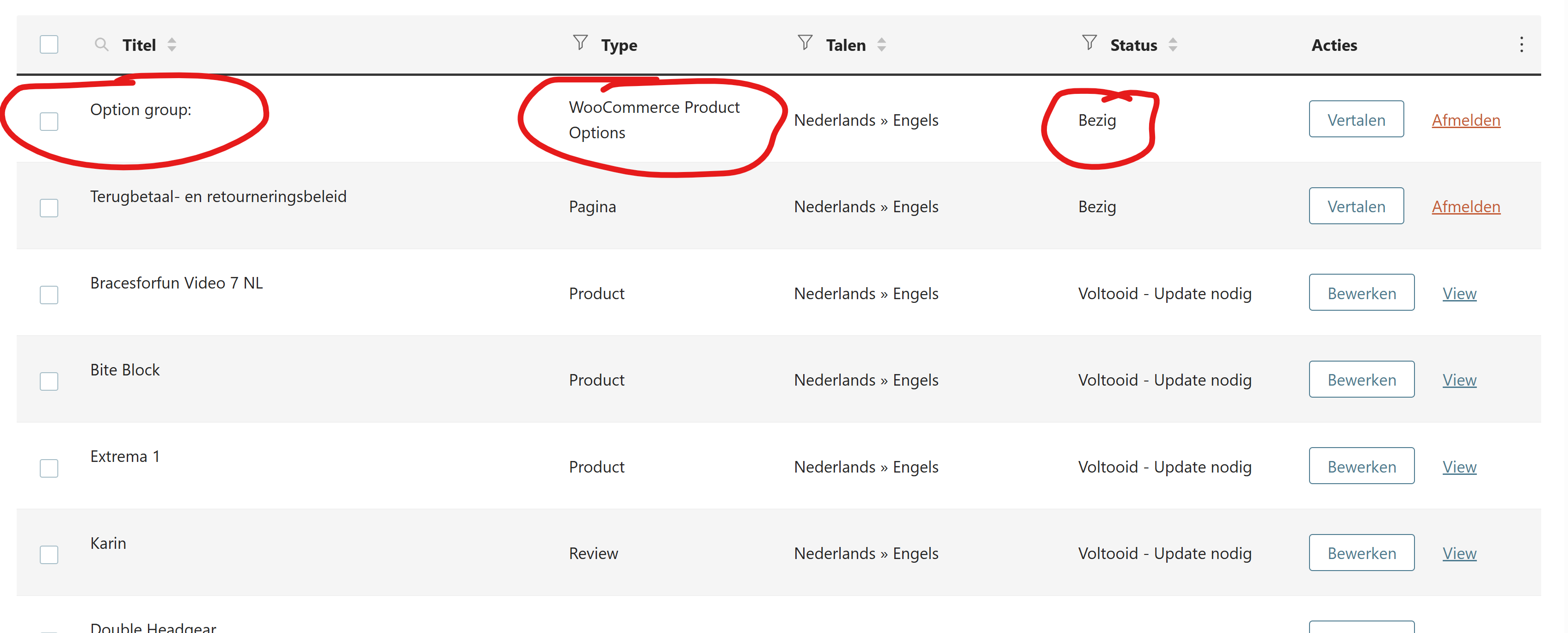
Picture 1: it says 'ongoing'
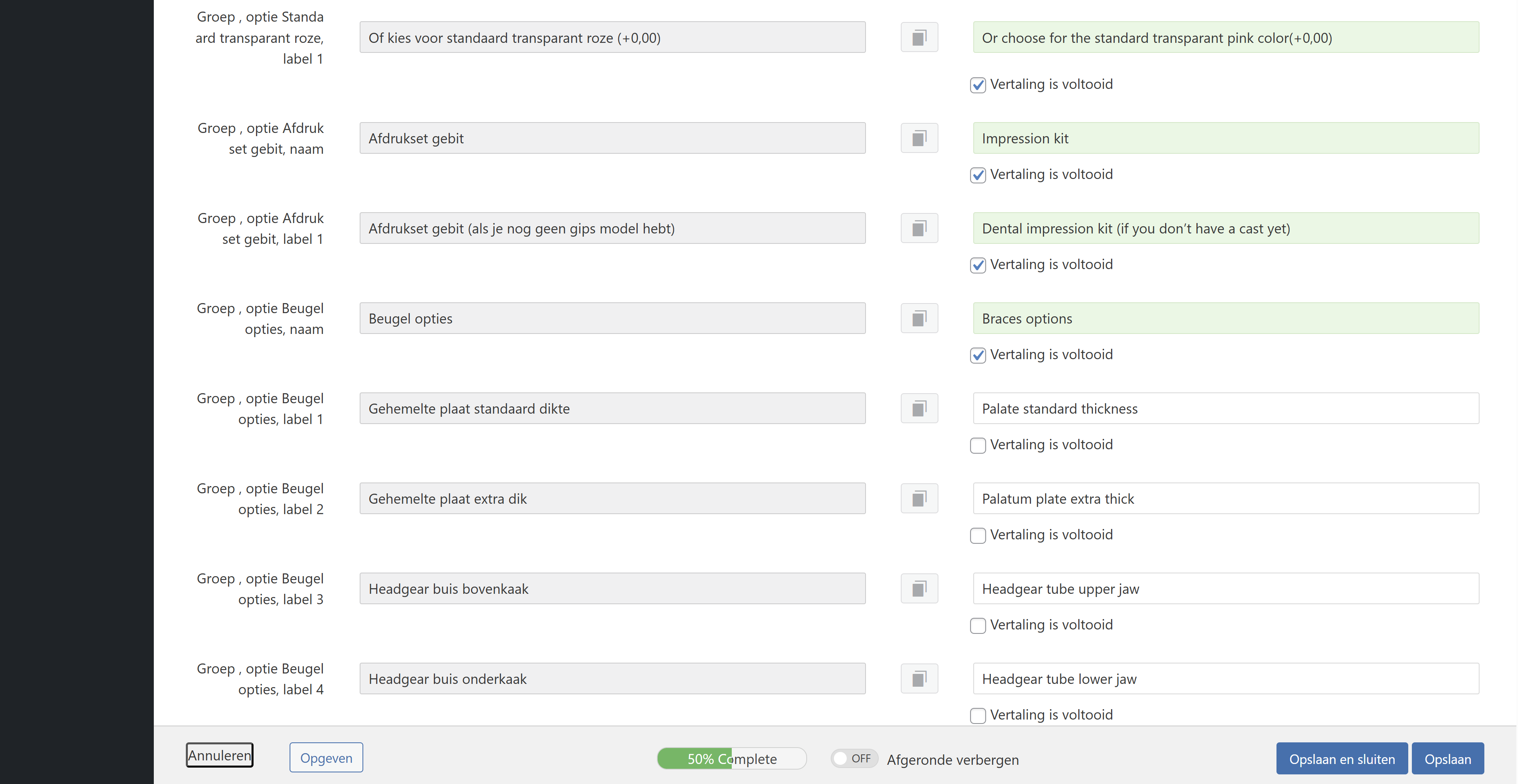
Picture 2: when I switch all checks on to 100% and safe, it seems like it safes but when back at picture 1: it still says 'ongoing' and when I click on it, it's back at just 50%.
After checking the issue, it appears to be related to the max_input_vars setting. It is currently set to 1000, while there are more than 2000 fields that need to be saved.
Could you please increase the max_input_vars value to 4000 and check if that resolves the issue?