Background of the issue:
I am trying to translate a thegem wpbakery block. the wpbakery code is [gem_button text="TERMIN VEREINBAREN" position="center" corner="25" size="medium" icon_pack="elegant" link="url:%2Fkontakt%2F" text_size="14" text_color="#3c3950" background_color="#ffffff" hover_text_color="#ffffff" hover_background_color="#3c3950" margin_top="0" margin_bottom="0" padding_left="50" padding_left_tablet="25" padding_right="50" padding_right_tablet="25"]
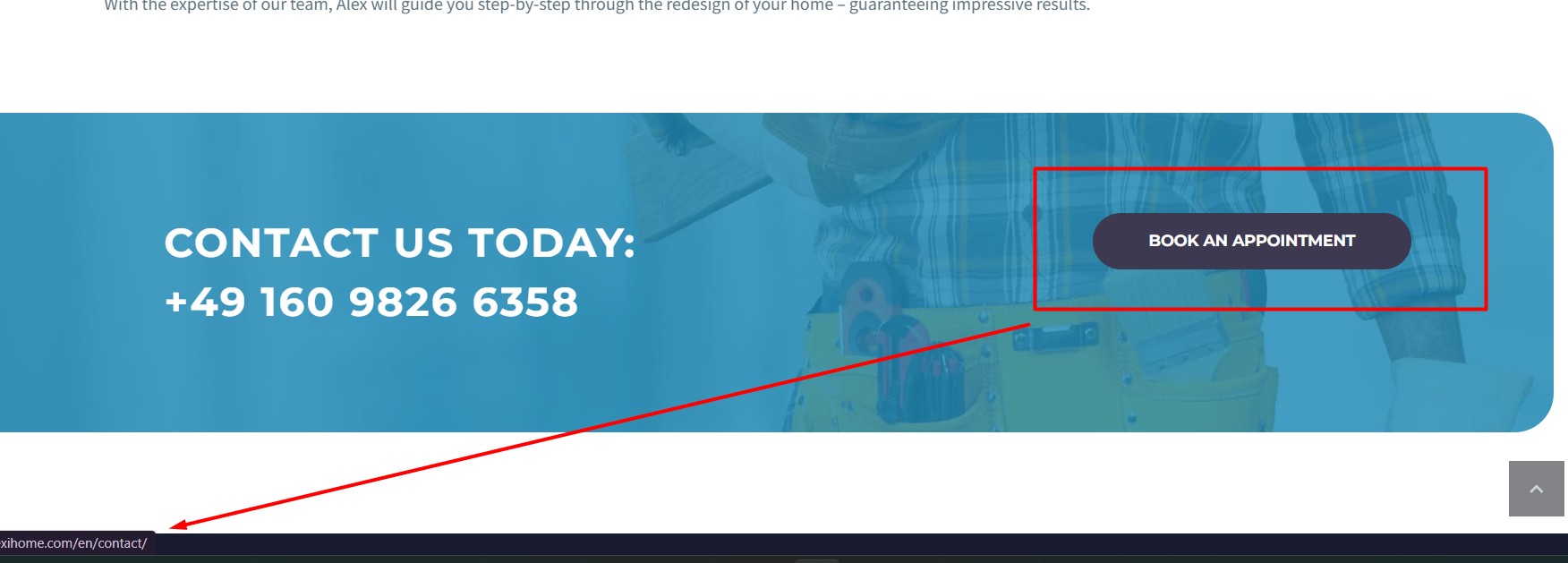
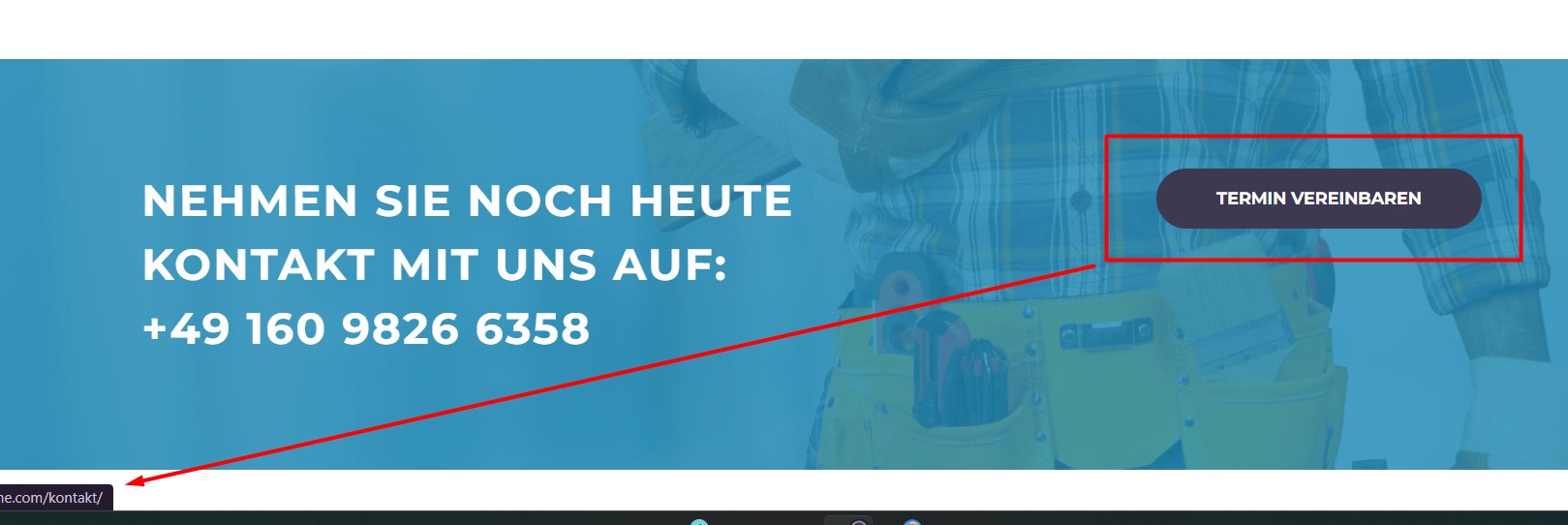
u can see the issues in the page hidden link at the bottom CTA
I added the following in the xml config, but the strings did not popup for translation.
In fact the text of the button is translated, I cant see it in the page translation, but most importantly the links are not translated
Symptoms:
The text of the button is translated, but I can't see it in the page translation. Most importantly, the links are not translated.
Questions:
Why are the strings not popping up for translation?
Why are the links not translated even though the text is?
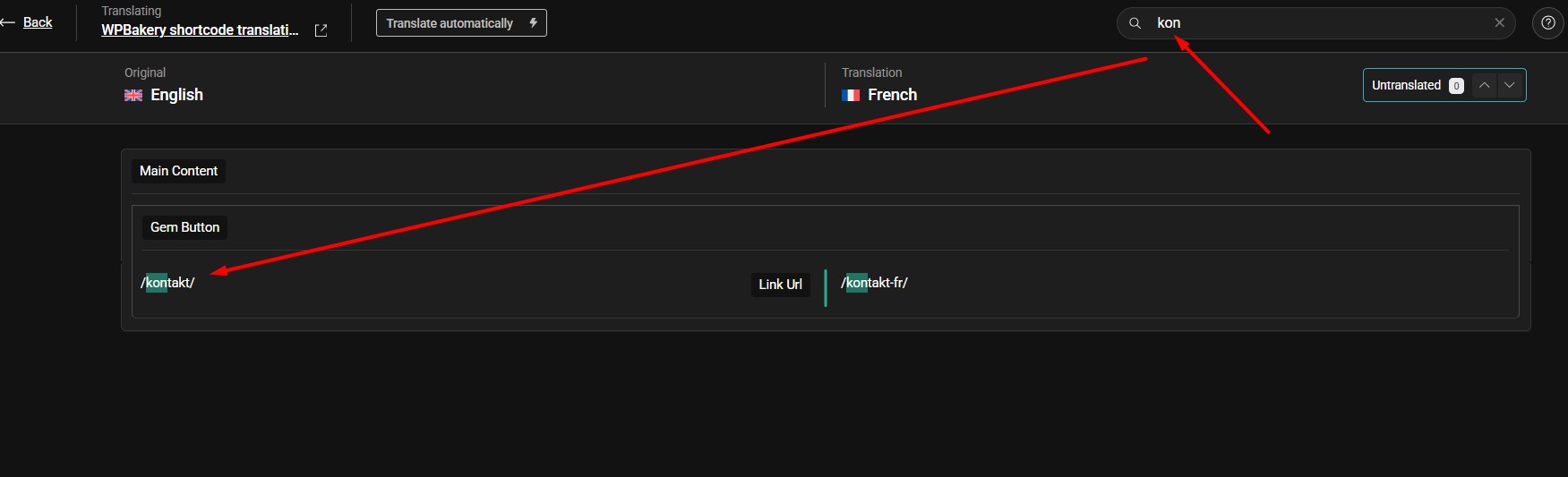
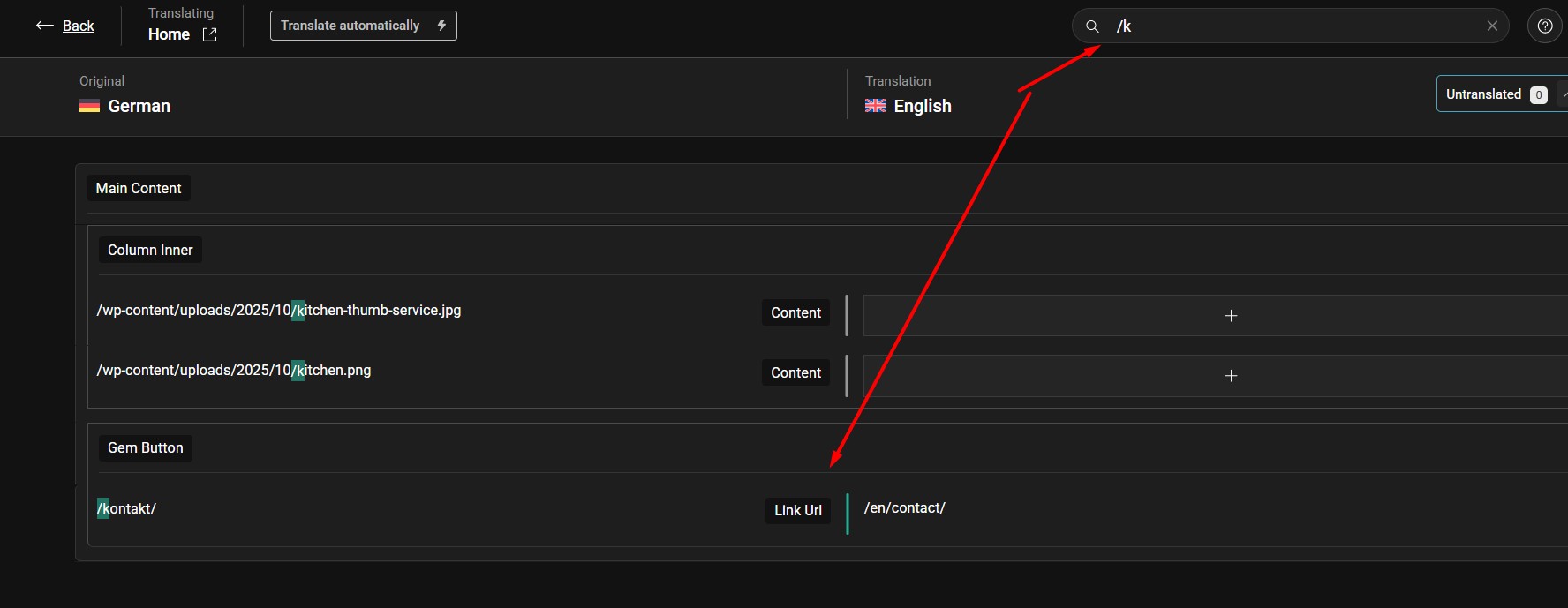
Thanks for the update. Could you please try to search the URL using the search input box in Advanced Translation Editor as you can see in the attached screenshot and see if the URL is visible for translation.
If the issue persists, try to remove that button element from the default language page and re-add it and then try to translate it again and see if this resolves the issue.
If the issue persists, please provide temporary access (WP-Admin and FTP Login info) to your site (preferably staging site), so that I can look into your setup and debug the issue.
Your next answer will be private, meaning only you and I can access it.
=== Please backup your database and website ===
✙ I would need your permission to deactivate and reactivate Plugins and the Theme and to change configurations on the site. This is also a reason the backup is essential.
Thanks for providing the login details. I followed the below steps:
1. Opened the default language home page in Edit mode.
2. Made a small change in the page title to reload the translation.
3. Opened the secondary language page in Advanced Translation Editor.
4. Searched for the button URL by typing the “kon” slug and added the translation(Screenshot attached).
5. Completed the page translation as 100% complete and now it shows the correct button link translation at frontend. Here are screenshots: